



Home / Software

CAM Software

Explore CAD/CAM software licence options for CNC routing, milling, turning and plasma cutting shops. Each package is scoped around workflow, machine type and the level of support your team needs.

CAM Software
Router Nesting CAM

Router Nesting CAM

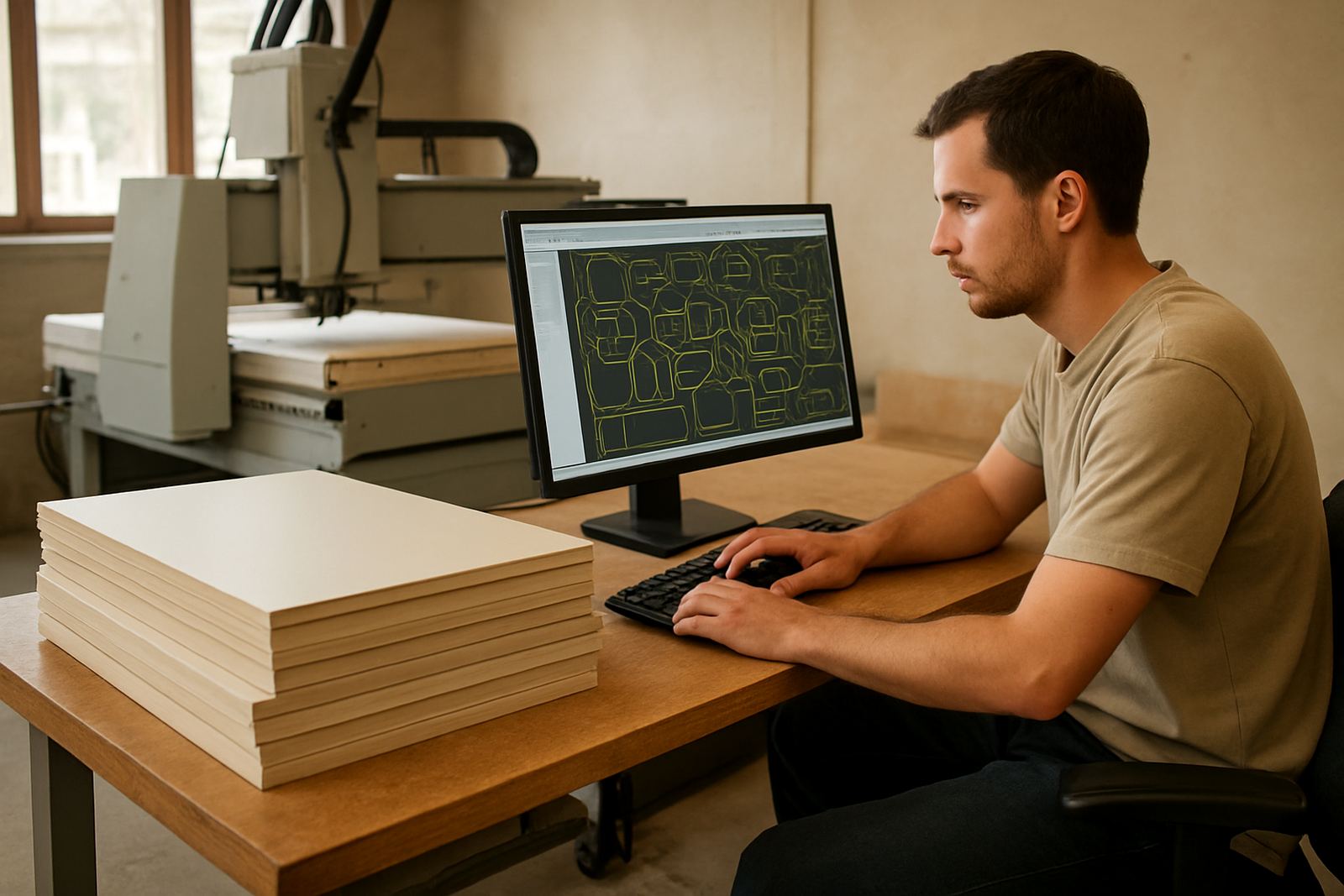
Software for nested sheet cutting, tab control and yield planning on CNC routers.

Cabinet Router CAM

Cabinet Router CAM

Programming tools for cabinetry panels, drilling cycles, pockets and cut lists.

Signmaking Router CAM

Signmaking Router CAM

Toolpaths for profile cutting, engraving, raised lettering and panel work.

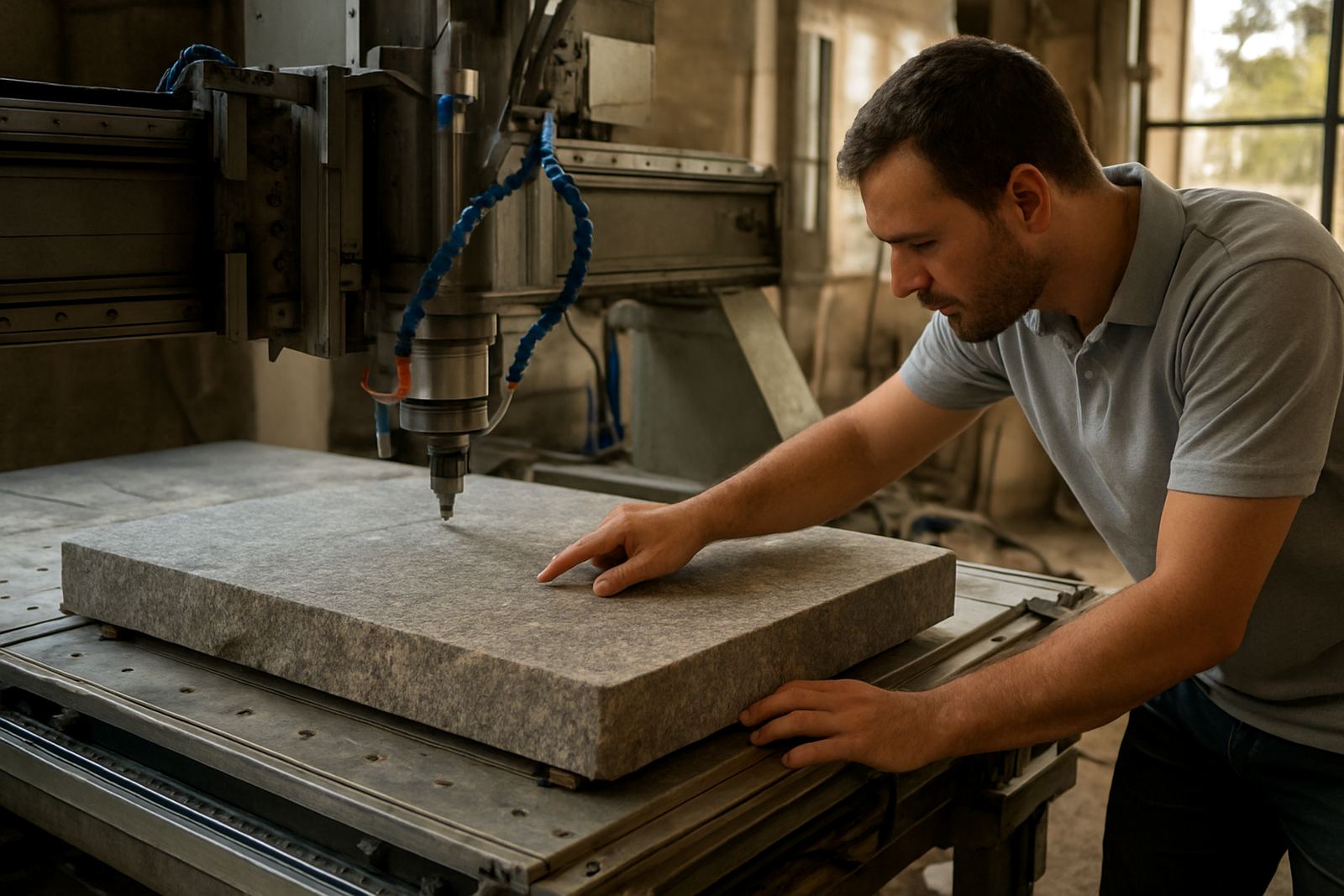
Stone Router CAM

Stone Router CAM

Programming support for countertop profiling, cut-outs and heavy-duty router work.

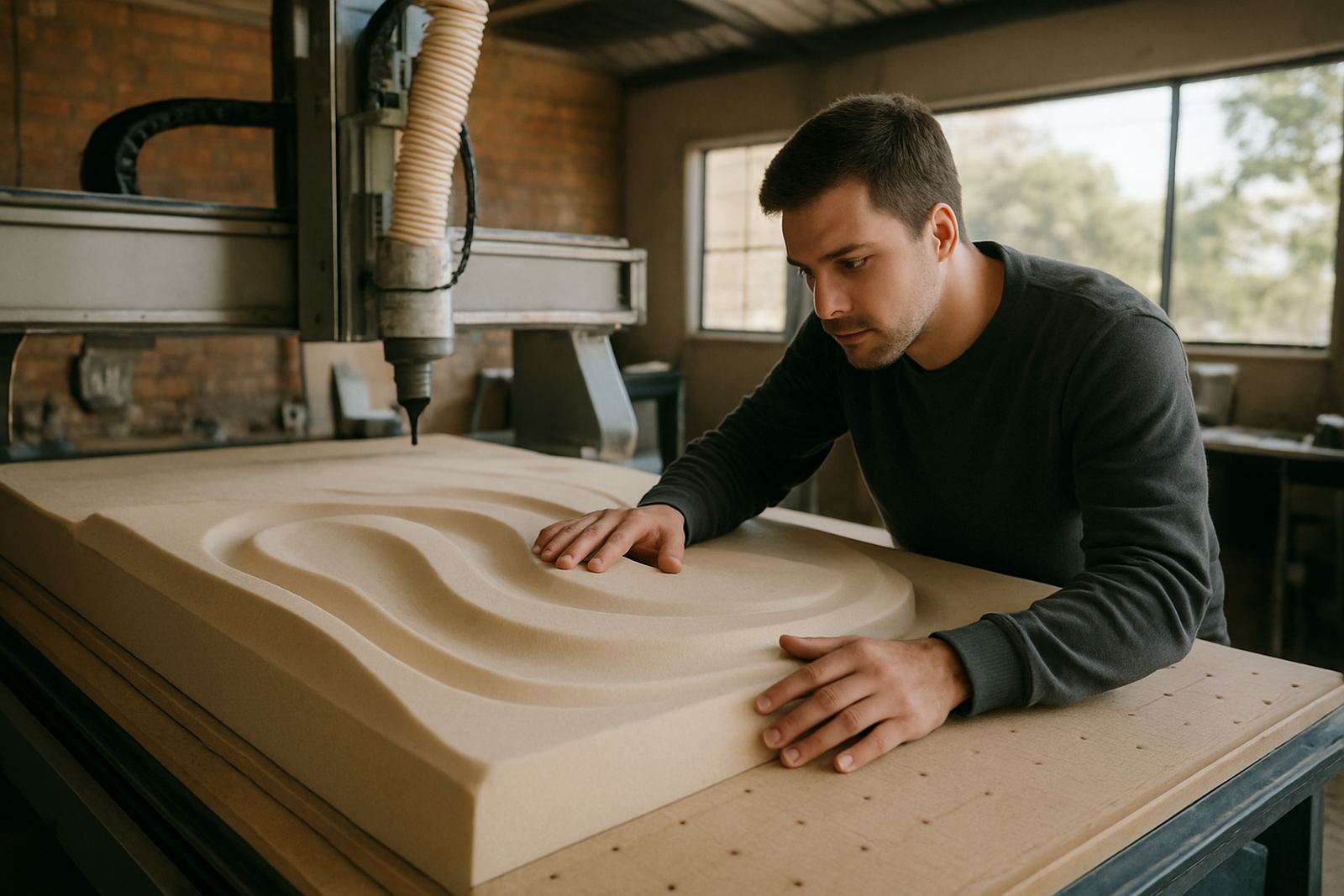
Foam Router CAM

Foam Router CAM

High-speed toolpath control for mould plugs, props and lightweight materials.

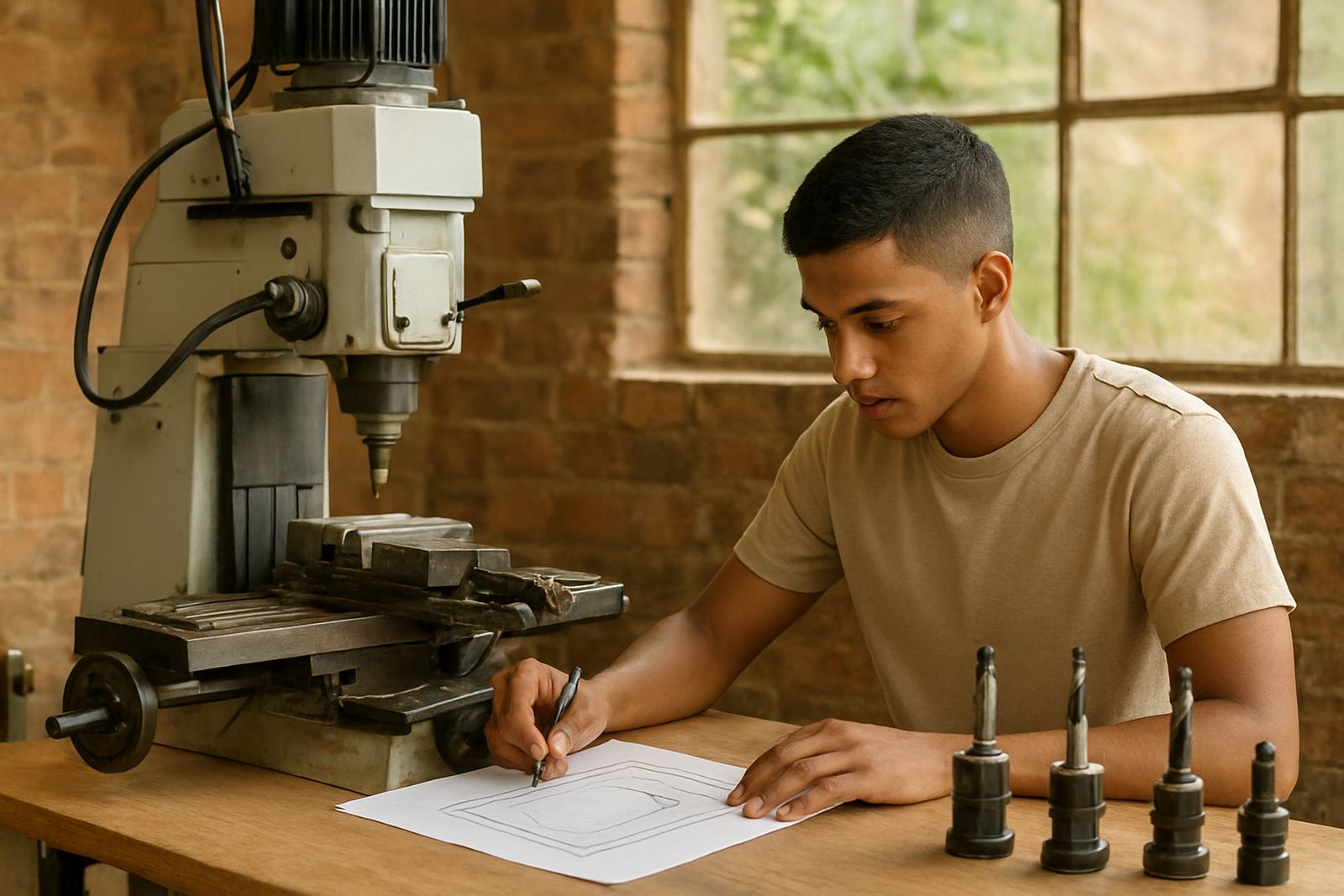
Entry Milling CAM

Entry Milling CAM

A practical first CAM licence for 2D and basic 3-axis milling jobs.

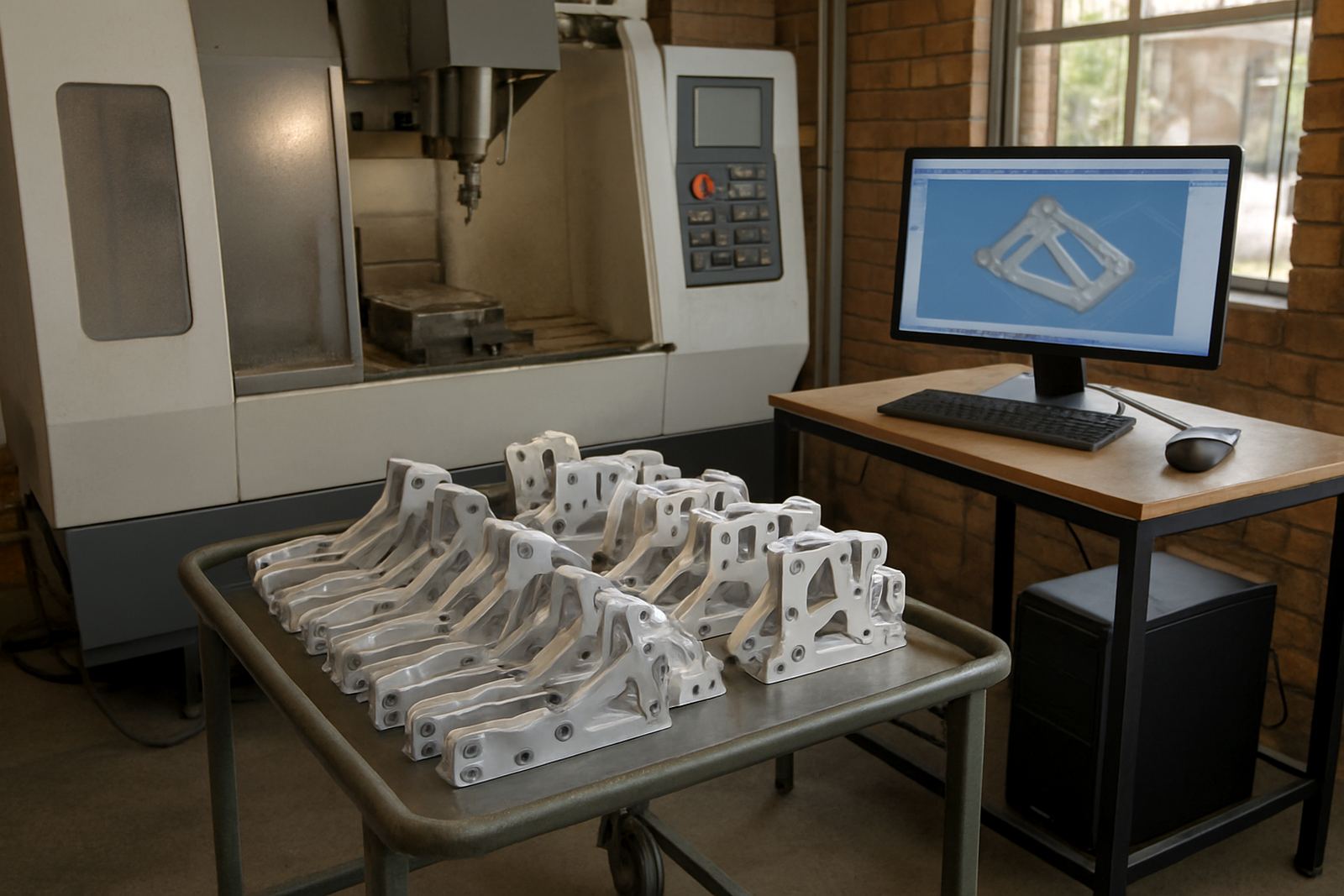
Production Milling CAM

Production Milling CAM

Expanded milling tools for repeat production parts, fixtures and faster programming.

3 Axis Surface CAM

3 Axis Surface CAM

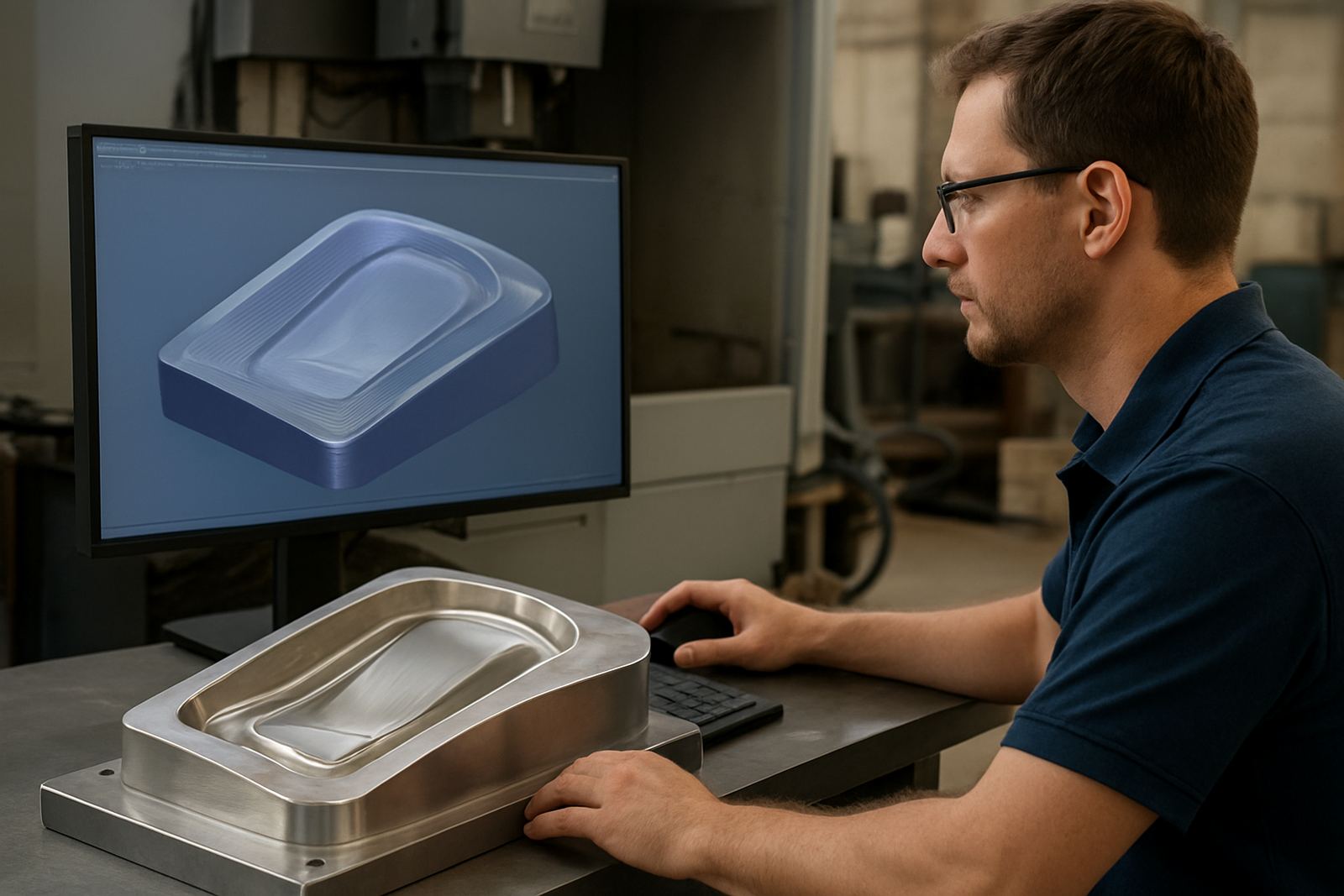
Surface machining strategies for mould work, smooth blends and shaped components.

4 Axis Indexing CAM

4 Axis Indexing CAM

Indexed machining support for multiple faces, fixtures and reduced setups.

5 Axis CAM

5 Axis CAM

Advanced toolpaths for complex geometry, undercuts and multi-angle machining.

Mould Tooling CAM

Mould Tooling CAM

Focused workflows for cavities, cores, electrodes and surface finishing.

Jobbing Shop CAM

Jobbing Shop CAM

Flexible programming for varied parts, mixed materials and quick quoting turnaround.

2 Axis Lathe CAM

2 Axis Lathe CAM

Turning cycles for facing, profiling, grooving, threading and cut-off routines.

Mill Turn CAM

Mill Turn CAM

Integrated milling and turning strategies for hybrid machine configurations.

Barfed Turning CAM

Barfed Turning CAM

Programming suited to bar feed production, part handover and repeat runs.

Plasma Profile CAM

Plasma Profile CAM

Fast plate profiling software with lead-ins, kerf control and common line cutting.

Plasma Nesting CAM

Plasma Nesting CAM

Nesting tools for better plate use, remnant tracking and shorter run times.

Oxy Plasma CAM

Oxy Plasma CAM

Programming support for mixed cutting processes and thicker plate workflow.

2D Drafting CAM

2D Drafting CAM

Simple drawing and toolpath preparation for profiles, holes and workshop edits.

CAD CAM Bundle

CAD CAM Bundle

A combined drawing and machining package for shops wanting one workflow.

Multi Seat Licence

Multi Seat Licence

Shared licence planning for teams that program across office and shop floor roles.

Network Licence Server

Network Licence Server

Central licence management for growing programming teams and shift-based access.

Single Seat Licence

Single Seat Licence

A dedicated licence for one programmer or owner-operator setup.

Offline Programming Seat

Offline Programming Seat

Separate programming capacity to prepare jobs without stopping machine operation.

Shopfloor Viewer Seat

Shopfloor Viewer Seat

Read-only access for operators to inspect toolpaths, setup sheets and job details.

Simulation Module

Simulation Module

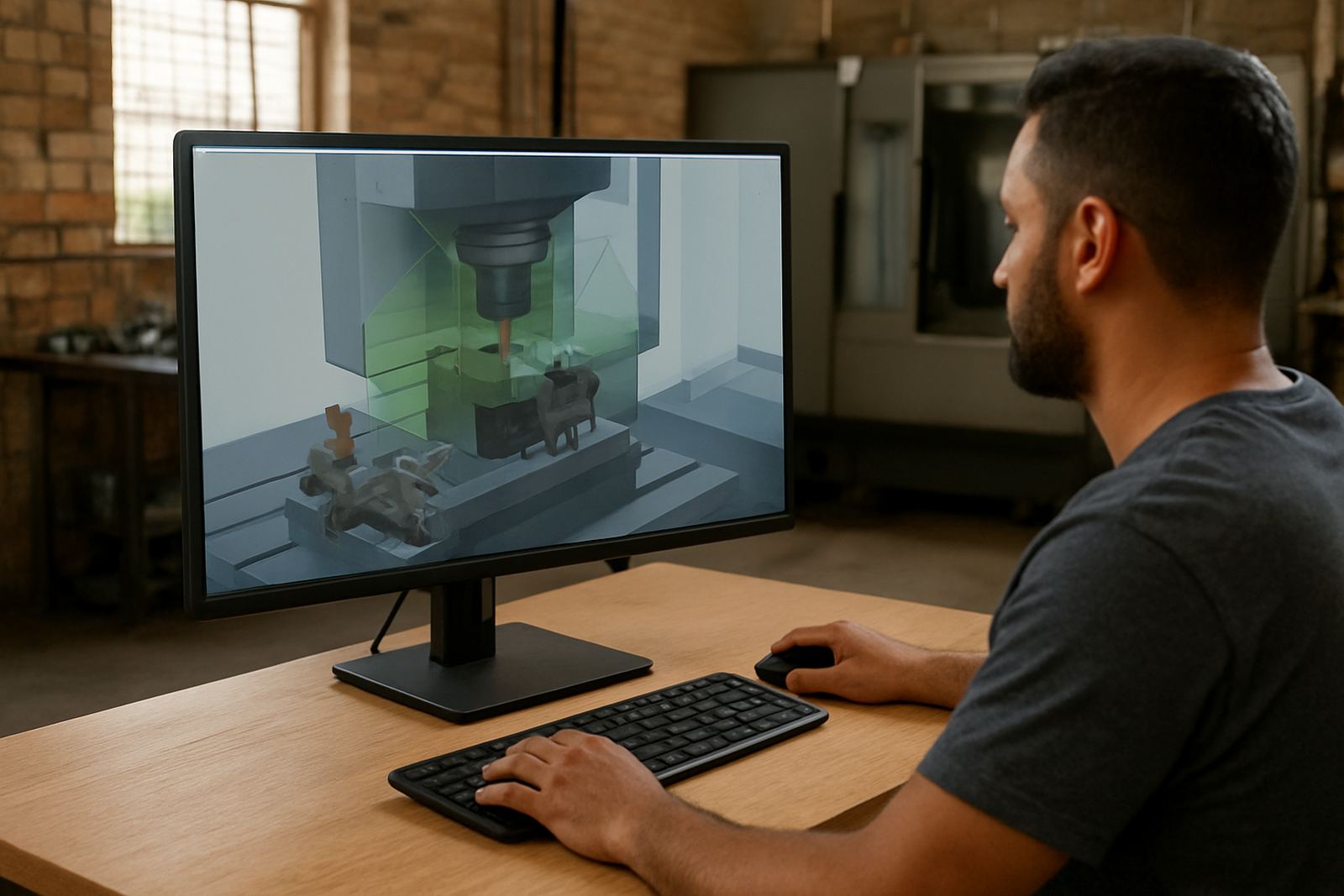
Machine simulation tools to check movement, fixtures and collision risk before cutting.

Tool Library Module

Tool Library Module

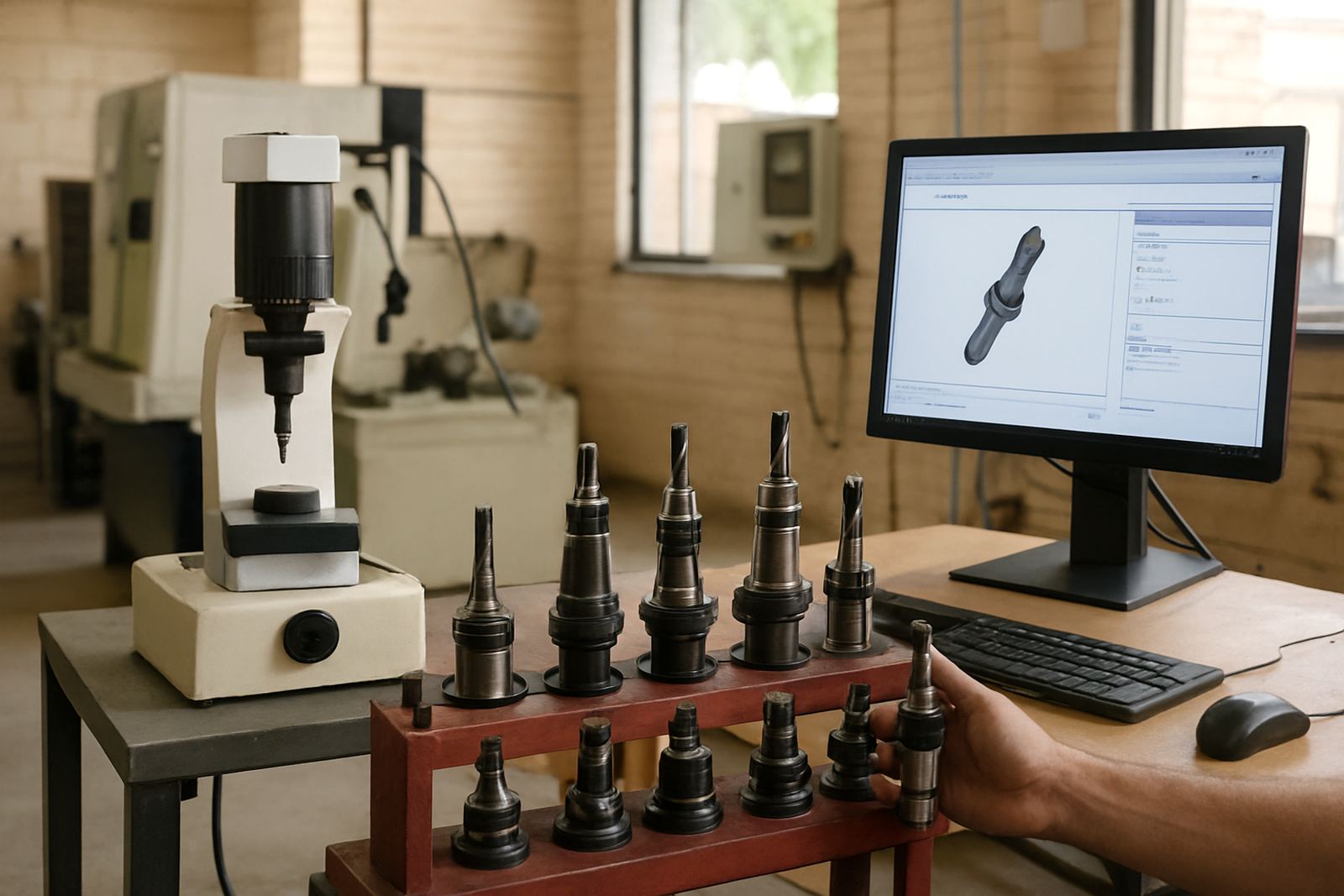
Structured tool data for feeds, holders, cutters and repeatable programming standards.

Nesting Module

Nesting Module

Material saving features for routers and profile cutters handling sheet stock.

Rest Machining Module

Rest Machining Module

Cleanup strategies for remaining stock in corners, fillets and deep features.

Probing Module

Probing Module

Cycles for stock finding, datum setting and in-process verification support.

Reporting Module

Reporting Module

Generate setup sheets, tooling lists and clear workshop paperwork from programmed jobs.

Quote Ready CAM

Quote Ready CAM

Programming features that help estimate cycle time and job complexity earlier.

Educational Seat

Educational Seat

Training-oriented software seats for apprentices, colleges and internal skills development.

Choose a CAM licence that fits the job on the floor

Not every shop needs the same CAM setup. A routing team cutting board, MDF or aluminium composite needs different posting, toolpaths and operator handover than a mill or turn shop running tighter tolerances. We help you match the licence to the work you actually do, so you are not paying for functions you will never use.

For many shops in Pretoria, Johannesburg and Centurion, the decision starts with three things: machine type, number of seats and how much support the team needs after installation. If your programmer is experienced but your operators need guidance, the right package can save hours each week and reduce scrap from the first job on the machine.

What the CAM software range covers

Our CAM software options are selected around production use, not theory. That means practical setup for day to day cutting, turning and milling, plus the post-processor work needed to get code running cleanly on your machine controller. In coastal areas like Durban and Cape Town, we also take into account humidity, machine downtime and how often your team needs remote support when schedules are tight.

  • CNC routing for sheet goods, plastics and light aluminium work
  • CNC milling for 3 axis and more advanced machining tasks
  • CNC turning for lathe work and repeatable part programmes
  • Plasma cutting for plate layouts and nesting work
  • Licence installation and activation support for new seats or upgrades

When you need a custom post-processor

A CAM licence is only part of the picture. If the posted code does not suit your controller, the shop slows down fast. That is why we offer custom post-processors and post tuning for local machines, imported controllers and mixed workshops with more than one type of equipment. A proper post can cut out manual edits, reduce setup mistakes and make handover easier for new staff.

We support shops that run one machine as well as larger teams with several operators, programmers and owners who want better visibility over output. Where needed, we also check tool calls, feed formats, safe starts, work offsets and file naming so the machine and the office are speaking the same language.

Training that matches the level of your team

Some clients want operator training for the workshop floor, while others need programmer training for more advanced part creation. We also provide owner training for managers who need to understand what the software can do, how jobs are tracked and where time is being lost. In a busy shop, the right training can save a week of trial and error and keep production moving during load-shedding or power interruptions.

  • Operator training for basic loading, checking and running jobs
  • Programmer training for creating parts, toolpaths and output files
  • Owner training for workflow oversight and job control
  • First job support when the new setup goes live
  • Workflow audits to identify bottlenecks and setup delays

Support for new installations and existing workshops

Whether you are setting up a new seat in Vereeniging or reworking an older production line in East Rand, we can help with machine onboarding, licence installation and first job support. If your team is already running but needs cleaner output, remote troubleshooting and annual support plans are available to keep things steady through busy periods. That can be useful when staff change, production ramps up or a new machine comes into the shop.

We work with CNC shops across Pretoria, Johannesburg, Durban and Cape Town, and we keep the support practical. If the issue is in the software, the post, the tool library or the job setup, we deal with it in plain terms and get to the point. No drama, just the next workable step.

How to compare the package options

If you are comparing CAM packages, start with the machine, then the team and then the support level. A small routing shop may only need one licence, a clean post and a short handover. A larger milling or turning shop might need multiple seats, a custom post and ongoing support so programmers and operators stay aligned.

  • Match the licence to your machine type and output format
  • Check whether you need custom posting or post tuning
  • Decide who needs training, operators, programmers or owners
  • Consider remote help if your site cannot afford long stoppages
  • Ask for annual support if production must stay predictable

If you are not sure where to start, the safest route is a short scoping conversation through the enquiry form on our contact page. We will work from your machine list, the parts you make and the support level your team actually needs.

Questions we get asked

What type of CNC shop is CAM software suitable for?

It suits routing, milling, turning and plasma cutting shops that need practical toolpaths, clean output files and support around the machine controller.

Can you help if our current post-processor is causing problems?

Yes. We can tune an existing post or build a custom post-processor so the code suits your machine and reduces manual edits.

Do you offer support after the software is installed?

Yes. Support can include first job help, remote troubleshooting, workflow audits and annual support plans for ongoing use.

Discuss your next CNC job.

Contact form