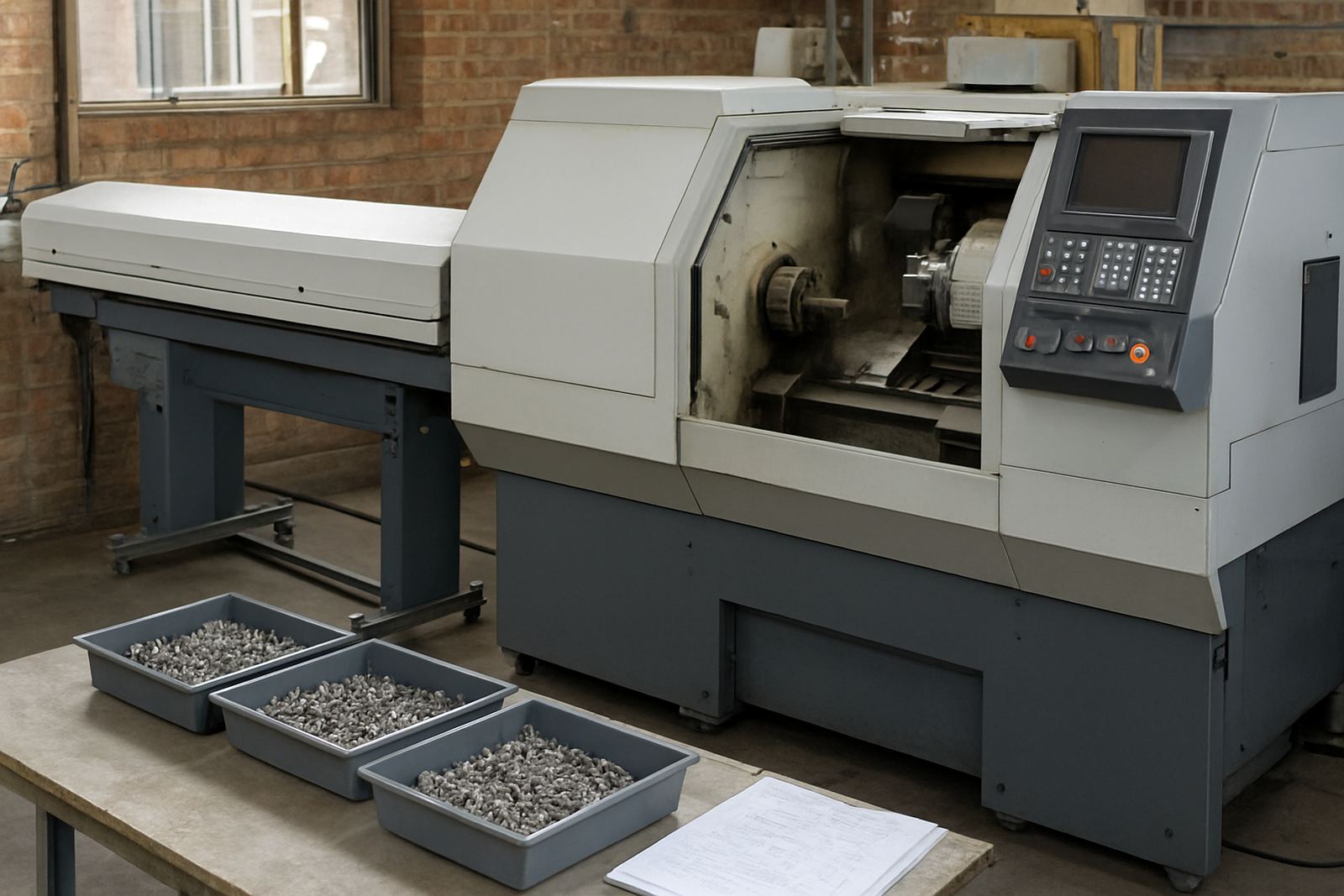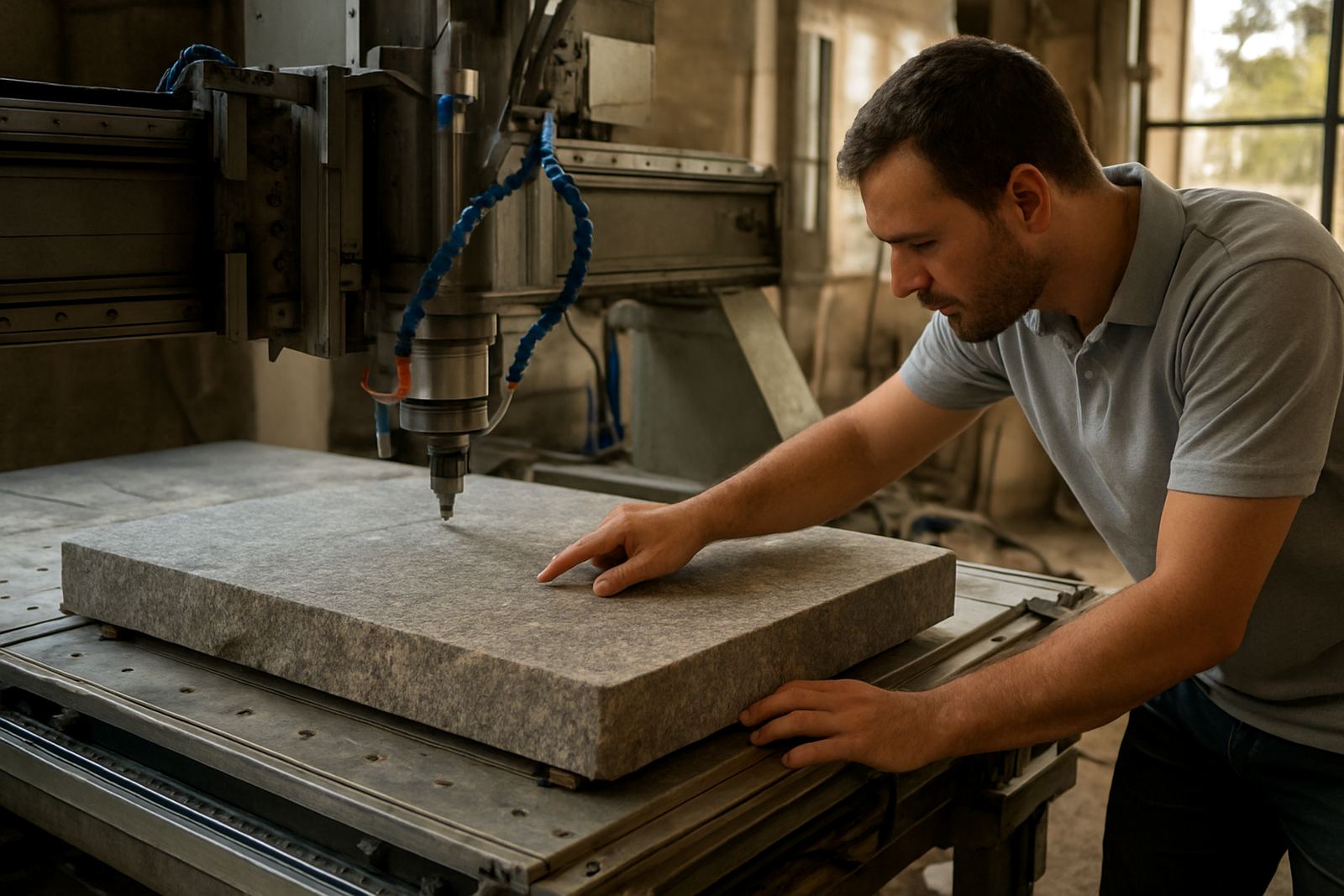
Programming for stone routers that work long shifts
Stone Router CAM is aimed at CNC shops that cut engineered stone, granite, quartz and similar slab materials on router tables and gantry machines. It is used for kitchen tops, vanities, bartops, splashbacks, cut-outs and profiling work where accuracy matters and the job must run cleanly on the machine the first time. For shops in Pretoria, Johannesburg, Durban, Cape Town and beyond, the main goal is simple: get reliable toolpaths and code that match your machine setup, tooling and work holding.
We support shops that do a mix of one-off jobs and repeat production. That includes template based countertop work, nested panels, sink openings, drainer grooves and heavy-duty routing where dust extraction, spindle load and tool wear all need to be watched closely. If your team is working under pressure with load-shedding interruptions or split shifts, a good CAM setup saves a lot of time on the floor.
What Stone Router CAM is built to handle
The software is used for profiling, pocketing, drilling, surfacing and 2D or 2.5D routing operations on stone-related jobs. It is also suitable for custom post-processors so the output matches your controller, your cutting style and your machine travel limits. That matters when shops use different router models, different vacuum table layouts, or need special code for aggregate heads, probing cycles or tool changes.
- Countertop profiling and edge finishing
- Sink, hob and basin cut-outs
- Drainer grooves and radius work
- Nested panel routing for stone or composite sheets
- Toolpath output for router, milling and plasma-adjacent workflows where needed
We can also tune feeds and speeds guidance around the tooling you actually stock, instead of giving generic settings that do not suit local conditions or worn stone stock. A small change in cutter diameter, spindle load or vacuum hold-down can make a big difference to finish and tool life.
Sizes, modules and licence options
Stone Router CAM is supplied as a software licence with the option to add the pieces you need around it. Some shops want a single-seat licence for one programmer, while larger teams need more than one seat so production can keep moving when someone is on-site, off sick or tied up on another machine. We also help with annual support plans for shops that want predictable cover over the year.
- Single-user or multi-user licence options
- Custom post-processor setup for your machine
- Remote support for updates, settings and troubleshooting
- Operator, programmer and owner training options
- Annual support plans for ongoing changes and new jobs
If your team runs several machines, we can separate programming workflows so one post-process file is not being forced to suit every machine in the shop. That saves time and reduces avoidable scrap.
Installation, power and shop-floor readiness
Installation is usually straightforward, but the shop must still be ready before the first job goes live. We handle licence installation, machine onboarding and first job support, either remotely or on-site where practical. For new setups, we check the controller format, network access, file transfer method and whether the machine needs a specific post or macro structure.
Stone routers do not need gas for the CAM software itself, but the machine installation should account for dust extraction, water management if the machine uses wet cutting, and stable power. In South African shops, that often means checking for proper surge protection, UPS support for the office PC, and safe shut-down steps during load-shedding. If your router is near the coast, humidity can also affect panels, rails and cabinets, so the workflow should include sensible machine checks and storage habits.
Care, servicing and keeping the workflow clean
CAM software needs less physical servicing than a machine, but it still needs attention. Version changes, post edits, new tooling and new jobs can all create problems if nobody keeps the setup tidy. We help with workflow audits, tool library builds and remote troubleshooting so the job library does not become messy over time.
For stone shops, care should focus on consistency. Keep material thickness records up to date, check spindle reach against the actual tool length, and confirm that the dust extraction or water system is doing its job. If the machine is undercutting corners or leaving a poor finish, the problem may be in the toolpath, the post, or the cutting data. not just the machine itself.
- Back up post files and tool libraries regularly
- Review tool wear after heavy profiling jobs
- Check safe clearance heights before every new program
- Update the machine profile when controls or tooling change
What to check before you order
Before you place an order, have the key machine details ready. That includes the controller type, number of axes, spindle range, tool change style, table size and the kind of jobs you cut most often. If you are doing countertop work, send through examples of profiles, cut-outs and any special features like stepped recesses or grooving. The more exact the brief, the better the post and training outcome.
We also need to know whether you want remote support only, or on-site training in Centurion, Pretoria, Johannesburg, Vereeniging, Durban, Cape Town, East Rand or West Rand. If your team includes new programmers, first-time operators or an owner who wants oversight, we can shape the handover accordingly. Clear job photos and a short list of recurring problems help too, even if it is only a rough note from the floor.
- Machine make and controller details
- Spindle size, axis count and travel limits
- Typical stone materials and thicknesses
- Current post-processor status, if any
- Training level of the people who will use it
Key facts
| Product | Stone Router CAM |
|---|---|
| Primary use | Countertop profiling, sink cut-outs and heavy-duty routing |
| Licence type | Single-user or multi-user options |
| Supported workflows | 2D and 2.5D routing, profiling, pocketing and drilling |
| Setup support | Licence installation, machine onboarding and custom post-processors |
| Training options | Operator, programmer, owner and first job support |