Built for bar feed production, not one-off guesswork
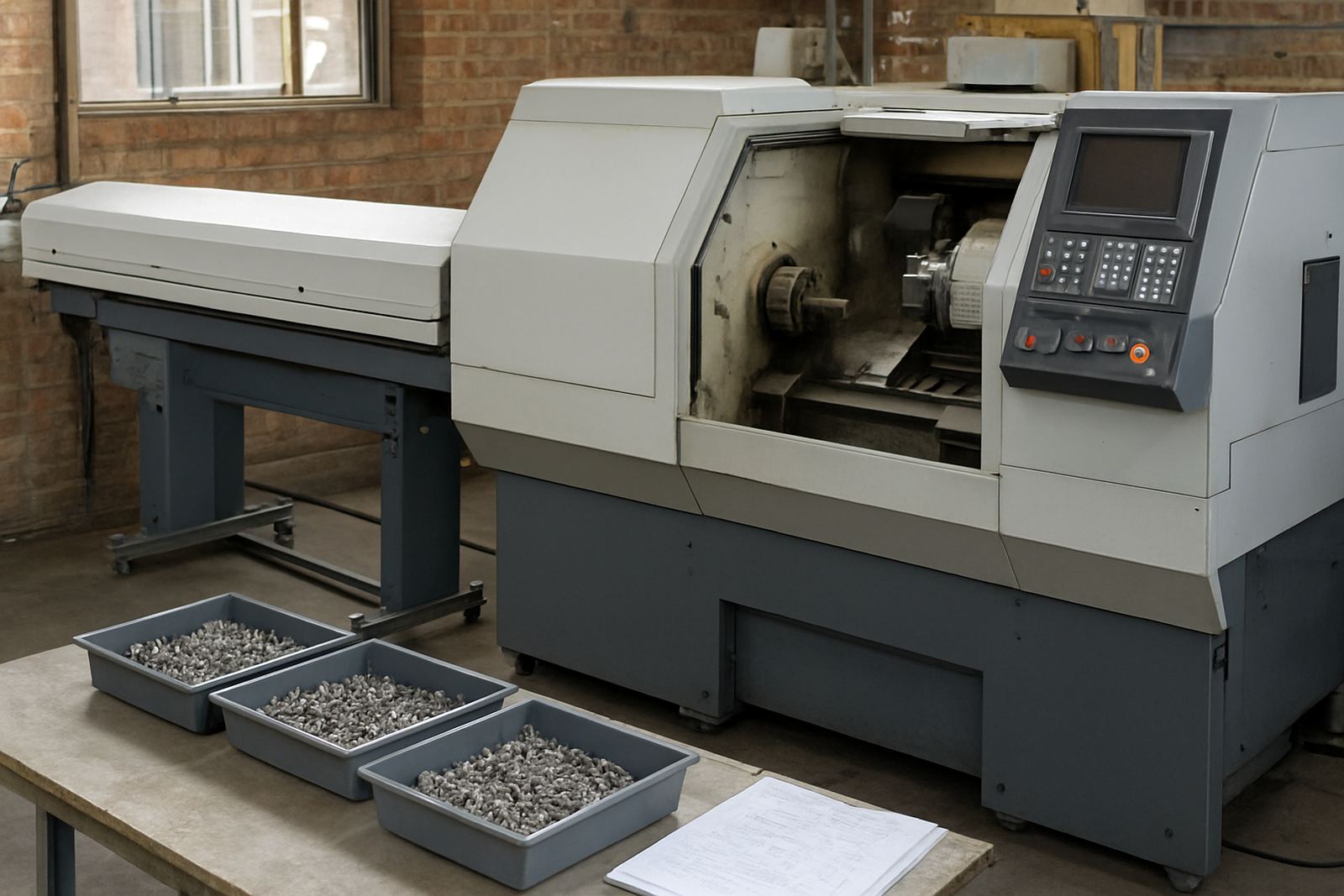
Barfed Turning CAM is aimed at turning shops that want repeatable output from bar stock with less manual editing at the controller. It suits short changeover jobs, long production runs, and parts that must be handed over from one operator to the next without losing the setup notes or tool order. The workflow is practical for shops in Pretoria, Johannesburg, Vereeniging, Durban and Cape Town where shift changes and deadline pressure can make small programming mistakes expensive.
The focus is on clean roughing, finishing, grooving, threading and part-off strategy for bar-fed work. That means you can keep the same programme structure across repeat batches, with post-processed code matched to your machine and control. If your team already runs turning centres with bar loaders, this gives you a better way to standardise work instead of rebuilding each programme from scratch every time.
- Suited to repeat parts, batch work and handover between operators
- Works well where first article approval must match the next 50 or 500 pieces
- Useful for shops that need less time at the control and more time cutting
Sizes, licensing and setup options
Licensing is supplied as a per-seat software licence, with options for single users, shared engineering bays and multi-machine shops. For smaller workshops in Centurion or the East Rand, one licence may be enough for a programmer who prepares jobs for several lathes. Larger shops can specify more than one seat if programming, proofing and training happen at the same time.
Setup is usually matched to the way your team works. We can install the licence on a standalone workstation, assist with network licence setup where appropriate, and map the output to the correct post-processor for your turning centre. If your shop mixes turning with milling or plasma work, the same support team can help keep the CAM side organised across machines and operators.
- Single-seat and multi-seat licence options
- Standalone or networked installation where required
- Post-processor matched to your machine, control and bar feed cycle
Where it suits and what it handles best
This product suits CNC shops that run bar stock in steel, stainless steel, aluminium and other common turning materials. It is a good fit for general engineering, subcontract work, automotive components, fittings, bushings, shafts and small precision parts. Shops near coastal Durban, for example, often need consistent toolpaths and stable output despite humidity and changing workshop conditions, while inland sites may be dealing with dust, heat and load-shedding interruptions.
Barfed Turning CAM is most useful where the machine needs a dependable sequence for facing, drilling, boring, turning, grooving and cut-off. It is also helpful when part handover matters, because the programmer can leave clear machine-ready instructions and reuse the same setup later. If the job changes only slightly from batch to batch, the software helps you keep the core process the same and adjust only what is needed.
- Best for production turning and repeat batch work
- Handles common turning operations for bar-fed parts
- Useful where stable output matters more than fancy extras
Installation, power and machine requirements
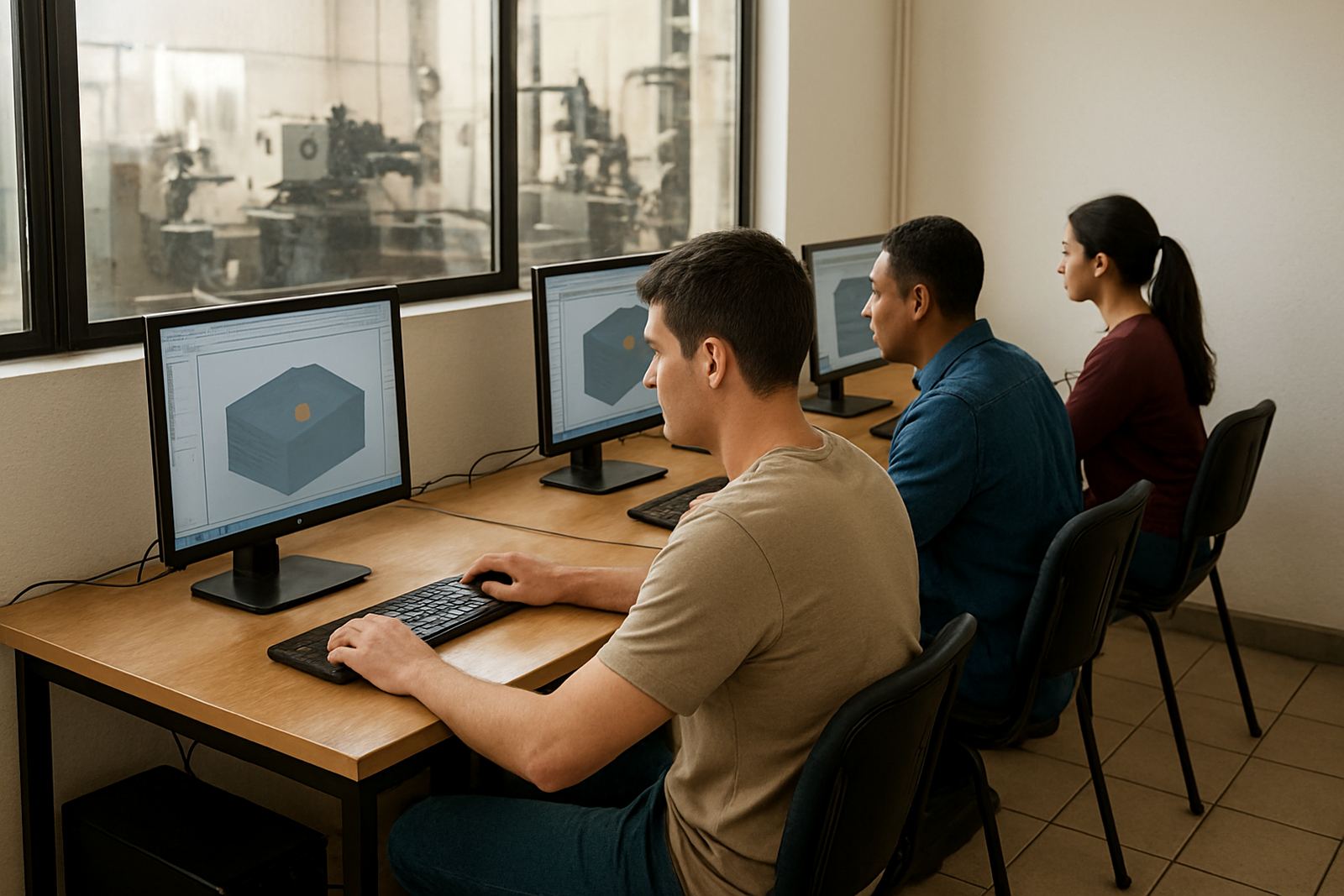
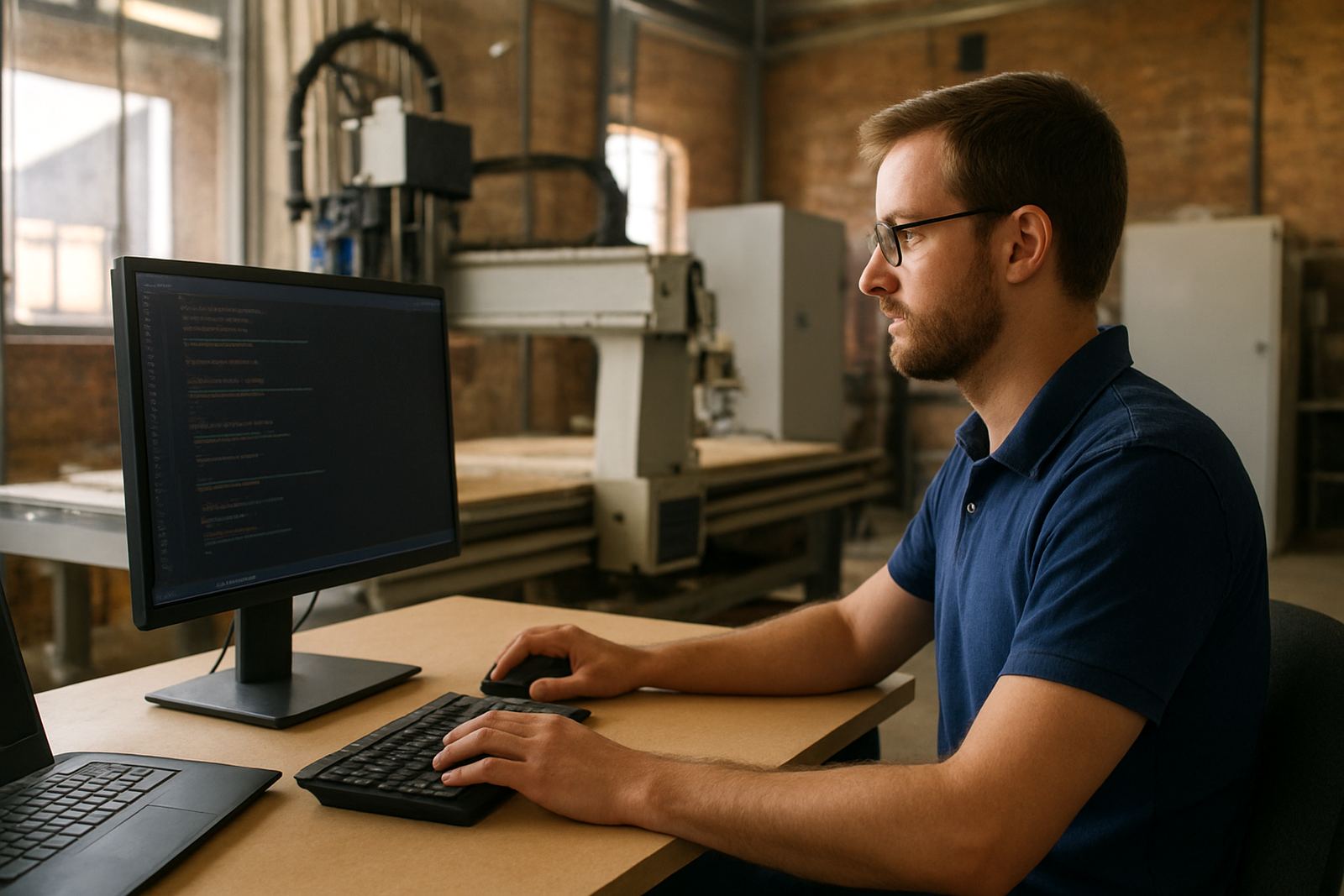
Installation is normally done on a suitable Windows workstation in the office or programming area, with enough storage for job files, tool libraries and backups. A modern multi-core processor, 16 GB RAM and an SSD are sensible starting points for busy shops, especially where the programmer is also managing post output, part revisions and machine notes. A second monitor is often worth it, because it keeps drawing, toolpath and setup notes visible at the same time.
The software itself does not need special gas or compressed air. Those needs remain with the machine and bar feed system. What matters is a stable PC, reliable power and proper backup. In South Africa, many shops also ask about load-shedding protection, and it is wise to keep the workstation and storage on UPS power so a sudden outage does not wipe out a half-finished programme or corrupt a file.
- Windows-based installation on a suitable workstation
- No special gas supply required for the software
- UPS backup strongly recommended where load-shedding is a risk
Care, servicing and support for daily production
Good care starts with keeping programmes named properly, backing up tool libraries and saving post-processor changes in a controlled way. That is especially important when multiple operators touch the same job over a week or month. We support machine onboarding, remote troubleshooting, workflow audits and annual support plans so the setup stays predictable after the first installation.
We also help with operator training, programmer training and owner training, because the person who approves the work needs to understand what the machine is really doing. If a shop in Johannesburg or Cape Town is struggling with inconsistent output, the fix is often not a bigger machine. It is better post output, cleaner tooling data and a team that knows how to use both.
- Regular backup of programmes, posts and tool libraries
- Remote support available for post tuning and file issues
- Training can be arranged on site or at one of our regional training areas
What to check before you order
Before placing an order, check the machine make and control type, the bar stock diameter range, spindle orientation, number of axes and whether the machine needs live tooling or sub-spindle support. You should also confirm the materials you run most often, the style of parts you produce, and whether you need the post to match a strict company format for comments, offsets and M-codes. Getting that right upfront saves a lot of back and forth later.
It helps to have a sample part, a current programme and a list of your favourite tools ready. That makes post tuning and first job support much faster. If your shop works with production targets and handover between shifts, tell us how the job moves from quoting to machine. We can then set the software up to suit the way your team actually works, not how someone thinks it should work.
- Machine control details and bar feed size range
- Sample part, current code and tool list
- Preferred naming rules, offsets and output format
Key facts
| Product type | CAD/CAM software for bar feed turning production |
|---|---|
| Primary use | Programming for repeat runs, part handover and production turning |
| Licence options | Single-seat or multi-seat, depending on shop size |
| Installation | Windows workstation, standalone or networked setup |
| Support | Custom post-processors, training, tuning and first job support |
| Typical machines | CNC turning centres with bar feeders, live tooling or sub-spindle options |