What 3 Axis Surface CAM does on the shop floor
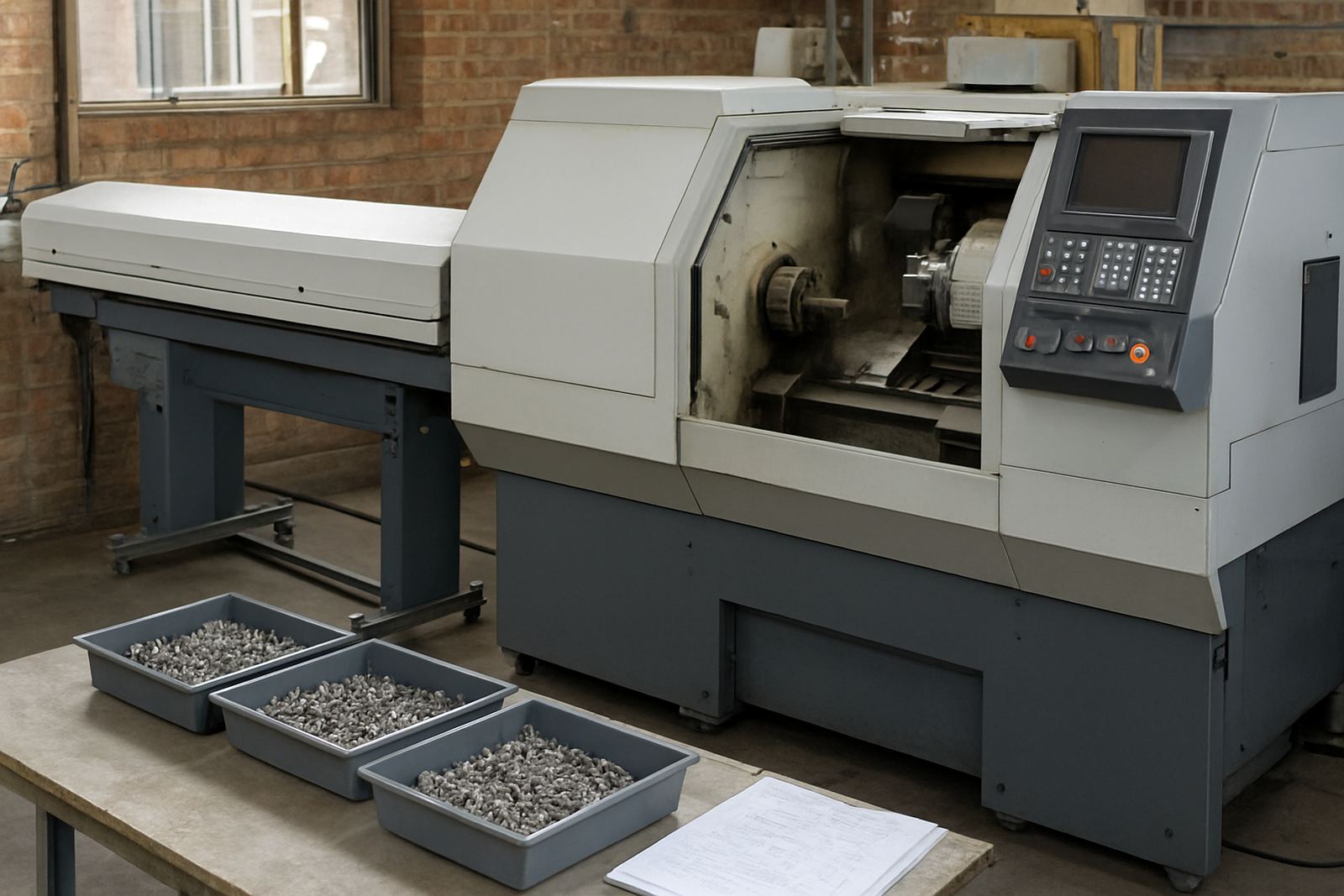
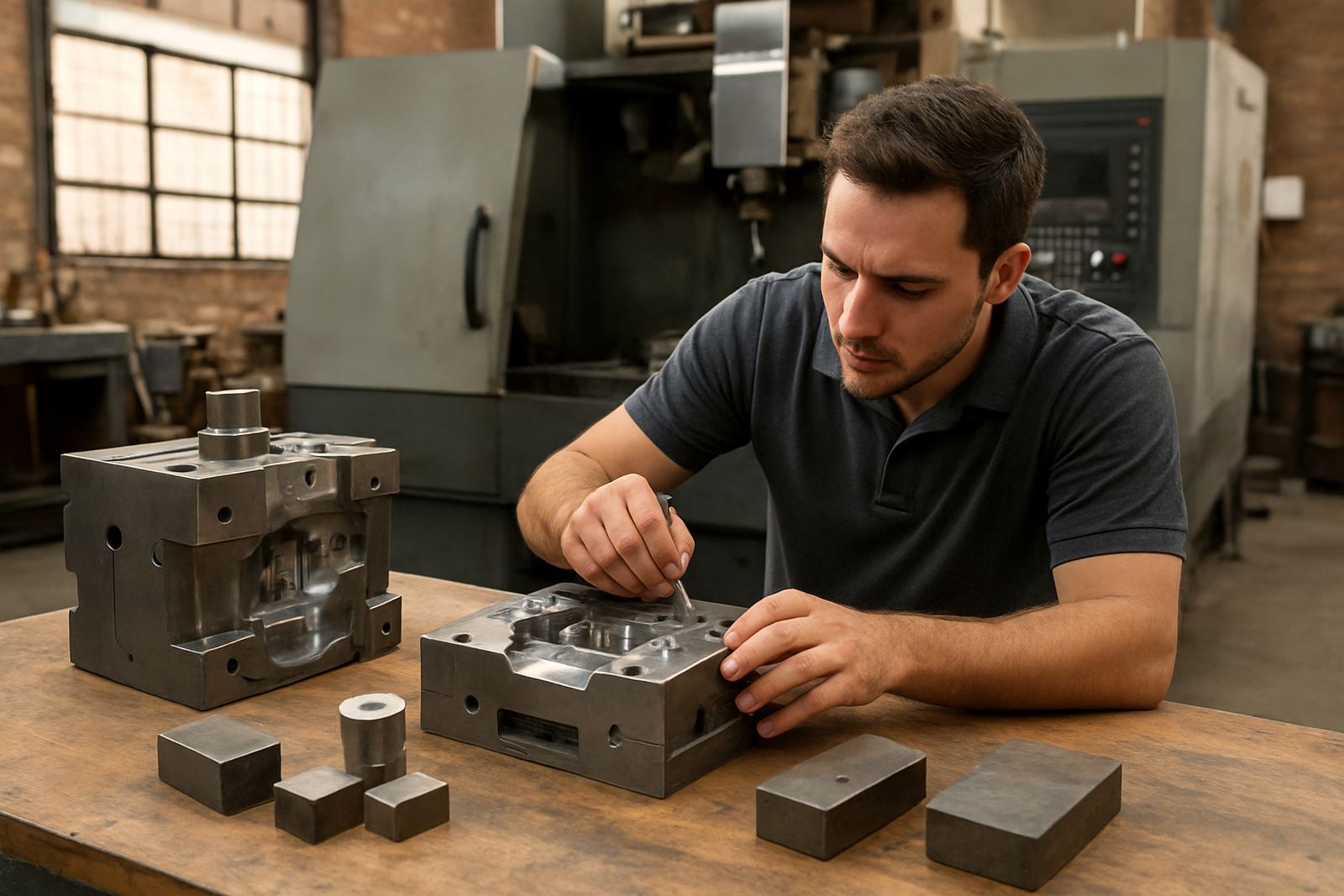
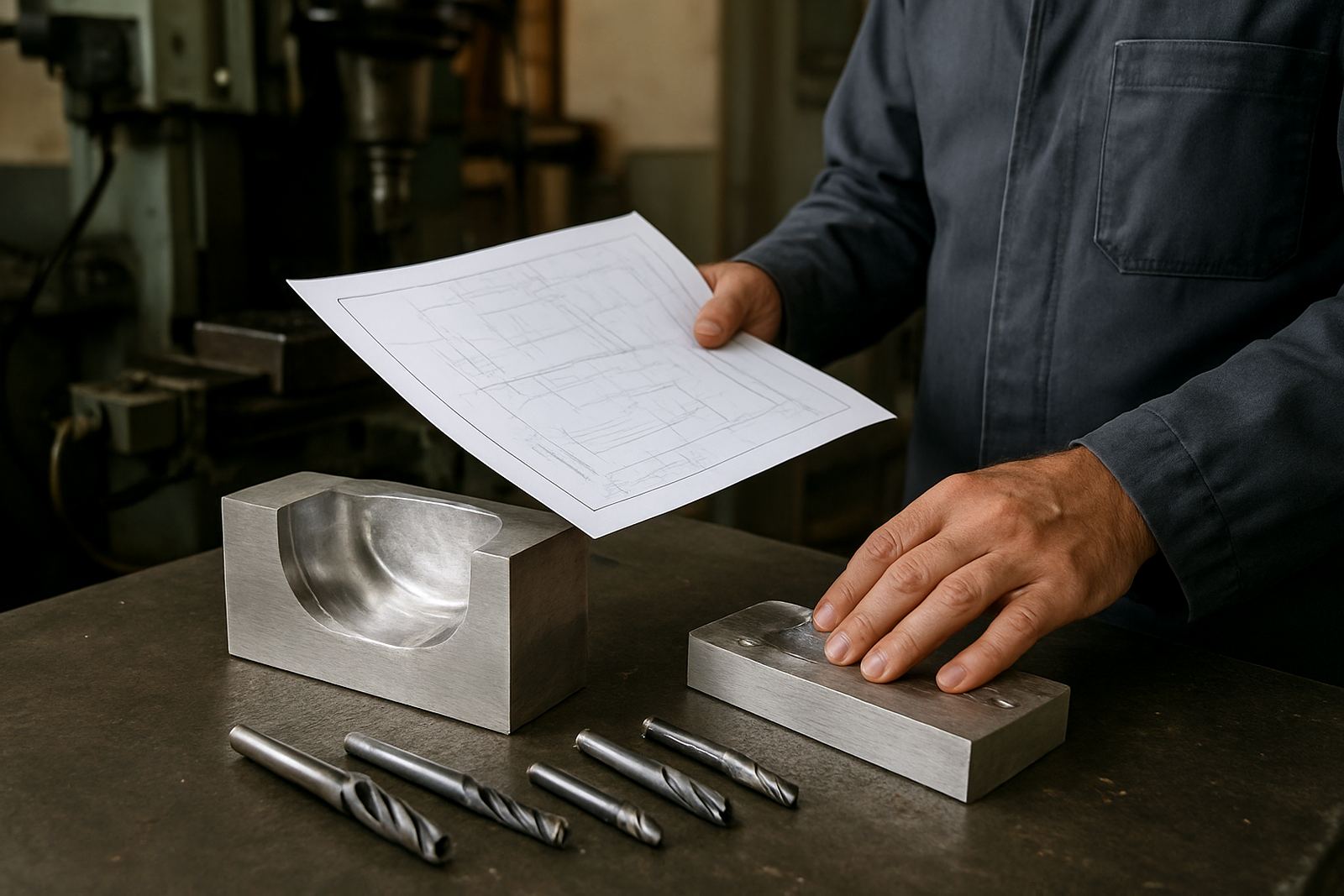
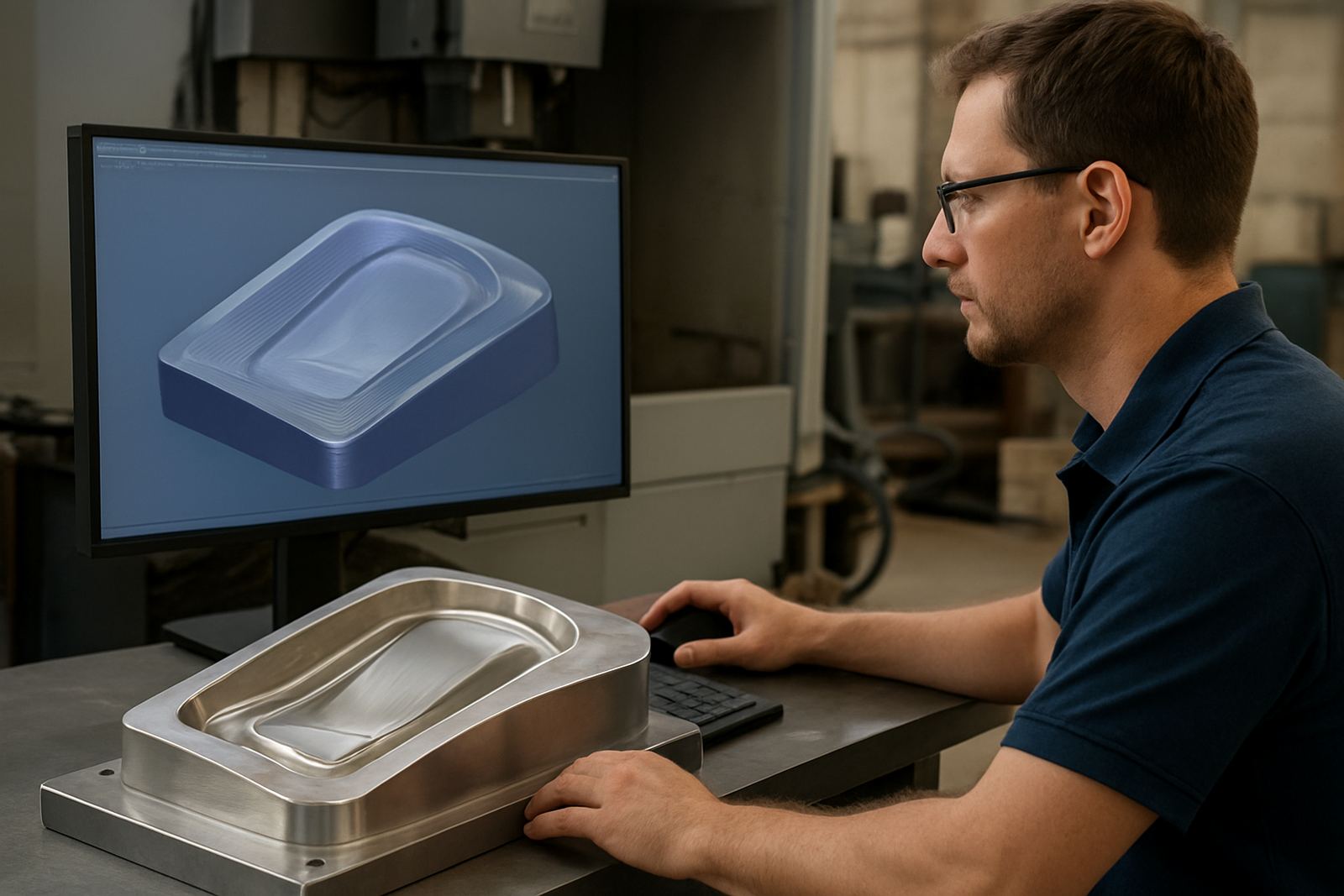
3 Axis Surface CAM is for CNC work where the tool must follow a modelled surface rather than simple pockets, profiles or holes. It is used on mould work, contoured forms, fairings, trims, signage masters and parts with blended faces. The software lets a programmer choose cutting strategies for roughing, semi-finishing and finishing, then send output to the machine through a suitable post-processor.
In practical terms, it helps a shop produce cleaner surfaces with less hand finishing. That matters when you are making a mould tool for composites, a shaped insert for production, or an aluminium part with a curved top face. It is also useful when a customer wants repeatable finish quality across multiple jobs and the machine needs consistent feeds, stepovers and safe retract moves.
We work with shops in Centurion, Pretoria, Johannesburg, Vereeniging, Durban and Cape Town, including jobbing workshops that need a system they can trust on the next shift. If the machine loses time during load-shedding or a program is restarted after a stop, proper setup and post tuning reduce scrap and confusion.
Options, machine formats and the jobs it suits
3 Axis Surface CAM suits small toolrooms as well as larger production sites with several operators, provided the machine control can accept the posted code format.
- Entry licence for a single seat on one office or programming workstation
- Multi-user setup for more than one programmer or estimator
- Custom post-processor for a specific control, file extension and machine behaviour
- Optional training for operator, programmer or owner level use
- Workflow setup for roughing, finishing, tool libraries and job folders
For mould work and shaped parts, the main benefit is control over surface finish and tool engagement. That includes choosing a better stepover, keeping the cutter on cleaner load paths and managing rest machining where deeper areas need a smaller tool. On softer materials like foam or board the same setup can reduce chatter, while on aluminium or mild steel it can help keep cycle times sensible.
Installation, setup and shop power considerations
Software installation is straightforward, but the surrounding shop setup matters. A licence needs a stable Windows workstation, enough storage for toolpaths and part files, and a network or USB access method depending on the licence type. We can handle remote or on-site licence installation, then check that the post output matches the machine controller before the first production file is sent.
Power protection is worth planning for in South Africa. If your office PC or machine control is exposed to load-shedding, fit proper UPS support for the programming station and keep files backed up off the main computer. For workshops in coastal areas like Durban or Cape Town, humidity and dust can affect electrics and connectors, so enclosures, cable management and regular cleaning are important. No gas supply is required for the software itself, although the machine may still need compressed air for tool changing, dust extraction or clamp systems.
- Stable PC with licensed operating system and current updates
- Backup storage for projects, posts and tool libraries
- UPS for programming station and router or control if needed
- Clean machine network access or safe file transfer method
- Compressed air only if the machine or tooling setup requires it
Post-processors, machine onboarding and first job support
The value of 3 axis surface CAM depends on the output file being accepted by the machine without edits at the control. That is why custom post-processors matter. We build and tune posts for different controls and machine formats, then test them against your cutting strategy so the output behaves as expected on the floor. If the code needs to suit a routing table, a milling centre or a plasma workflow, we adapt it to the actual shop process.
Machine onboarding includes checking tool change lines, spindle start and stop commands, safe Z moves, feed rate behaviour and any local preferences around comments or file naming. If your team has inherited an old setup with poor notes, we can audit the workflow and tidy the tool library as well. This is often the difference between a confident operator and a machine that keeps waiting for corrections.
First job support is useful for new users or when a shop takes on a new material, new cutter or new control. We can stay with the team through the first run, check the posted output and help make sensible adjustments before production starts in earnest.
Training for programmers, operators and owners
Hands-on training is available in Centurion and across Pretoria, Johannesburg, Vereeniging, Durban, Cape Town, East Rand and West Rand. We keep the training practical, focused on real parts from your shop rather than generic exercises. A programmer may need help with surface toolpaths, while an operator may need better file handling, setup discipline and safe machine checks.
- Operator training for loading jobs, checking tools and running programs safely
- Programmer training for toolpath choice, feeds, stepovers and verification
- Owner training for quoting, workflow control and support planning
- Remote troubleshooting when a job needs quick help between shifts
- Annual support plans for shops that want ongoing help through the year
We also train teams on tool library builds, naming rules and job folders so the same part can be found and reused later. This saves time when the same mould family comes back months after the first run, and it keeps the workshop organised when different staff members are sharing files.
Setup, support and what to confirm before buying
Software does not need oiling or spindle maintenance, but it does need order. Keep the licence details safe, back up posts and project files, and make sure only approved users can change the core settings. Review the post-processor after any machine service, controller update or major tooling change because even a small change in code format can affect the next job.
Before ordering, check the following so we can match the setup properly:
- Machine make, model and controller type
- Current operating system on the programming computer
- Whether you need one seat or multiple users
- Material type, for example foam, timber, aluminium or mild steel
- Typical part size and required finish quality
- Whether you need on-site training in Centurion, Pretoria, Johannesburg, Vereeniging, Durban or Cape Town
If your shop runs in a busy municipal area, also confirm any site access rules, loading bay limits or after-hours installation windows. That helps us plan the visit properly and keeps the onboarding smooth enough for the team to get on with production.
Key facts
| Product type | 3 axis surface machining CAM software |
|---|---|
| Main use | Mould work, smooth blends and shaped components |
| Licence options | Single seat and multi-user setups |
| Output support | Custom post-processors for matched machine code |
| Training | On-site and remote options across South Africa |
| Support services | Installation, onboarding, first job support and annual plans |