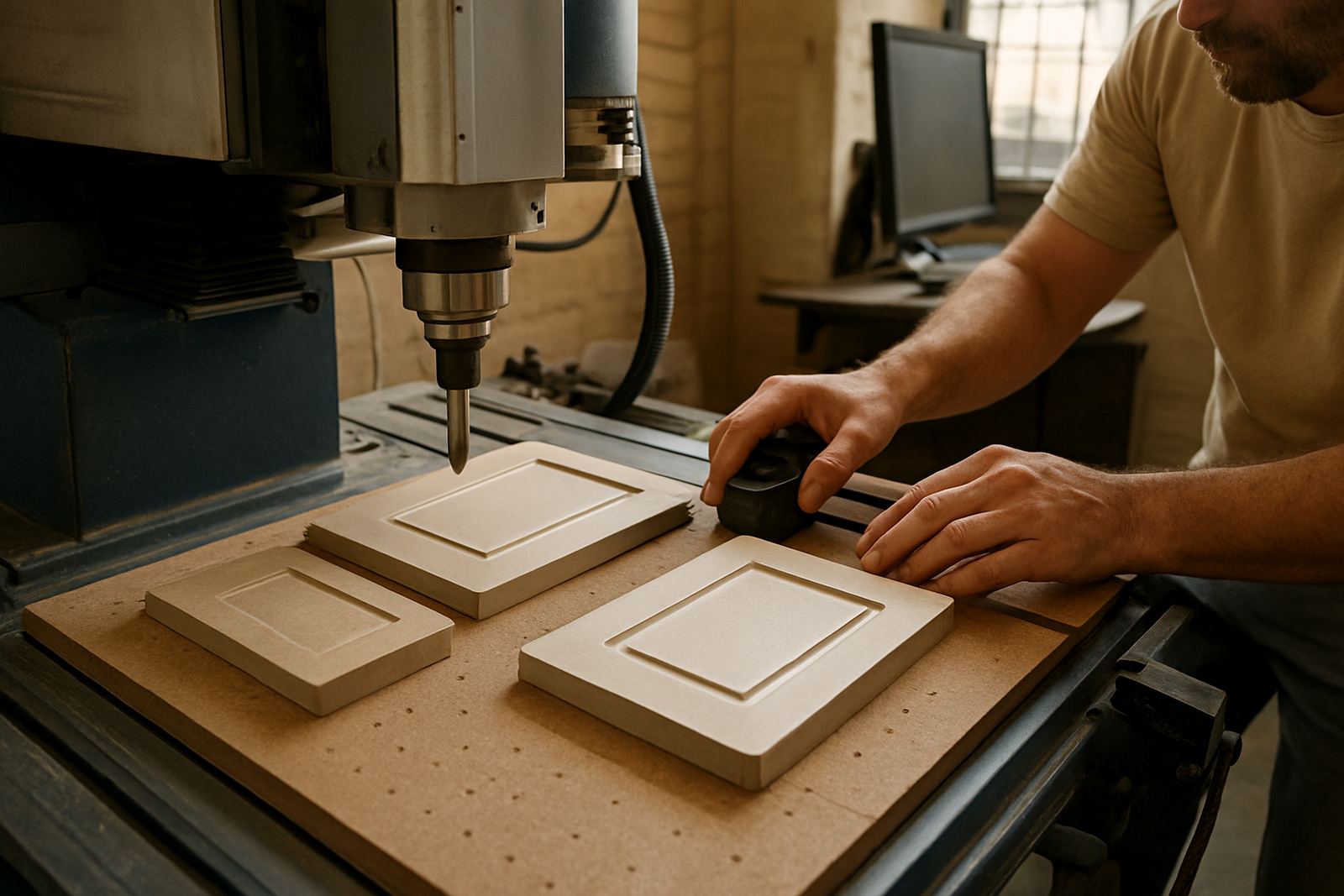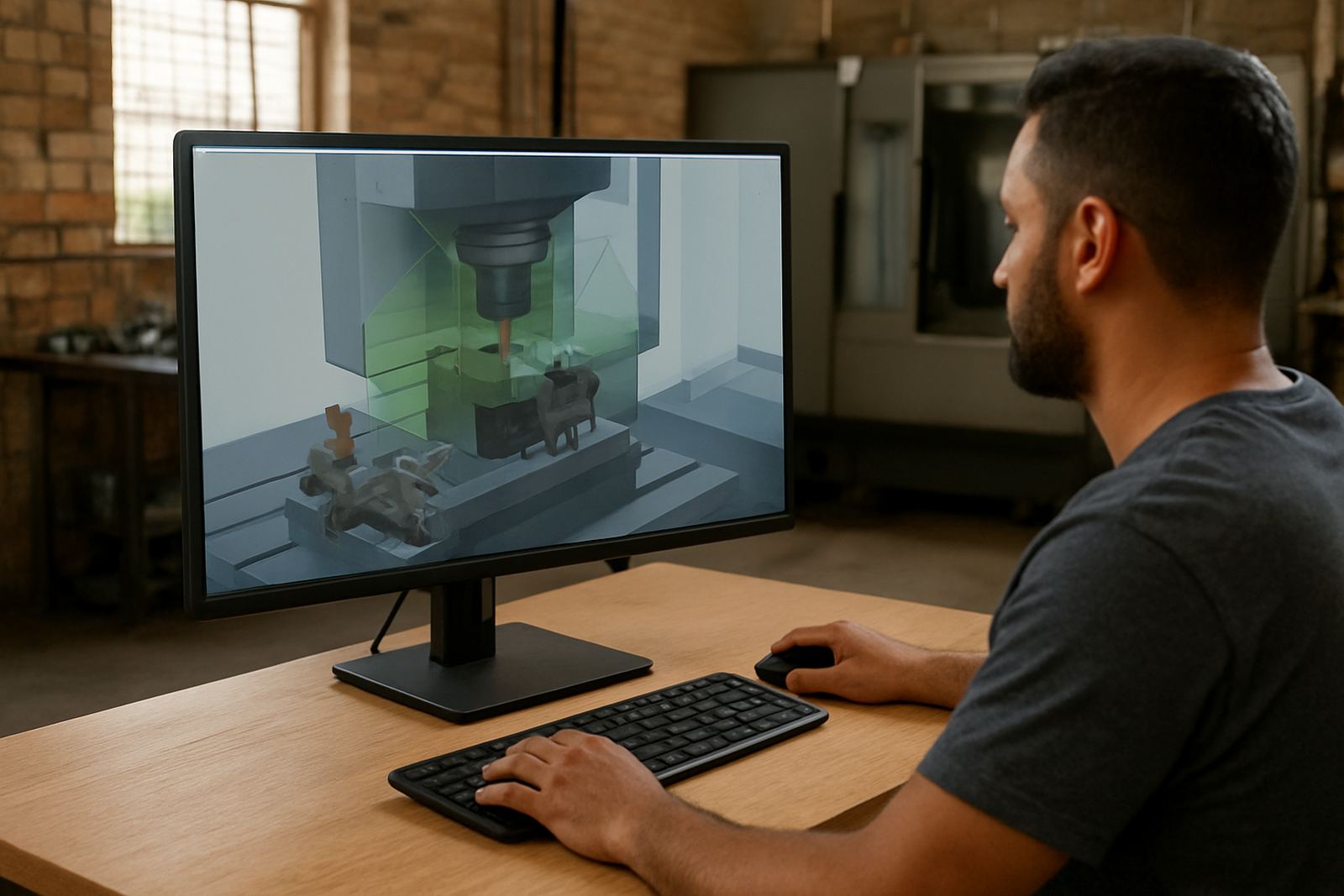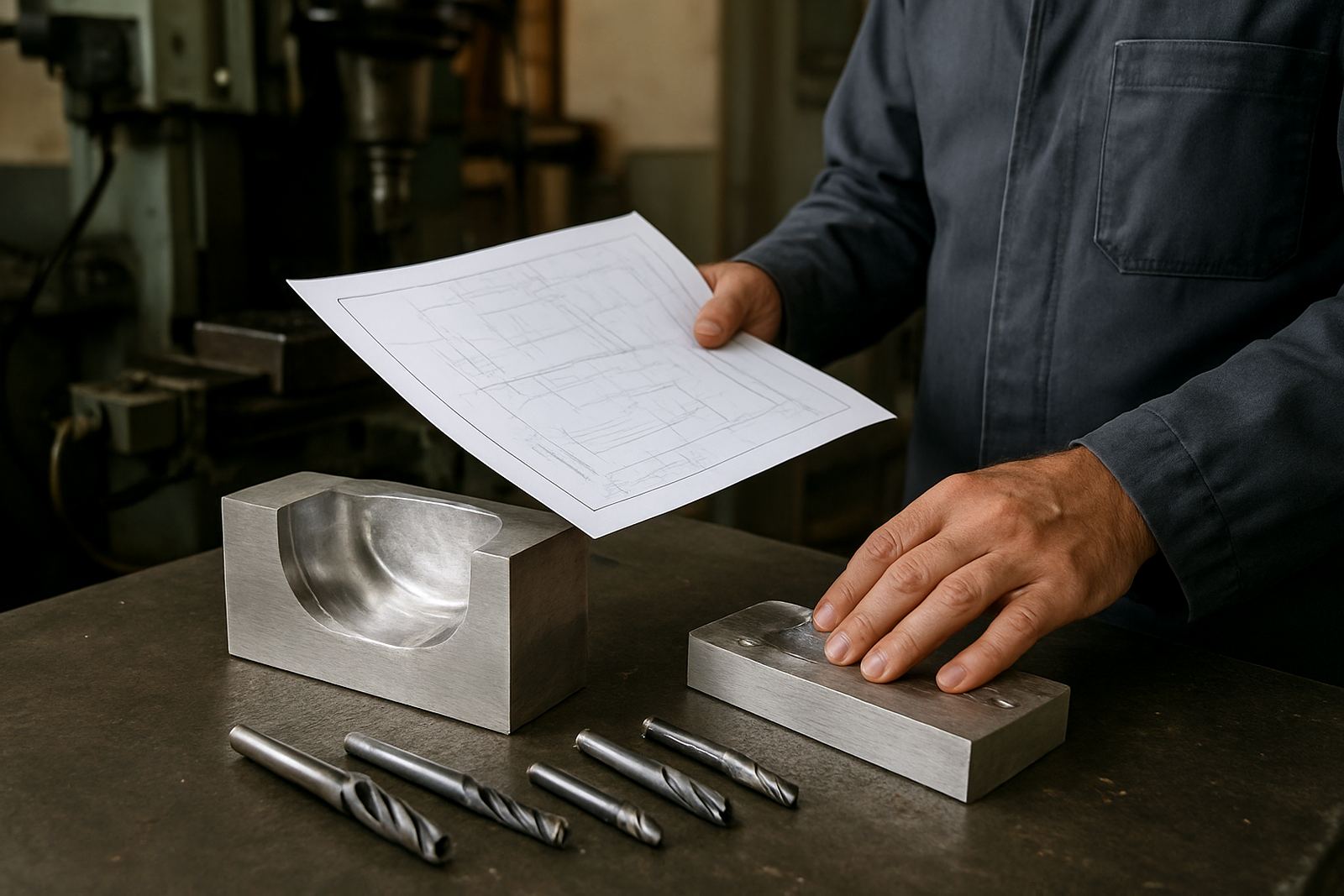
What the Rest Machining Module does in daily production
This module analyses previous toolpaths and identifies where stock still remains, then creates targeted cleanup passes for the areas that actually need them. Instead of re-machining the full feature, your programmers can focus on the corners, stepped walls and deep sections that hold material after a roughing pass.
For shops in Pretoria, Johannesburg or Durban working against tight delivery dates, that means less spindle time and fewer wasted tool movements. It also helps when the job has multiple tools, because the module can be used to plan smaller finishing moves after roughing, leaving a cleaner surface for the final pass.
- Detects remaining stock after roughing and semi-finishing
- Targets corners, pockets, fillets and irregular internal features
- Reduces redundant tool movement on repeat jobs
- Helps improve finish consistency on complex parts
Sizes, options and licence setup
The module is supplied as a software licence option and can be added to the relevant CAD/CAM environment used by your shop. It is suitable for a single workstation or for a team environment where programmers share set-up standards across machines. If you are running a small routing room in Vereeniging or a larger milling floor in Cape Town, the setup can be matched to the way you quote and program jobs.
Licences are generally arranged for named users or dongle-free machine-based use, depending on your internal workflow and support plan. If your team changes shifts or runs multiple machines from one programming seat, we can advise on the most practical option so you do not overpay for seats you wont use.
- Single-user licence options
- Multi-seat setup for shared programming teams
- Can be aligned with existing post-processor and tooling standards
- Suitable for shops adding the module to an established CAD/CAM process
Where it suits best on the shop floor
Rest machining is most useful where geometry traps material after a roughing operation. That includes internal corners, narrow slots, deep cavities, intersecting surfaces and parts with different pocket depths. It is also useful where a job has to be produced quickly and you need to avoid hand-editing every small leftover area.
In South African shops, this comes up often on mould components, brackets, aluminium housings, tooling plates and machine parts with awkward undercuts or internal transitions. If your workshop handles mixed batch sizes, the module helps the programmer keep a repeatable process without losing time on manual cleanup. The result is better control over cycle time and less operator intervention on the machine.
- CNC routing and cabinetry-type nested work
- 2D and 3D milling jobs with stepped features
- Turning workflows where remaining stock checks are needed between operations
- Plasma shops preparing secondary cleanup operations after cutout
Installation, workstation needs and practical readiness
The module runs as part of your CAD/CAM software environment and does not need gas supply or machine-side modifications. What matters is a stable Windows workstation, enough memory for your part files and a clean file management process so your toolpaths and libraries stay organised. In areas with load-shedding, a UPS is worth considering for the office PC so work is not lost mid-session.
For most shops, a mid-range modern PC is enough for day-to-day programming, but larger model files and detailed surfaces may benefit from more RAM and a faster processor. If you are working from Centurion with remote support into branch sites, we can also help confirm that your remote access, backups and antivirus settings are not interfering with licence use or file transfer.
- No gas or compressed air requirement for the software itself
- Stable power recommended for the programming workstation
- Internet useful for updates, remote support and licence checks
- Backup storage recommended for tool libraries and job archives
Care, servicing and keeping the module reliable
Software modules do not need mechanical servicing, but they do benefit from routine housekeeping. Keep your post-processor library tidy, confirm that tool definitions stay current and review output after any major machine change. If your tooling, chucking or machine limits change, the rest machining logic should be checked against the new setup so the output still matches the real cut.
For shops in humid coastal areas like Durban and parts of the KwaZulu-Natal coast, the main risk is not the module itself but poor workstation care, lost files or inconsistent version control. A simple monthly check of backups, licence status and post output can prevent a lot of downtime later on.
- Review tool libraries after inserting new cutters or holders
- Check output after post-processor changes or machine retrofits
- Keep a backup of project templates and settings
- Use annual support planning if multiple programmers rely on the same setup
What to check before you order
Before ordering, check which machine type you are programming, what control system is in use and whether your current CAD/CAM seat already supports rest machining features. It is also important to know whether you need help with post tuning, first job support or operator training, because the software works best when the output matches your real machine behaviour.
Please have the following ready when you send your enquiry through the contact page: the machine make and model, control type, material range, typical part sizes, and whether you need routing, milling, turning or plasma support. If you run branches in Pretoria, Johannesburg, East Rand or the West Rand, let us know which site will use the module so we can plan the right rollout. That keeps the installation clean and avoids rework later.
- Machine type and control system
- Material mix and common part sizes
- Number of programming seats needed
- Whether you need on-site training or remote handover
Key facts
| Module type | Rest machining and stock cleanup |
|---|---|
| Use cases | Corners, fillets, deep pockets, stepped features |
| Machine families | Routing, milling, turning and plasma workflows |
| Licence format | Single seat or shared team setup |
| System need | Windows workstation with stable storage and backups |
| Support options | Installation, post tuning, training and first job support |