Shared licence access for busy CNC teams
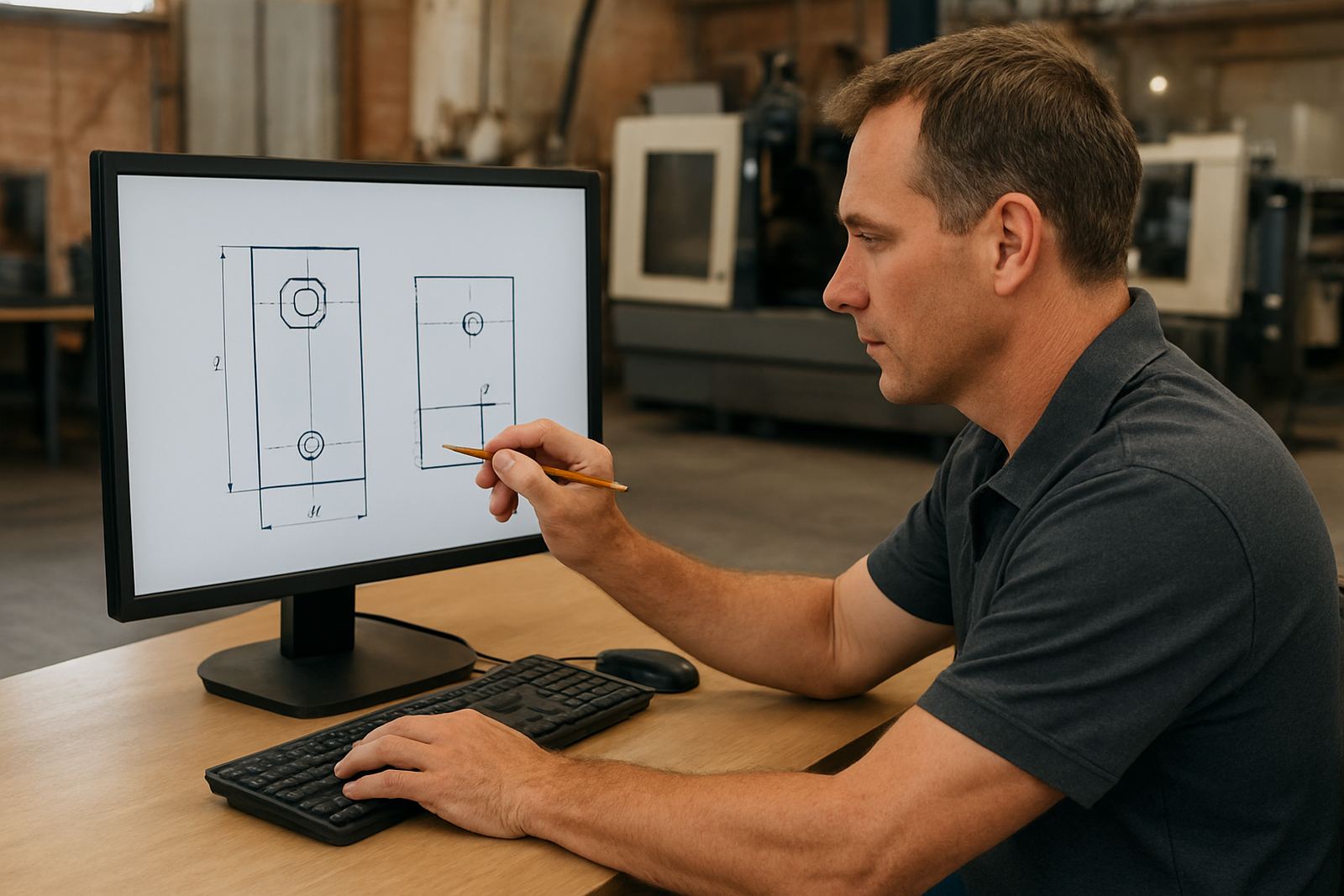
The multi seat licence is built for shops where more than one person needs access to CAD/CAM software during the week. It is commonly used by a programmer in the office, a setter on the shop floor and a supervisor who checks toolpaths or edits jobs before release. Access can be planned around the way your team actually works, so the licence is used where it adds value most.
For many South African shops, the real need is not more software, it is better control. A multi seat setup helps reduce waiting time, keep the same programming standards across the team and avoid one workstation becoming the only place where jobs can be prepared. It also makes it easier to support leave, shift changes and after-hours work when deadlines slip because of load-shedding or late material deliveries.
- Suitable for office and shop floor users sharing one software pool
- Helps control access when several people need the same tools
- Can support router, milling, turning and plasma programming workflows
- Useful for teams that need consistent settings, libraries and post output
Licence sizes and access options
Multi seat planning can be matched to small, medium or larger teams. The right size depends on how many people need to work at the same time, how often they work remotely, and whether one person is mainly a programmer while others only prepare files or review output. In some shops, two seats are enough. In others, a larger shared pool makes more sense because programming, simulation and post output all happen at once.
We can also set up the licence structure around your operating style, whether you work from one Centurion office, several branches, or a mix of office and factory work. The goal is to avoid bottlenecks and keep each user clear on what they can access. If you are running separate teams in Pretoria and Johannesburg, or a production office in Durban and a workshop in Cape Town, that planning matters more than raw licence count.
- Single shared seat pool for small teams
- Multiple concurrent seats for larger programming groups
- Options for office use, shop floor use, or split access
- Can be aligned with annual support plans and training needs
Where a multi seat licence suits best
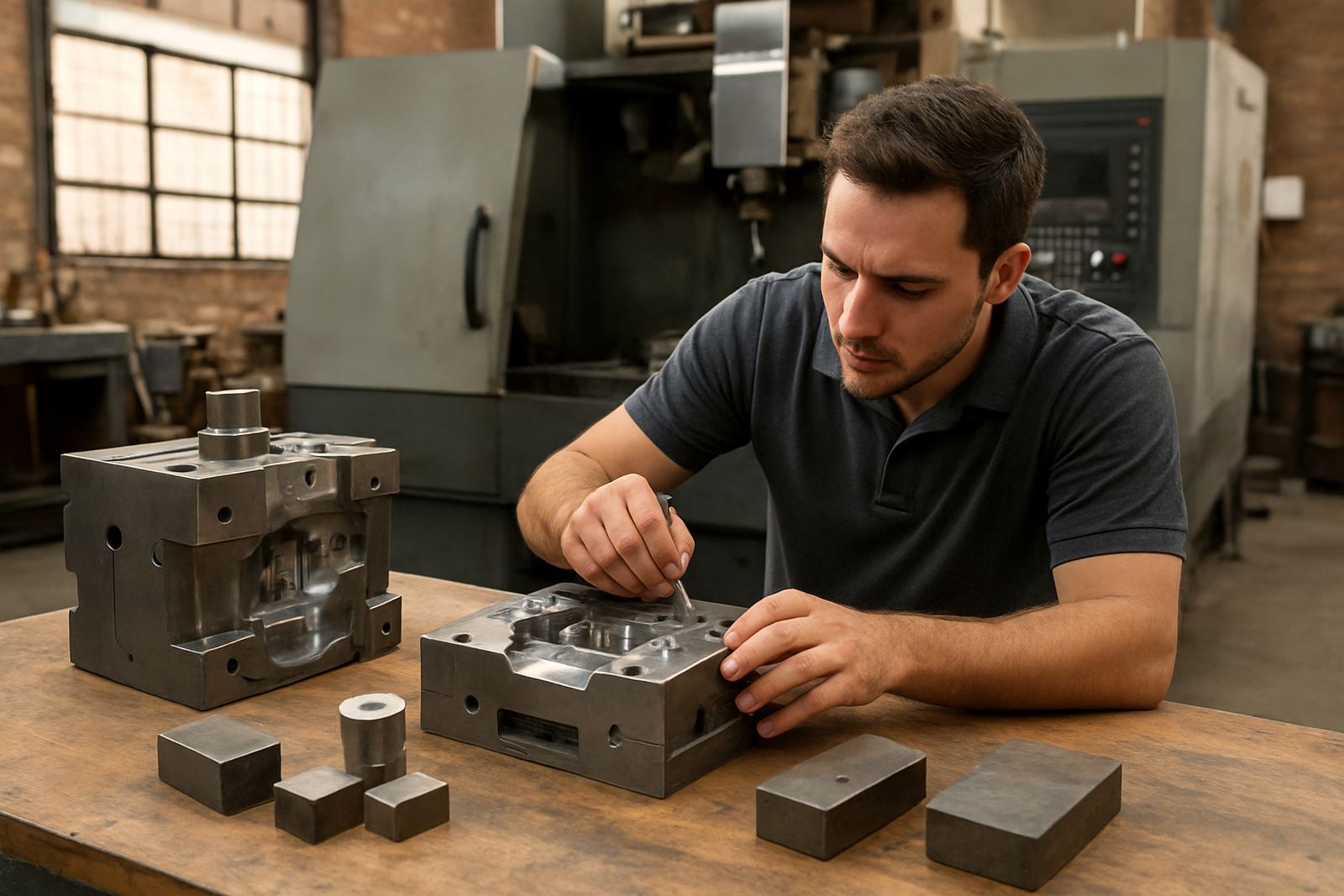
This product suits CNC shops that have more than one person touching the job before it reaches the machine. That includes router shops making signage, cabinet parts or panel work, milling shops with repeat production, turning shops with variable part families, and plasma shops handling sheet nesting and cutting files. It also suits businesses with a central engineering team and more than one production area.
We see strong demand from shops in Pretoria, Johannesburg, Vereeniging, Durban and Cape Town, especially where work is split between programming, setup and machine operation. Coastal humidity in Durban and Cape Town can also make machine uptime and file control more important, because a missed setting or old post file can cost a full shift. For a growing business, a shared licence lets the team standardise the way work is prepared, instead of each user doing it a different way.
- CNC routing shops with frequent job changes
- Milling and turning shops needing repeatable output
- Plasma shops with nesting, torch control and sheet processing
- Multi-branch businesses with shared standards across sites
Installation, network setup and power needs
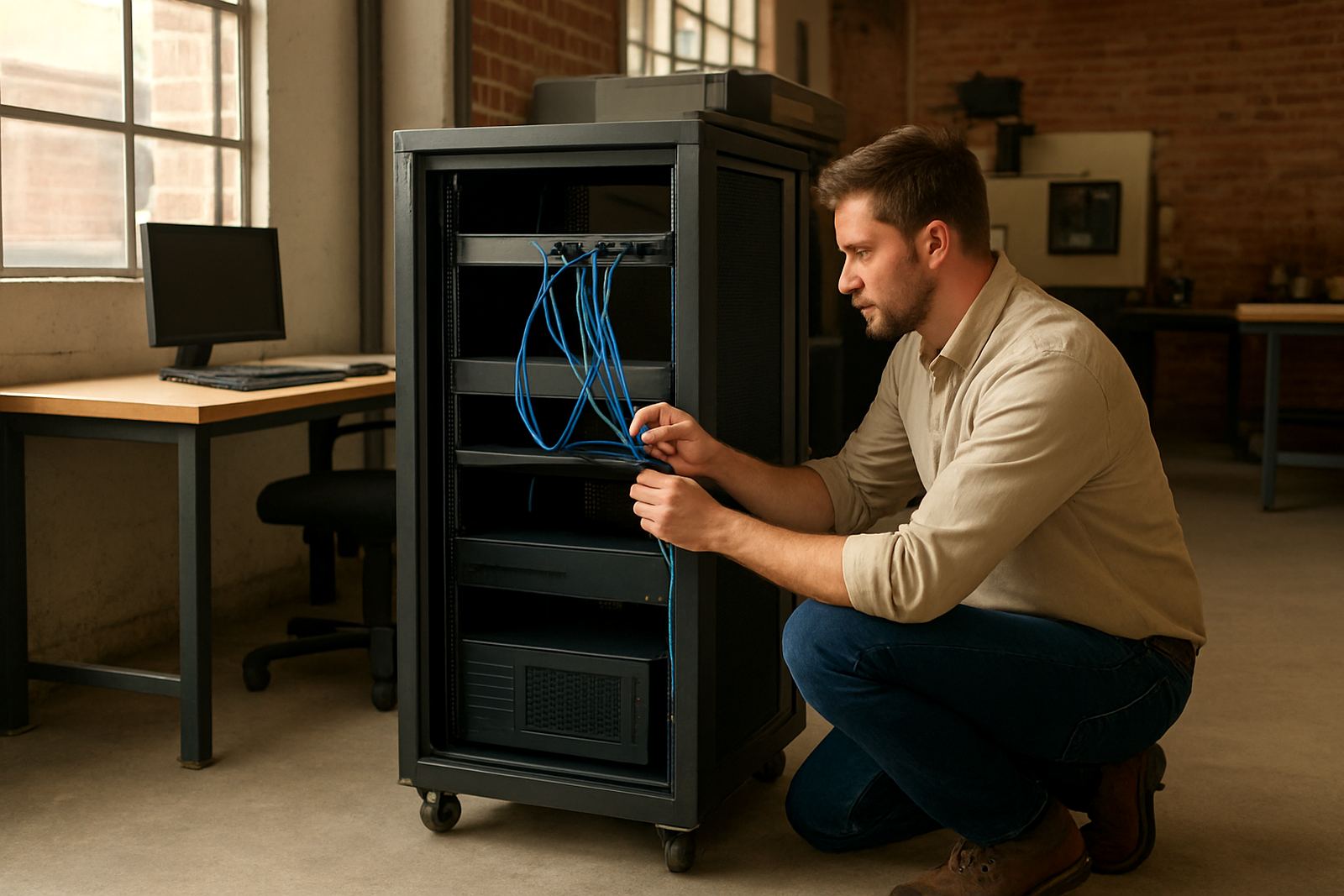
Installation is usually done on your office PC or a designated engineering workstation, with network access arranged where required. If your team works across several computers, we check the local network, user access and licence behaviour before handover. For shops that rely on remote access or use a mix of fixed and roaming workstations, we can help set things up so the right users get in, and the rest dont.
Power needs are straightforward because this is software, not machinery. There is no gas requirement. A stable electricity supply is still important, especially where load-shedding or voltage dips are common. We normally recommend proper backup power for the office PC, network device and any server or licence host. In practical terms, a small UPS can prevent file corruption, licence interruptions and lost work during short outages. If you are in an industrial area with frequent trips, it is worth checking the backup runtime before go-live.
- Installed on a chosen workstation or network environment
- No gas supply needed
- Backup power recommended for PC, network and licence host
- Remote support available for setup checks and first use
Care, support and keeping the licence running
A multi seat licence works best when the team keeps files tidy, version control is clear and one person owns the day-to-day process. That includes keeping post-processors current, checking tool libraries and making sure new users are trained before they start releasing code. We can help with first job support, workflow audits and annual support plans so the system does not drift after install.
Good care is mostly about admin. Keep a note of who is using which seat, review access after staff changes and back up key job folders and machine settings. If your programmers change posts often, or if one operator is still learning the process, small checks at the start of the shift save a lot of time later. A clean setup also makes remote troubleshooting much quicker when a job needs urgent attention.
- Review users, seats and access after staff changes
- Keep post files, tool libraries and templates backed up
- Plan refresher training for new staff or new machines
- Use support plans if you run live production every day
What to verify before you buy 5-axis CAM
Before ordering, it helps to confirm how many people need access at the same time, what type of machines you run and whether you need custom post-processors. If your team uses a mix of routers, mills, lathes and plasma tables, the licence plan should match that mix from the start. You should also decide whether the licence will be used in one place or across more than one site, because that affects setup and support.
We also suggest checking your current operating system, workstation spec and how your programmers share files. If you are onboarding a new machine, ask for post tuning at the same time so the first jobs can run cleanly. When possible, have the user who will actually run the software involved in the order. It cuts down on rework and makes handover easier, even if the team is small and moving fast.
- Number of concurrent users needed
- Machine types and control formats in use
- Whether custom post-processors are required
- Workstation, network and backup power readiness
Key facts
| Product type | Shared CAD/CAM multi seat software licence |
|---|---|
| Typical team size | 2 to 10 users, depending on workflow and access needs |
| Machine types supported | Routing, milling, turning and plasma |
| Setup options | Single workstation, networked access, or split site use |
| Support available | Installation, post tuning, training and remote troubleshooting |
| Power requirement | Standard electricity only; UPS recommended, no gas needed |