



What this journal covers
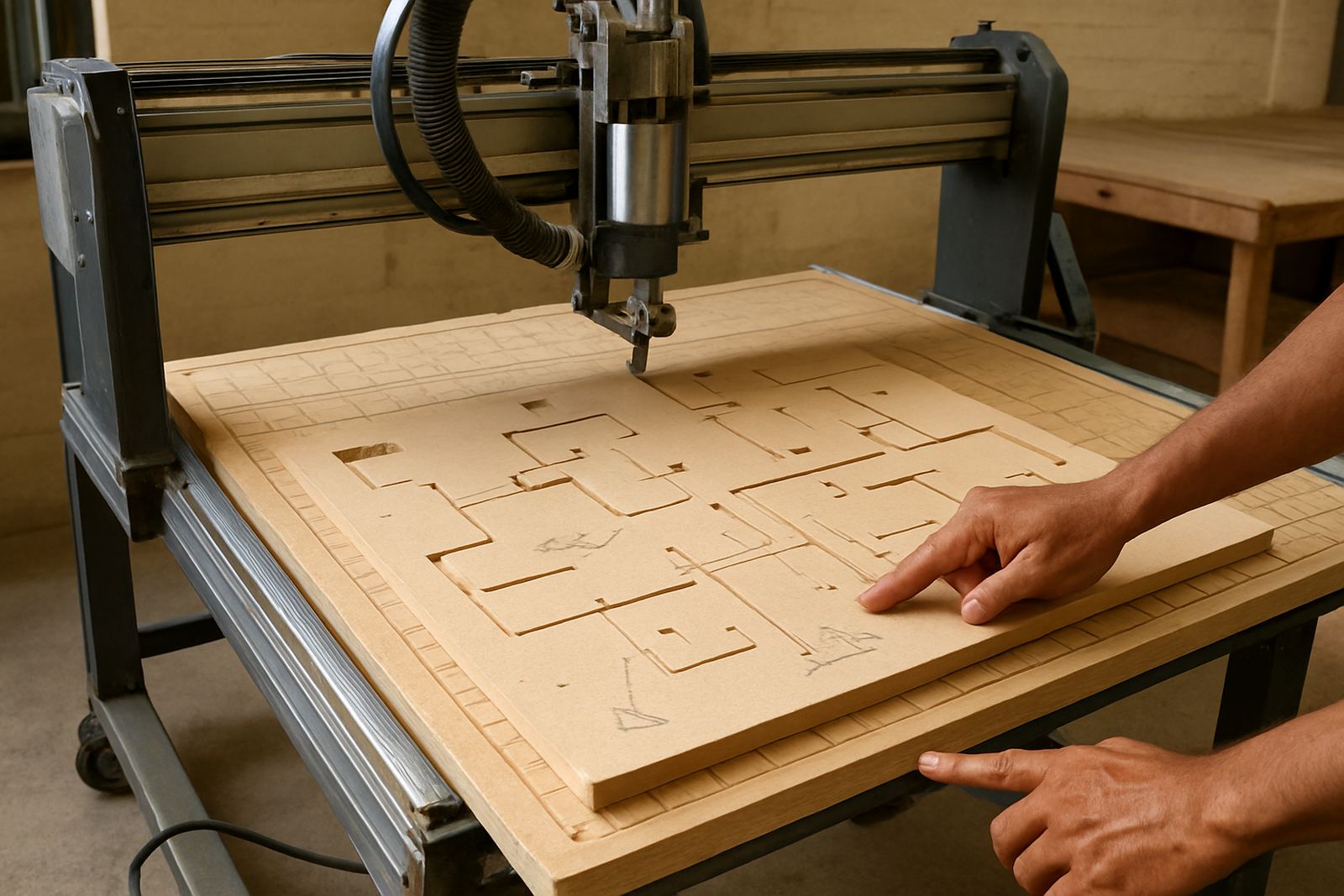
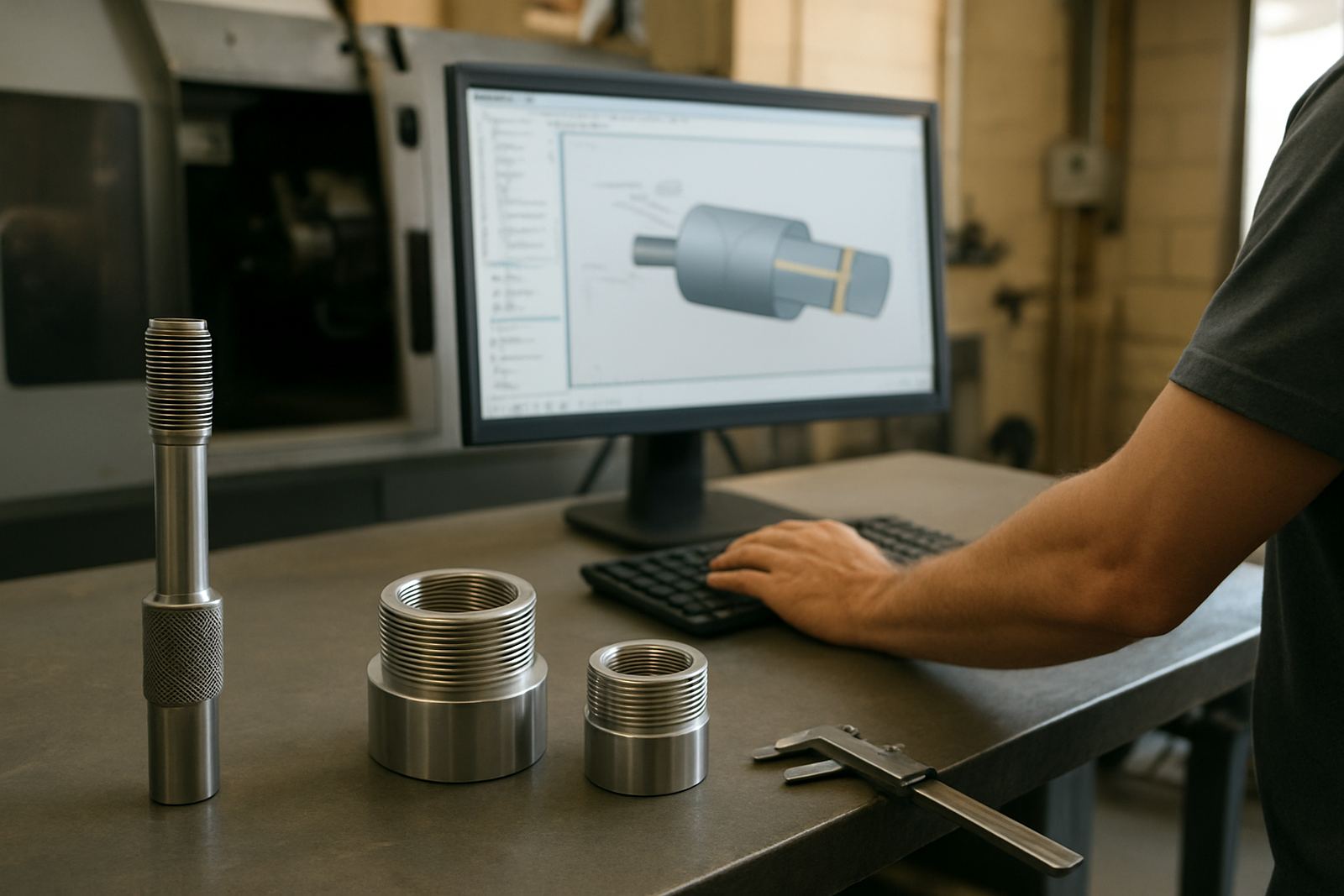
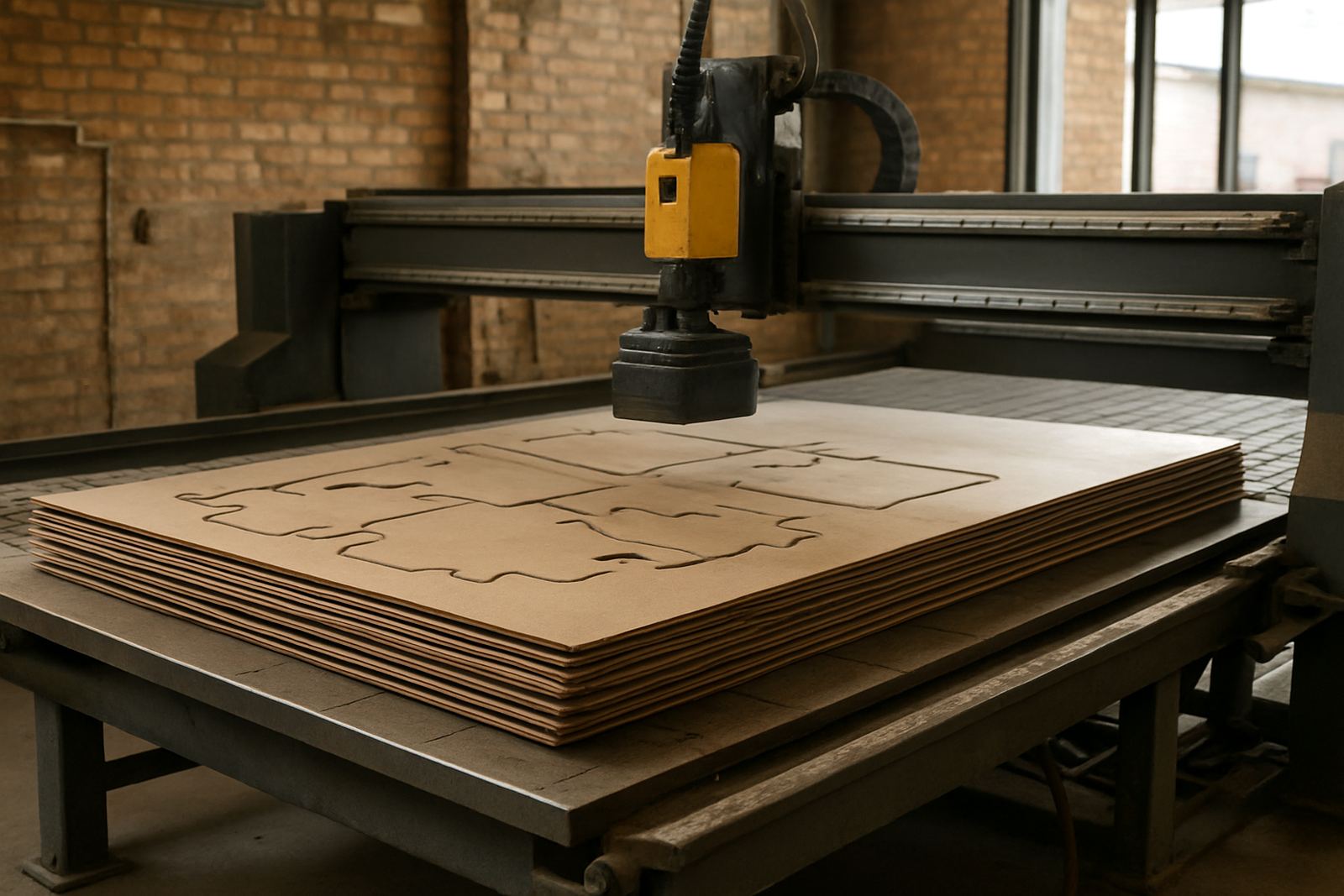
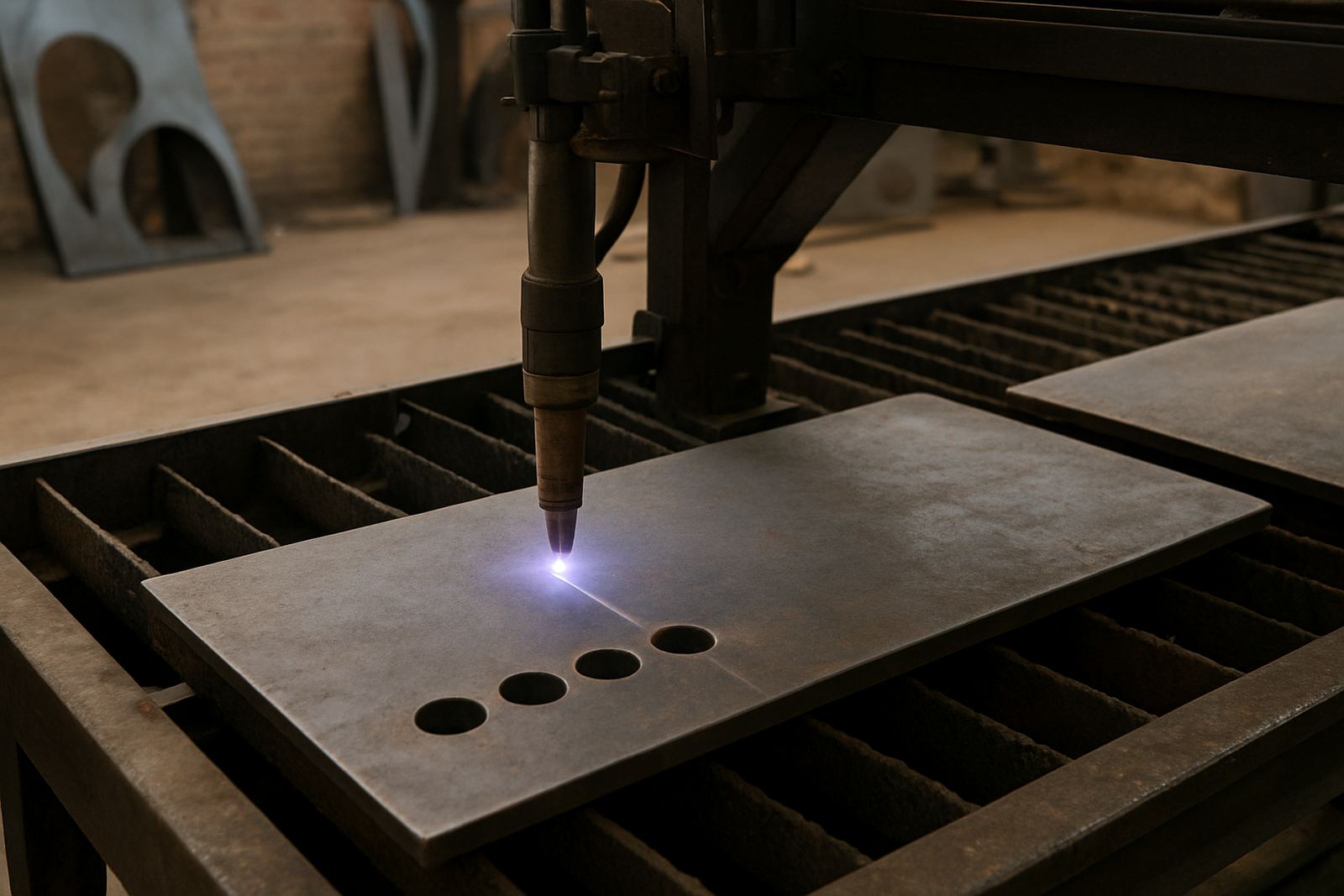
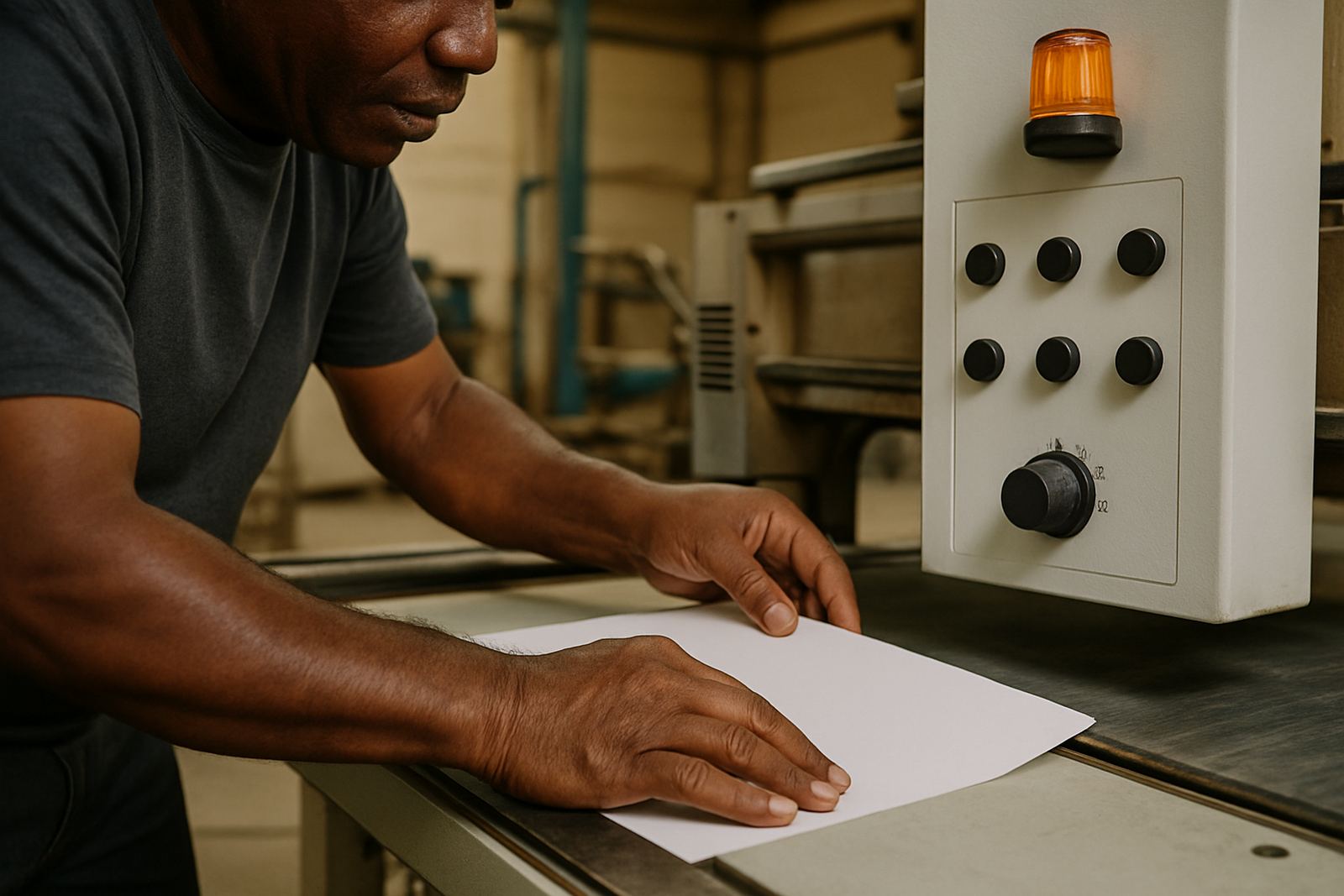
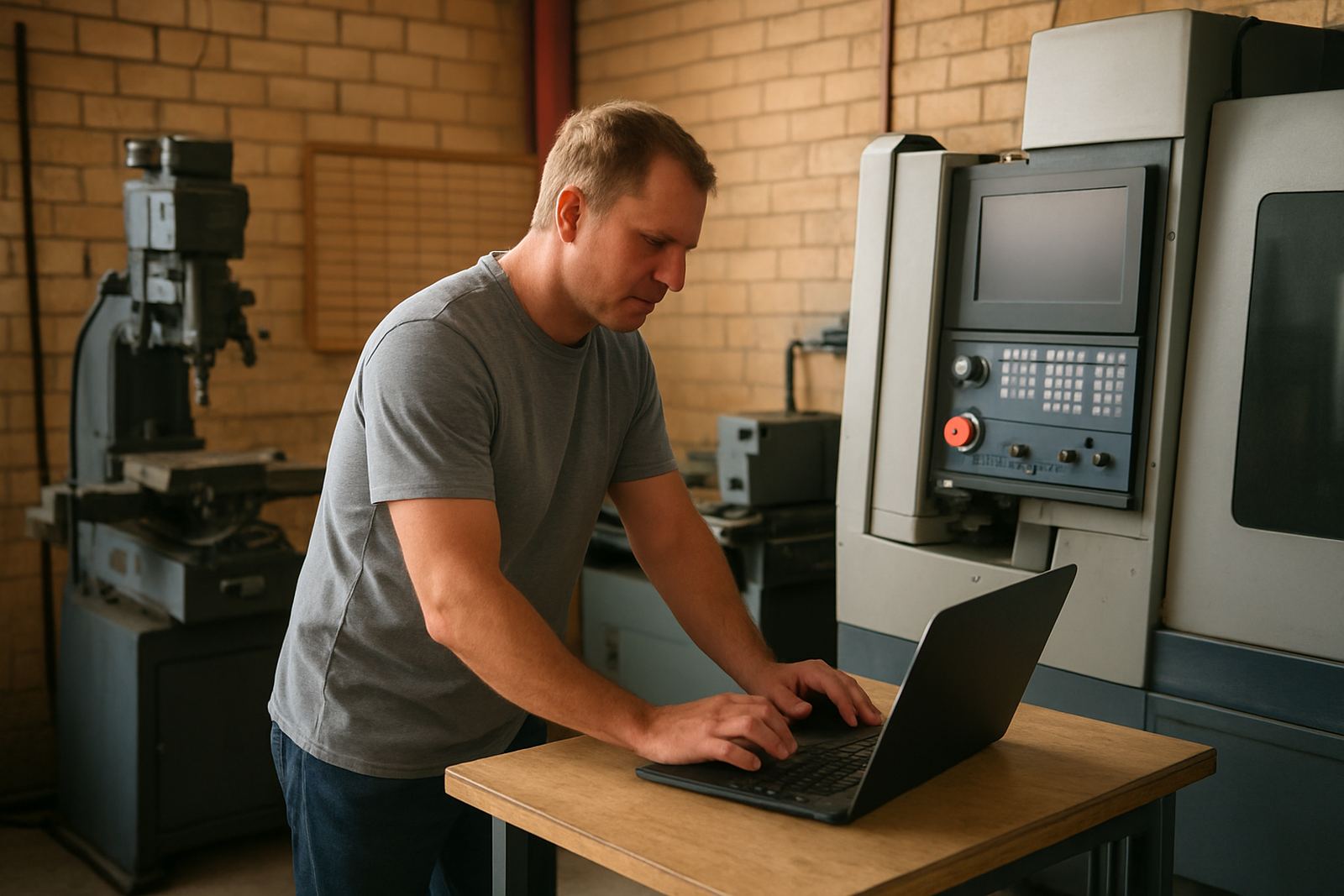
If you run a router in Pretoria, a mill in Johannesburg or a plasma table in Cape Town, the same basics still matter: clean toolpaths, reliable posts and settings that match the machine on the floor. This journal brings those topics together in plain language, with examples that suit local shops working around power cuts, busy production windows and mixed operator skill levels.
The aim is simple. Help you make better choices before material goes on the table, before the first line of code is sent and before a small error becomes scrap. Some articles focus on speed, others on finish quality, and some on how to keep a machine running when the day is already behind schedule.
How to choose the right article
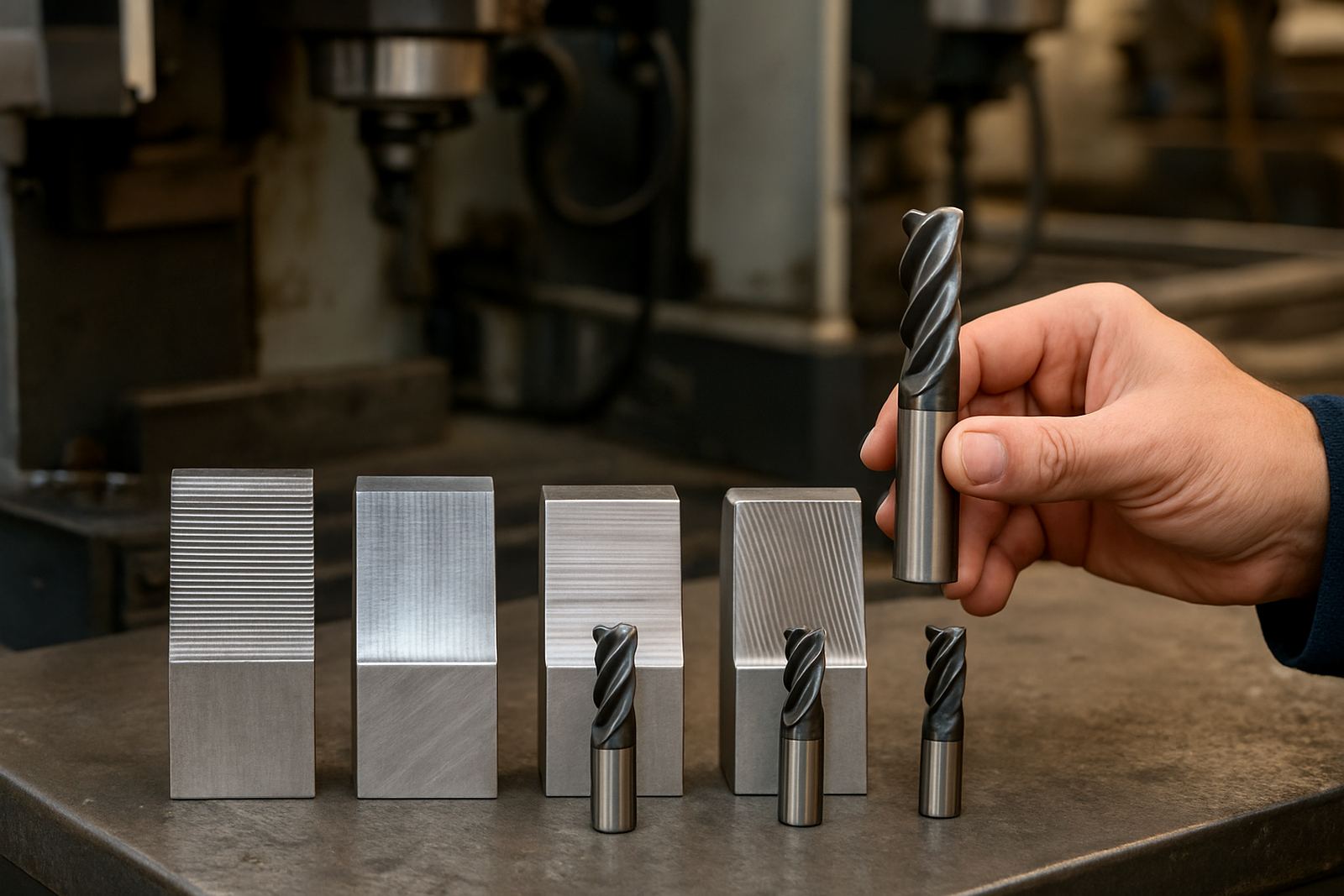
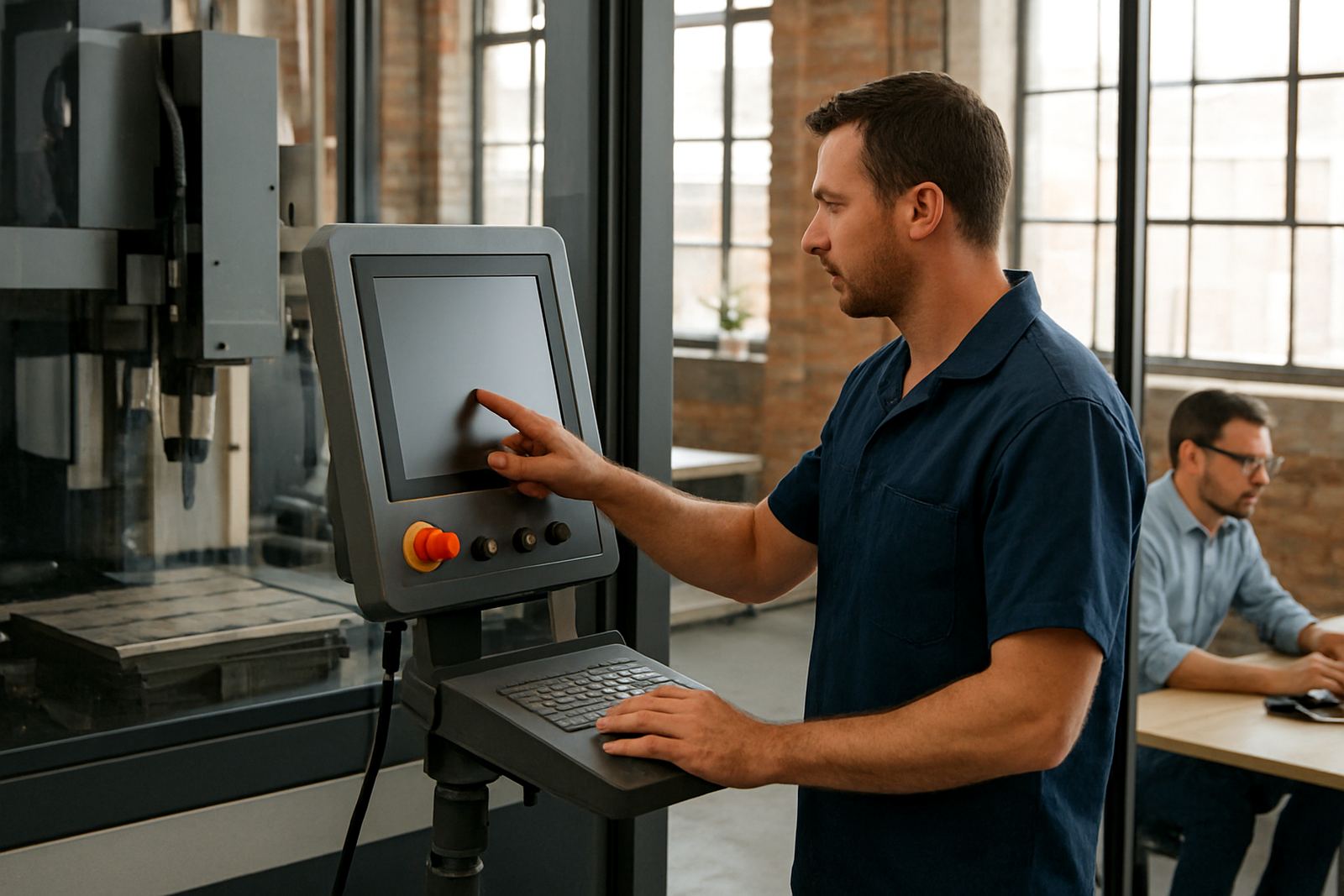
Begin with the workshop problem that is costing you time or accuracy. If tool marks are the issue, look for posts on feeds, speeds and finishing toolpaths. If the machine stops at the wrong place, begin with posting and controller settings. If your team keeps repeating the same mistakes, training and setup habits are likely the better place to start.
- For new operators: read setup and safety related notes first.
- For programmers: focus on toolpaths, offsets and posting.
- For owners and supervisors: choose articles on downtime, workflow and output consistency.
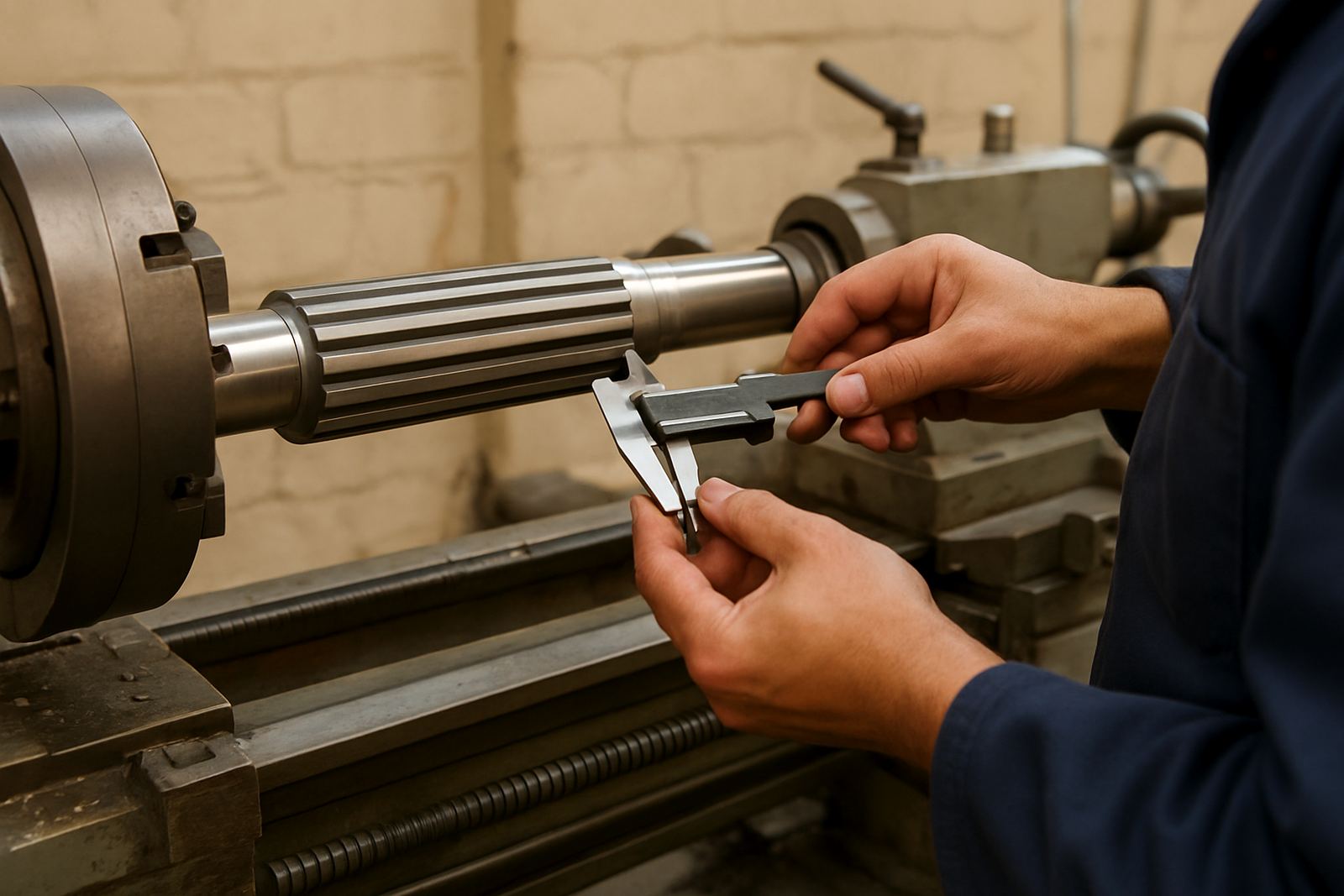
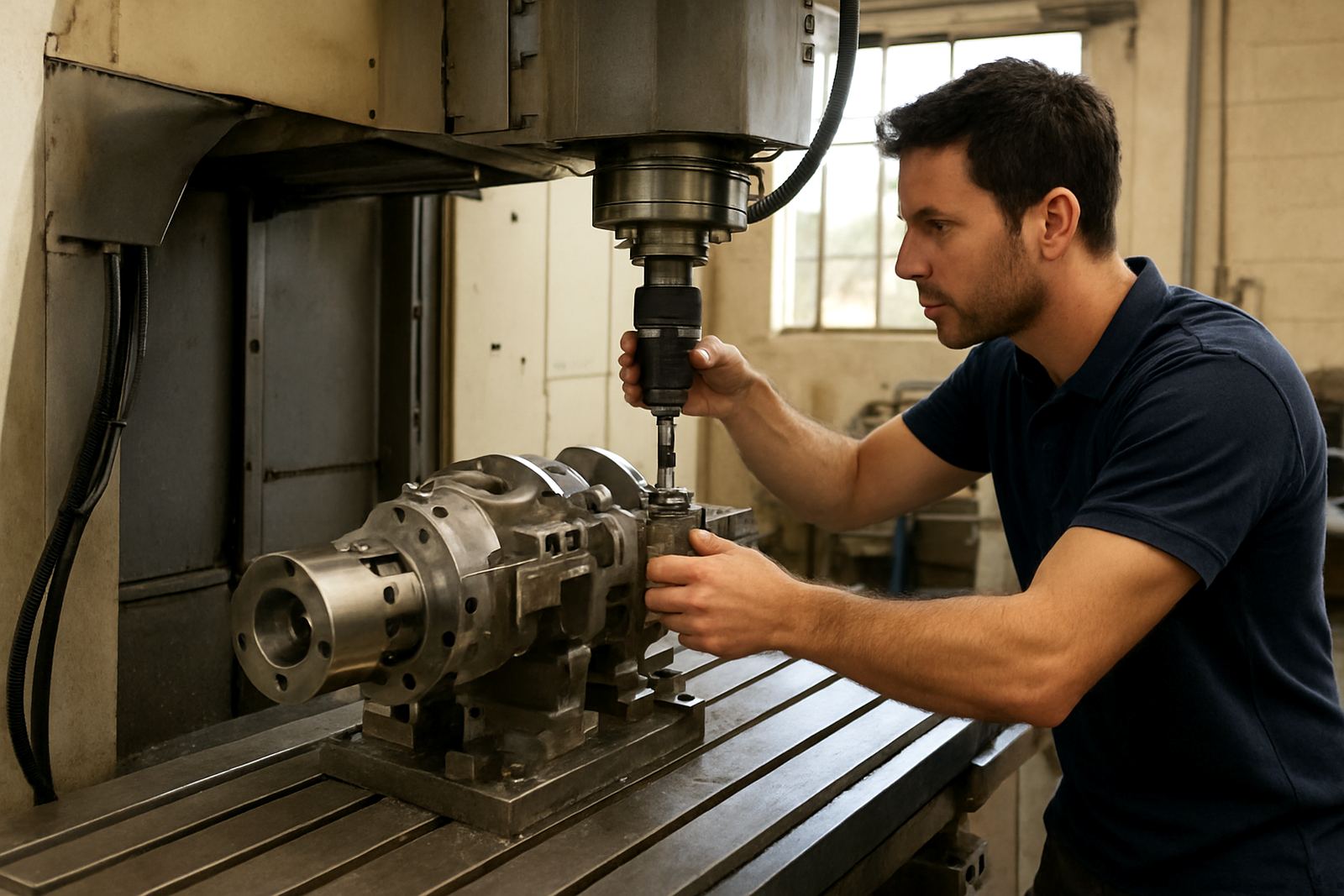
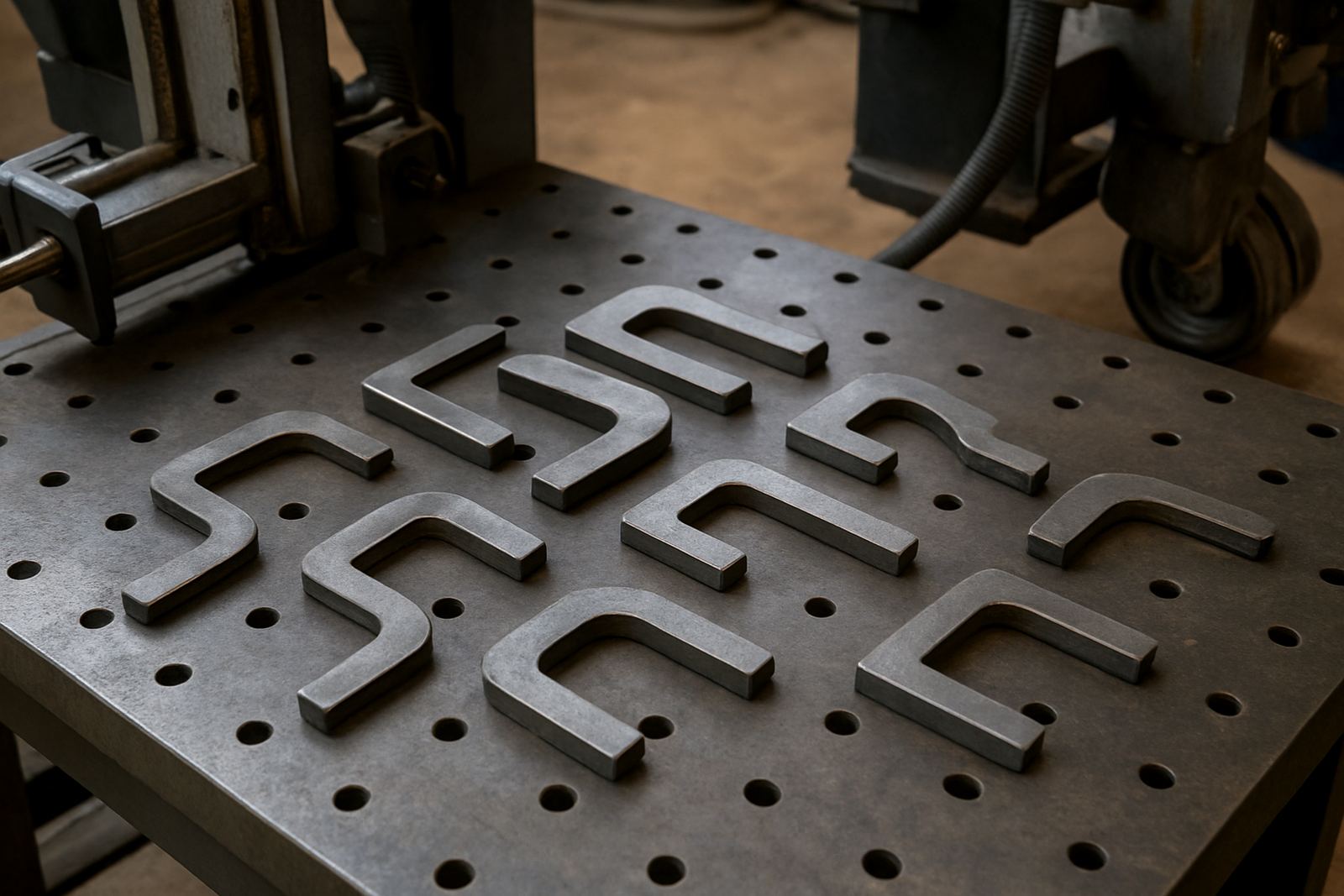
- For mixed shops: look for content that covers routing, milling, turning or plasma separately, since each process asks for different decisions.
When a shop has several machines, it usually pays to compare notes across the whole floor instead of only one workstation. A small change in a post or a tool library can affect every job after it.
Toolpaths that suit real workshop conditions
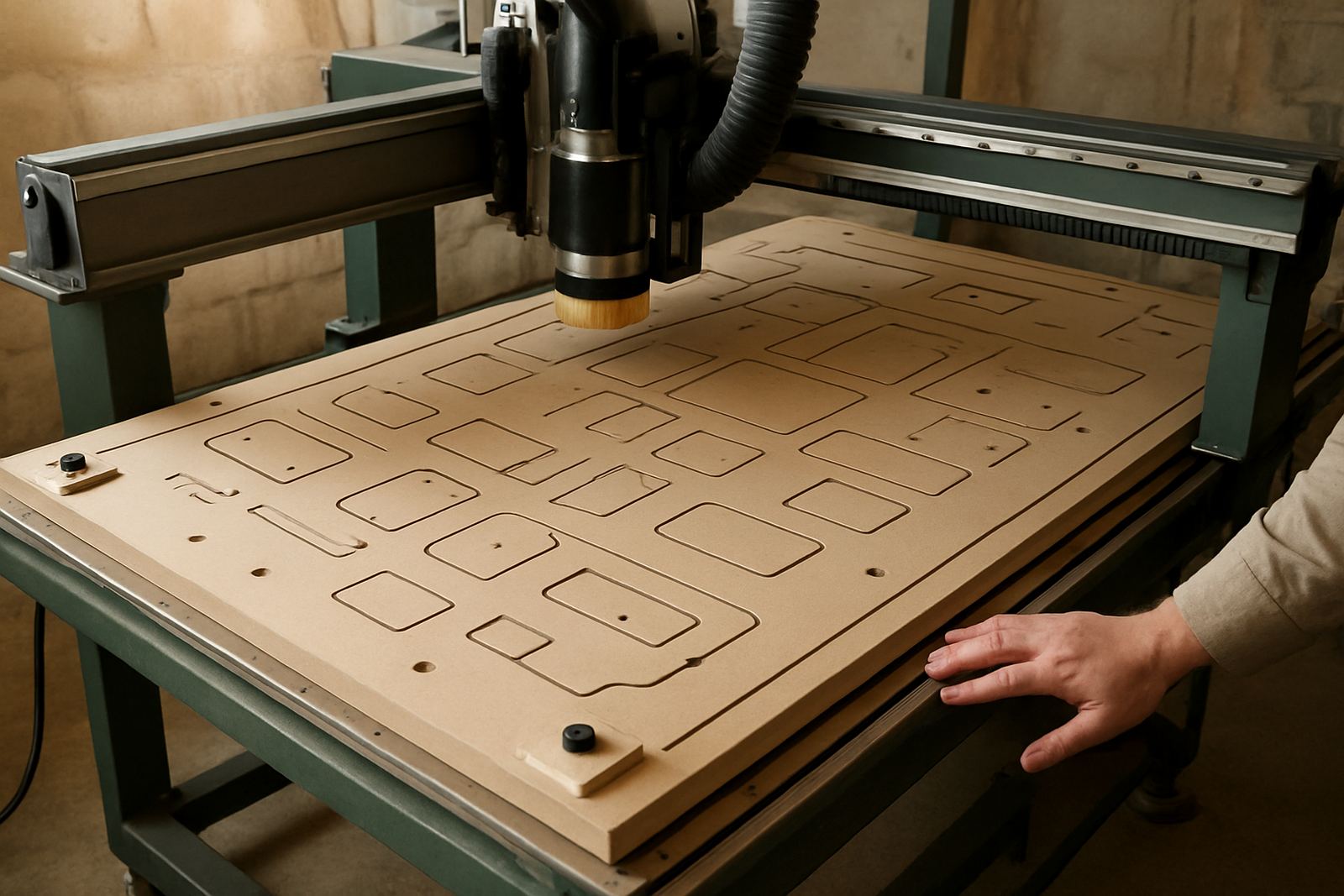
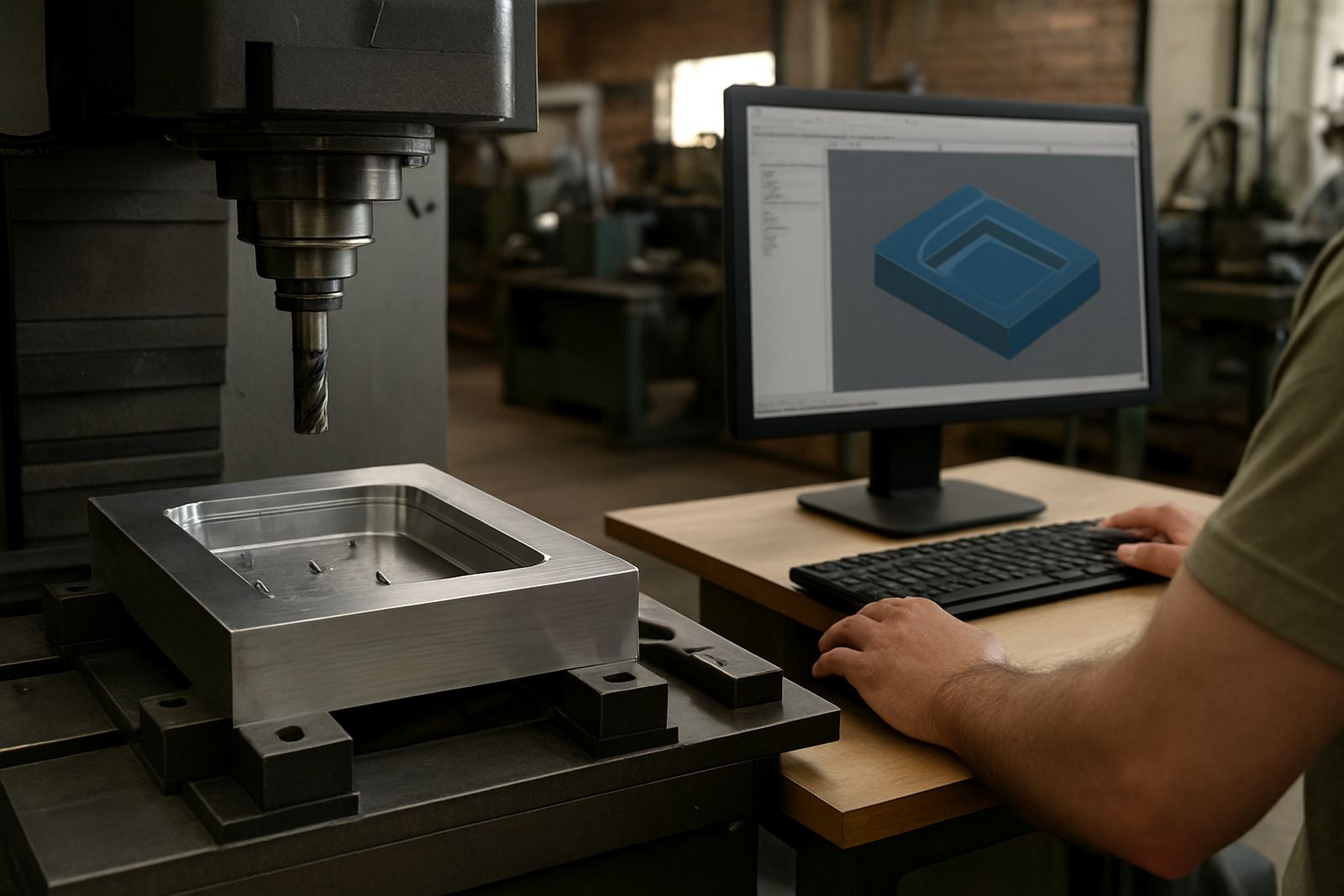
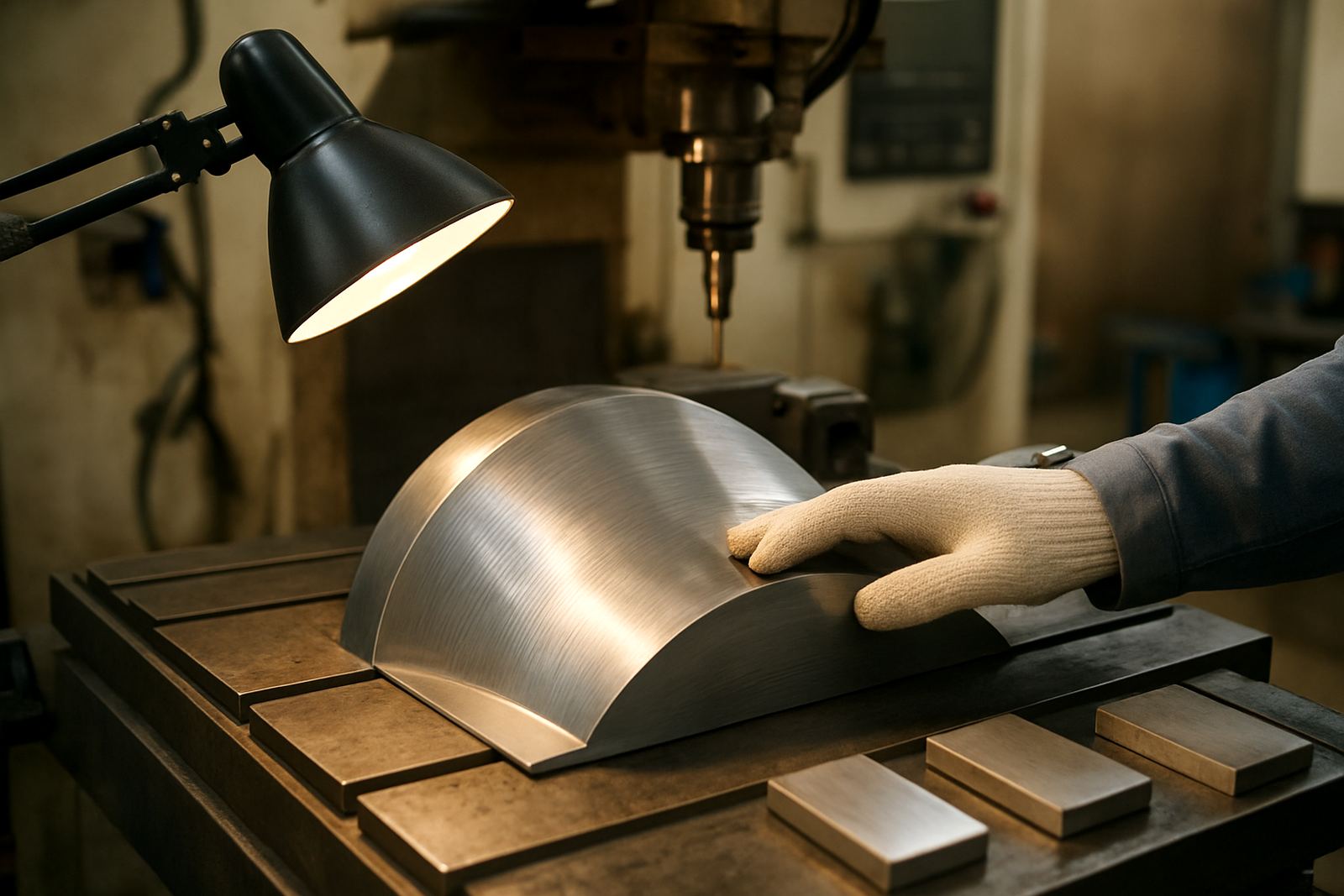
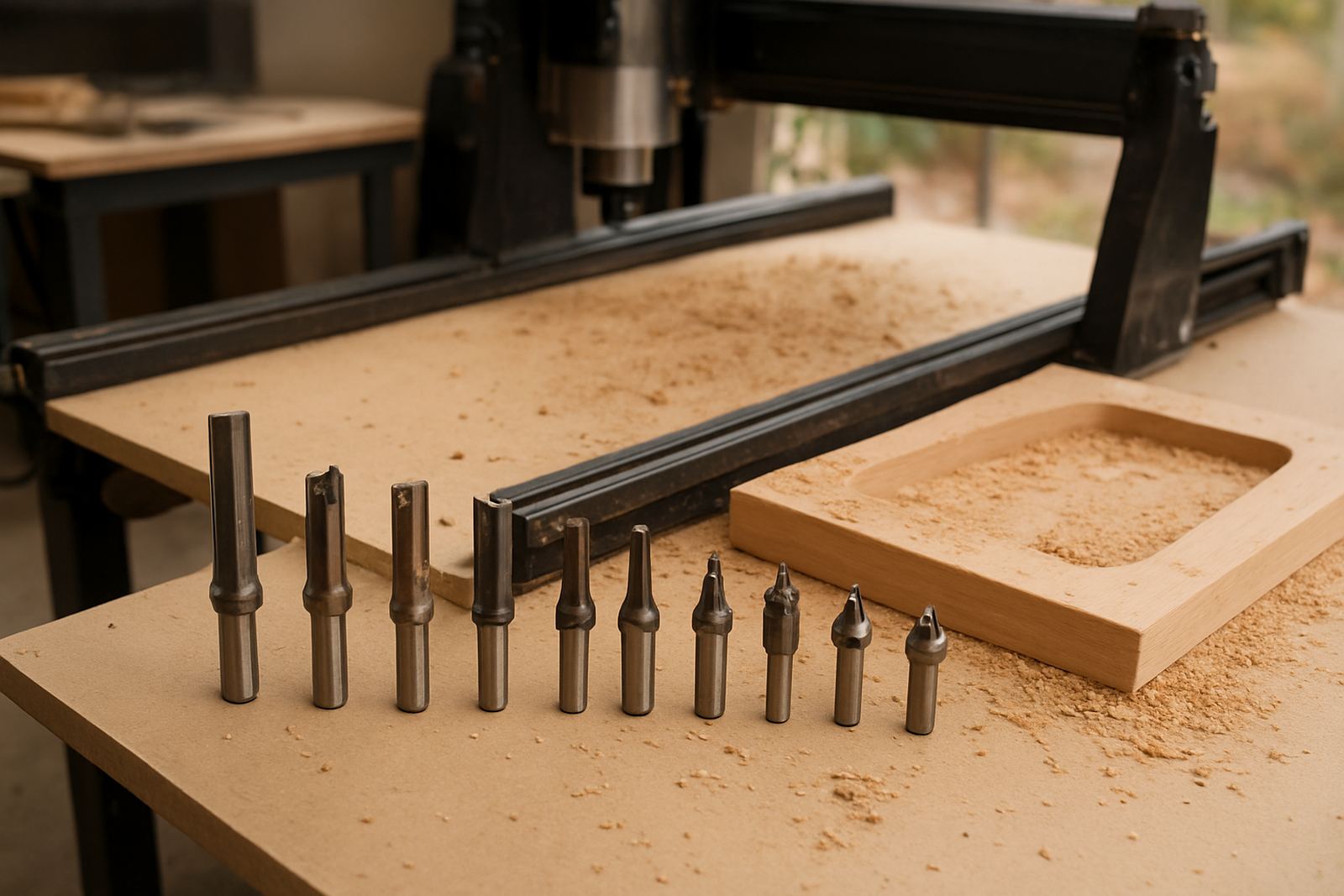
Good toolpaths are not just about finishing the part. They must suit the material, the clamp positions, the machine travel and the level of experience at the machine. In South African shops that means planning for uneven material supply, varying board quality in routing, and the occasional interruption from load-shedding or maintenance delays.
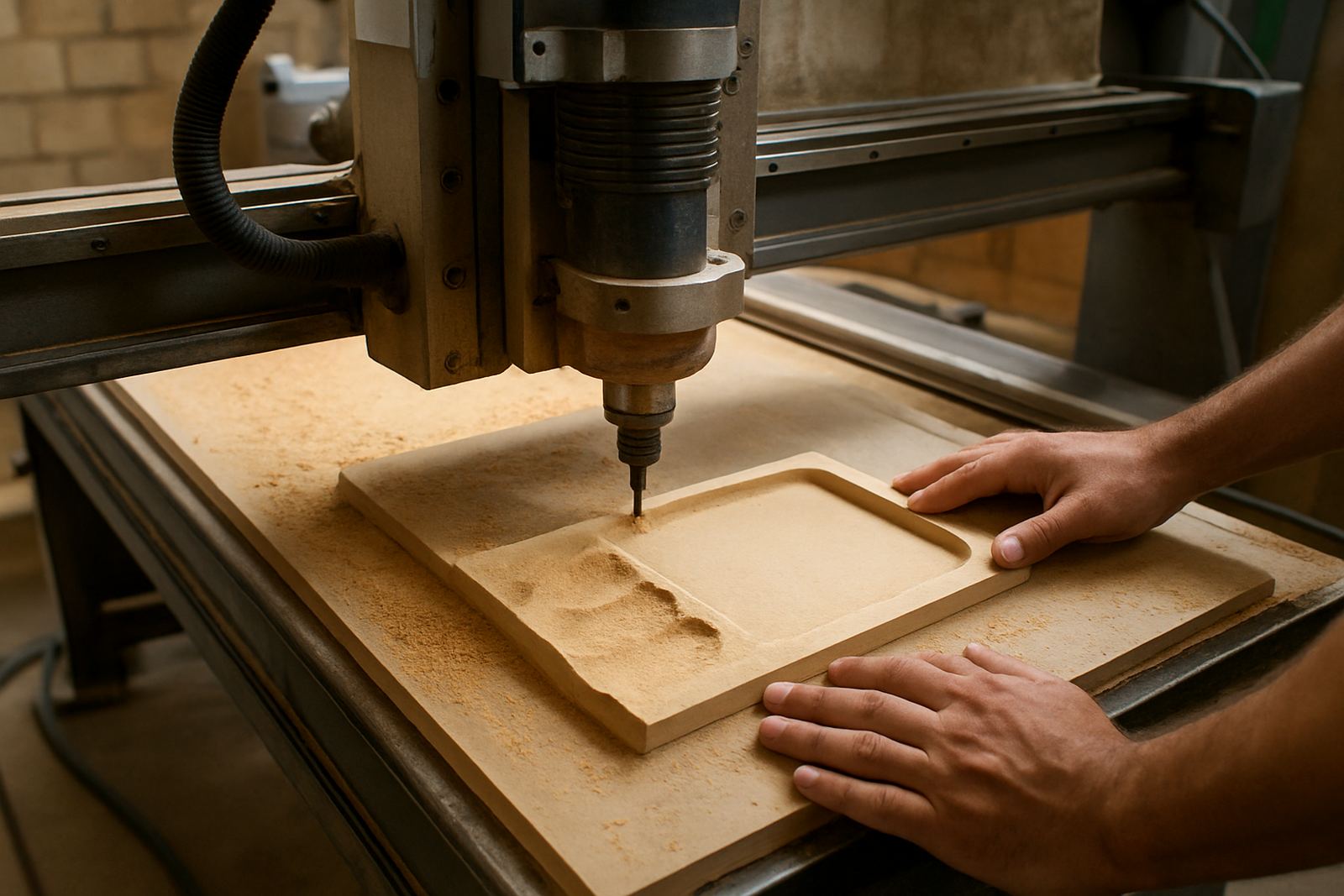
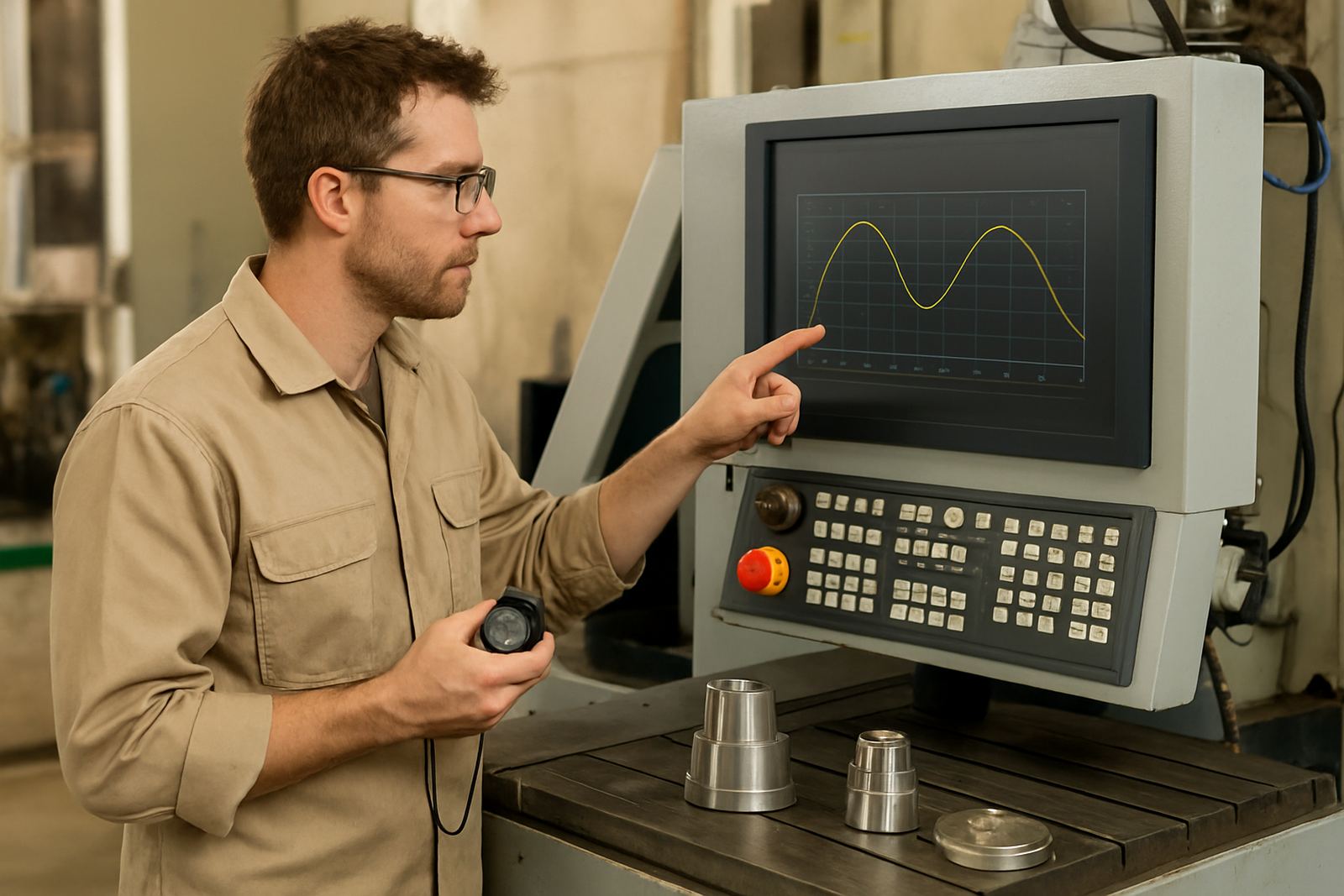
We often see shops chasing cycle time while ignoring entry moves, stepdowns and retracts. That can create chatter, tool wear or unexpected marks on the job. A careful review of the path often gives better results than pushing the machine harder. It is slower to plan, but cheaper in the end, as any busy shop knows.
Posting and machine fit
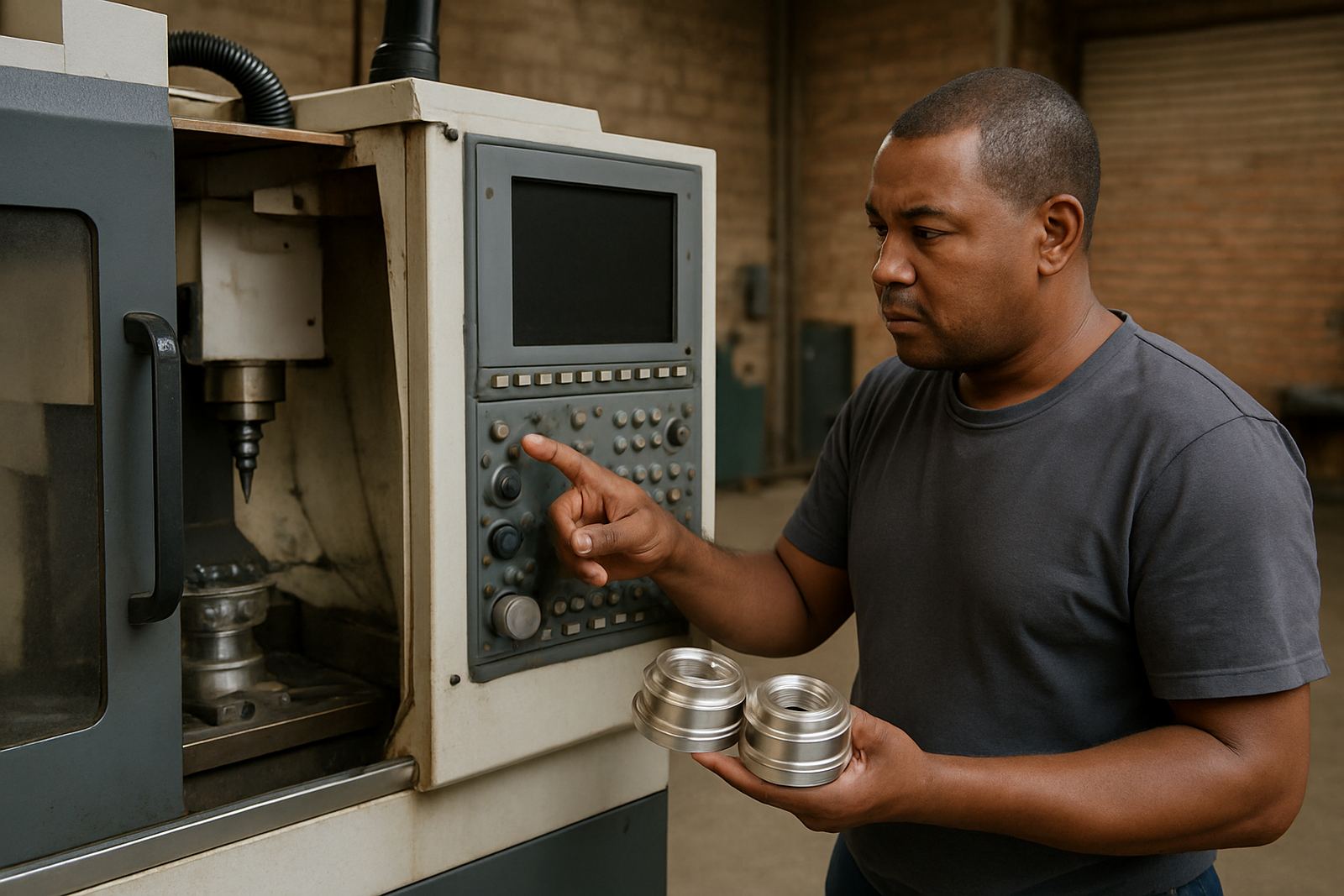
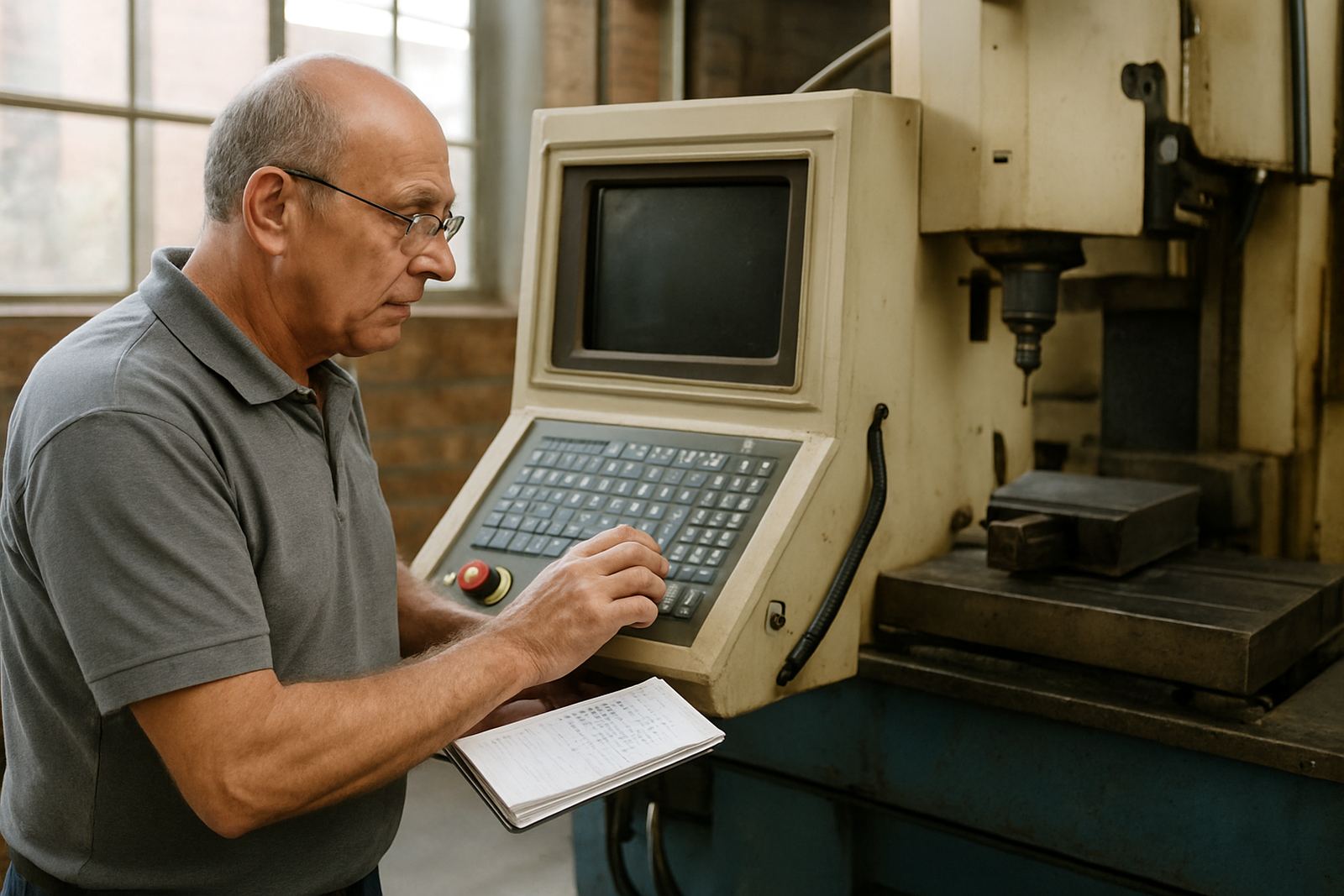
A solid program still needs a post that matches the machine, controller and operator habits. If the output is wrong, the problem may not be the CAM setup at all. It may be the wrong header, the wrong canned cycle, or a missing line that the controller expects before the first cut.
Our articles on posting explain how to check these details before they interrupt production. That matters for routing, milling, turning and plasma work alike, because every machine reads instructions in its own way. A clean post can save time on the first job and prevent repeated edits on the second and third.
- Check the controller format before you start a production run.
- Confirm safe start positions and tool change moves.
- Review work offsets, units and spindle commands.
- Test short programs before releasing a full batch.
Setup habits that cut downtime
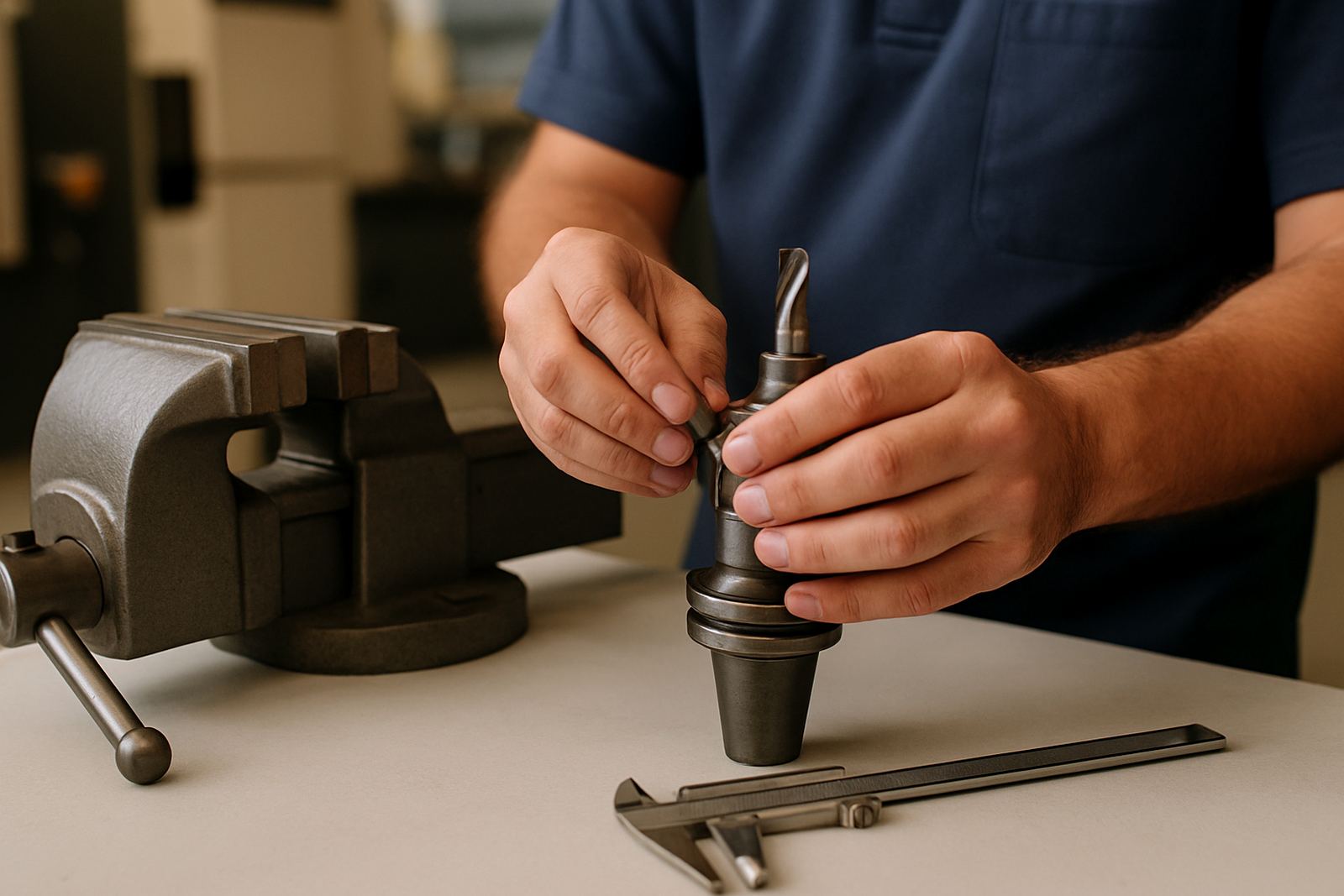
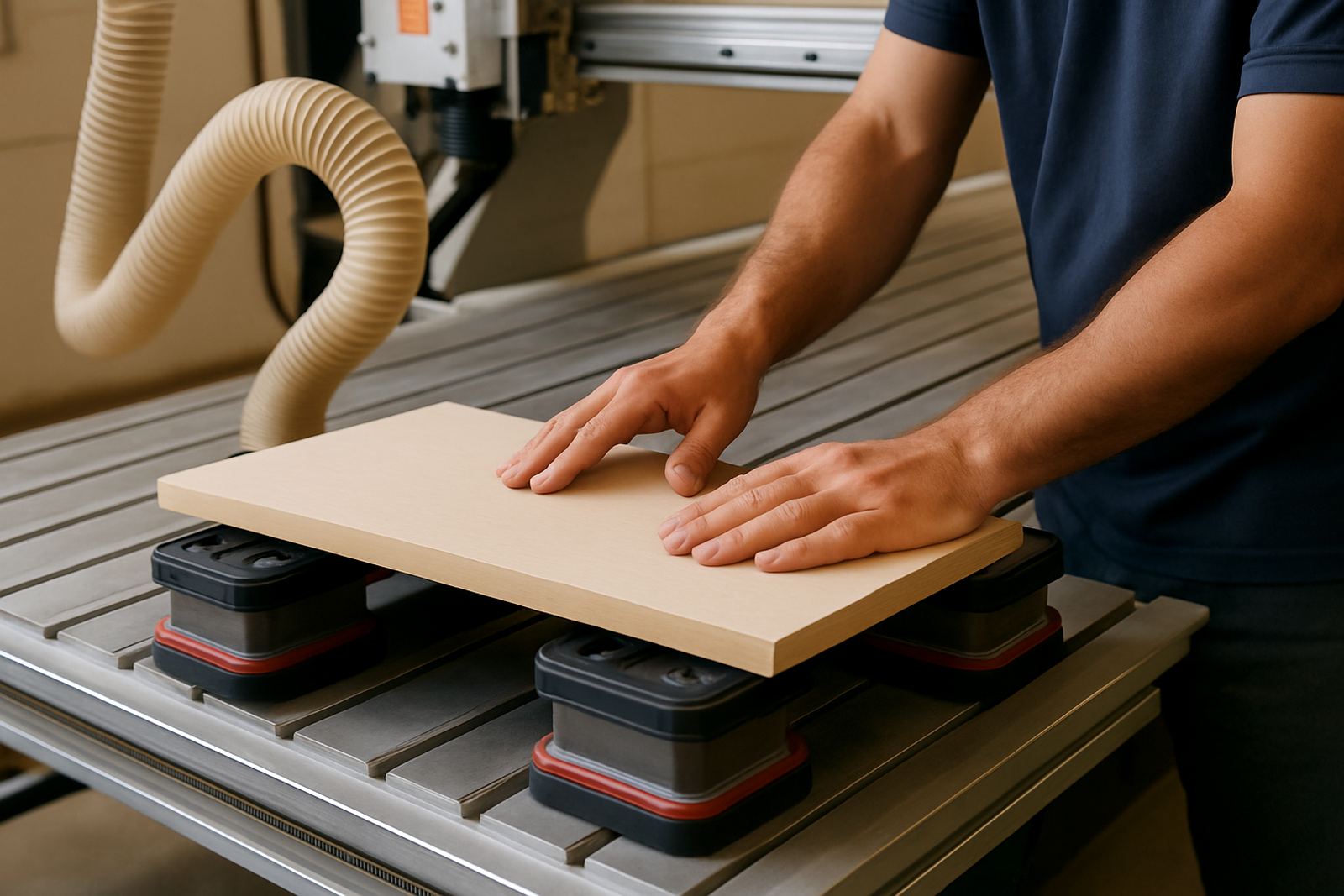
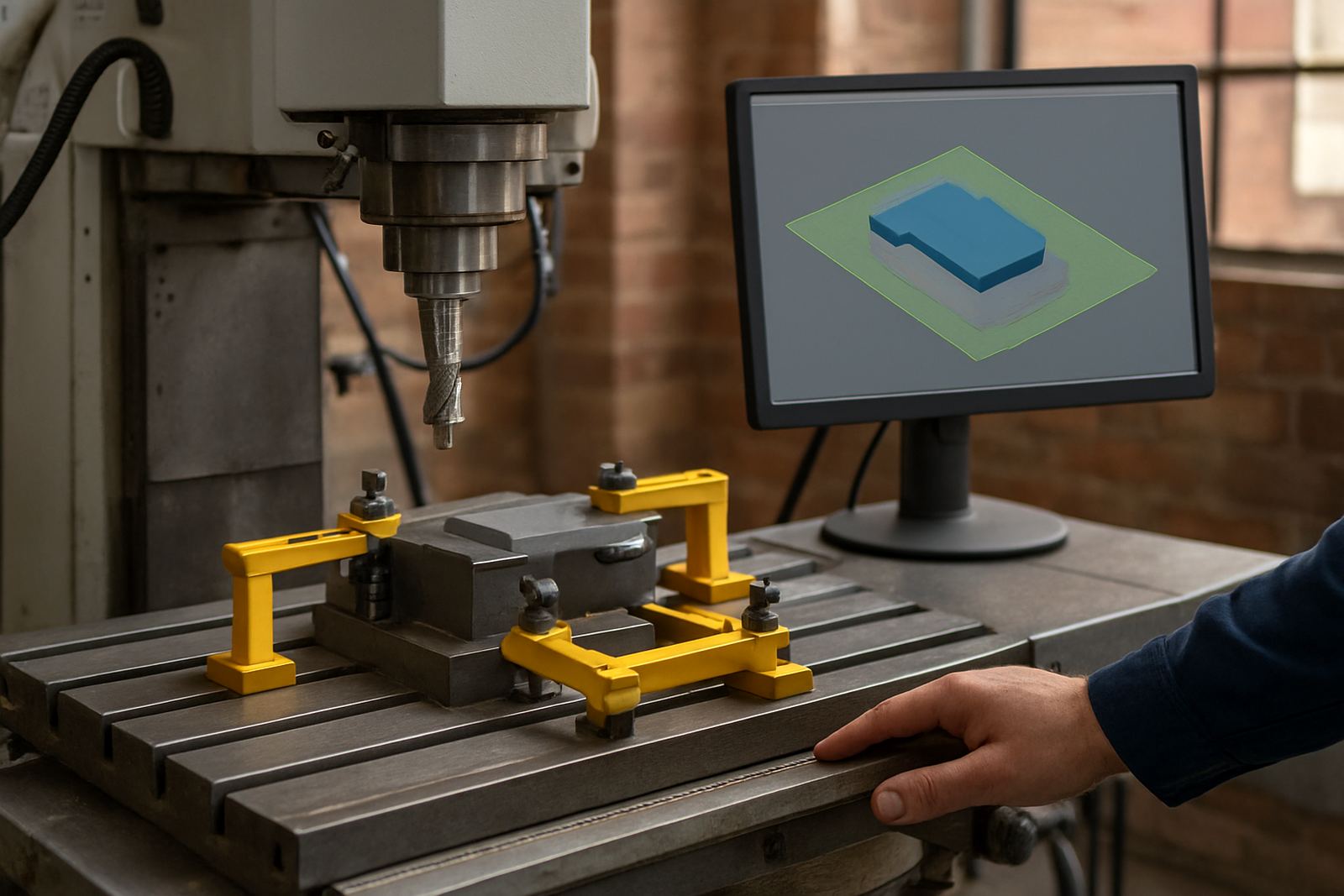
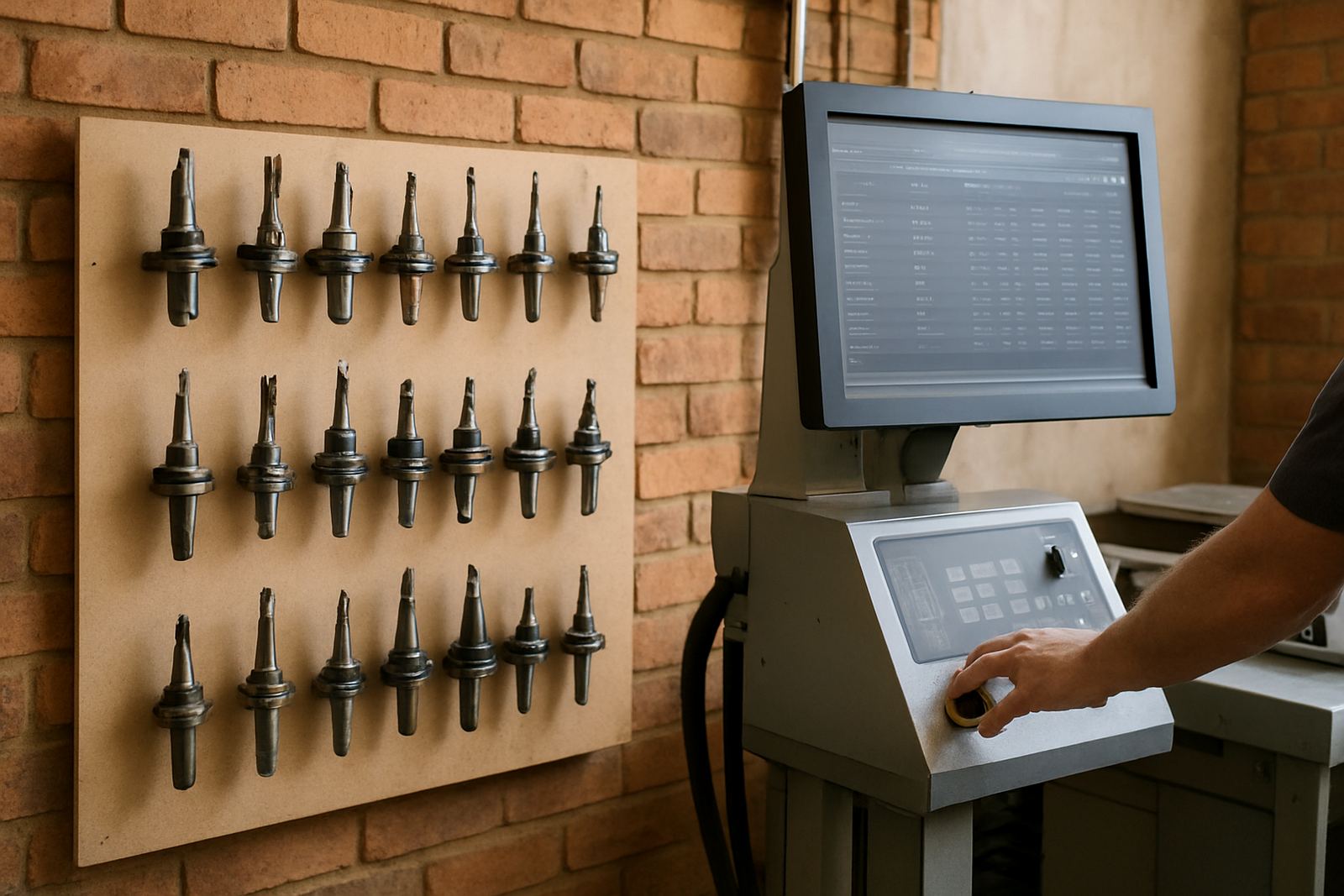
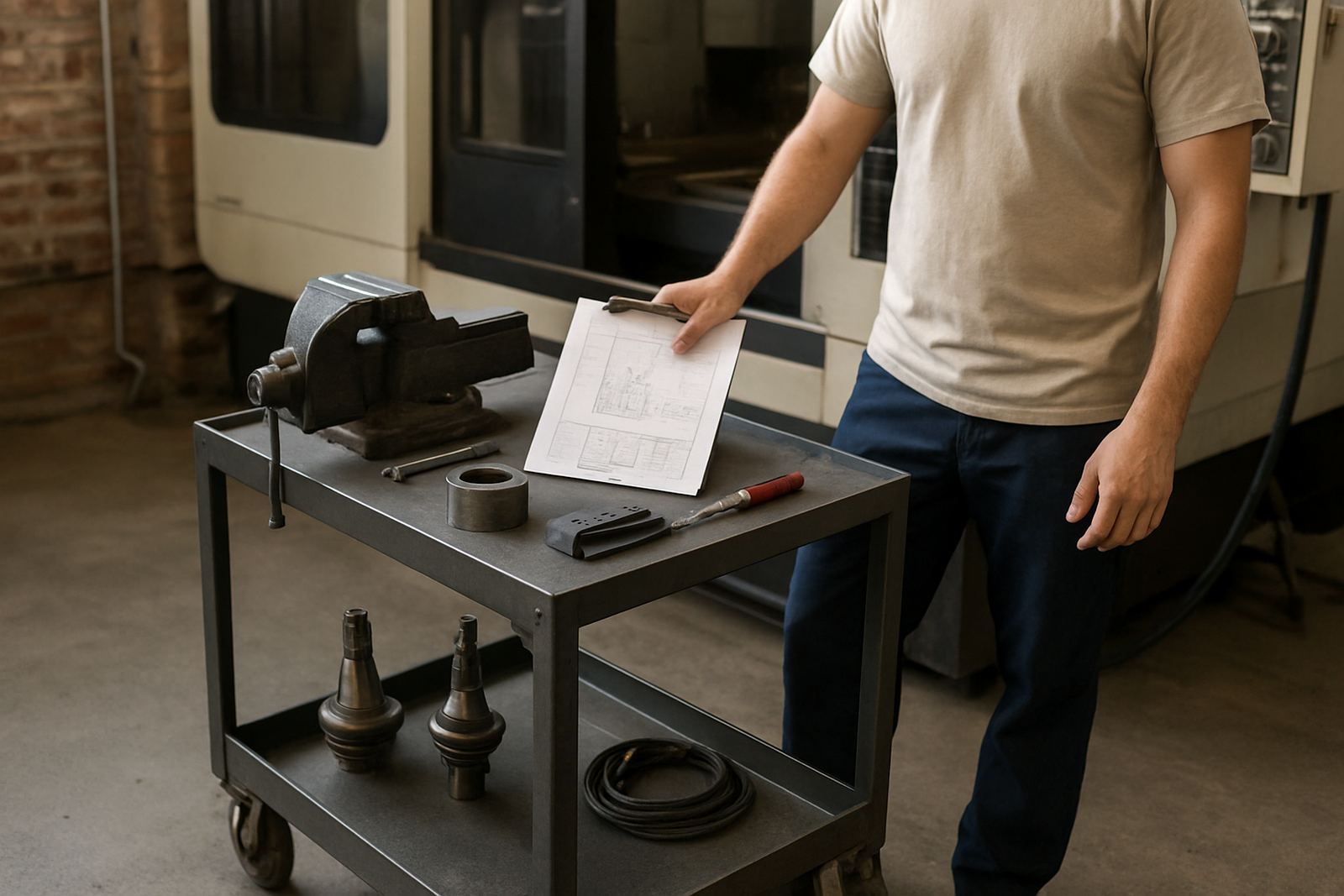
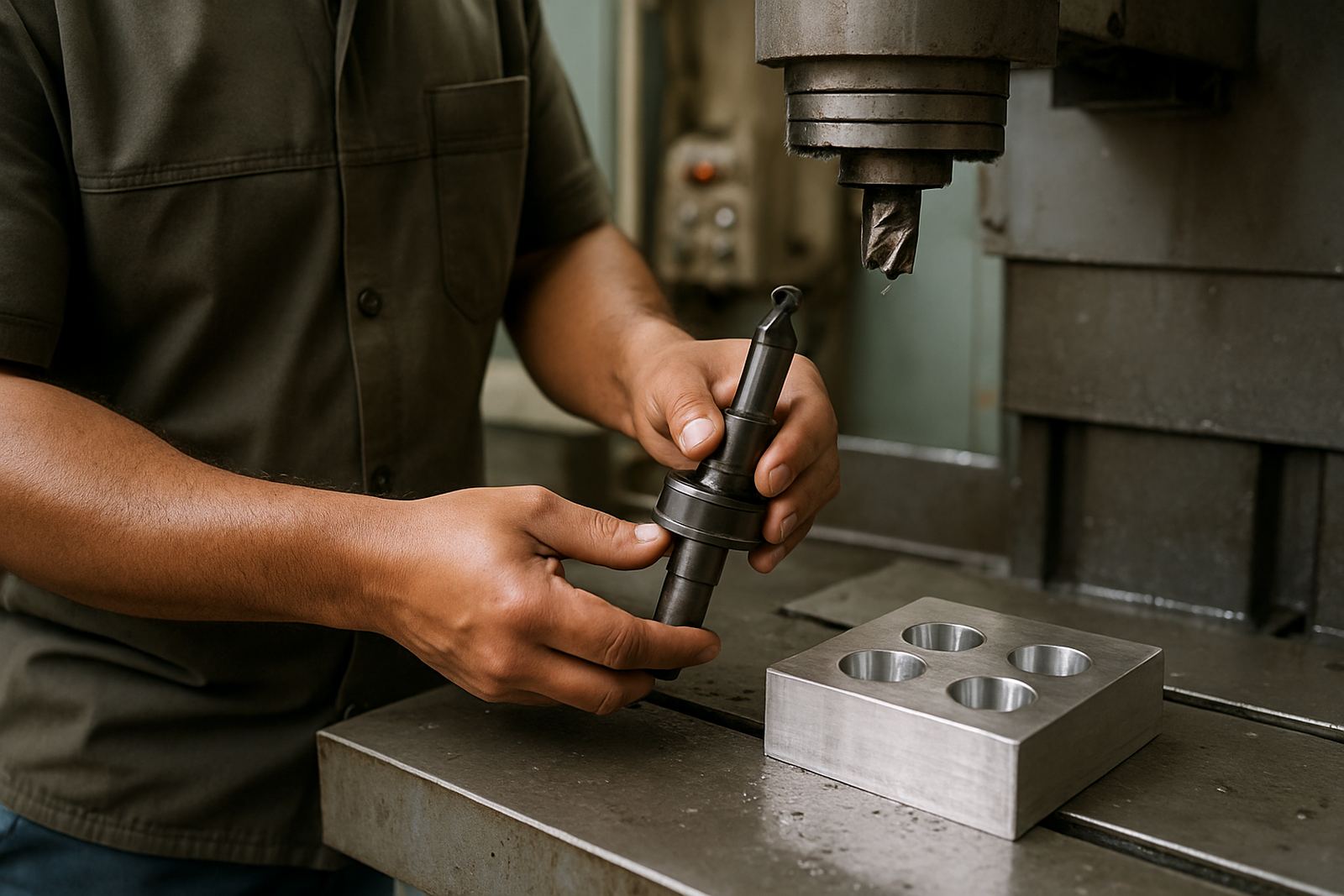
Many losses happen before cutting begins. A loose clamping plan, a cluttered tool library or a rushed first setup can waste more time than a bad toolpath. That is why this journal pays attention to everyday habits, not only software features. The goal is to reduce rework, missed steps and the kind of small errors that become big delays by lunch time.
We also cover practical matters that affect South African workshops directly, including humidity on coastal sites, dust in enclosed spaces and the need to keep systems stable during outages. None of these are dramatic on their own, but together they shape whether the day stays on track or drifts away.
Training and support topics worth following
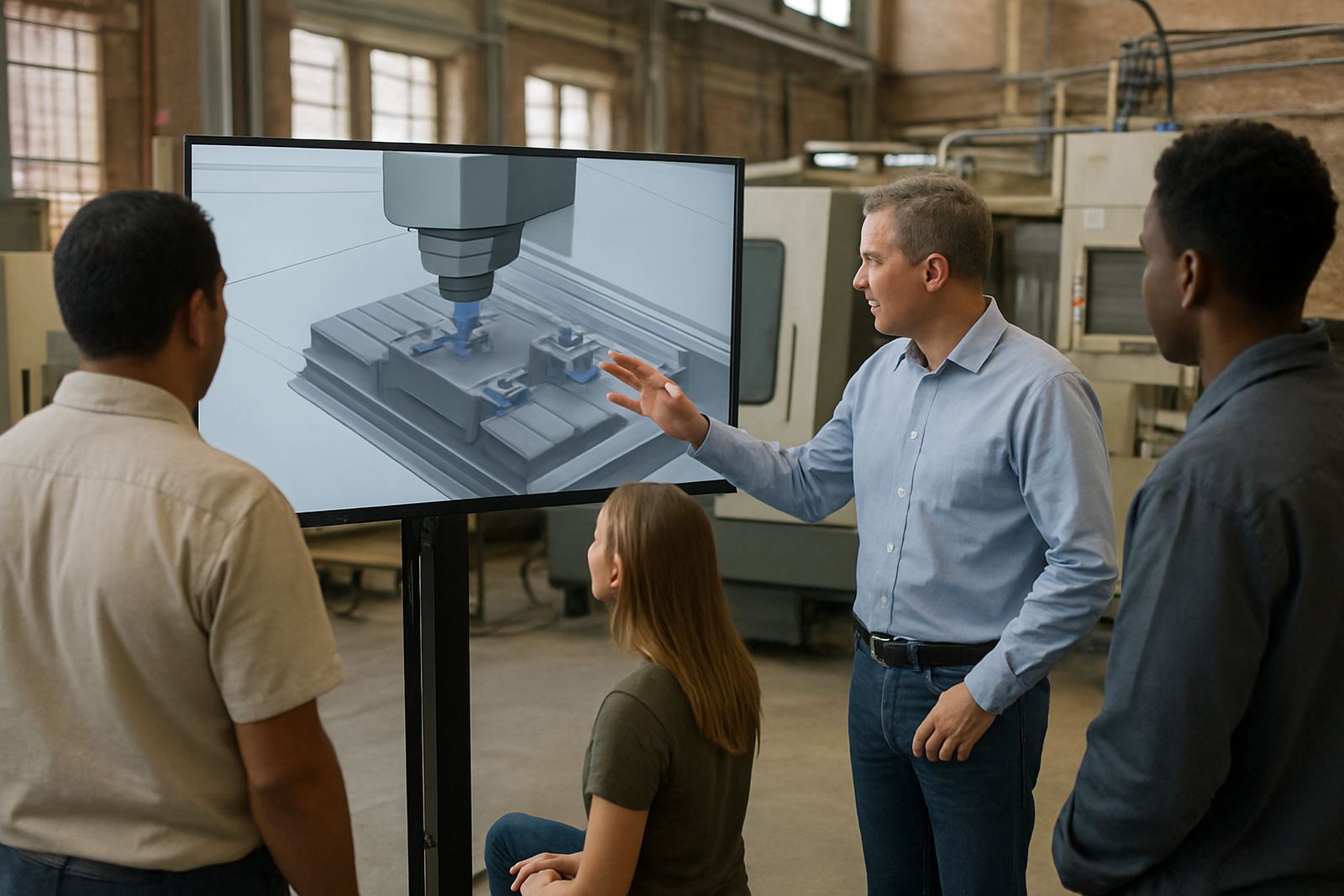
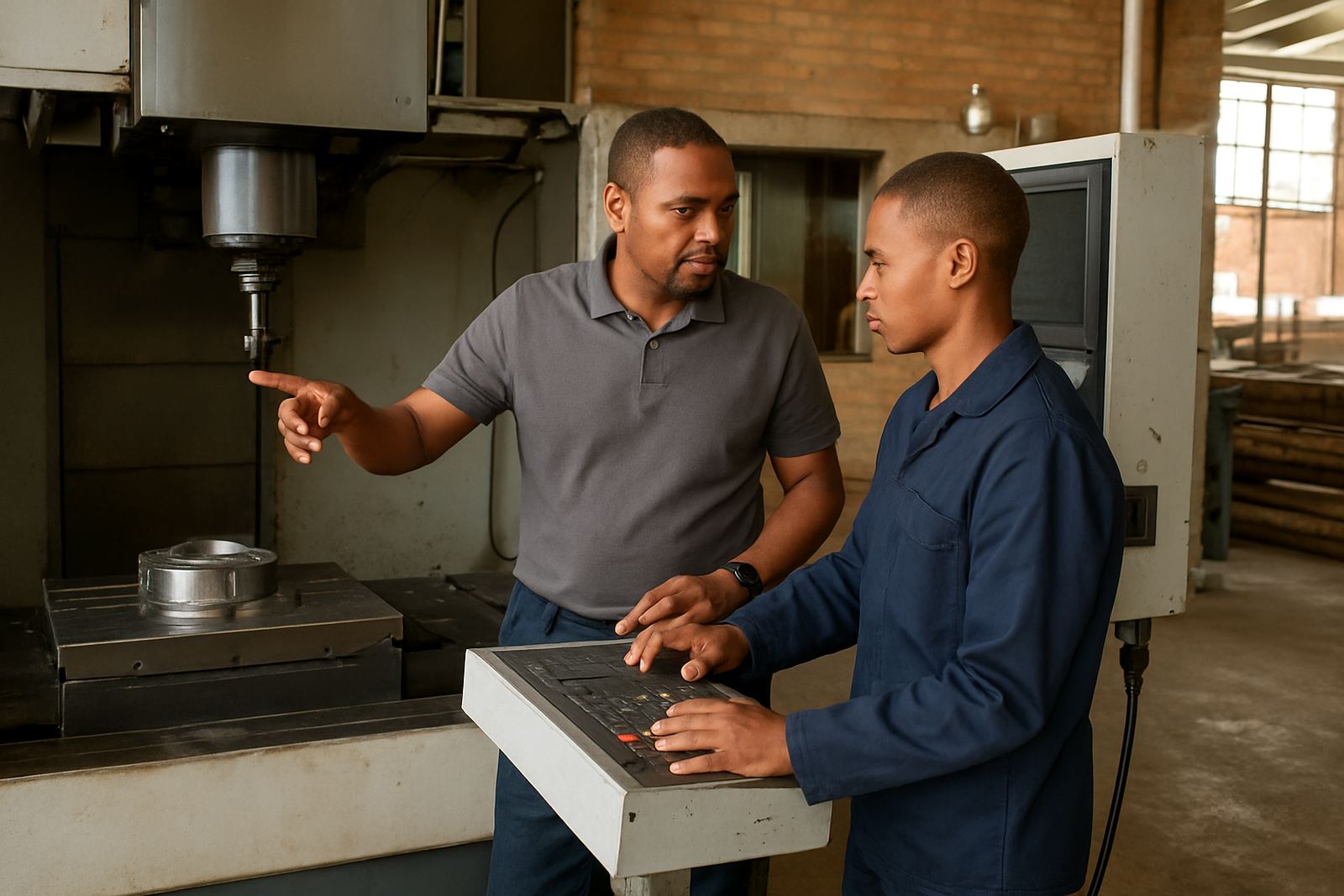
Some shops need training, others need to solve the job in front of them. The journal sits alongside our training and support work. You will find notes on operator training, programmer training, owner training, first job support, remote troubleshooting and workflow audits, all written for shops that need practical help not theory.
When a team is new to CAD/CAM, the right sequence matters. Installation first, then post checks, then a controlled job run, then training that fits the actual machine. Skipping steps usually costs more later. If your shop is scaling up, articles on tool library builds and annual support plans can help you structure the work properly.
- Use training articles to build confidence on the machine.
- Use support articles when a job needs quick correction.
- Use workflow articles when repeat mistakes keep showing up.
Browse the listings below to find the subject that matches your current setup, machine type or production pressure.