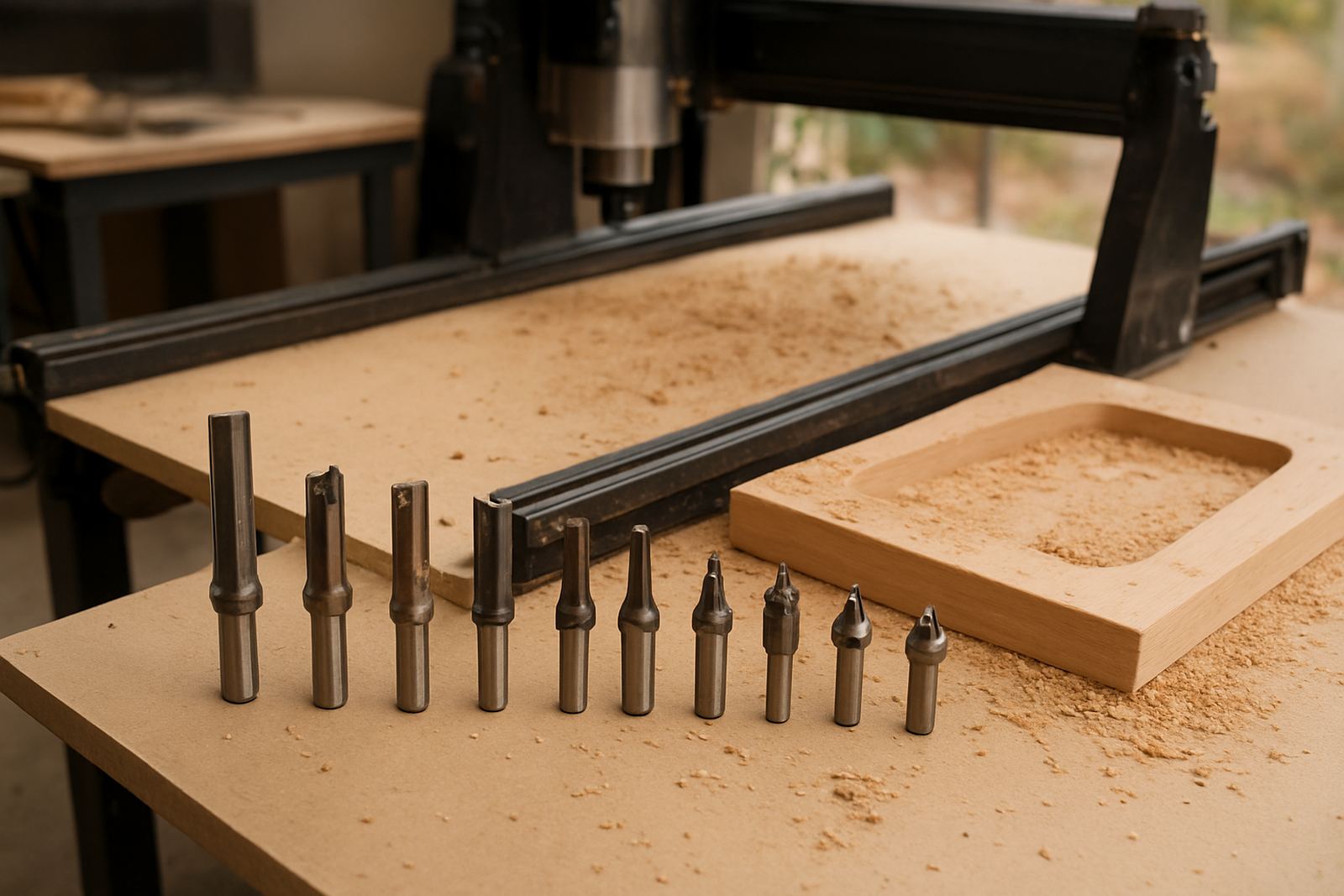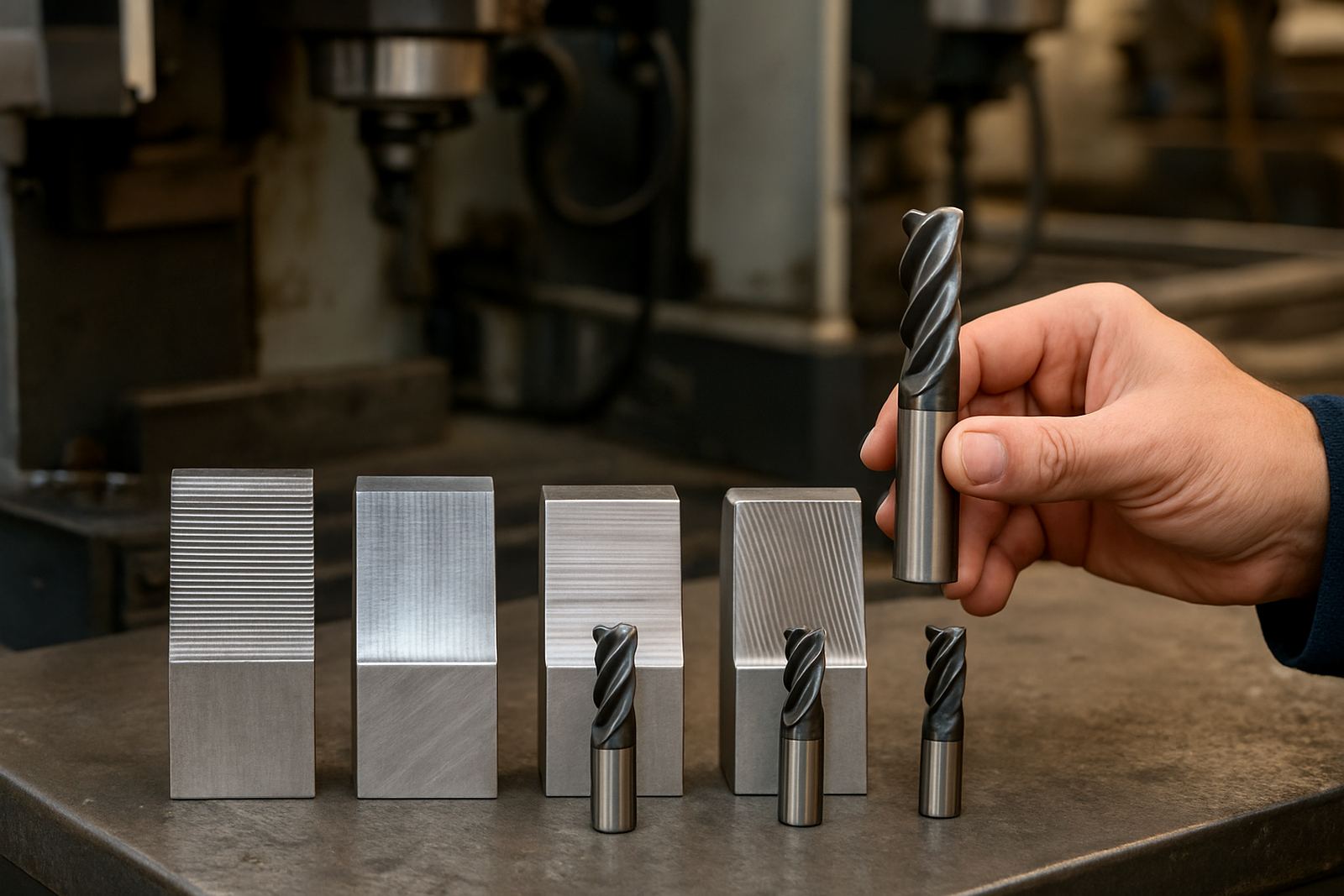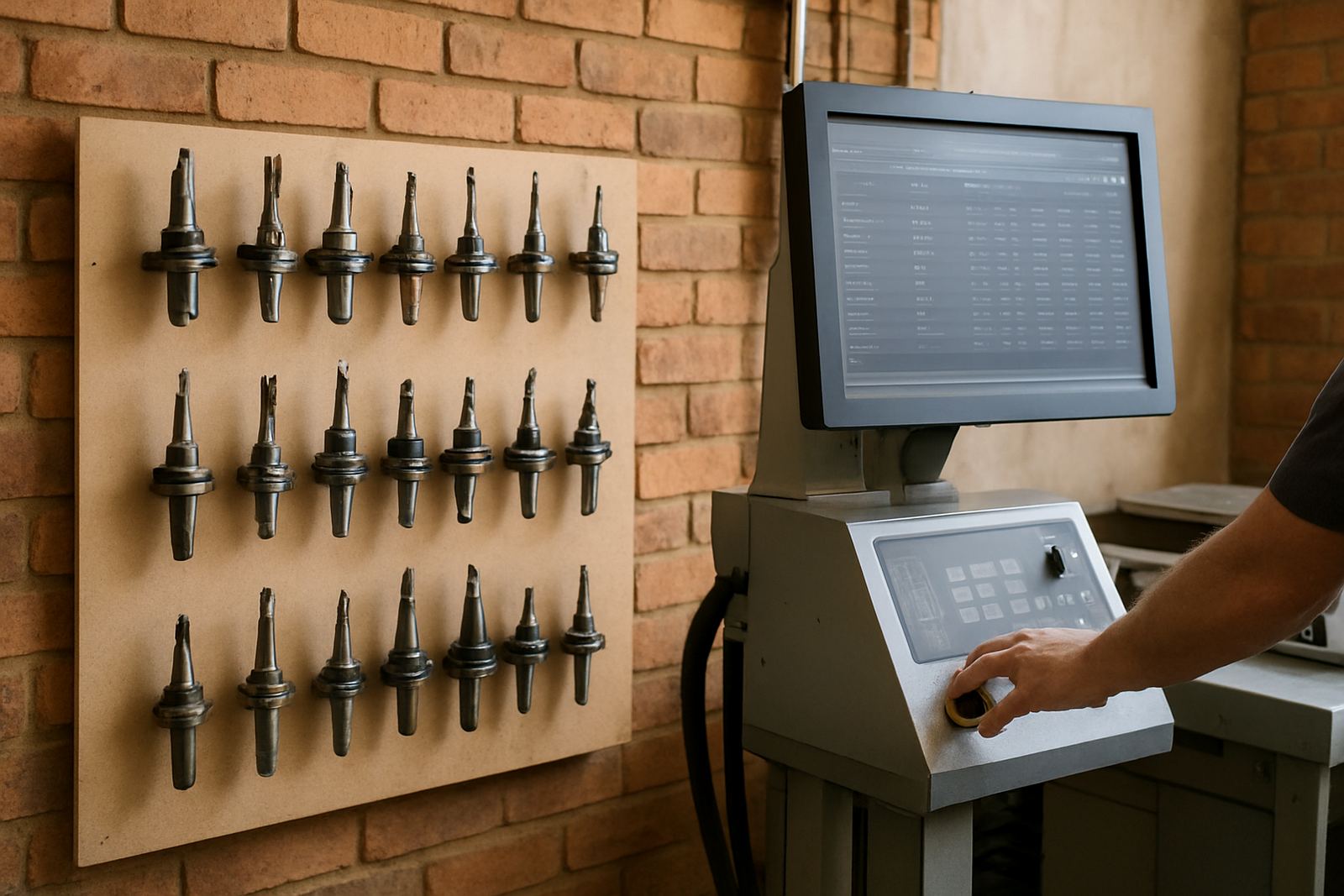
Why tool data slips into chaos
Most shops do not start with bad discipline, they drift into it. A new cutter gets added for one job, an offset is changed on the fly, a tool name is copied from another programme, then the next shift inherits a library full of near matches and guesswork. After a few months the machine may still run, but the same part no longer comes out the same way from one operator to the next.
That is where tool library discipline matters. It gives your programmers, setters and operators one agreed record for diameter, length, flute count, corner radius, stickout, holder details and material use. In a busy South African shop, especially where day shift and night shift share machines, that consistency saves time and reduces scrap. It also helps when load-shedding, rushed restarts or job changes put pressure on the team and nobody wants to redo the same setup twice.
- One tool number should mean one physical tool spec
- Each tool entry should include the holder and gauge length where needed
- Names should follow a simple rule that every shift understands
What a proper tool library should contain
A good tool library is more than a list of cutters. It should help the operator set up with confidence, and it should help the programmer write code that matches the machine on the floor. For CNC routing, milling, turning and plasma work, the details that matter are often small, but small differences can change cycle time, finish quality and tool life.
At minimum, each entry should capture the information needed to identify the tool and use it correctly. If the machine has a long tool changer or a sensitive spindle, holder and stickout become just as important as diameter. If the shop runs aluminium in the morning and mild steel after lunch, the tool library should support quick filtering so the right cutter is picked without checking three old notebooks first.
- Tool number and clear tool name
- Cutting diameter and flute count
- Overall length, stickout and holder type
- Material group, such as wood, aluminium, mild steel or plastics
- Feeds and speeds notes that reflect your actual machine settings
For plasma setups, the same principle applies even though the tooling is different. Consumable types, pierce height, cut height and amperage settings should be recorded in a way that the next operator can follow. The aim is simple: if someone else loads the job on Tuesday morning, they should get the same result as the person who set it up on Friday afternoon.
Common mistakes that cost time and money
The biggest problem is not a missing field, it is inconsistency. If one programmer writes 6 mm and another writes 6.0mm, the library may still be usable, but search and filtering get messy. If a flat end mill is sometimes called a cutter, sometimes a tool and sometimes by its brand name, the shop loses clarity. That may sound small, yet in a 300 part run those small differences turn into delays, wrong selections and avoidable rework.
Another common issue is mixing machine-specific values with general tool data. A cutter might be the same across three machines, but the offsets, holders and safe clearances are not always the same. If those details are stored badly, one setup can work perfectly on a vertical mill and then fail on a router because the actual stickout was longer than expected. Shops around Johannesburg and Pretoria often feel this when they move jobs between older machines and newer ones, especially where different shifts have their own habits.
- Duplicated tool entries with slightly different names
- Offsets edited in the machine but never reflected in the library
- No standard for metric units or decimal places
- Missing holder data that causes false clearance assumptions
- Tool notes buried in paper files instead of the library
Once the library becomes a patchwork, every new job takes longer to verify. The fix is not more ad hoc edits. It is one agreed structure, applied the same way every time.
A practical standard for multi-shift shops
If your shop runs in Centurion, Vereeniging or the East Rand, you probably know how quickly a good routine can disappear when production pressure rises. The answer is a standard that is easy to follow and hard to misread. Keep the naming simple, use one measurement system, and make sure the same fields are required for every tool entry. That way an operator on the late shift can trust what the day shift entered, and a programmer can import tool data without cleaning it line by line.
A workable standard usually includes a naming rule, a revision rule and a checking rule. The naming rule keeps all tool entries in the same format. The revision rule shows when a tool was changed, reground or replaced. The checking rule makes sure the library is reviewed before a job is released, not after the first part comes off the machine slightly off size.
- Use one naming format for all tool types
- Record who changed the tool and when
- Review long stickout tools before every new job
- Link the tool library to the programme release process
In smaller shops this may be managed by one experienced setter. In larger operations it should be owned by the programming team with input from the floor. The point is not paperwork for its own sake, it is repeatable production.
Why post-processors and tool libraries must match
Even the best tool library will not help if the post-processor outputs the wrong tool call structure or misses the values your machine expects. That is why tool library discipline and post tuning should be treated as one job, not two separate tasks. If your software thinks a tool change happens one way but the machine controller expects another, operators end up making manual changes that break consistency.
We often see this in shops that have grown over time. A router gets added, then a mill, then a turn-mill machine, and each one ends up with a slightly different way of naming tools or handling offset values. That is where structured onboarding helps. When the machine, the post and the library are aligned, the programmer can send out a job knowing the same data will land in the same place every time.
For shops in Durban and Cape Town, coastal humidity can also affect storage and handling, so tool notes should cover more than the cutting edge. If inserts are stored badly, or cutters are left out between shifts, tool wear becomes unpredictable. A disciplined library helps staff know what is in use, what is spare and what needs inspection before the next run.
What a clean library changes on the shop floor
When the library is clean, the change is visible very quickly. Setups are faster because the operator does not second-guess tool data. First articles are easier to approve because the same parameters are used again and again. Tool life improves because feeds, speeds and stickout notes are more reliable. Most importantly, less time is lost arguing over whose version of the tool data is correct.
Shops that maintain proper tool records also find it easier to train new staff. A trainee does not need years of tribal knowledge to load a familiar job if the library is accurate and the notes are clear. That matters for owner-managed shops and for larger teams that rotate staff across CNC routing, milling and turning.
- Faster setup times
- Cleaner handovers between operators
- Better repeatability across shifts
- Less scrap from wrong tool assumptions
- Quicker training for new staff
Tool library discipline is not glamorous work, but it is the kind that keeps a shop steady when the pressure is on. If your data is clear, your machines and your people can do better work with less drama.