







Start Here: Pick the Right Guide for Your Shop
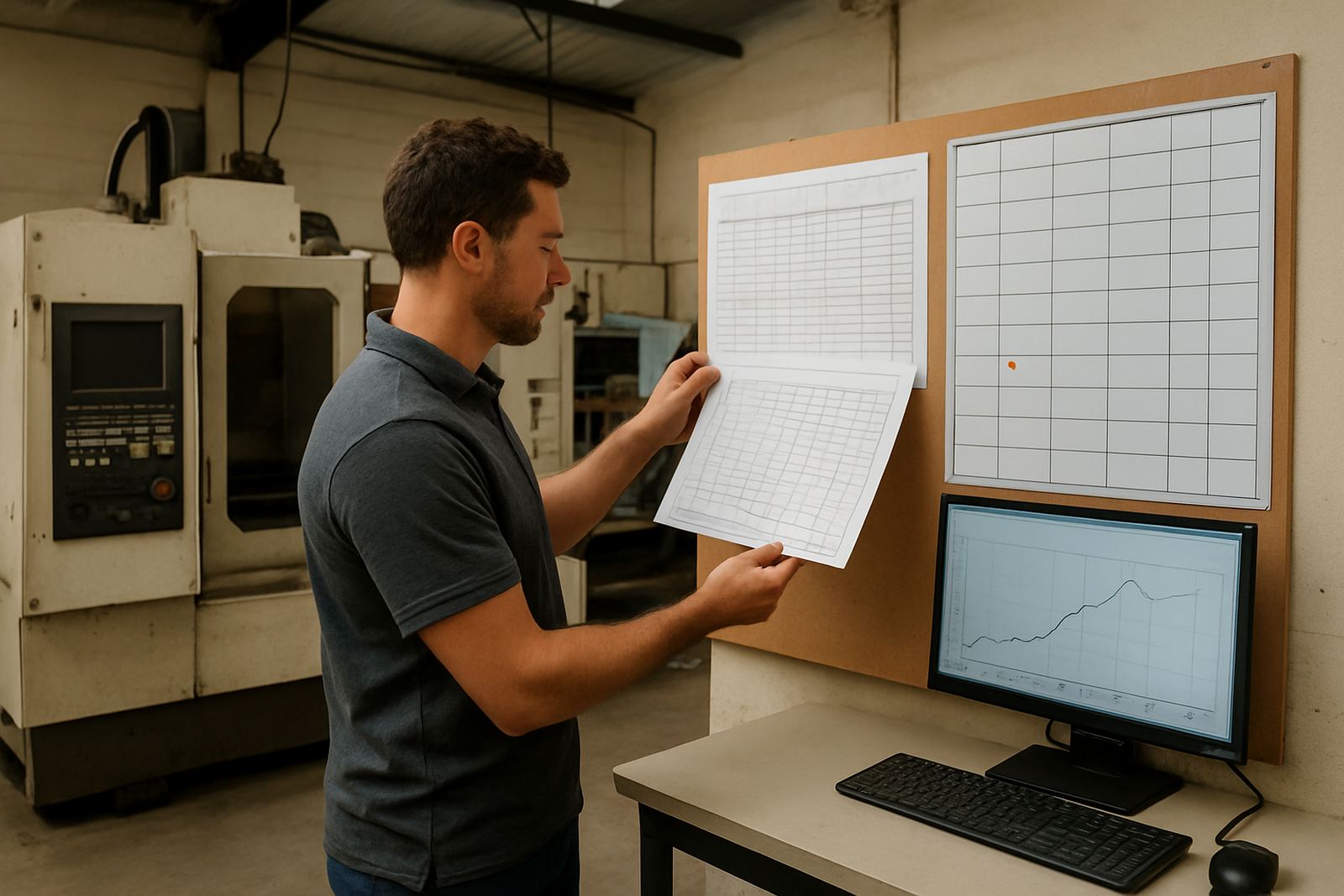
If you run routing, milling, turning or plasma work, the right software choice depends on your machines, your operator skill level and the type of jobs you cut most often. A small routing shop in Centurion will not need the same setup as a busy milling room in Durban, and a Cape Town team working with coastal humidity may have different support priorities to a dry inland site. Start from the jobs on your floor and pick the CAD CAM package that fits them.
Comparing licence options, planning a first installation, or sorting out repeat issues with posting, toolpaths or job setup starts with the right checks. The articles below set out practical steps, from basic buying checks to post-processor tuning and staff training.
How to Choose the Right Software Setup
Before you commit, look at the machines already on site, the number of seats needed and whether programming happens at one computer or across a small team. A shop in Vereeniging with one programmer and two operators will need a different support model to a multi-machine operation in Johannesburg. It also helps to check power backup arrangements, because load-shedding can interrupt licence installs, machine tests and file transfers if no UPS is in place.
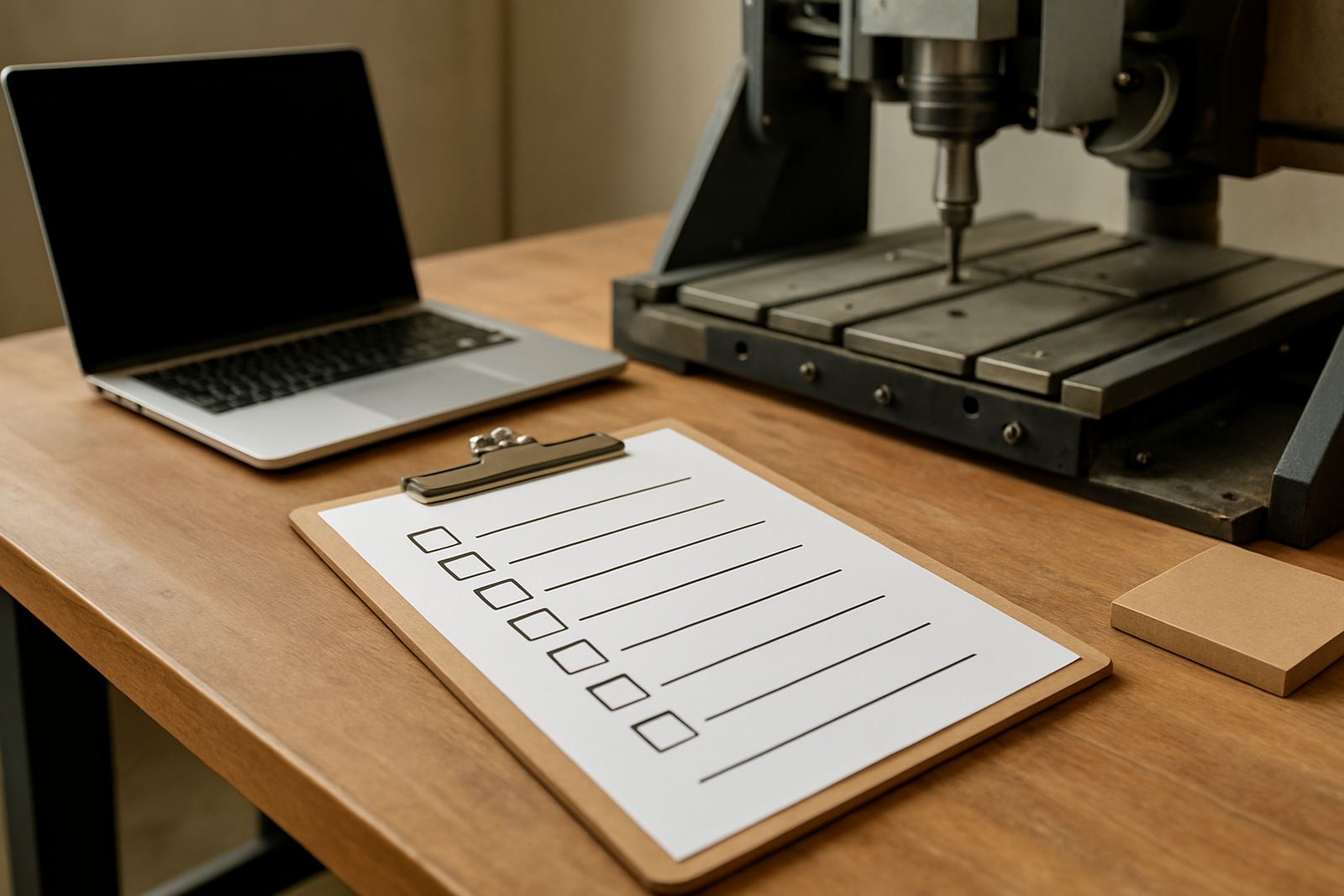
- Check machine type: routing, milling, turning or plasma.
- Confirm whether you need one licence or several.
- Review file handover between programming and the workshop.
- Plan for backups and power protection before installation day.
- Decide if the team needs operator, programmer or owner training.
Good planning saves time later, especially when a new setup must go live before a production deadline.
Posts on Licences, Installation and First Job Setup
Some shops need help with licence installation and account setup, while others need first job support once the software is on the workshop floor. Preparing properly before installation, avoiding delays with user access, and checking the right settings before you cut the first part can prevent unnecessary downtime. Small issues like a missing machine profile or an incorrect post setting can waste a full shift, so it is worth getting the basics right from the start.
We also cover the common handover points between office and shop floor, including file naming, revision control and where to keep approved tool libraries. That sort of structure matters in shops where more than one person touches the same job file.
- Licence installation and activation checks
- Machine onboarding for new equipment
- First job support for the first live cut
- Remote troubleshooting when a site cannot pause production
Post-Processors and Machine Output Explained
Post-processors turn your programmed paths into machine-ready code, so even a well planned job can fail if the post is not matched to the control. Post tuning affects how code is written, whether a custom post is needed, and how output problems show up on the machine. If a machine is missing a command, pausing at the wrong point or leaving too much manual editing, the post is usually the first place to look.
For South African shops, practical detail matters. A plasma table in Cape Town may need different output handling to a router in Pretoria, and a turning shop may want cleaner comments or fewer manual edits at the machine. The goal is not fancy code, just code the operator can trust shift after shift.
- Custom post processors for specific machines
- Post tuning to reduce manual editing
- Workflow audits to find where errors start
- Tool library builds for repeatable output
Training Guides for Operators, Programmers and Owners
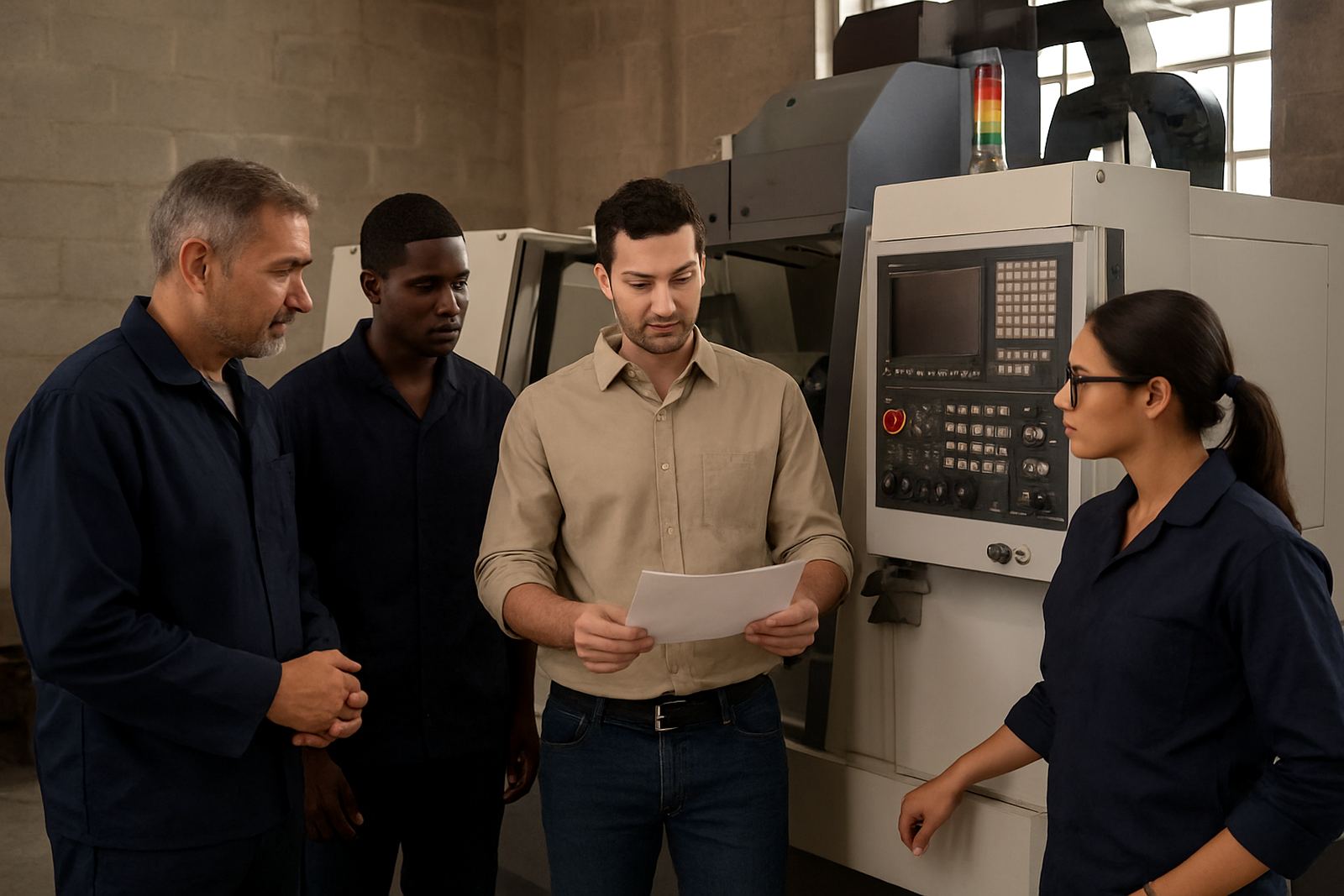
Training needs vary a lot from shop to shop. An operator may only need safe loading, basic file checks and part verification, while a programmer may need deeper control over toolpaths, stock setup and output management. Owners often need a clear view of cost, throughput and how to keep work flowing when one staff member is absent. Our training guides explain what each role should learn and how to pace the rollout so production does not stall.
We also share tips on site training, remote follow-up, and ways to structure sessions for teams working across Pretoria, the East Rand, or Durban. That way, the learning fits the work, not only the classroom.
Use the Guides to Plan a Cleaner Rollout
Whether you are updating one workstation or standardising several machines across the country, these articles help you plan in a sensible order. Start with the software choice, then confirm the post, then make sure the team knows how to use it. If you skip steps, the workshop ends up doing rework and the programmer gets pulled into avoidable fixes.
To keep things moving, many shops work through the guides in this order:
- Choose the software and licence setup
- Confirm machine compatibility and post requirements
- Prepare the tool library and job templates
- Book training for the people who actually run the work
- Review the first few jobs and tighten the process
If you need local support, the guides also reflect the realities of South African production, including municipal downtime, coastal conditions and the need to keep jobs moving when power or staffing changes unexpectedly.