Start With the Jobs You Cut Most Often
Before you compare features, write down the parts you cut every week. Profile cutting for gates, brackets, signs and plate work has different needs to high volume sheet nesting or mixed jobs with many holes and tabs. If you cut mild steel today and stainless or aluminium tomorrow, the software must handle different cutting rules without making the operator guess.
In practical terms, look at sheet sizes, typical thicknesses and the way you quote jobs. A shop in Pretoria cutting 1 220 x 2 440 mm sheets will need different nesting habits to a Cape Town site working with smaller offcuts and more urgent remakes. The more clearly you define your job mix, the easier it is to choose software that keeps scrap down and turnaround steady.
- List your most common material sizes and thicknesses.
- Note how often you cut full sheets, strip cuts or remnant pieces.
- Count how many operators will create jobs and who will approve final output.
- Record whether you need one machine or multiple plasma tables to use the same files.
Check the Nesting Features That Save Material
Nesting is where plasma software earns its keep. Good nesting should place parts tightly, respect grain or direction rules where needed and still leave sensible lead in and lead out moves. If the software wastes even a small amount of plate on every job, the cost adds up quickly, especially with steel prices and transport costs moving around. One missed remnant can cost more than the software licence over a few months, so dont treat nesting as a minor extra.
Ask whether the system supports manual overrides as well as automatic nesting. A good operator will often spot a better layout than a fully automatic routine, especially when the stock room has odd sizes left from a previous run. Also check how the software handles common shop realities such as part rotation, shared cuts, bridge tabs and part marking for downstream fabrication.
- Automatic and manual nesting options.
- Remnant tracking with usable leftover sizes recorded properly.
- Part rotation control for sheet efficiency and material direction.
- Common cut features such as tabs, pierce control and shared edges.
- Clear estimation of material usage before you release the job.
Make Sure the Post-Processor Matches Your Machine
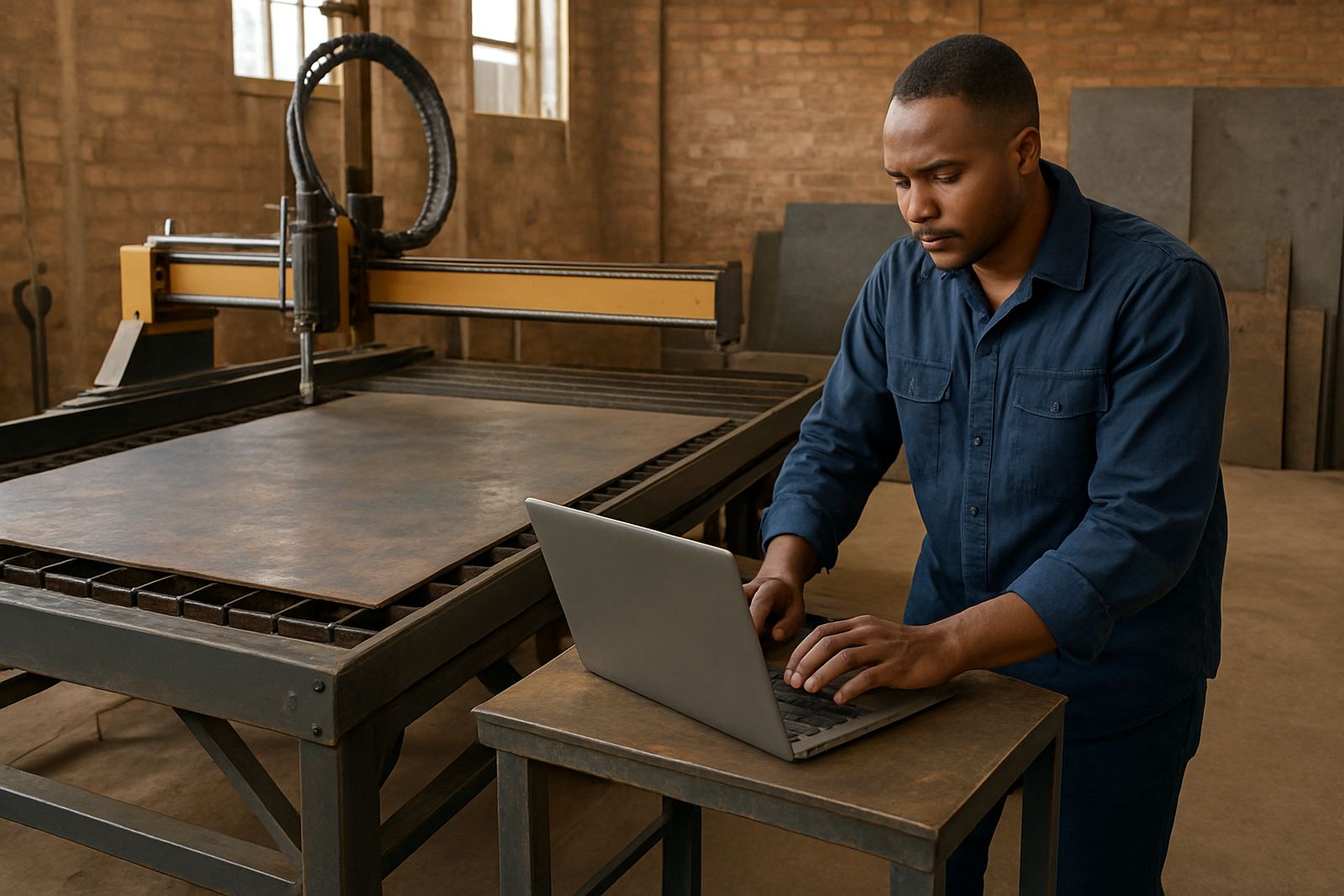
A plasma job can look perfect on screen and still cut badly if the post-processor is wrong. This file turns your toolpath into machine ready code, so it must suit the table, controller and cutting setup on site. If the post is poorly tuned, you may see wrong pierce heights, bad lead ins, axis errors or moves that are fine on one table and useless on another.
For South African shops, machine onboarding should include a real test on the floor, not just a file sent through our contact form and hoped for. Your supplier should check controller behaviour, torch lift commands, kerf settings and any local quirks in the machine configuration. A proper setup also helps when load-shedding interrupts the day and the machine needs to recover cleanly after a restart.
- Confirm the controller type and what code format it expects.
- Test pierce height, cut height and torch delay with sample material.
- Check whether the post supports plasma marking and drilling if needed.
- Make sure the file naming and output folders suit your shop routine.
Plan for Remnant Management and Repeat Work
Good remnant management is often the difference between a tidy shop and a messy one. If offcuts are not tracked properly, people start guessing what is usable and what must be scrapped. That leads to waste, especially in busy workshops where the stock rack changes every day. The right software should let you record leftover plate sizes, link them to material type and bring them back into the next nesting run.
Repeat work matters just as much. If a customer comes back six weeks later for more of the same parts, the software should let you recall the original job, settings and cutting sequence without rebuilding everything from scratch. That saves time and reduces mistakes, which is especially useful in a shop where one person may be quoting, nesting and operating. Small gains here really do stack up.
- Keep a usable remnant register by material grade and thickness.
- Store repeat jobs with the same lead-ins, offsets and cutting order.
- Review scrap rates monthly to see whether nesting rules need adjustment.
- Use standard part names so the stock and production teams stay aligned.
Match the Software to Your Team and Training Needs
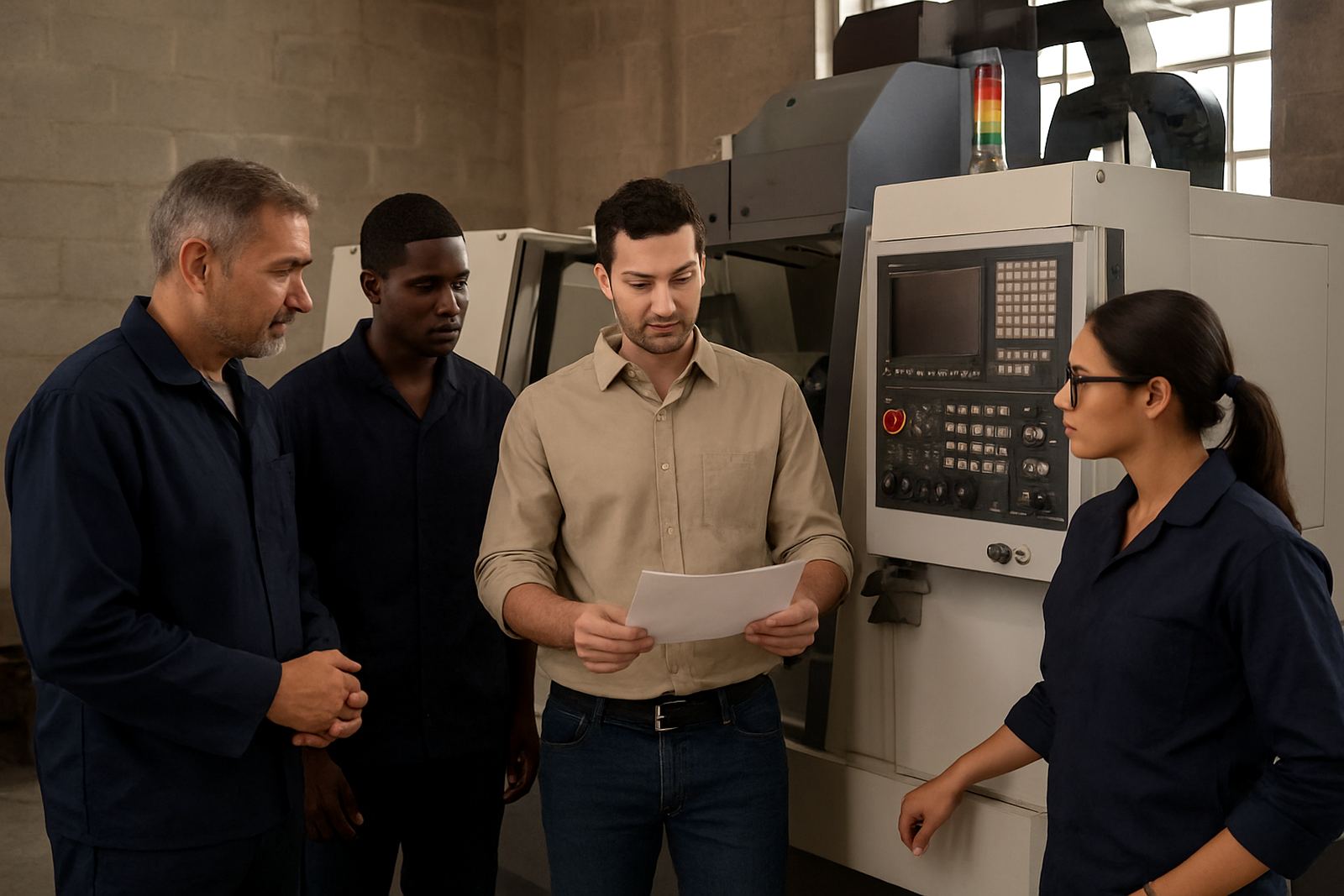
Plasma software is only valuable if your people can use it properly. In many shops, the owner wants the quoting and overview functions, the programmer needs nesting control and the operator needs simple release steps at the table. If the system is too complex, users work around it and the errors start creeping in. That is why training matters as much as the licence itself.
When you plan training, think about who needs operator training, who needs programmer training and who will handle support calls when production stops. A good setup session should cover installation, file flow, post tuning, first job support and how to recover after power cuts or a controller fault. In bigger teams, role based training keeps everyone focused on what they actually do, instead of overloading one person with everything.
- Owner training for costing, control and job visibility.
- Programmer training for nesting, post settings and output checks.
- Operator training for loading files, running parts and basic troubleshooting.
- First job support so the first live cut is checked properly.
Check Your plasma post and training before you sign
Before you buy, compare the software against a plain checklist. Does it support your current machine and the one you may add later? Can it handle your most common sheet sizes? Does it record remnants in a way your team will actually use? Can the supplier tune the post and help when the first job goes live? If the answer is no on any of those points, keep asking questions.
For shops across Pretoria, Johannesburg, Vereeniging, Durban and Cape Town, local support can be worth as much as the software itself. On-site training, remote troubleshooting and an annual support plan make a real difference when deadlines are tight, municipal outages interrupt production or a new operator takes over. Choose a package that fits the way your shop works now, but also leaves room for growth without forcing a full change later.
- Does it support your machine, material mix and sheet sizes?
- Is remnant tracking clear enough for daily use?
- Will the supplier help with installation, post tuning and first jobs?
- Can the team get support when production is under pressure?