Start With The Machines You Actually Run
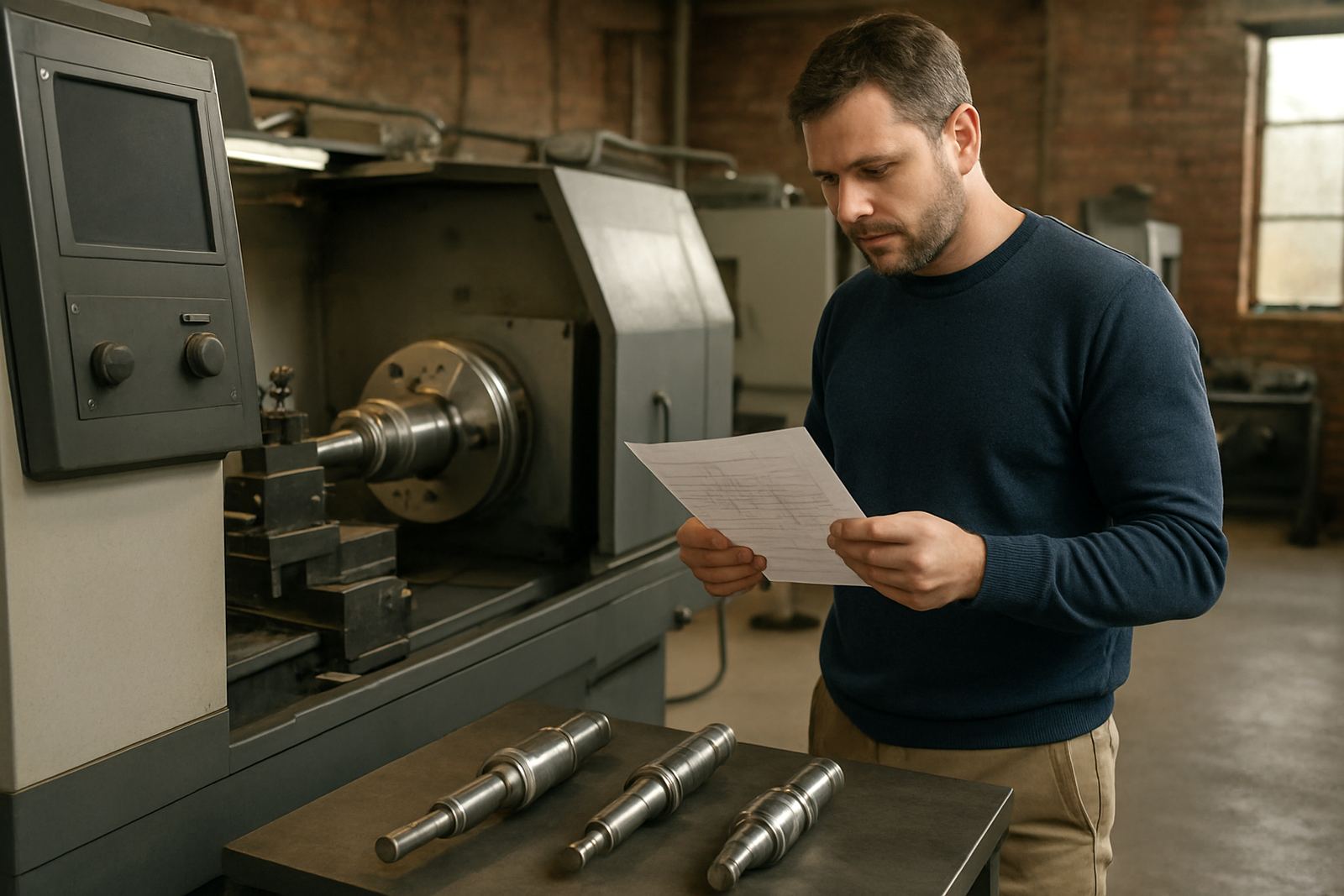
Before you compare features, write down every turning machine and mill-turn centre in the shop. Note the control type, axis count, turret style, live tooling, sub spindle, driven tools and whether the machine is used for small batch work or repeat jobs. A package that suits a simple 2-axis lathe may fall short on a mill-turn machine with C-axis work and multiple setups.
Ask the supplier if the software can handle your full mix, not only the easiest machine in the bay. If you are in Centurion, Pretoria, Durban or Cape Town, also think about power interruptions and whether job files can be recovered quickly after a load-shedding stop. That detail matters when a job is already clamped and the shift is running behind.
Questions To Ask About Programming Speed And Control
Programming time is where most shops feel the difference. A good turning package should let your programmer set up tools, roughing cycles, threading, grooving and drilling without wrestling with the interface. For mill-turn work, ask how easy it is to manage sync moves, tool plane changes and multiple operations on one part.
- How many steps does it take to create a simple turning job?
- Can the software reuse tools and setups across similar parts?
- Does it support turn-mill parts with both milling and turning in one file?
- Can the programmer see collisions, stock removal and remaining material before output?
- Is there a clear way to edit feeds, speeds and tool paths without starting over?
If the answer is vague, expect wasted time later. Shops in Johannesburg and Vereeniging often run mixed batches under tight deadlines, so speed is not a nice-to-have, it is part of the business case.
Post-Processors Are Not An Afterthought
Many turning packages look fine in a demo, then the first job posts code that needs manual fixing. That is where the post-processor matters. You need output that matches the machine control, tool change style, safe start blocks and any shop rules for coolant, sub spindle transfer or manual interventions.
Ask whether custom post-processors are available, and whether post tuning is included when you change machines later. If your workshop has a few older machines and one newer mill-turn centre, a one-size setup can cause trouble. It is better to confirm now than to discover it when a machinist stands waiting for code that will not run cleanly.
- Will the post be built for your exact machine and control?
- Can it be adjusted when you add live tooling or a new turret?
- Does the supplier test first output with your own parts and tools?
- Is there a clear process for updates after machine parameter changes?
Check Training For Operators, Programmers And Owners
Buying software without proper training usually means one person learns it well and everyone else avoids it. Ask what training is available for operators, programmers and owners. In smaller shops, the owner may need enough knowledge to approve quotes, read cycle times and understand why a part takes longer on a mill-turn machine than on a basic lathe.
Good training should be practical, on your parts if possible, and tied to the way your shop works. If your team handles work in Pretoria by day and sends overflow jobs to Cape Town or Durban, make sure the workflow is explained in a repeatable way. A strong software package still needs people who know how to use it under pressure.
Support Matters More Than A Slick Demo
Ask what happens after installation. Can the supplier help with first job support, remote troubleshooting and workflow audits? When a programmer gets stuck on a feature at 3 pm and the machine is meant to cut by 5 pm, support speed is the difference between a late delivery and a damaged relationship with a client.
Also ask who actually answers technical questions. You want people who understand post tuning, machine onboarding and tool library builds, not just general sales talk. In South African workshops, a practical response is worth more than a long explanation. If the support team understands local machine shops, they will usually give better guidance from the start.
Licence Costs, Annual Plans And Hidden Extras
The cheapest licence is not always the cheapest option over a year. Ask what is included in the licence, what support costs extra, and whether annual support plans cover updates, post changes and training refreshers. Some shops only budget for the first invoice, then get caught by installation, onboarding or extra setup work later.
Make a simple cost sheet before you buy:
- Licence cost per seat
- Post-processor build or tuning fees
- Installation and setup cost
- Training for each role in the shop
- Support plan and update cost
- Any extra cost for future machines
For shops in coastal areas like Durban or Cape Town, it is also wise to ask about backup routines and system recovery, since humidity, dust and power events can shorten the life of office equipment if it is not managed properly.
A Simple Buying Checklist Before You Sign
Before you commit, run through the following questions with your team and the supplier. This keeps the decision practical and stops hidden gaps from landing on the shop floor later. It also helps the programmer, machinist and owner agree on the same goal.
- Does the software suit all turning and mill-turn machines in the shop?
- Can it produce safe, clean output for your exact control?
- Will the supplier build or tune the post for your machine?
- Is training available for operators, programmers and owners?
- Can the team get first job support after installation?
- Is there a support plan for future changes and updates?
When those answers are clear, the purchase becomes easier to justify. You are not only buying software, you are buying fewer errors, better turnaround times and a steadier production flow.