1. Confirm the machine list and the work you need to run
Start by writing down every machine that will use the software, including routing, milling, turning and plasma equipment. Note the control type, number of axes, tool change method, table size, spindle range, feed limits and any special functions such as probing or rotary work. If the shop runs a mix of older and newer machines, list them separately so each post can be matched properly.
It helps to record the parts you actually cut each week. A small job shop in Centurion may only need a few repeating profiles, while a fabrication team in Durban may need plate nests, cut-outs and bevel work. The more specific the part list, the easier it is to plan posts and training without wasting time on settings you will never use.
- Machine make and control type
- Material types and thicknesses
- Typical part sizes and tolerances
- Tooling already in use
- Any manual steps the operators still follow
2. Prepare software licences and access before installation day
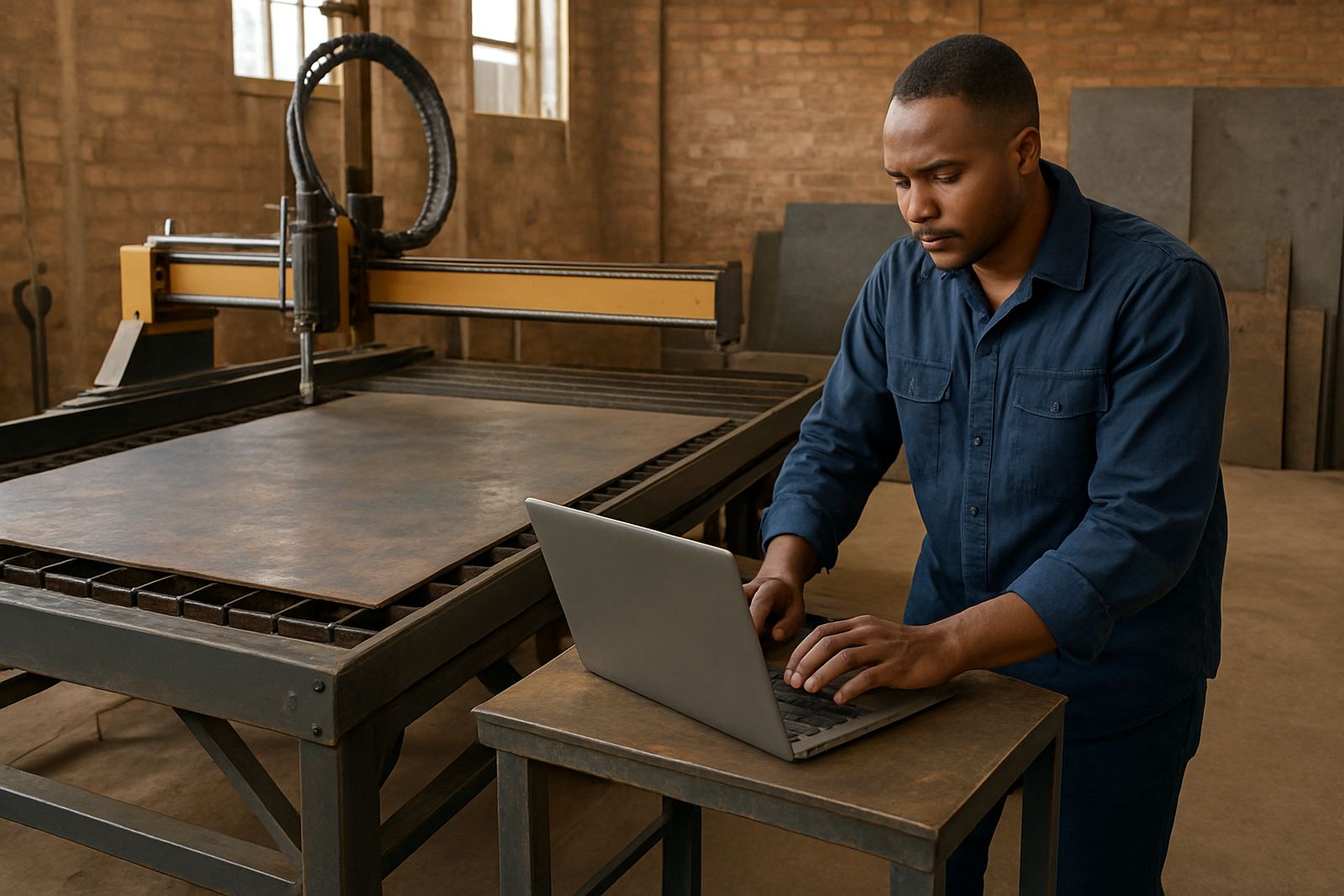
Do not leave licence setup to the same day as machine installation. Make sure the correct seats are allocated, the user names are confirmed and the computers have the required specs for stable use. In many South African shops the main delay is not the machine itself, it is a licence waiting on a message trail or an old laptop that cannot handle the work.
Before the installer arrives, check that the PC has enough memory, storage and a reliable backup plan. In areas where load-shedding is still a factor, it is worth having a UPS in place and a clean shutdown routine. A licence install should also include folder paths, network locations, printer access and who is allowed to edit or post code. That saves a lot of back-and-forth once the team starts cutting.
3. Match the post-processor to the real machine behaviour
A post-processor is only useful if it matches how the machine behaves on the floor. That means checking file output, tool changes, safe moves, coolant commands, spindle start and stop lines, home positions and any control quirks. A post that looks fine on paper can still cause stoppages if it calls the wrong code for a clamp, rotary axis or probe cycle.
We usually recommend testing the post with a small, low-risk sample before the first production part. A short dry run can show if the machine is reading the file correctly and whether the output suits the operator. For shops near the coast, it is also worth checking that storage PCs and control rooms are protected against humidity, because damp conditions can affect electronics and paper records alike.
- Post matches machine control and axis layout
- Safe start and end moves are verified
- Tool change and coolant lines are correct
- Output format suits the operator and controller
- Sample code is checked at low speed first
4. Build a sample job pack before full production
Before going live, prepare at least one sample job for each main machine group. Include a simple part, a medium part and one job that reflects your real workflow. For example, a router shop may test a nested sheet, a pocketing part and a profile with tabs, while a milling shop may test a vice-held component with multiple tools and a repeat run.
Each sample job should show the full chain from CAD to CAM to post to the machine. Save the files in a clear folder structure so the programmer, operator and supervisor can all find them. If your team works across Pretoria, Johannesburg or Vereeniging, keep the naming convention the same at every site. That reduces mistakes when someone needs to repeat a job after a weekend shutdown or a power interruption.
- One simple part
- One repeat production part
- One job with the hardest setup you expect
- Correct tools, feeds and speeds recorded
- Final output saved with version names
5. Train in the same order the shop will use every day
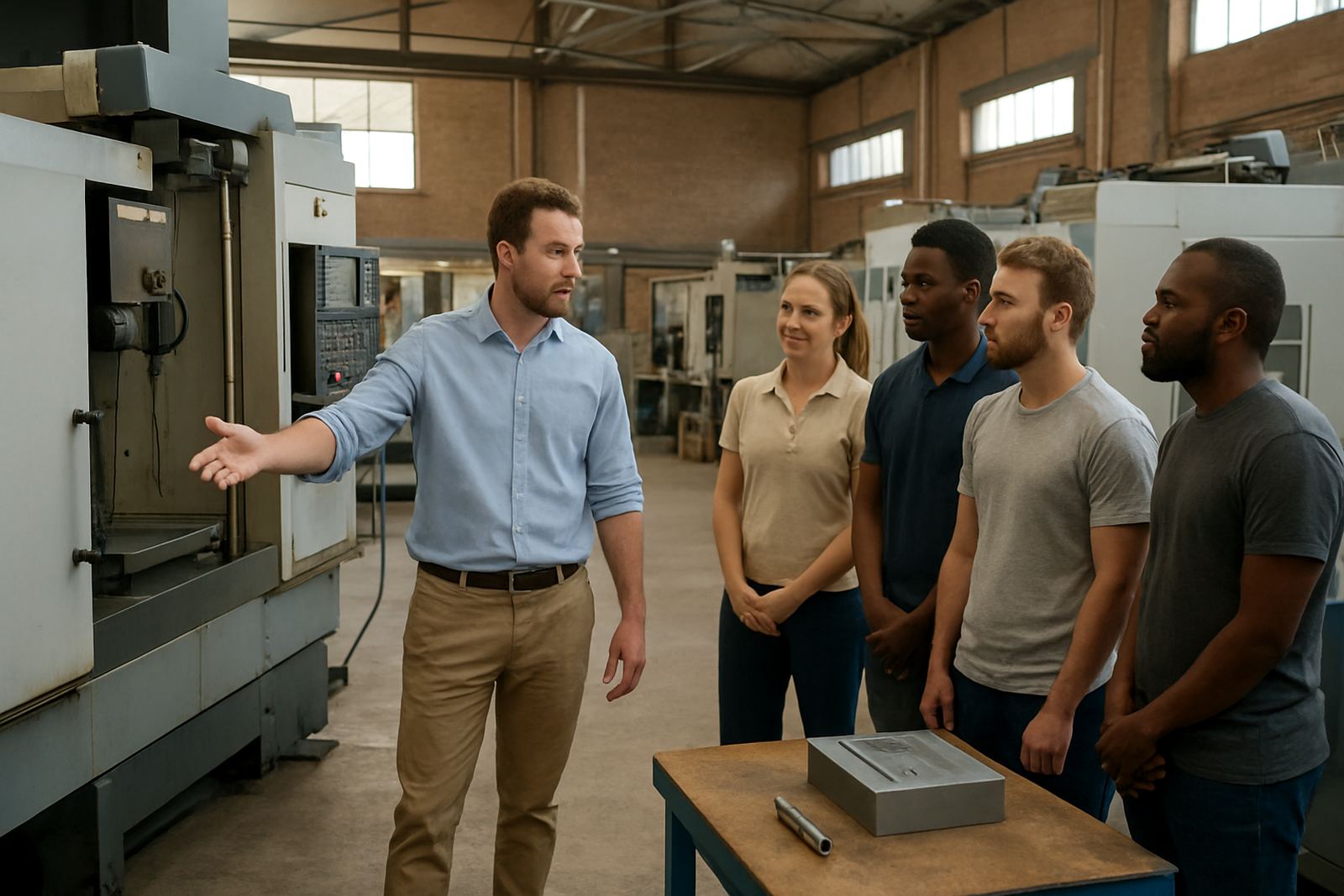
Training works best when it follows the actual production order. Begin with the owner or manager so the workflow, priorities and approval steps are clear. Then train the programmer on file creation and posting, followed by the operator on loading, setting up and checking the first cut. If the shop has a setter or team leader, include them as well because they often become the first point of support on the floor.
Hands-on sessions should cover the full job cycle, not just the software screen. We normally allow time for licence use, post selection, setup notes, machine checks and first job support. Shops in Cape Town or Durban sometimes want all training in one day, but a split plan can work better if there are multiple shifts or more than one machine type. A little space between sessions gives the team time to repeat the steps and bring back questions.
6. Agree on support, sign-off and the first two weeks
The rollout is not finished when the software opens for the first time. Set a clear sign-off point for the post, the sample jobs and the training record. Keep a short list of who can approve changes, who handles operator questions and who is allowed to edit the tool library. That avoids confusion when the shop gets busy and everyone is trying to keep delivery dates on track.
For the first two weeks, keep a simple support log. Record which jobs ran, what changed and where the team slowed down. This is where first job support and remote troubleshooting make a real difference, especially when a shop is balancing production, maintenance and municipal power interruptions. If the process is working properly, the final check should be boring in the best possible way, with no surprises and no last minute rework.
- Post approved on a real sample job
- Training completed for the right users
- Support contacts and responsibilities confirmed
- Tool library and file folders saved correctly
- First two weeks logged and reviewed