1. Set the outcome before the trainer arrives
Start by deciding what the day must achieve. If the shop needs faster job set-up, better first part checks, or fewer programming errors, say so upfront. That lets us shape the session around your actual machine mix, whether it is routing, milling, turning or plasma. A clear goal also helps avoid wasting time on features no one will use this week.
For a Centurion or Pretoria shop, this usually means choosing one machine and one real part to work through from start to finish. If your team runs shifts, pick the operators, programmers and a supervisor who can stay for the full session. Training works best when the same people who make decisions are also in the room.
2. Prepare the machine, files and power conditions
On-site training runs better when the machine is clean, the tools are ready and the software environment is already loaded. Ask your team to clear any unfinished work, confirm tool holders are available, and make sure the latest machine parameters and offsets are accessible. If you are in an area with load-shedding, plan for stable power, UPS support or generator time so the session does not stop in the middle of a setup.
- Machine switched on and safe to access
- Current licences installed and activated
- Sample part drawing or DXF, STEP, IGES, or machine file ready
- Tool list, speeds and feeds, material type and thickness available
- Backups of key settings and post files saved before training begins
If the shop is near the coast, keep in mind that humidity can affect electrics, tool storage and maintenance habits, so it helps to include those checks in the discussion.
3. Use a simple agenda that keeps the day moving
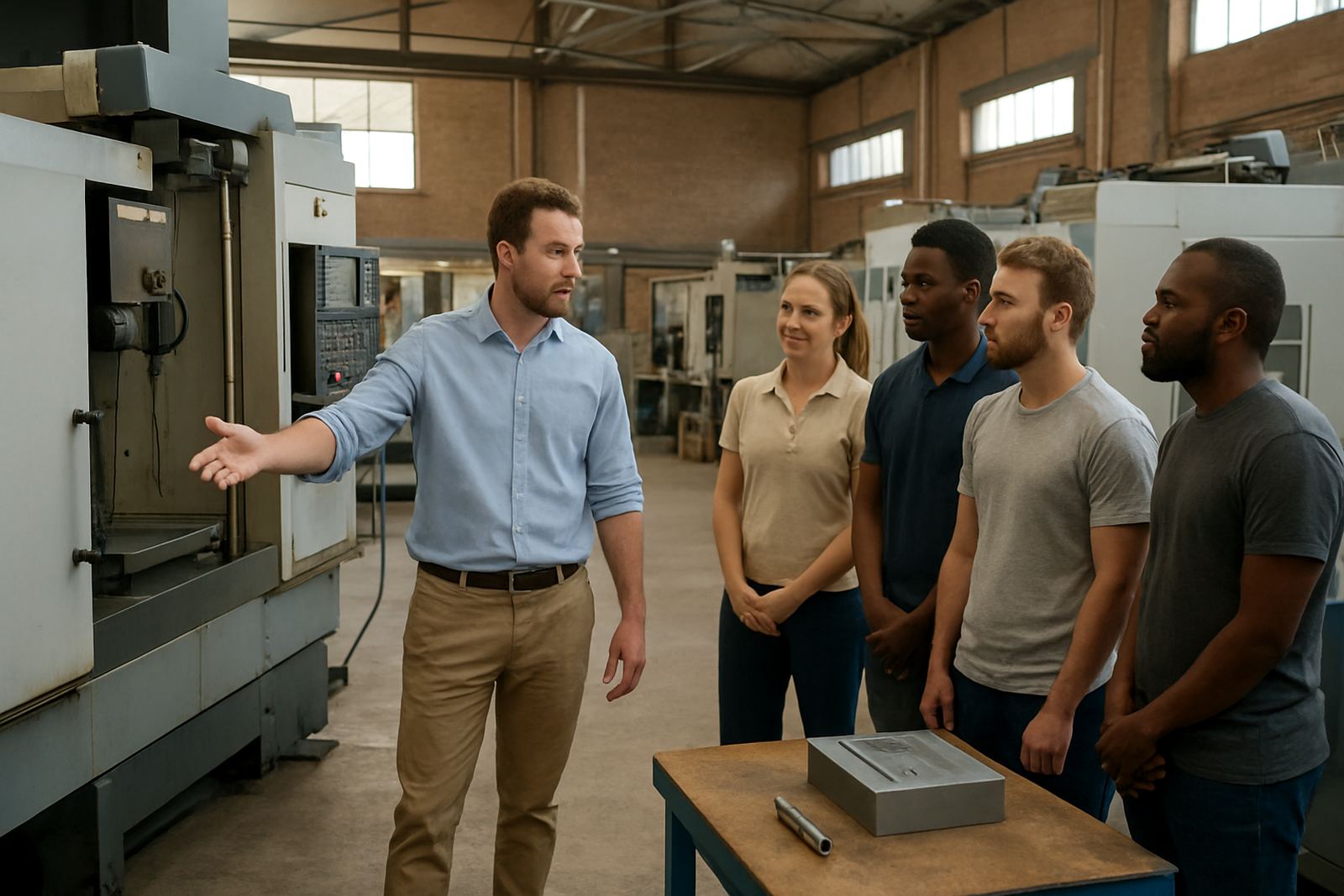
A training day should follow a clear rhythm. Begin with a short review of the current workflow, then move into live screen work, machine setup and finally a dry run or test cut. When the team can see each step in sequence, they understand not only what to do but why it matters. That is important for owner training, operator training and programmer training, since each role needs different detail.
A practical agenda for one day often looks like this: opening briefing, software navigation, file import or model preparation, toolpath creation, post output, machine transfer, and first job checks. If the machine is already running production, we can tailor the session to the gaps causing delays. In Vereeniging, Durban or Cape Town, this often means focusing on the one job that gives the most value right away.
4. Keep the session hands-on, not theoretical
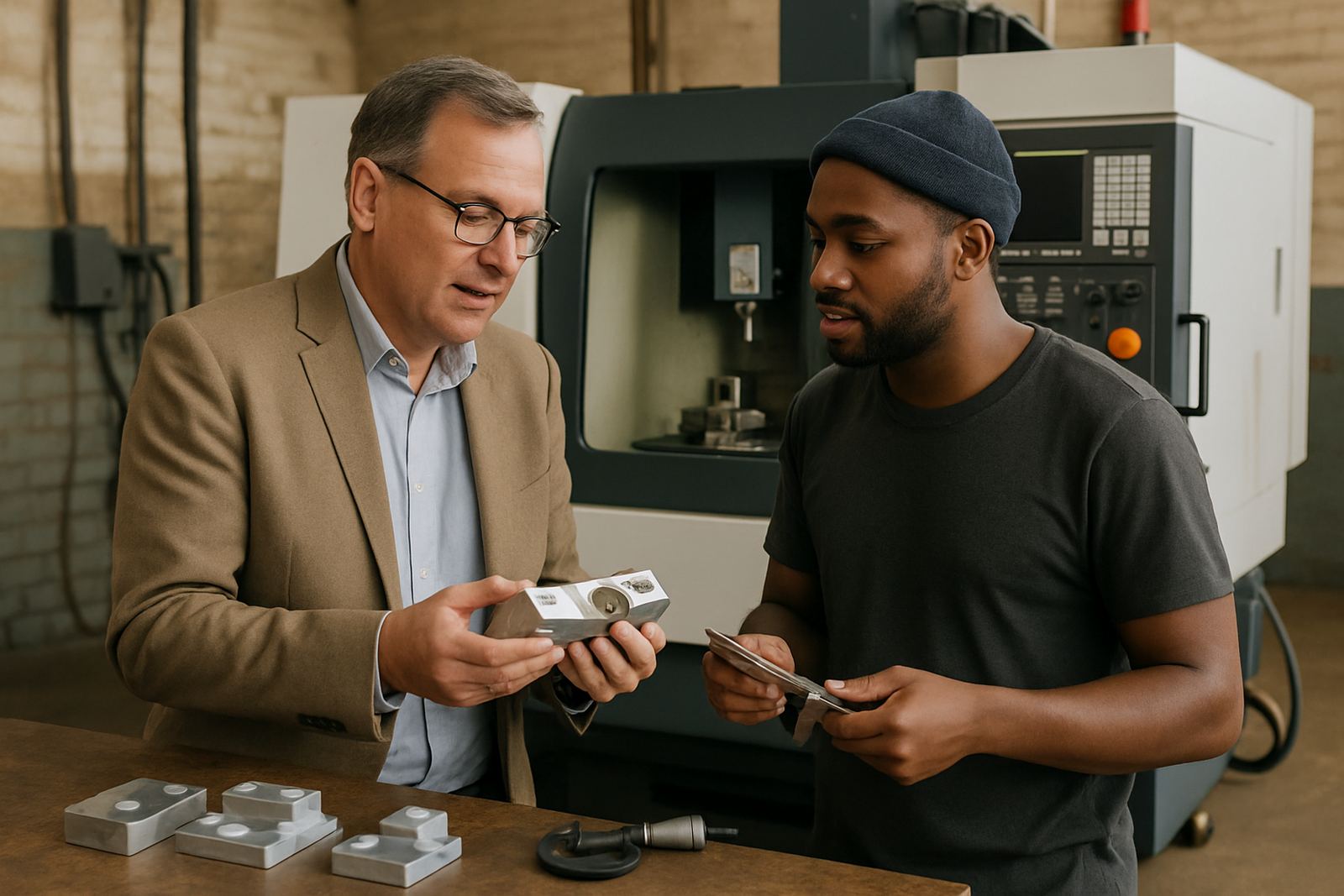
People remember the steps they do themselves. That is why we encourage each attendee to work through part of the process rather than only watching. One person can load the file, another can check tool libraries, and another can review the output from the post-processor. The goal is to build confidence through repetition, not just note-taking.
- Let operators complete common tasks with guidance
- Repeat the same setup twice so the process sticks
- Show where mistakes happen and how to spot them early
- Use your own machine names, tools and job folders
- Finish with one small test job or dry run
When the shop handles more than one machine, it helps to compare the differences between them. A milling setup may be straightforward while plasma nesting or turning can need extra checks. We keep the language practical so your team can use it the same afternoon.
5. Build the checklist around the people in the room
Every shop has a different mix of skills. Some teams need a full introduction to the software, while others need post tuning or support for a new machine. We shape the checklist around the room, the machine and the current bottlenecks. That way the session stays relevant for Johannesburg, East Rand, West Rand and farther afield shops too.
A useful end-of-day checklist includes what each person can now do without help, what still needs support, and what should be standardised across the shop. It is also the right time to decide who owns backups, who keeps the tool library current, and who signs off a first job before it goes live. Small gaps here can cause lost time later, so it is worth being exact.
6. Leave room for first job support after training
Even a good training day rarely ends the learning. The best results come when there is follow-up support for the first real job, especially if the part is expensive or the material is hard to replace. A quick remote review after the session can catch a wrong tool number, a feed rate issue, or a post setting that needs one more adjustment. That is often cheaper than scrapping a part.
For shops that want ongoing certainty, annual support plans, workflow audits and remote troubleshooting can keep the process stable after the training. If your team is in Cape Town, Durban or another branch area, we can also align future sessions with the same machine and workflow so the process stays consistent. One good training day should make the next month easier, not just the next hour.
7. What a well run day should achieve
By the end of the session, your staff should know the steps, understand the reasons behind them and feel able to repeat the process without constant supervision. The machine should be ready for the next job, the files should be stored properly, and the team should know who to call when something changes. That is the real value of on-site training: fewer delays, cleaner handovers and better use of the equipment already in the shop.
If the day is planned well, your team leaves with practical skills, not just notes. They should be able to open the software, check the post output, prepare the machine and get on with the job with more confidence. In a busy South African workshop, that confidence saves time, reduces waste and helps the next shift start on the same page.