What a post processor actually does on the shop floor
A post processor translates toolpaths into the exact G-code or machine language your control understands. It decides how feeds, speeds, tool changes, work offsets, arcs, cycles and safe moves are written for a specific machine, controller and setup. In practice, the post has to match the way your shop runs, not just the brochure spec on the machine.
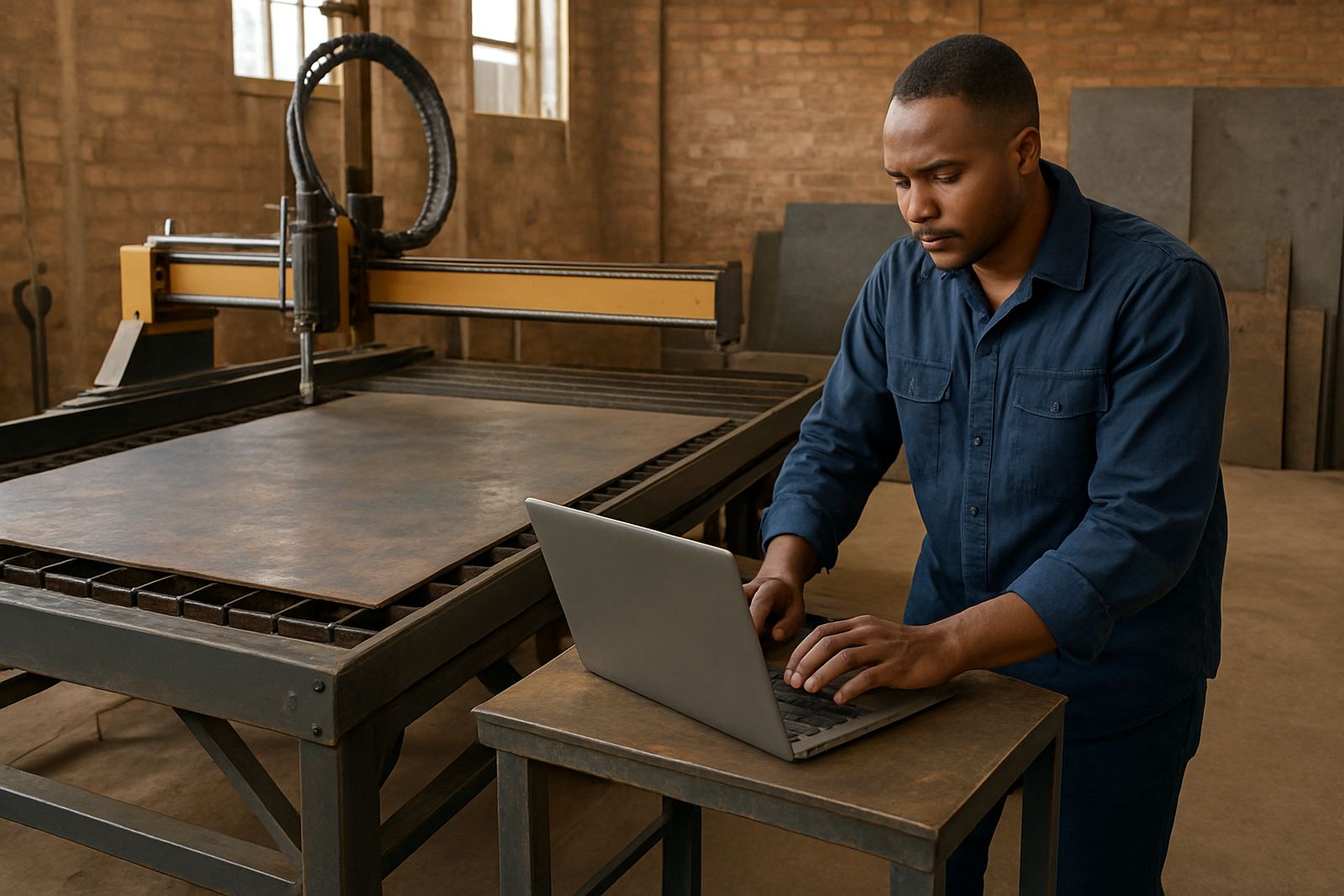
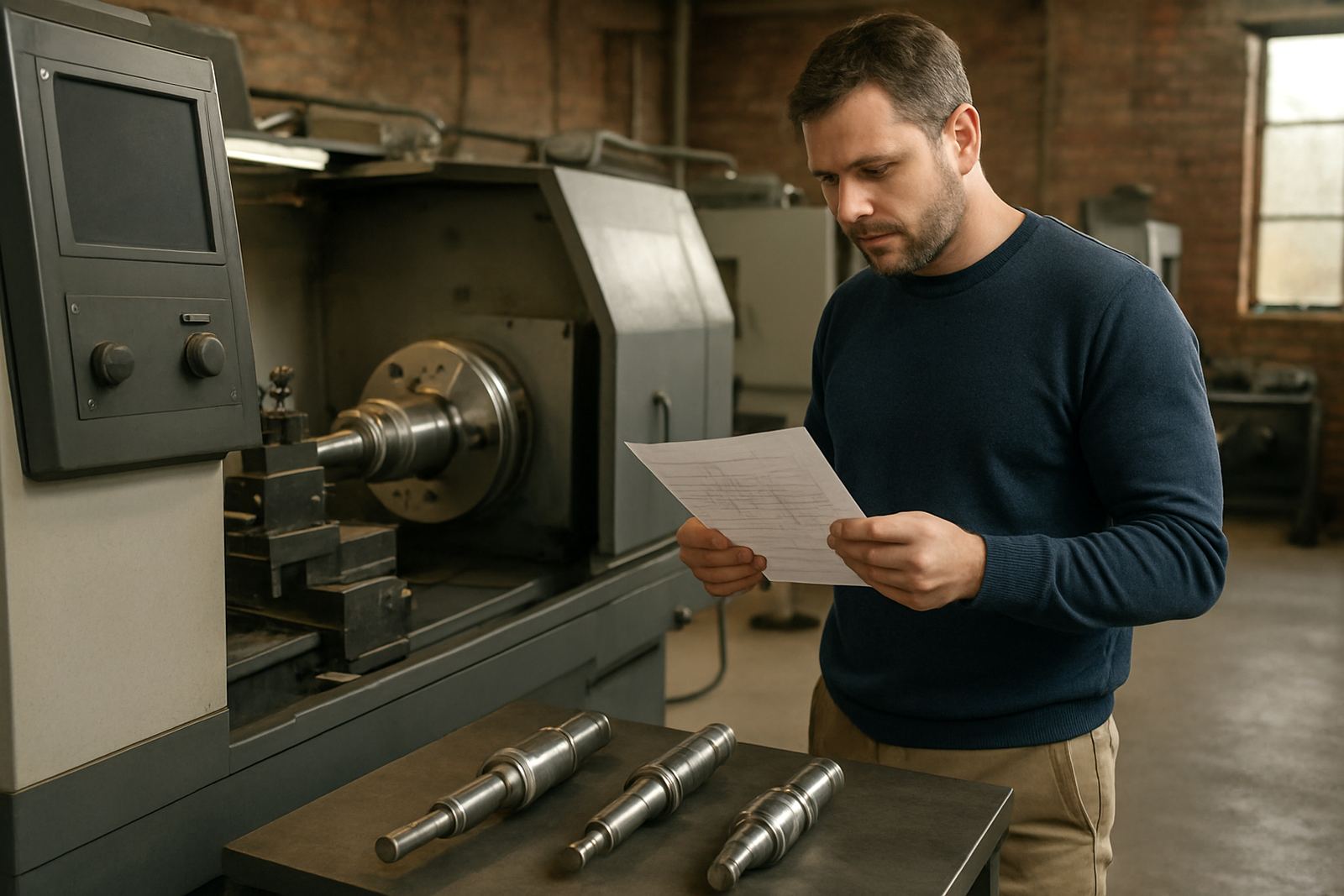
For routing, milling, turning and plasma work, the post should suit the control, axis configuration, turret or spindle setup, probing routines and the way the operator prefers to run the first part. A good post reduces manual editing, helps new programmers stay consistent, and keeps production moving when the load-shedding schedule changes and you need to restart a job cleanly after power returns.
If a machine behaves differently from others in the same workshop, that matters too. One router might need special safe Z moves, one lathe may need a tool change sequence adjusted, and a plasma table may need lead-in and torch height logic matched properly. Small differences matter a lot on the floor.
Signs you need a custom post, not a generic one
Some shops can use a standard post with light tuning. Others need a custom post from the start. If your programmers are constantly editing code by hand, if the machine alarms on output from the CAM system, or if the program runs but cuts in the wrong order, you likely need a proper post build or retune.
Common warning signs include:
- The code needs manual cleanup before every job.
- Tool changes, offsets or work zero calls do not match the machine.
- Arc output is poor on circles, pockets or plasma profiles.
- The machine control rejects certain canned cycles or subroutines.
- Safe retracts are too low or too high for your fixtures.
- Operators are changing the code at the machine to get it running.
If you are running more than one machine, the need is even clearer. A single post for all machines often causes trouble because each control and setup has its own habits. On some older machines, even a small difference in header format or line numbering can cause stops. That is where post tuning saves time and scrap.
Information a post request needs
Complete machine and process details let us build and test a post that fits your setup. A good request does not only say the machine make and model. It should show how the machine is configured, what CAM system you use, and what the programme must do on the first part.
Please prepare the following before you send your request:
- Machine make, model, controller and year if known.
- Number of axes and any rotary or swivel setup.
- Sample code that runs correctly on the machine.
- One or two problem files from the CAM system.
- Tool list, holder notes and any special safe height limits.
- Fixture photos or a simple sketch of the setup.
- Your preferred work offset method and homing routine.
- Any probing, pallet or part-swap sequence used in production.
If you have a manual from the machine builder, send the pages for tool change, work offsets, canned cycles and alarm messages. Even a photo of the control screen can help. It also helps to note whether the shop is in Pretoria, Durban or a coastal area like Cape Town where humidity can affect stored tools, electrical panels and restart behaviour after a shutdown.
How we test and tune a post before release
Once we have the machine details and sample output, the post is checked against the way your shop actually works. That means reviewing the header, tool calls, safe moves, coolant logic, spindle start and stop, and any custom routines the operator expects. We also look for anything that could cause a crash, an alarm or unnecessary operator intervention.
The process usually follows these steps:
- Review the machine configuration and control behaviour.
- Build or adjust the post structure for the specific setup.
- Test output against sample parts and real job files.
- Check for clean code, safe retracts and correct units.
- Confirm the first part run with the programmer or operator.
- Make final adjustments after shop-floor feedback.
For shops in Johannesburg, Vereeniging and across the East Rand, this often includes matching older controls that may need conservative output and plain, readable code. In some cases we also help with first job support so the programmer can see the output on a live machine and confirm the process before full production starts. It saves a lot of back and forth, especially when several shifts use the same machine.
What to check before you send a sample job
A sample job tells us more than a general description. The best sample is one that represents the type of work you do every week, not only a simple test shape. If your shop does complex nesting, angled drilling, turning with live tools, or plasma cut-outs with multiple pierces, send that style of job rather than a basic square.
Before sending it, check these points:
- Is the part representative of daily production?
- Does it use the same tools and feeds you use on real work?
- Are there special machine moves or operator steps?
- Are there comments in the code that explain the sequence?
- Does the current output include manual edits you want removed?
It also helps to say what success looks like. For one shop, success means no edits at all. For another, it means cutting the code cleanly with only minor setup changes. For a third, it may mean reducing alarms during a night shift when there is no one available to baby-sit the machine. That detail shapes the post from the start.
Keeping your post working after the first install
A post is not something you install once and forget. Tool libraries change, machine options are added, operators change and production methods evolve. If a new chuck, rotary axis, probe or plasma torch is fitted later, the post may need a small update to stay accurate.
We recommend keeping these habits in place:
- Save a clean copy of the approved post file.
- Record the machine settings that were used for sign-off.
- Keep one test part and the matching output as a reference.
- Note any controller updates or machine changes immediately.
- Review the post after new tools, fixtures or workholding are added.
Annual support plans are useful for shops that want help with ongoing adjustments, remote troubleshooting and workflow audits. If your team grows, programming standards can drift. A short review now and again keeps the output tidy, and prevents one operator from running a different style of code to the next. That consistency matters in busy South African shops where downtime is costly and lead times are tight.
When to ask for help before a job goes live
If a machine has already alarmed on test code, or if a first article is due and the post is still not behaving, ask for support before production starts. The earlier the machine, CAM file and sample output are reviewed, the easier it is to fix the issue without holding up the job card.
We support shops from Centurion, Pretoria, Johannesburg, Vereeniging, Durban and Cape Town, with on-site training and remote support where needed. If you are onboarding a new machine, starting a new programmer, or moving to a different control, it is often better to bring in support before the first production run rather than after a costly mistake. A little preparation now can save a full shift later.