Start With the Jobs You Are Actually Winning
Do not begin with software features, begin with the parts on the floor. If your shop is moving from simple 2D routing into 3D mould work, nested cabinet parts, multi-axis milling or mixed turning and plasma work, the CAM package needs to match that mix. A good upgrade is one that removes repeated manual steps, shortens programming time and keeps the machine running during load-shedding windows and after-hours shifts.
In Centurion, Pretoria, Johannesburg and the rest of Gauteng we often see shops outgrow their current setup in small ways first. One programmer starts copying files by hand, another machine needs a different post, or an owner notices that quote-to-cut times are stretching. Those are early signs, not problems to ignore.
- Look for repeated manual edits before every job
- Check if each machine needs its own post-processor tweak
- Note how long it takes to move from drawing to first cut
- Track scrap, rework and missed due dates over 30 days
Check Whether Seats Are Slowing the Team Down
A single licence can work for a small shop, but once programmers, setters and supervisors all need access, one seat quickly becomes a queue. If two people are waiting to open CAM files or verify toolpaths, the software setup is already holding the shop back. Adding seats is often the simplest upgrade and sometimes the cheapest one too.
Before you add more features ask who needs access every day, who only needs review access and who only needs viewing rights. That helps keep costs controlled while making sure the right people can work at the right time. It also reduces the risk of one computer being the only place where critical jobs live.
- Count daily users, not just total staff
- Separate programmers from reviewers and machine operators
- Check whether each workstation has the right licence type
- Make sure licence installation is planned before busy periods
When a New Post-Processor Becomes Necessary
Many shops assume a post-processor is a one-time setup. In practice it often needs to change when a machine is replaced, a controller is updated or the shop starts running a new process such as plasma cutting, turning or 4-axis routing. If the code needs constant manual correction, the post is doing too much of the work and not enough of the thinking.
A proper post review should check the exact controller behaviour, tool change logic, safe start lines, spindle and coolant commands, axis limits and probing routines if used. For job shops in Durban or Cape Town, where humidity and machine downtime can affect delivery dates, a stable post saves a lot of late-night checking. Tiaan usually starts with the machine file, then tunes the output against real parts, not just test code.
- Review alarm messages from the machine controller
- Compare posted code against the machine manual and actual behaviour
- Check whether tool change points are safe and repeatable
- Confirm the post still suits the current tooling and fixturing
Decide If Your Machine Capability Is Catching Up
Sometimes the issue is not the CAM package at all, it is that the machine capability no longer matches the work. If you are asking one router to behave like a production machining centre, or if a turning machine is being pushed into more complex cycles than it was set up for, the software upgrade needs to happen alongside the machine plan.
That may mean adding probing support, better nesting workflows, more advanced toolpath strategies, or support for additional axes and machine configurations. It can also mean tightening the first setup so the operator can repeat the job without guesswork. The goal is not fancy features, it is a cleaner path from CAD to cut part.
- List the parts that now fail on the current machine
- Identify where cycle time is too long for the market
- Check if fixturing or tool access is limiting the program
- Note any extra steps needed for setup, inspection or rework
Use Training as Part of the Upgrade, Not After It
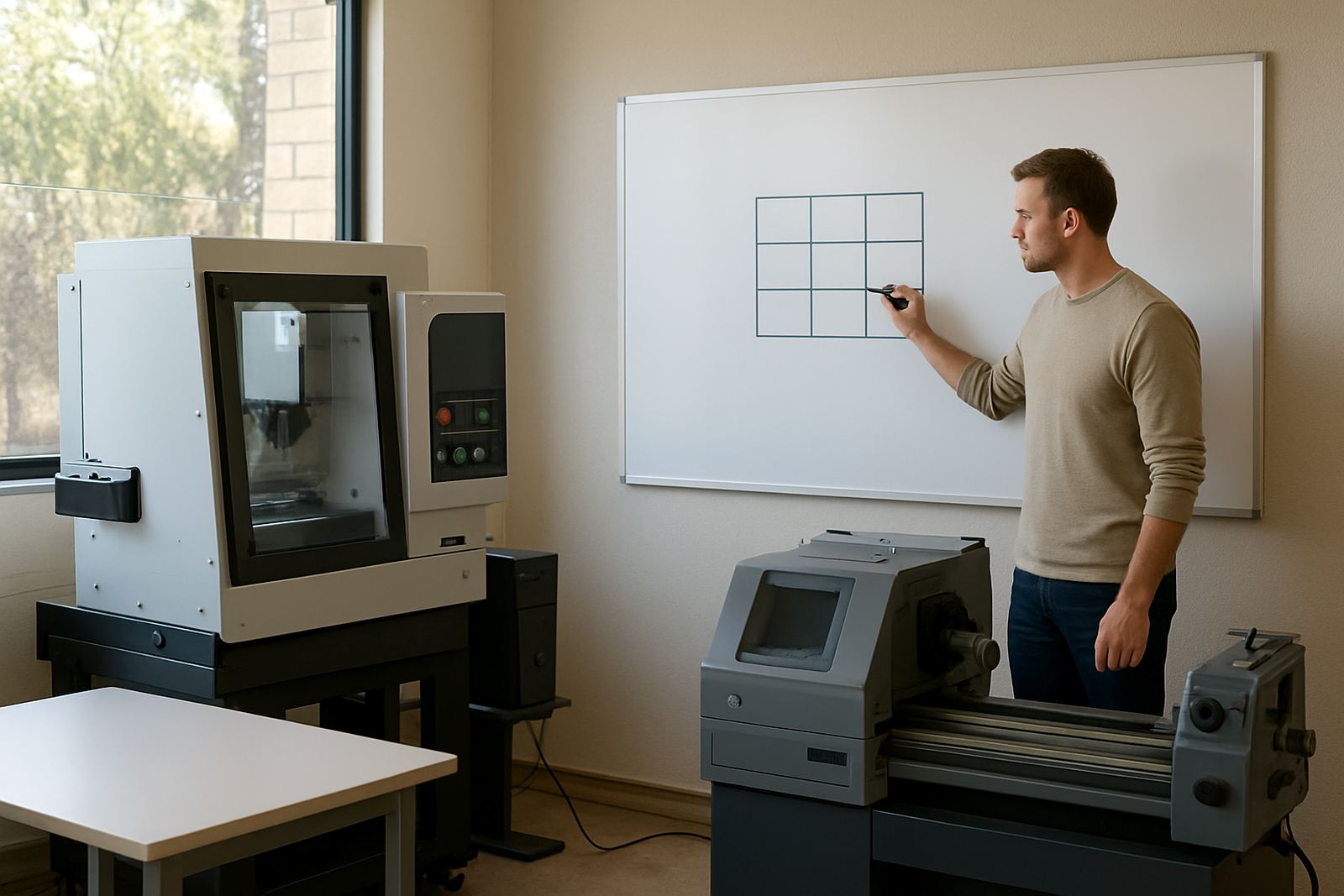
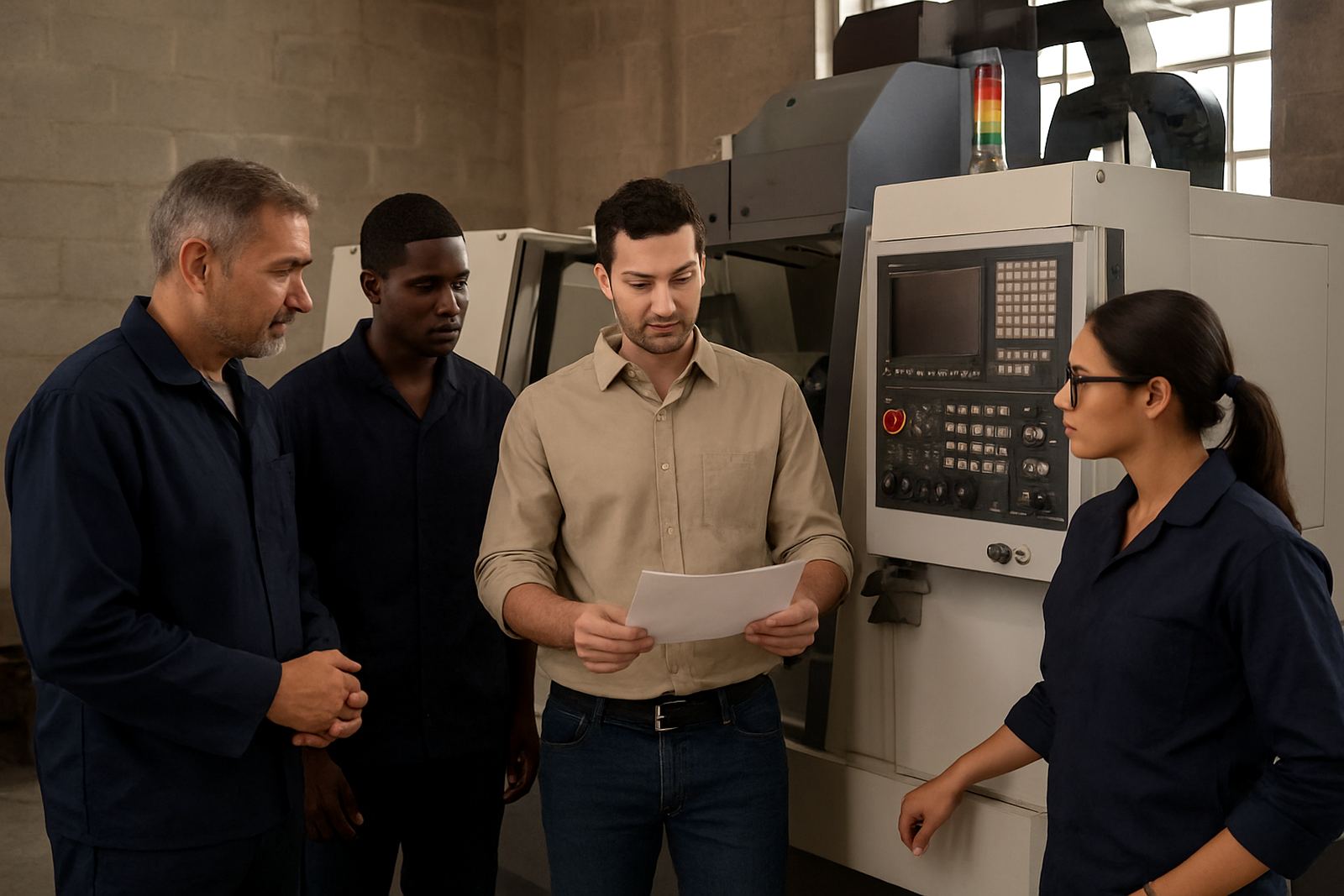
A licence upgrade without training often leaves the shop using only the old habits in new software. That is wasted money. If the team is changing modules or moving onto a different machine type, operator training, programmer training and owner training should be planned together so everyone knows what changed and why. It is much easier to lock in a new workflow when the people using it understand the setup.
Our team in Centurion supports onsite and remote training across Pretoria, Johannesburg, Vereeniging, Durban and Cape Town. We cover first job support as well, which is often the difference between a smooth changeover and a week of small errors. Phenyo will usually map the session to the machines, the parts and the skill level in the room.
A Practical Upgrade Checklist Before You Spend More
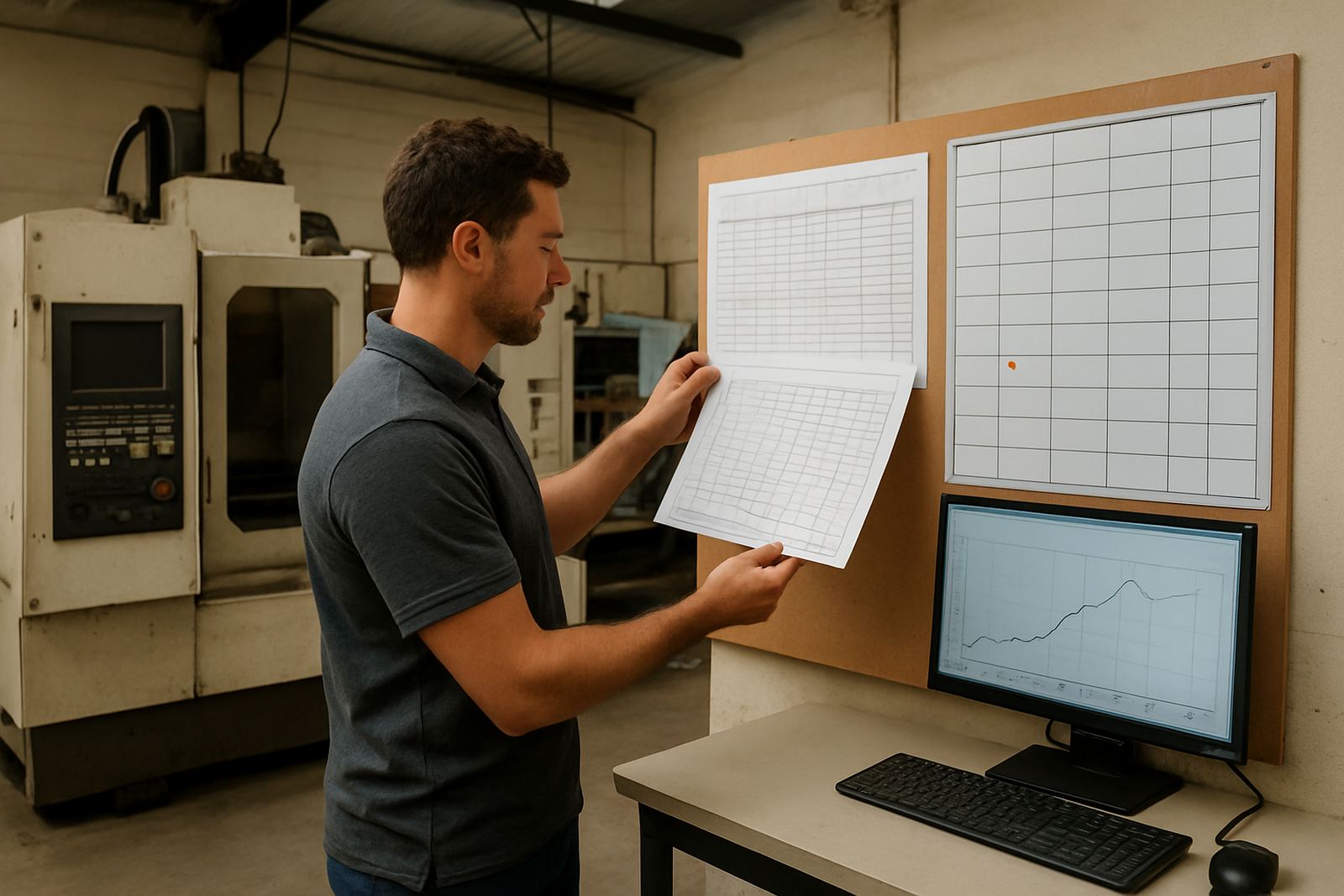
Before buying anything, walk through the shop floor and write down where time is being lost. A careful audit can show whether you need a new seat, a better post, a workflow change or a full machine onboarding. That keeps the spend tied to real work rather than assumptions.
Use this checklist before you renew or expand:
- Which machines are generating the most repeat edits
- Which users are waiting for access or approvals
- Which parts need manual code changes before every run
- Which jobs would benefit from tool library builds
- Whether remote troubleshooting is needed for branch sites or out-of-town machines
- Whether an annual support plan would reduce downtime and keep updates organised
If you are in East Rand, West Rand, Pretoria, Centurion, Vereeniging, Johannesburg, Durban or Cape Town and your work has changed, now is the time to review the setup. A proper upgrade should make the shop easier to run, not harder to manage.