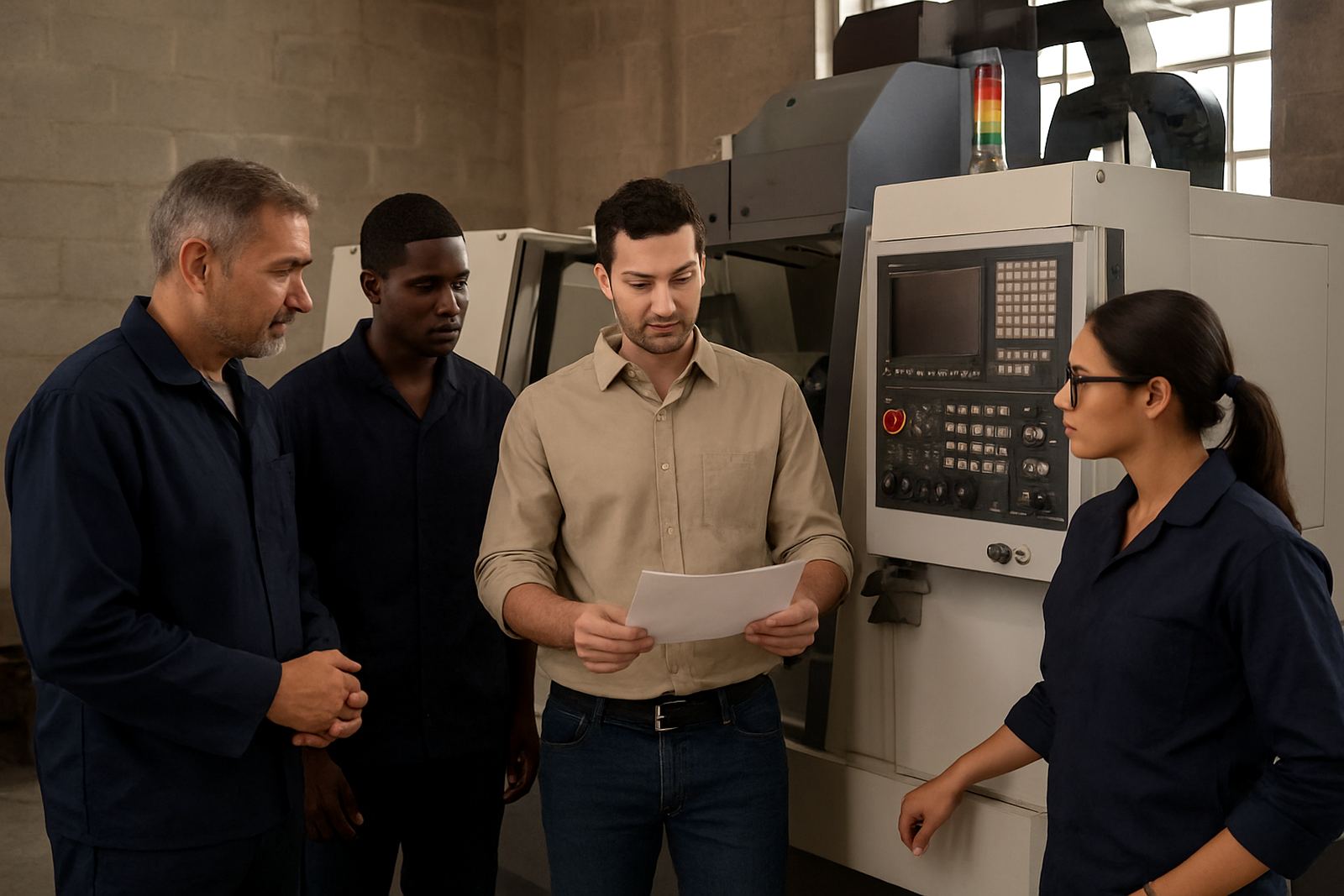
Start With The People Who Load The Machine
Shop floor adoption begins with the operator who has to trust the file, the setup sheet and the first cycle. If that person is surprised on the day, resistance usually follows. In CNC routing, milling, turning and plasma work, the quickest way to get buy-in is to involve the people who touch the machine at each step, from tool loading through to part removal and final check.
Keep the first conversations practical. Ask what goes wrong now, where time gets lost, and which jobs cause the most stress. That gives you a base line to work from and helps you shape the new workflow around real pain points rather than guesses.
- Identify one operator, one programmer and one supervisor for the first rollout
- List the top 3 problems in current job release, setup or tool changes
- Agree which machine will be used for the first controlled test
- Set a simple rule: no new process goes live without a walk-through
Build A Clear Job Path Before Production Starts
Operators trust a new workflow when they can see exactly what happens from drawing to finished part. A clean job path should show where the file lives, who checks it, how tools are named, and what gets done before the cycle button is pressed. That saves time and avoids the back-and-forth that often happens when everyone assumes someone else has checked the setup.
For South African shops dealing with load-shedding, shared PCs or intermittent network access, this matters even more. Keep copies of critical data in a controlled place, and make sure the shop can still work if a machine or workstation is offline for a short period.
- Use one naming method for jobs, tools and offsets
- Keep a printed or digital setup sheet with the same order every time
- Mark who approves the tool list, the post output and the first part
- Keep backup copies of post files and machine settings
Run First Jobs In A Controlled Window
The first live parts should not be rushed between urgent orders. Set aside a controlled window, even if it is only one hour, so the team can focus on the new process without pressure from the rest of the queue. That first job should be chosen carefully: simple geometry, known material and a sensible cycle time.
During this stage, the aim is not speed. It is confidence. If the operator can see that the toolpaths match the machine behaviour, the values make sense, and the output is repeatable, trust starts to build. If there is a mismatch, fix it on the spot and note what changed.
- Choose a low-risk part with known clamping and tooling
- Check the program line by line before cycle start
- Stay present for the first run and the first part inspection
- Record any changes to feeds, speeds or offsets immediately
Train By Role, Not Only By Software Menu
A common mistake is training everyone on the same screen flow and hoping the shop sorts itself out later. Operators, programmers and owners need different levels of detail. The operator wants safe start-up steps, the programmer wants reliable output, and the owner wants fewer delays and better use of machine time.
When training matches the role, the team sees the value sooner. In larger shops around Pretoria, Johannesburg or Durban, that means less confusion between shifts. In smaller teams in Vereeniging or Cape Town, it can mean one person wearing several hats without making mistakes under pressure.
Use short sessions, then let the team apply the process on real work the same day. That keeps the learning practical and prevents the usual drop-off after a classroom session.
Check The Post Before You Blame The Machine
If a part comes out wrong, many shops go straight to the machine when the issue may be in the post output, tool definition or process logic. A good adoption plan includes a simple fault-check path. This protects confidence on the floor because operators know there is a method for solving problems, not just guesswork.
Post tuning is especially important when a shop runs more than one machine type, or when older controllers are mixed with newer equipment. A small output difference can create unnecessary scrap, tool wear or a stoppage that affects the whole day.
- Verify tool numbers, spindle direction and canned cycles
- Check rapid moves, retract heights and safe start positions
- Confirm units, work offsets and default feeds before release
- Keep one person responsible for post changes and sign-off
Use Support Notes To Keep The Change Calm
People relax when they know help is available after the first week, not only during the rollout. Keep short support notes beside the machine and in the office so the team can solve common issues without waiting for a full reset. That can include file locations, restart steps, tool library rules and who to call when a job needs attention.
For shops with multiple branches or mobile teams, a simple support record also helps keep standards steady. If one site in Centurion sets the tool library one way and another site in the East Rand does it differently, the process starts to drift. Clear notes stop that drift before it becomes normal.
Practical adoption also means reviewing what changed after a week, then again after a month. Look at cycle time, errors, scrap, operator feedback and how long first jobs now take. If the numbers are better and the team is calmer, the new workflow is sticking.
A Simple Adoption Checklist For The Shop Floor
Use this checklist before moving from test work to regular production. It keeps the rollout focused and gives the team a shared standard to follow.
- All key people have seen the workflow end to end
- The first job was completed with no last-minute file changes
- Tool names, offsets and setup notes are consistent
- The post output was checked on the machine that will run production
- The operator knows what to do if the job pauses or alarms out
- Backup copies of the post and support notes are stored safely
- The team has reviewed the first results and agreed the next step
When this list is done properly, adoption stops feeling like forced change and starts feeling like a better way to run work. That is usually when the new process gets accepted for good.