Start with the work you already make
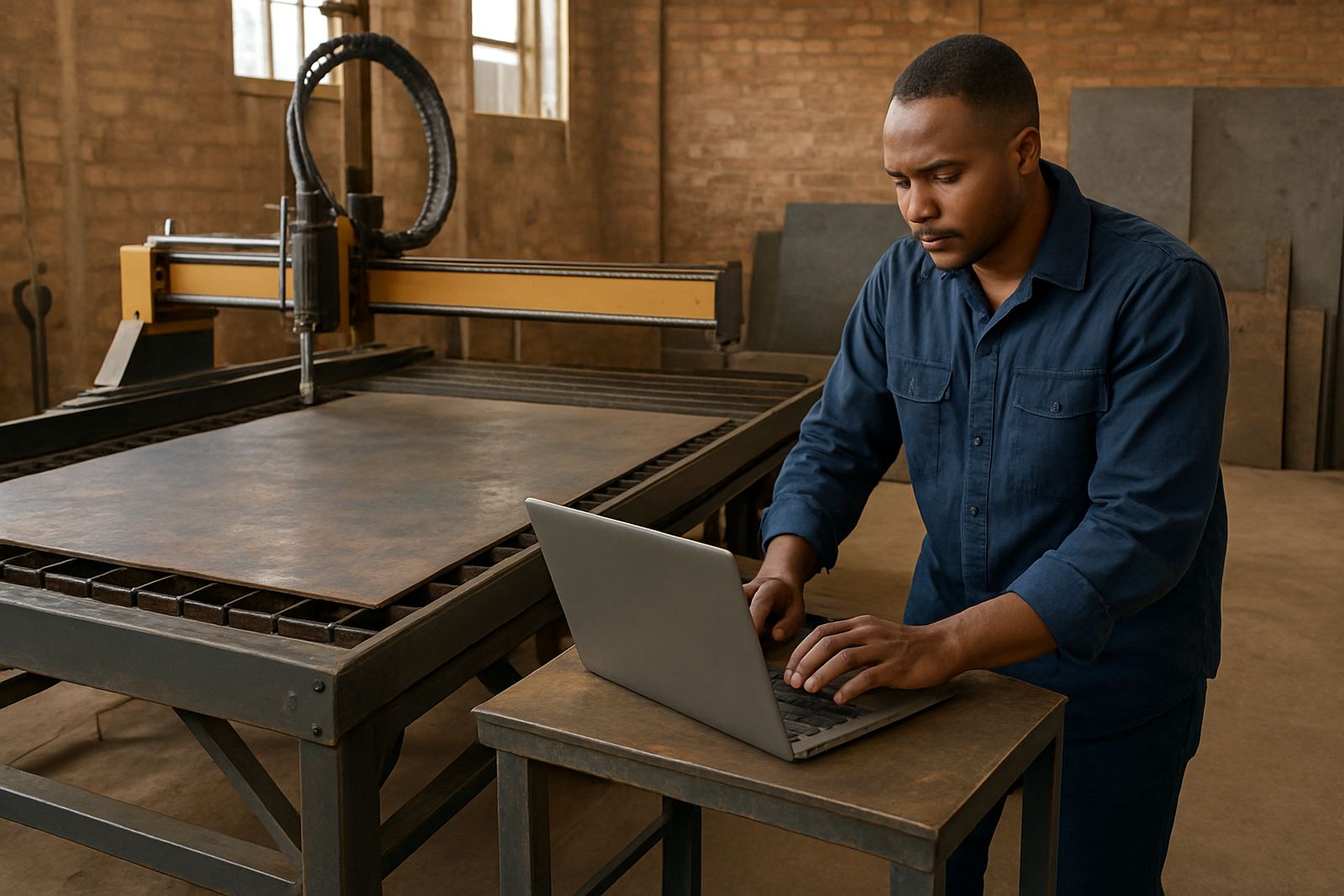
Before you compare licences, write down the real jobs that come through the shop. A router shop cutting signage boards has different needs to a milling shop making brackets, and a turning shop will need different tools again. If you cut MDF in Centurion, aluminium in Pretoria, or mild steel in Vereeniging, list the common sheet sizes, spindle speeds, material thicknesses and repeat job types first.
That list tells you what first CAM setup must handle on day one. It also helps you avoid paying for functions that look useful on paper but add nothing to your current output. A first licence should make quoting, programming and the first setup faster, not more complex.
- List your main machine type: routing, milling, turning or plasma.
- List the materials you cut most often and the thickest stock used.
- Note your top 10 recurring parts, not the one-off specials.
- Decide who will program, set up tools, and run the machine.
Match the licence to the machine, not the brochure
Your first licence should match the controller, axis count and cutting process on the machine you own. A simple 3 axis router in Johannesburg does not need the same setup as a 5 axis mill or a plasma table with nested sheets. Ask for licence options that suit the machine as it sits today, with room to add more later if the shop grows.
Check whether the software handles the file formats your drawing office already uses. Also confirm that toolpaths can be posted in a format your machine can read cleanly. If your post output is wrong, the best toolpath still causes stoppages, wasted material, and extra clean-up. That is why the post-processor matters as much as the CAM functions.
- Confirm machine type, controller type and number of axes.
- Check file import and export formats used in your shop.
- Ask if the post can be tuned for your machine, not just loaded as-is.
- Make sure the licence covers the number of seats you need now.
Plan the post-processor from the first day
Many first-time buyers focus on toolpaths and forget the post-processor until the machine is idle. That is a costly mistake. The post is what turns your CAM work into usable code for the machine, so it has to suit the way your team works, the controller on the machine, and the safe start-up sequence on the floor.
At CNC shops across South Africa, the first few jobs often expose gaps in the post very quickly. A tool change command in the wrong place, an offset line that does not suit the controller, or spindle start timing that is off by a second can slow the whole shift. Get the post checked, tuned and tested on sample jobs before you commit to production.
- Ask for a sample post on a known part before full rollout.
- Test tool changes, spindle start, coolant and safe retract moves.
- Keep one test job for routing, one for milling and one for finishing.
- Record any controller messages or alarm codes during the test run.
Train the people who will use it every shift
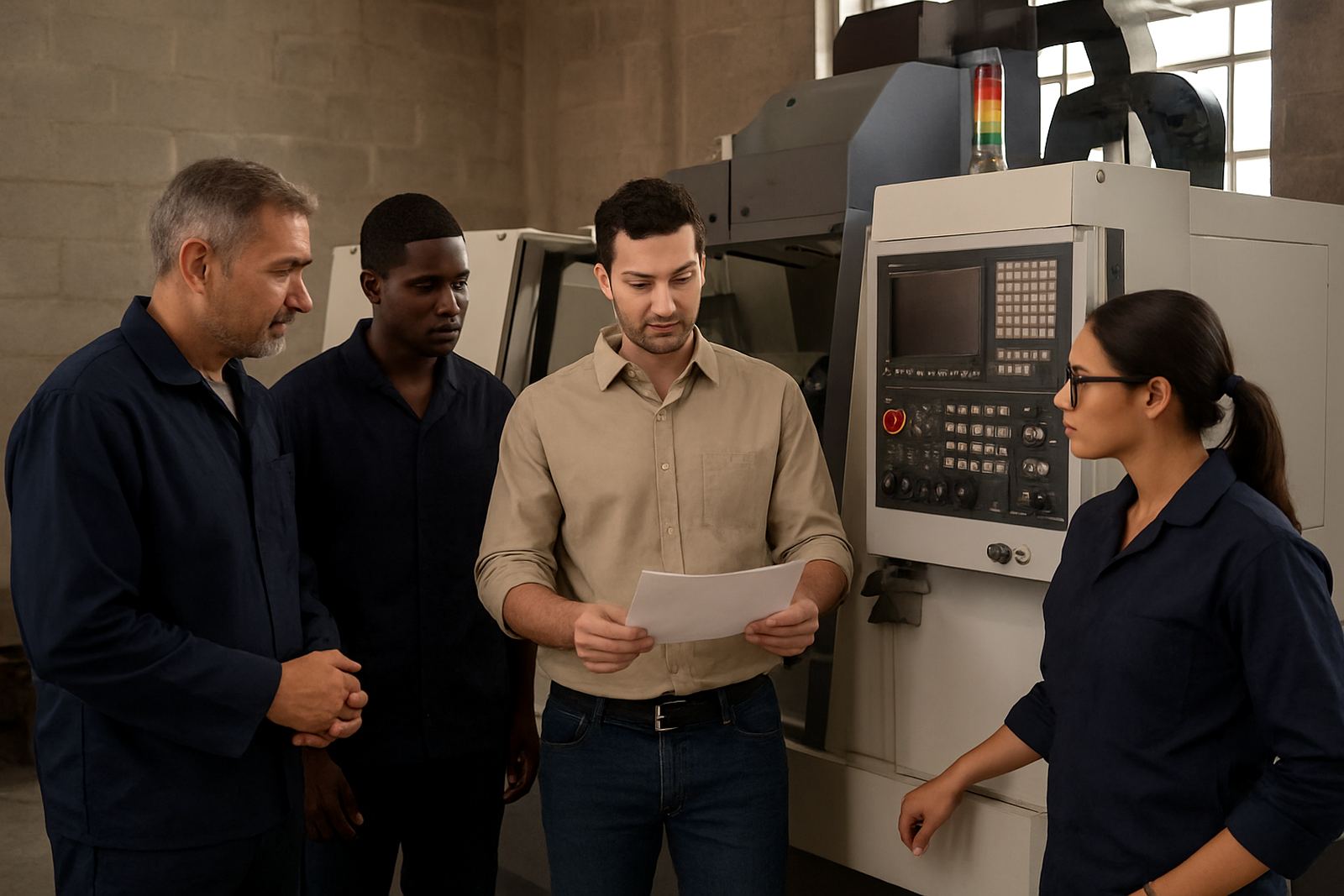
Training should fit the role of each person. An operator needs clear loading, setup and recovery steps. A programmer needs to know tool libraries, feeds and speeds, nesting or multi-operation logic, and how to spot bad geometry. An owner needs enough understanding to measure return on spend and decide when the next licence or add-on is justified.
Hands-on training on your own machine or in a practical shop setting makes the biggest difference, especially when load-shedding, noise, dust and urgent deadlines are part of the day. A good first CAM rollout leaves your team able to make a part without calling for help on every small change. That means fewer delays and better confidence on the shop floor, even when the order book gets tight.
- Operator training for loading, setup, tool zero and safe recovery.
- Programmer training for toolpaths, simulation and posting.
- Owner training for costs, cycle times and support planning.
- First job support for the first live parts after installation.
Prepare the shop before installation starts
A first licence works better when the basics are ready. The PC should be suitable for the software, the network location for files should be agreed, and the person responsible for backups must know where to store jobs and tool libraries. If the office and machine area are not aligned, the team wastes time hunting for the right version of a file or re-entering tool data.
In humid coastal towns like Durban, heat and moisture can also affect electronics, so keep the workstation area clean and well ventilated. In Gauteng, dust and power interruptions are common enough to plan for, so a backup routine and proper save habits matter. A small amount of prep now prevents a lot of frustration later.
- Check PC specs and available storage before installation.
- Set a clear folder structure for jobs, tools and posts.
- Agree who may change tool libraries and machine settings.
- Use a backup routine that survives power cuts and rushed shifts.
Use the first three jobs to prove the setup
Do not judge the licence by one quick test. Use the first three live jobs to check whether the whole system works as expected. Pick one simple part, one medium job and one part that uses the most common tools in your shop. Measure setup time, machining time, scrap risk and whether the post produces clean code every time.
If you see repeated edits, missed offsets or awkward toolpath choices, fix them early through post tuning or a workflow audit. That is the point where small adjustments pay back fast. A first CAM setup that runs smoothly in week one should still feel manageable in month three, not become a burden that everyone avoids.
- Review the first three jobs against the original target cycle times.
- Record any manual edits made after posting.
- Update the tool library with final feeds, speeds and notes.
- Decide whether extra support or operator training is needed.
Build a support plan that fits the way your shop runs
Once the licence is live, decide what support you need for the next 12 months. Some shops only need remote troubleshooting and the odd post adjustment. Others need regular machine onboarding, annual support plans, or help building a proper tool library from scratch. The right mix depends on whether you are a one-machine workshop or a growing production floor with multiple shifts.
For shops in Pretoria, Johannesburg, Vereeniging, Durban and Cape Town, the benefit of a planned support setup is simple: fewer stoppages and better consistency between operators. If you choose the first CAM system carefully and back it with the right support, the software becomes part of the process rather than another problem to manage.
- Decide whether you need remote help, on-site visits, or both.
- Keep a log of post changes, machine alarms and operator questions.
- Review support needs after the first month and again after three months.
- Extend training when a new product line or machine is added.