Start By Finding Where The Machine Is Moving Without Cutting
Air cuts are the empty moves between cutting sections, rapids over unused travel, and unnecessary retracts that add minutes to every cycle. If a job seems to run long, the first step is to watch where the spindle is moving with no material removal. On routing, milling, turning and plasma jobs, those wasted moves often hide in approach heights, tool changes, link moves and safe plane settings.
A good habit is to review the toolpath from start to finish and mark every move that lifts the tool, crosses open space or returns to a safe point. In many cases the machine is doing exactly what the programme told it to do, just not what the shop needed. That is why a short review before posting can save far more time than trying to speed up the cut later.
- Check retract heights and safe clearance values on every toolpath
- Look for repeated entry moves into the same pocket or contour
- Reduce long rapid moves between features that could be grouped
- Keep the model orientation and stock setup consistent from job to job
Use Toolpath Order To Keep The Cutter Working
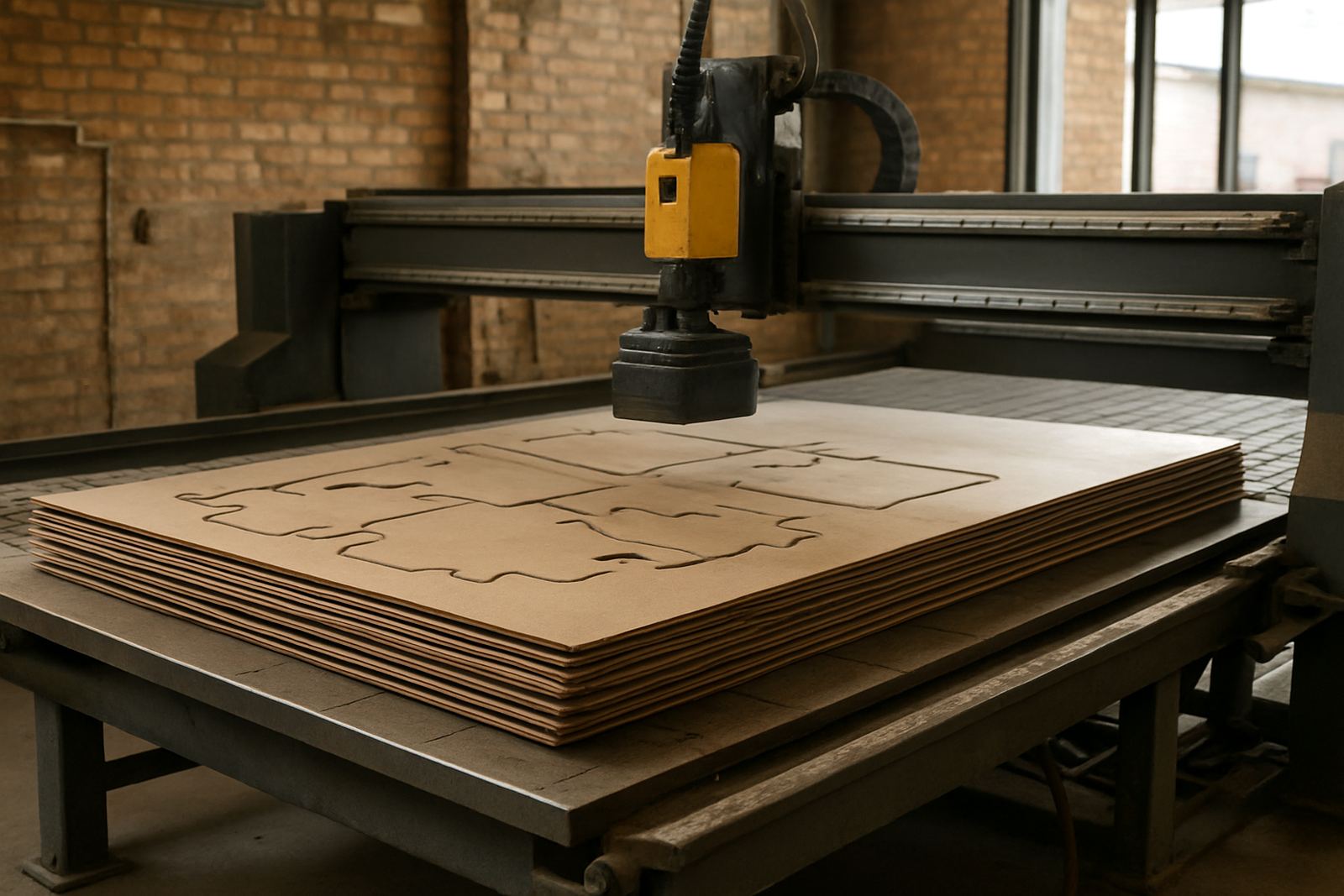
One of the biggest causes of air cutting is poor sequencing. If the programme jumps from one side of the part to the other, the tool spends more time travelling than cutting. A better order keeps nearby features together, finishes deeper areas before shallow ones where practical, and reduces the number of full retracts. On plasma jobs this matters even more because every unnecessary traverse can mean extra heat and more dross cleanup later.
For shops in Pretoria, Johannesburg and Vereeniging, where job lists often mix small batches with urgent repeat work, a stable order helps operators trust the cycle time. It also makes it easier to quote accurately because the machine time is less erratic. If a programmer can group features by location, tool and depth, the machine usually follows with fewer pauses and cleaner motion.
- Group features that use the same cutter and depth
- Machine inside details before outside profiles where the job allows it
- Use rest machining instead of re-cutting large areas with the same tool
- Avoid bouncing between opposite corners of the part
Trim Retracts And Safe Moves Without Risking The Part
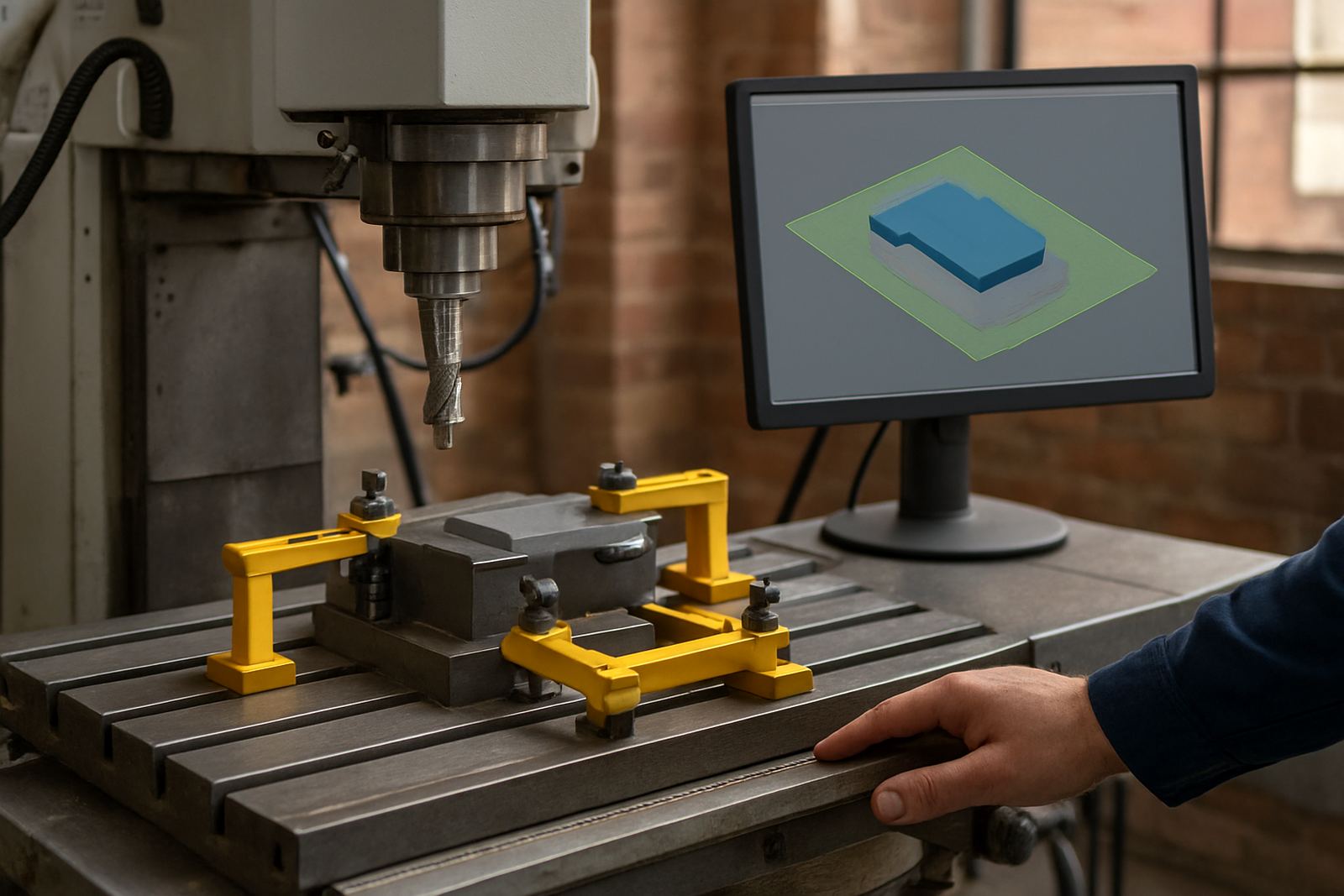
Many shops play it safe by using high clearance settings everywhere. That protects the job, but it also creates a lot of empty travel. The better approach is to set safe heights based on the actual fixture, clamp arrangement and machine condition. A router with a clean spoilboard and low profile hold-downs does not always need the same clearance as a heavy milling setup with tall vices. The same applies to plasma tables where torch height control can manage clearances more efficiently than a blanket high lift.
It is worth checking whether the machine is retracting to the same height for every move when only a small lift is needed. Even a reduction of a few millimetres can add up over hundreds of tool changes and linking moves. This is especially useful on long nesting runs where the spindle or torch repeats the same pattern all day.
- Set clearance heights to suit the actual fixture, not a worst case guess
- Use lower linking moves where the control and setup allow it
- Review canned cycles that may be forcing extra lifts
- Confirm the post outputs the shortest safe path for the machine type
Match The Post-Processor To The Real Machine Behaviour
Even a well planned toolpath can waste time if the post-processor outputs awkward motion. Some machines prefer a certain retract style, different arc handling, or a specific way of changing tools and returning to home. If the post is not matched to the controller, the result can be extra air cutting, jerky movement or pauses that slow the whole job down. That is why post tuning is not a luxury item, it is part of day to day production.
At CNC shops, this often shows up after a machine change, a controller update or a shift from manual programming to CAM driven work. A custom post can remove unnecessary move blocks, shorten linking paths and make the code more consistent for the operator. It also reduces the need for editing on the shop floor, which is where mistakes creep in when everyone is under pressure and a load-shedding delay has already pushed the schedule back.
- Check whether the controller prefers absolute or incremental behaviour in certain sections
- Remove duplicate safe moves that the machine does not need
- Align tool change positions with the physical machine layout
- Test the post on a dry run before releasing it for production
How One Centurion Shop Cut Cycle Time On A Mixed Batch Job
A small Centurion shop running routed components and drilled parts had a common complaint: the machine was cutting well, but each job ran longer than expected. The issue was not the cutter choice. It was the number of lifts between features. The job had been set up with conservative clearances, separate toolpath groups for every pocket and frequent cross-part moves. On a batch of similar parts, those empty moves were adding several minutes per sheet.
After reviewing the tool order, reducing clearance where the clamps allowed it and adjusting the post to suit the actual machine travel, the programme became much tighter. The operator could also trust the first job support notes, so there was less hesitation at the machine. The end result was a shorter cycle, fewer interruptions and less wear on the spindle. That is the kind of improvement that matters when the shop is trying to keep up with orders while managing power interruptions and tight delivery dates.
- Record actual cycle time before changing the programme
- Test one adjustment at a time so you know what helped
- Involve the operator, because they see where time is lost in practice
- Keep a note of the best settings for repeat jobs
Simple Shop-Floor Habits That Keep Air Cuts Down
Reducing air cuts is not only a programming task. It also depends on how the shop sets up work, manages libraries and prepares the operator. If the tool library is inconsistent, the machine may make safe but slow moves to compensate. If fixtures are placed differently each time, the same job may need fresh clearances and extra linking paths. Good habits on the floor make the CAM work pay off.
Training also helps because operators and programmers spot waste earlier when they know what to look for. A programmer training session may focus on nesting, retracts and tool order, while an owner training session usually looks at throughput, quoting and where the biggest time losses sit. When the team understands the whole path from file to finished part, air cuts become easier to spot and remove.
- Keep tool data clean and consistent across jobs
- Store proven fixtures and setups for repeat production
- Review first article runs before launching a full batch
- Use workflow audits to catch repeated empty moves in common parts
A Better Cycle Starts Before The Start Button Is Pressed
Air cuts are often accepted as normal, but they do not have to be. When the toolpath is planned with the machine, the fixture and the controller in mind, the cutter spends more time doing useful work and less time travelling between jobs. That means better output, less wear and more predictable delivery for customers across South Africa.
For shops in Durban with coastal humidity, in Cape Town with mixed batch work, or inland where power cuts can disrupt the day, time on the machine matters. The cleaner the programme, the easier it is to recover after a stoppage and get back into production without wasting another hour on avoidable movement.
If you are dealing with repeated air cuts, it is worth reviewing the toolpaths, the post and the setup together. A small change in one place can save plenty of machine time in the next run.