What a Viewer Seat Actually Does on a Busy Shopfloor
A viewer seat is a read-only licence for people who need to see the job without touching the job. It lets supervisors, programmers, owners and support staff open files, check setups, confirm toolpaths and follow job progress, while the active operator keeps control of the machine side. No edits, no accidental saves, no surprise changes to a released programme.
In a South African CNC shop, that matters more than people expect. You may have one programmer in Centurion, a setter in Pretoria, a foreman moving between machines and an owner only arriving after traffic has eased on the N1. If everyone can see the same job state, communication becomes clearer and the machine stops becoming the only source of truth.
Viewer access is useful for routing, milling, turning and plasma work. It supports day to day visibility on live jobs without opening the door to a bad click at the wrong time. That is especially important where load-shedding, shift handovers and urgent client changes already put pressure on the floor.
Why Read-Only Access Reduces Costly Shopfloor Interruptions
Most production delays are not caused by the machine itself. They happen when someone needs to confirm a tool, verify a nesting sheet, check a zero point or ask the programmer to look at a screen in the middle of another task. With viewer seats, more people can answer their own questions first and only escalate when they really need to.
That reduces interruptions in a few practical ways:
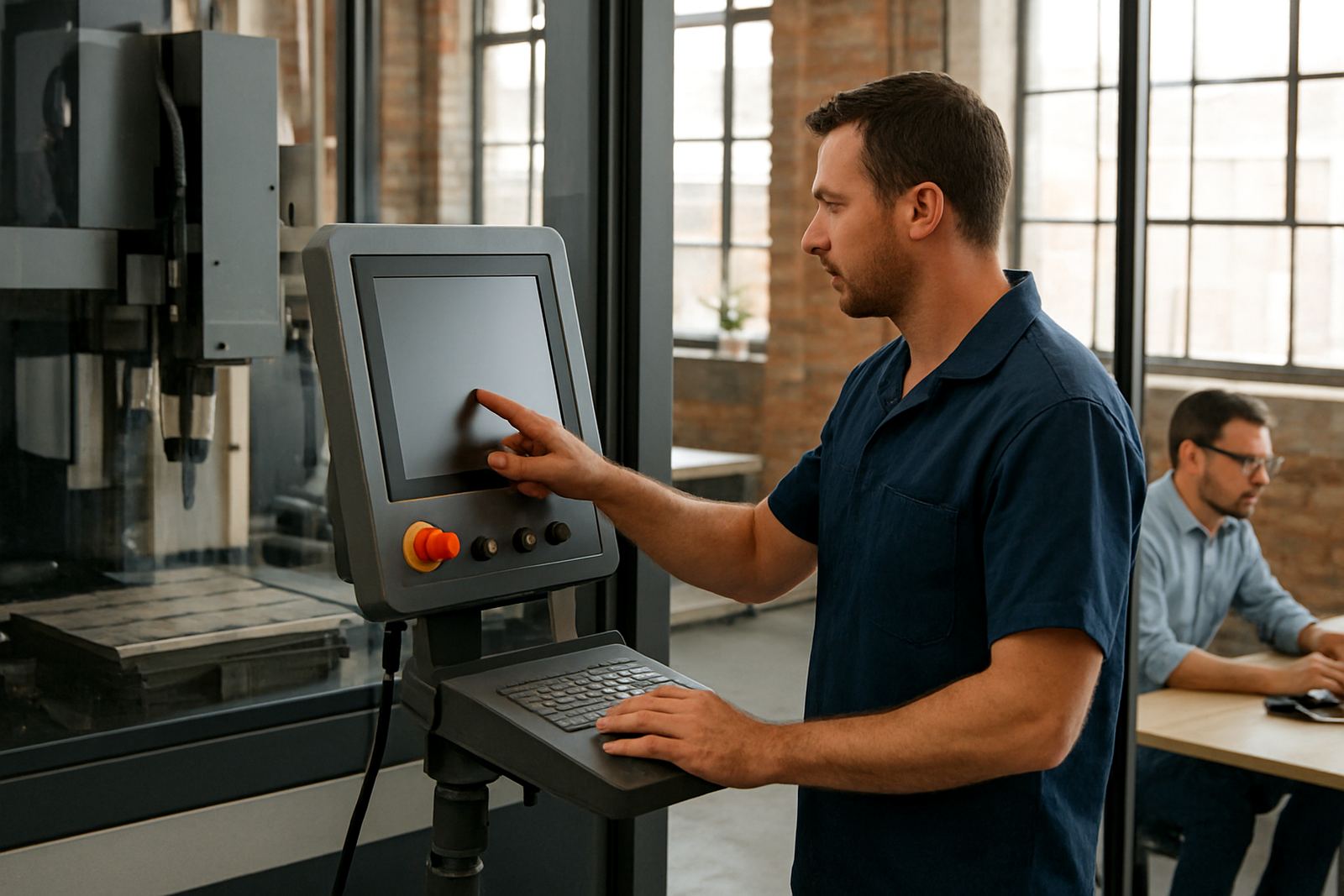
- Operators can show a supervisor the live job state without handing over control.
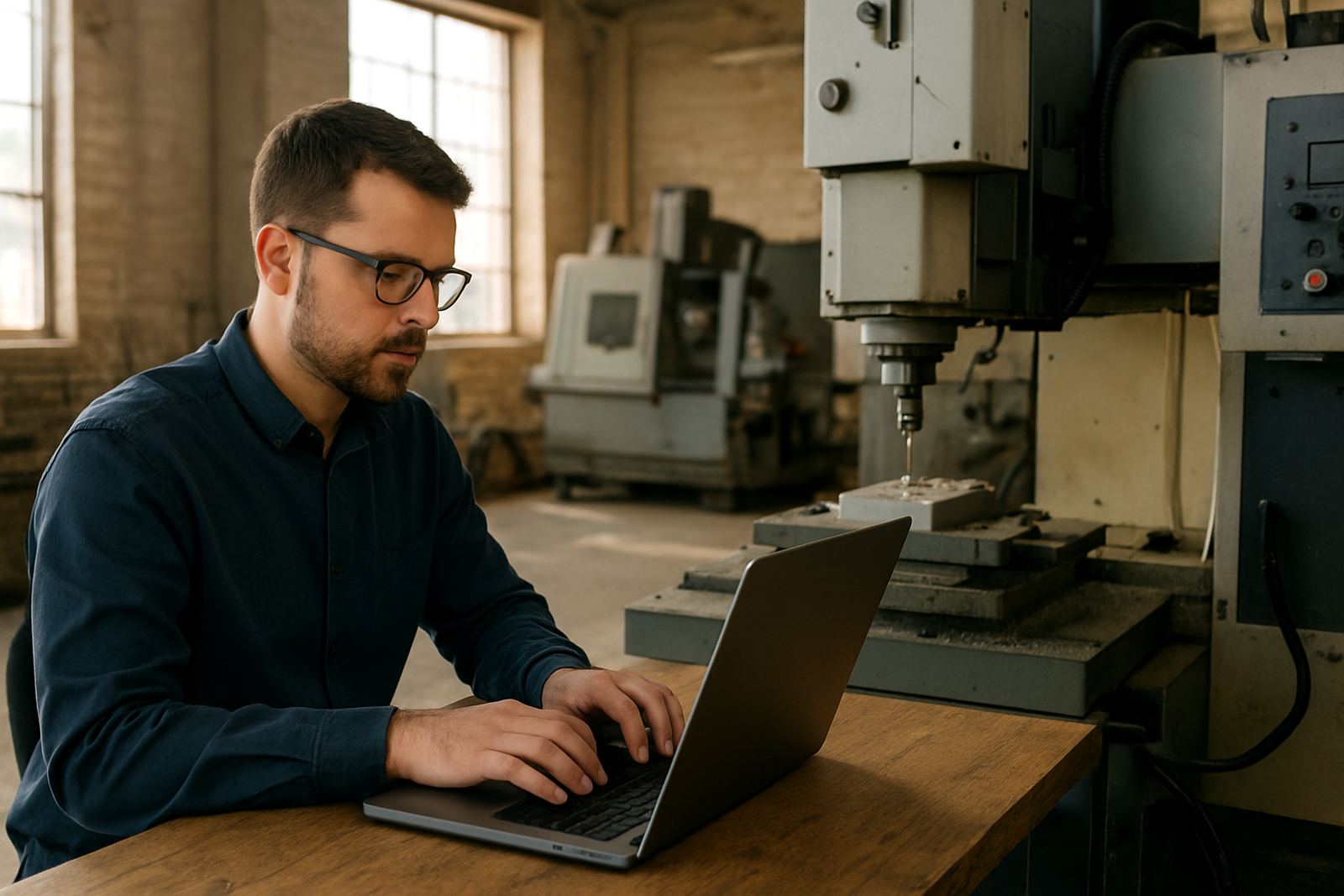
- Programmers can review setup details from another office or training room.
- Owners can check progress before approving overtime or a change request.
- Support staff can see what the shop sees during remote troubleshooting.
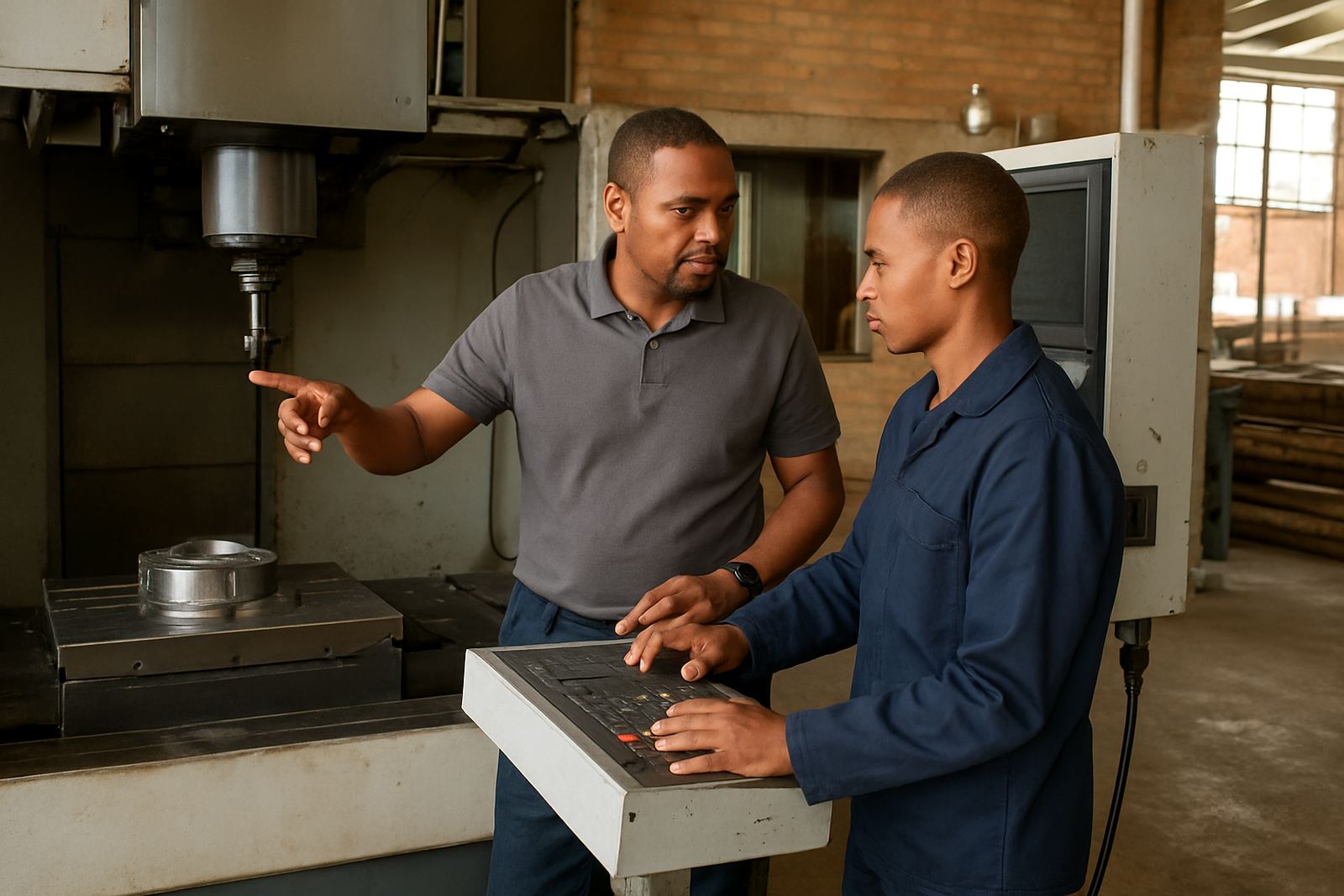
- Training staff can walk a learner through the screen without risking a live edit.
The savings are not only about time. A mistaken edit on a released programme can waste material, damage tooling or force a restart at the exact moment a machine should be earning. Read-only access removes that risk while still keeping information visible.
How Viewer Seats Help During Load-Shedding and Shift Changes
Many shops in Gauteng and along the coast run tighter schedules than they would like. When power comes and goes, teams often restart machines, recheck offsets and confirm where the last safe point was. At shift change, one person is trying to explain a half finished job while another is already asked to start the next one. Viewer seats make those handovers cleaner.
A second set of eyes can review the job before the power dips, then confirm the state when the machine comes back. If a supervisor is offsite in Johannesburg and the machine is in Vereeniging, the same screen can still be reviewed without a scramble for remote logins or somebody taking over the live session. It is a simple way to keep everyone informed, even when the day is not going to plan.
For coastal clients in Durban or Cape Town, read-only access also helps when humidity, cabinet cooling and maintenance checks are part of the normal routine. The person making the decision can see the job state without waiting for a machine walkaround, which saves time and avoids unnecessary interruptions.
Local Example: A Pretoria Shop with One Programmer and Four Machines
A mid-sized shop in Pretoria with one programmer, two operators and four machines often feels stretched. The programmer cannot sit at every machine all day, and the owner still wants to know whether the current run is on target. Before viewer seats, the team kept phoning the programmer for simple checks like stock size, tool numbers and whether a revised drawing had been loaded correctly.
After adding read-only access, the operator could call up the job screen for the foreman, the programmer could inspect setup from his office and the owner could check progress before sending out delivery updates. The machine kept running. The conversation got shorter. They still phoned when they needed actual changes, but far fewer calls were about things anyone could verify on screen.
That same approach works for shops in Centurion, Johannesburg, East Rand or West Rand where the team is spread across more than one building. It is especially useful where one person handles quotes, programming and customer updates. With viewer access, they can confirm the state of the job in a minute instead of walking back and forth all afternoon.
Who Should Get Viewer Access and Who Should Not
Not everyone needs a full licence, and not everyone should be limited to the viewer seat. The right mix depends on how your shop runs, how many machines you have and who needs to make changes. A viewer seat works best for people who must stay informed but should not edit live production files.
- Shop owners who want visibility without altering settings.
- Production managers who need to monitor progress across shifts.
- Sales or customer service staff who check delivery risk before promising dates.
- Junior programmers in training who are learning the workflow.
- Support technicians who need to inspect a live issue before making changes.
Operators, programmers and machine setters still need the correct full access for their role. The point is not to lock everyone out. The point is to give the right people the right view, so the live job stays protected and the team stays informed.
Getting Viewer Seats Working with Your Existing Workflow
Adding read-only access should not create another admin burden. Start by mapping who checks jobs daily, who only checks them sometimes and who must never change a live file. Then decide whether the viewer seat is for internal use, support use or training use. That keeps licensing clean and avoids confusion when the shop is busy.
It also helps to pair viewer access with simple job naming, a clear folder structure and a standard handover routine. If your tool libraries are tidy and your post-processors are tuned correctly, the viewer seat becomes even more useful because people can read the job in context. Without that structure, read-only access still helps, but the information is harder to act on.
For South African CNC shops, the real value is practical: fewer interruptions, better handovers and quicker decisions. A viewer seat will not cut material for you, but it can stop the machine from becoming the only person everyone needs to ask. That alone can save a lot of time on a normal week, no exaggeration.