Why a dry run is cheaper than a broken spindle
Most shop damage does not start with a dramatic crash. It starts with a small mismatch between the programme, the machine setup and the part fixture. A clamp sits 5 mm higher than expected. A tool length is entered wrong. A rotary axis moves the opposite way on a new post. Simulation gives you a chance to spot that before the machine is moving steel, aluminium or MDF.
For routing shops in Centurion or plasma users in Vereeniging, that check can save an entire sheet. For a milling shop in Durban, it can prevent a long recovery when a tool clips a vice jaw or fixture plate. Even when the job is simple, a simulation can show whether the toolpath is clear, whether clearance moves are high enough, and whether the programme is using the machine the way you think it is.
In practice, simulation is not about fear. It is about keeping the first part clean, the second part consistent and the operator calm. That matters when load-shedding has already shortened the shift and nobody wants to waste the last good hour on a preventable mistake.
What to check before the first cycle starts
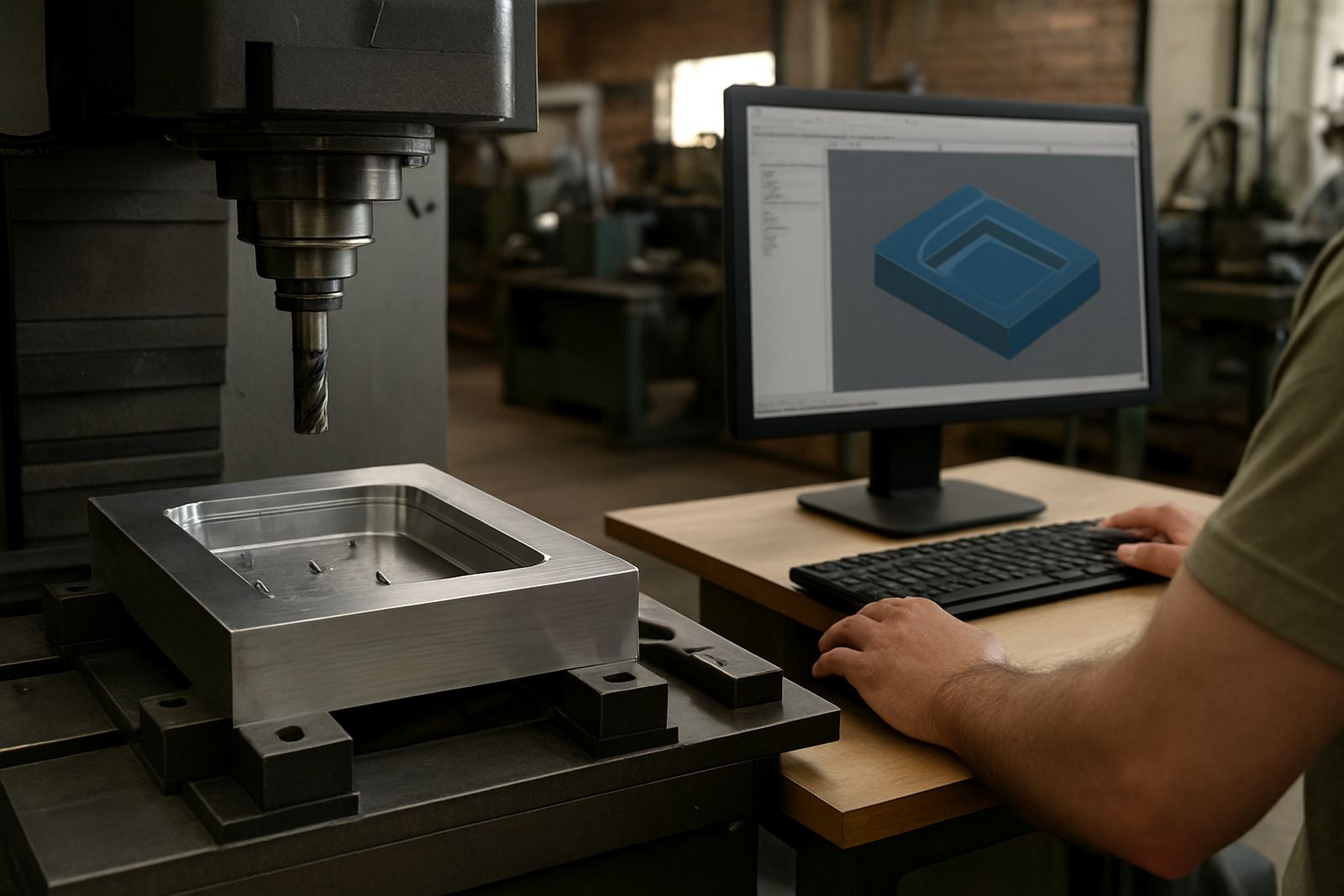
A proper visual check should be part of the handover between programming and the machine. It is not enough to look at the screen and hope the code is fine. The programme must be checked against the machine, the clamp layout and the material on the table. If you are cutting with a new post-processor, this step becomes even more important.
- Confirm the work offset, home position and material size match the setup sheet.
- Check that retract heights clear clamps, probes and fixtures by a sensible margin.
- Watch tool changes, spindle direction and axis movement on the first run.
- Look for sudden plunges, overtravel and any move that seems too fast for the machine.
- Verify that the part orientation matches the drawing, especially on mirrored jobs.
On a simple plate, these checks take only a few minutes. On a multi-operation job, they can save a full shift. Shops that keep the same discipline every time usually spend less on rework and have fewer awkward calls after hours asking why the cutter just buried itself into a soft jaw.
When a post-processor needs more than a quick tweak
Many simulation problems are not really toolpath problems. They come from the machine language the software outputs. A post-processor that works well on one machine may still need tuning for another control, axis direction or tool change sequence. That is why a simulation should not only show the part. It should also show the machine behaviour closely enough to make sense to the operator.
We often see this with shops running routing, milling, turning and plasma work under one roof. The programmer may be comfortable with the CAM side, but the machine reacts differently because of custom workholding, home positions or a local control quirk. In those cases, post tuning and machine onboarding are just as important as the drawing itself.
Good shops build the habit of checking for these signs before the cutter starts:
- Unexpected rapid moves between operations.
- Tool paths that look correct but post in the wrong order.
- Axis limits being approached too closely.
- Automatic tool changes or torch moves that do not match the machine sequence.
- Code that works on one machine but not on the next machine in the same workshop.
A Pretoria example: saving a sheet and a Saturday shift
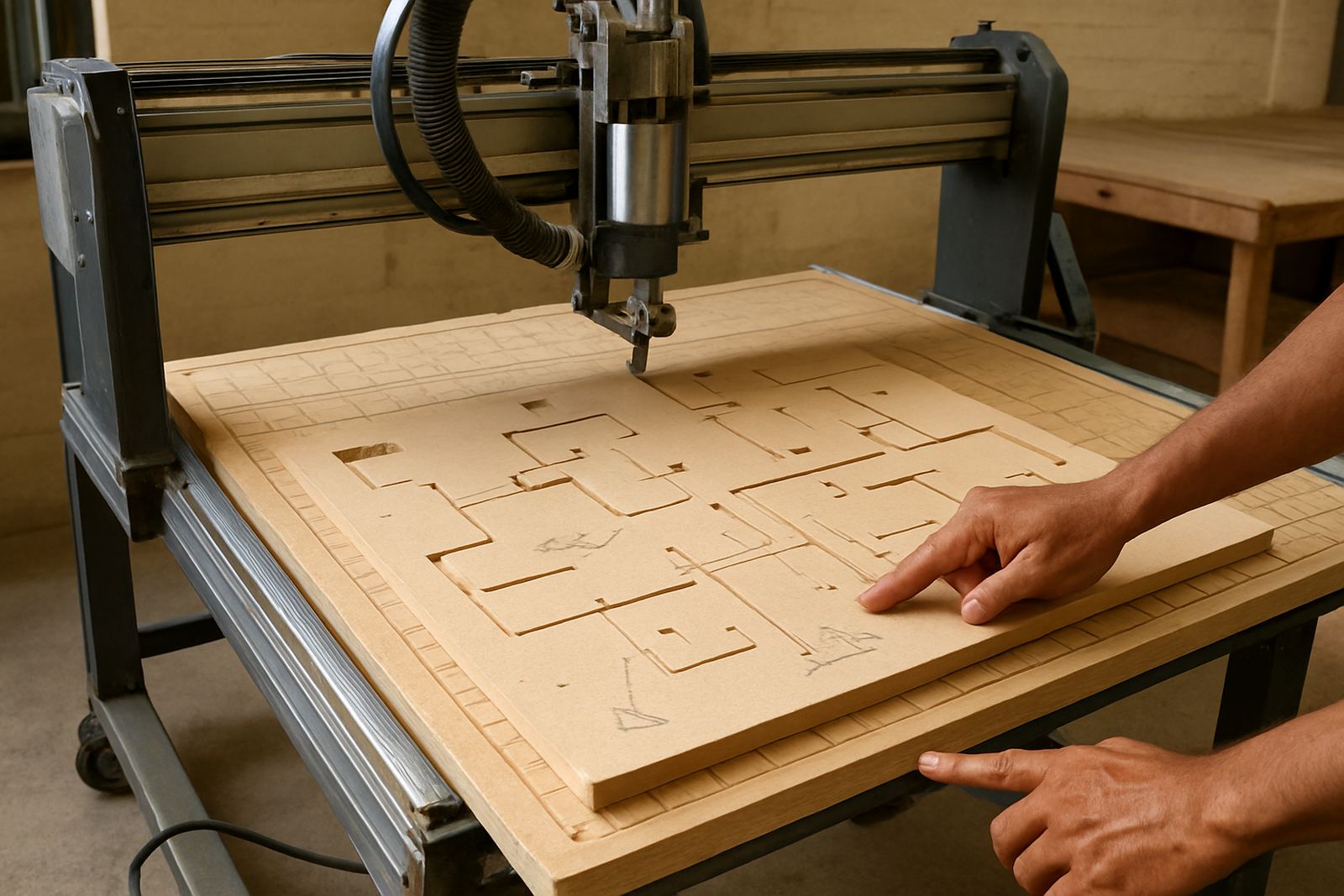
A Pretoria routing shop recently picked up a new job for cabinet components with pockets, drilling and edge profiling. The part looked straightforward on screen. During simulation, one pocketing pass showed a rapid move crossing close to a hold-down position, and a second operation tried to enter the material from the wrong side after the part was mirrored for nesting. On paper it looked like a minor issue. On the machine it would have become a broken cutter, a damaged sheet and a long reset.
The team corrected the work offset, adjusted the lead-in and changed the order of two operations before cutting. The first part came off cleanly, and the rest of the batch ran without drama. That is the real value of simulation. It does not make the job exciting. It keeps it boring in the best possible way.
This is especially useful for shops working under tight municipal noise times, coastal humidity, or reduced evening hours. If the machine time is limited, every safe first pass matters. A shop in Cape Town, Durban or Johannesburg may not have the luxury of wasting material just to see what happens.
Simulation habits that save time every week
Once a workshop gets serious about checking code before cutting, the savings become routine. Operators trust the programme more, programmers spend less time fixing surprises, and the machine spends more time making saleable parts. The habit is simple, but it needs consistency from everyone in the shop.
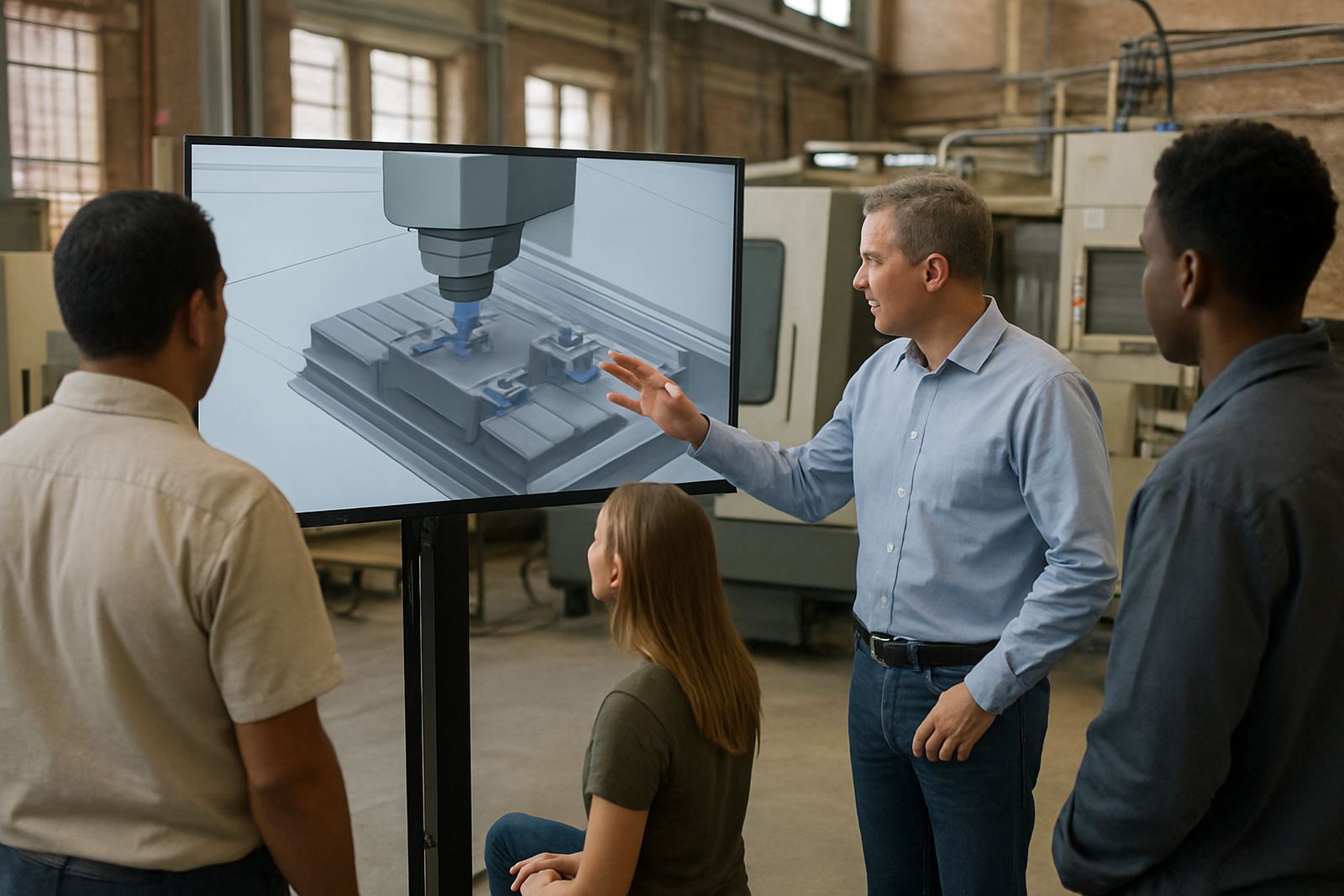
Start with a short checklist and keep it near the machine. Make sure the programmer, setter and operator all use the same process. When new staff join, include simulation review in their training instead of leaving it as an informal skill. That is often where shops lose money without noticing it.
- Review the first toolpath on every new job, not only on risky ones.
- Use a standard setup sheet with the same naming for offsets and fixtures.
- Keep posts updated when the machine changes, not after a crash.
- Train operators to stop and question a move that looks odd.
- Keep notes on what caused each near miss so the same issue does not return.
When simulation becomes part of the normal workflow, the workshop runs with less pressure. It also becomes easier to onboard a new machine, train a new programmer or support a new control without guessing. That is good business, and it keeps the scrap bin a lot lighter.