Why router shops lose time on avoidable errors
In many South African router shops, the same problems keep showing up on the floor: a toolpath that looks fine on screen but leaves chatter on the edge, a file that runs with the wrong origin, or a program that needs hand edits before the first sheet is cut. These are not dramatic failures, but they add up fast when you are running MDF, plywood, acrylic or aluminium on a tight deadline.
Most of these issues come from weak process control rather than poor equipment. A shop in Centurion may have a good machine and a skilled operator, yet still lose half a day because the post processor does not match the controller settings, or because the programmer assumed the fixture would be in the same position as yesterday. When load-shedding, late deliveries and short production windows are already part of the day, avoidable errors become expensive.
The program that looks right but runs wrong
One of the most common router mistakes is trusting the screen instead of checking the full output. A clean simulation is useful, but it does not replace a proper review of feeds, spindle speed, lead-ins, tabs and safe retracts. If the software calculates a pass that is too aggressive for the material, the machine will not care that the drawing looked perfect.
Pay close attention to these items before sending a job to the machine:
- Tool diameter and stick-out length
- Material thickness and spoilboard condition
- Cut direction on inside and outside profiles
- Hold-down method for small parts and narrow strips
- Safe Z height for clamps, vacuum pods or uneven sheets
It is also worth checking whether the last operator changed something manually on the control and never told the next shift. A small offset mistake on a 2440 x 1220 mm board can ruin a whole sheet, not just one part.
Post-processor mismatches that create workshop drama
Many router problems start after programming is finished. The toolpath may be correct, but if the post processor is not tuned to the exact machine and controller, the output can be awkward at best and dangerous at worst. Shops often notice this only when the machine starts pausing in the wrong place, calling the wrong tool number, or handling arcs in a way the control does not like.
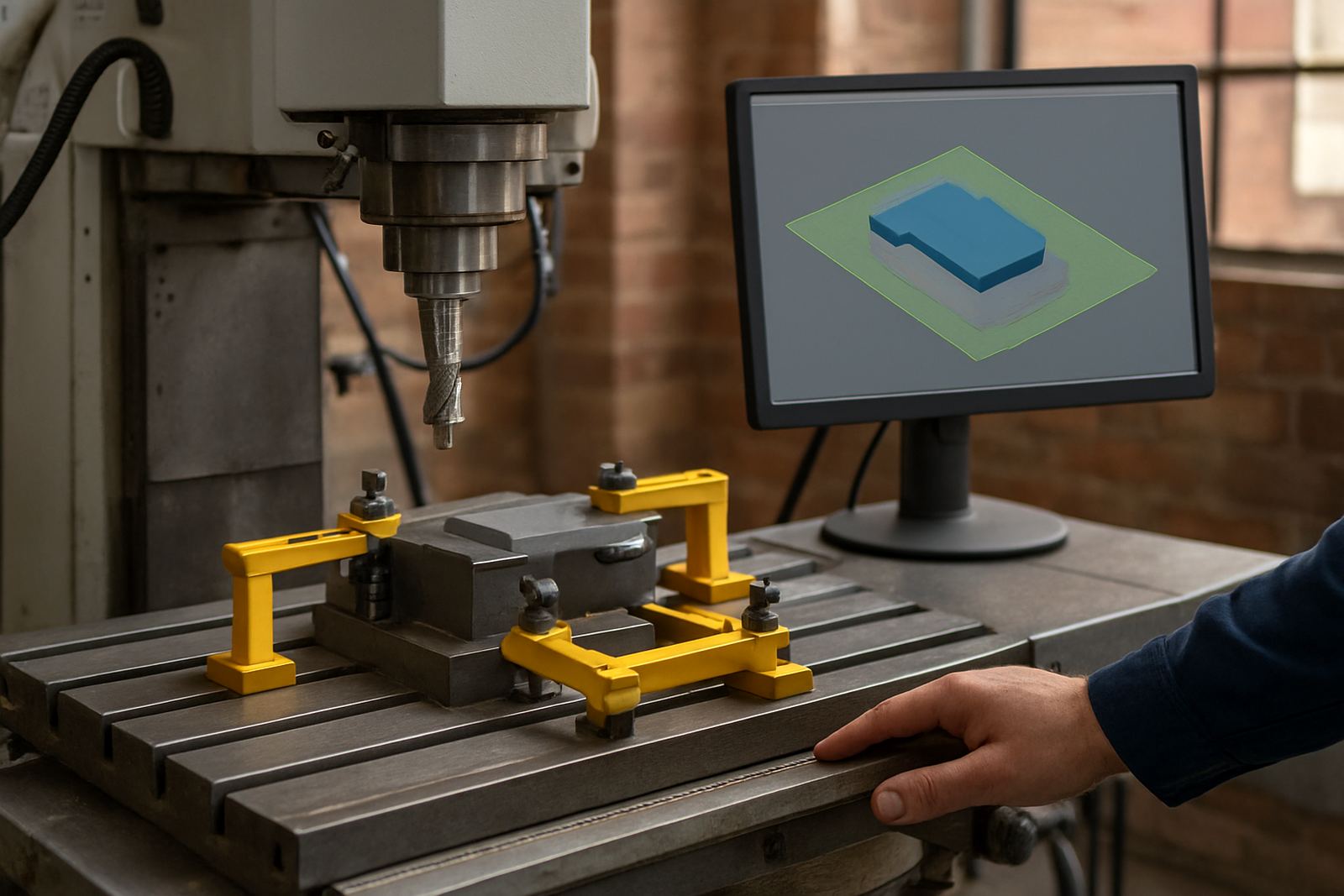
This is especially important for shops running more than one type of machine, such as a router and a plasma table, or a router and a small mill for inserts and fittings. Each machine needs its own post logic, and the output should reflect the real sequence on the floor, not a generic setup copied from another site.
- Check whether the controller expects absolute or incremental moves
- Confirm tool change commands match the machine format
- Test safe start and end lines before full production
- Verify spindle start, pause and stop behaviour
When the post is tuned properly, programmers spend less time rewriting code and operators can trust the output. That saves time every single shift.
Workholding mistakes that damage parts and spoilboard
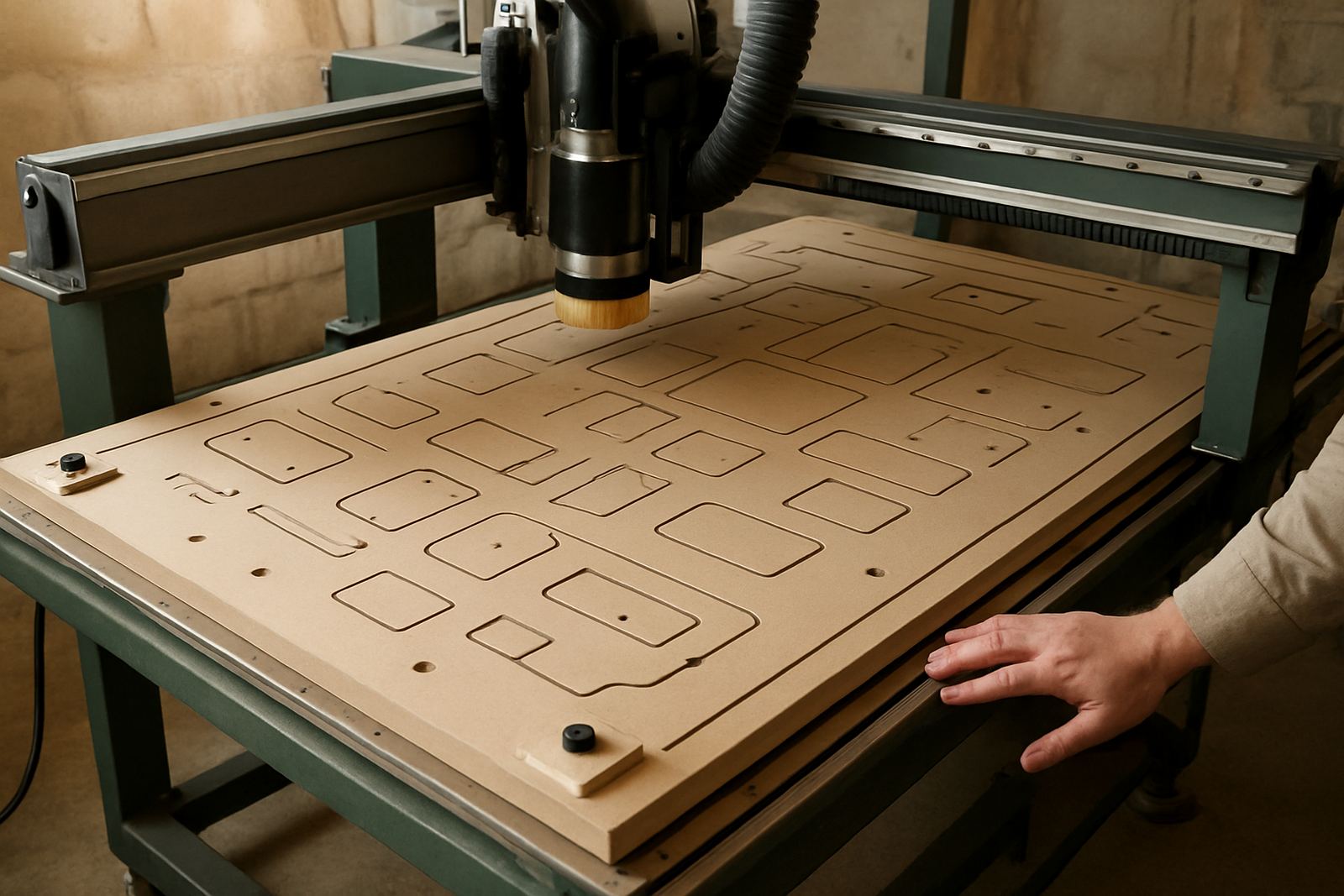
Router operators often blame the cut when the real problem is part movement. Loose vacuum, poor tape and glue use, bent sheets, or a dirty spoilboard can all turn a tidy program into scrap. In humid areas near Durban or along the coast, moisture can also affect board flatness and grip, so yesterday’s setup may not hold the same way today.
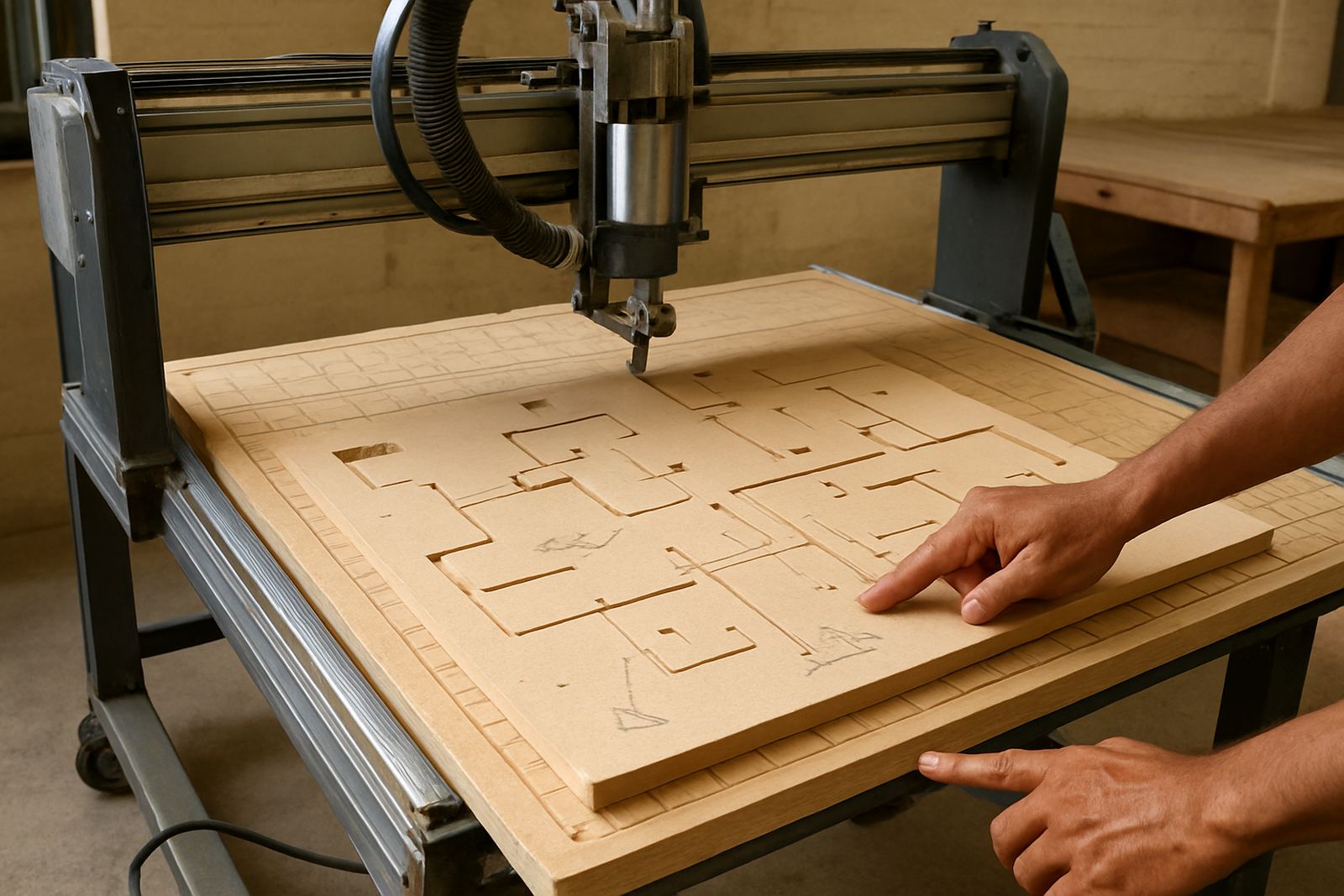
A shop that cuts cabinet parts, signage or nesting jobs should build a habit of checking the full bed before running production. If the spoilboard is worn or the sheet is not sitting flat, the tool depth changes across the job and edge quality suffers. That leads to extra sanding, rework, or outright remakes.
Simple checks help more than most people think:
- Vacuum zones switched correctly for the sheet size
- Clamps placed outside toolpaths and safe from swing radius
- Material edges squared before loading
- Spoilboard resurfaced when it becomes uneven
- Tabs sized for the part, not guessed on the fly
Feeds, speeds and tooling set for the wrong job
A router can only cut well if the tooling and cutting data suit the material. Too many shops use one setting for everything and then wonder why the edges burn, the flutes chip, or the finish is rough. This happens a lot when the person programming is far from the machine room and does not see the material behaviour first hand.
The usual signs are easy to spot: MDF dust gets too hot, acrylic chips instead of clearing, aluminium leaves built-up edge on the cutter, or the machine starts to sing because the feed rate is too light. A good setup balances spindle speed, feed, depth of cut and chip removal so the machine is not fighting the material.
If your team cuts a mix of nested board, foam, plastics and light aluminium work, each category needs its own standard settings. Keep these values documented and reviewed after real production, not just in theory.
When the operator is left to guess
Even good programming can fail if the operator is not given clear instructions. Many shops send a file to the machine with no note on which face is up, where the zero point sits, or whether the job needs a dry run first. Then the operator has to infer the rest, which is how mistakes get made.
Good handover reduces risk and keeps the day moving. It should cover the basics, especially when the shop is training new staff or running multiple shifts:
- Material type and thickness
- Which corner or centre is set as zero
- Tool list and expected sequence
- Any manual clamps, bridges or stop blocks
- Whether the first piece must be checked before batch cutting
This is where proper operator training and programmer training save real money. A well briefed team does not waste time hunting for answers during a busy production run.
A Centurion example that many shops will recognise
A router shop in the northern Gauteng area recently had a pattern of repeat faults on nested jobs. The machine itself was fine, but the team kept losing sheets because the post output did not match the controller exactly and the origin point was being set differently by different operators. The result was drift, poor alignment and unnecessary reruns.
After the post was tuned, the machine onboarding was tightened and the staff followed one standard workflow, the job became predictable. The shop also built a small tool library and added first job support for new runs, which reduced last minute changes. None of this required fancy equipment, just proper setup and consistent habits.
That is the point for router shops in Pretoria, Johannesburg, Vereeniging, Durban and Cape Town as well. The most expensive mistake is often a small one that repeats every week.