1. When the software starts dictating the job, not the other way around
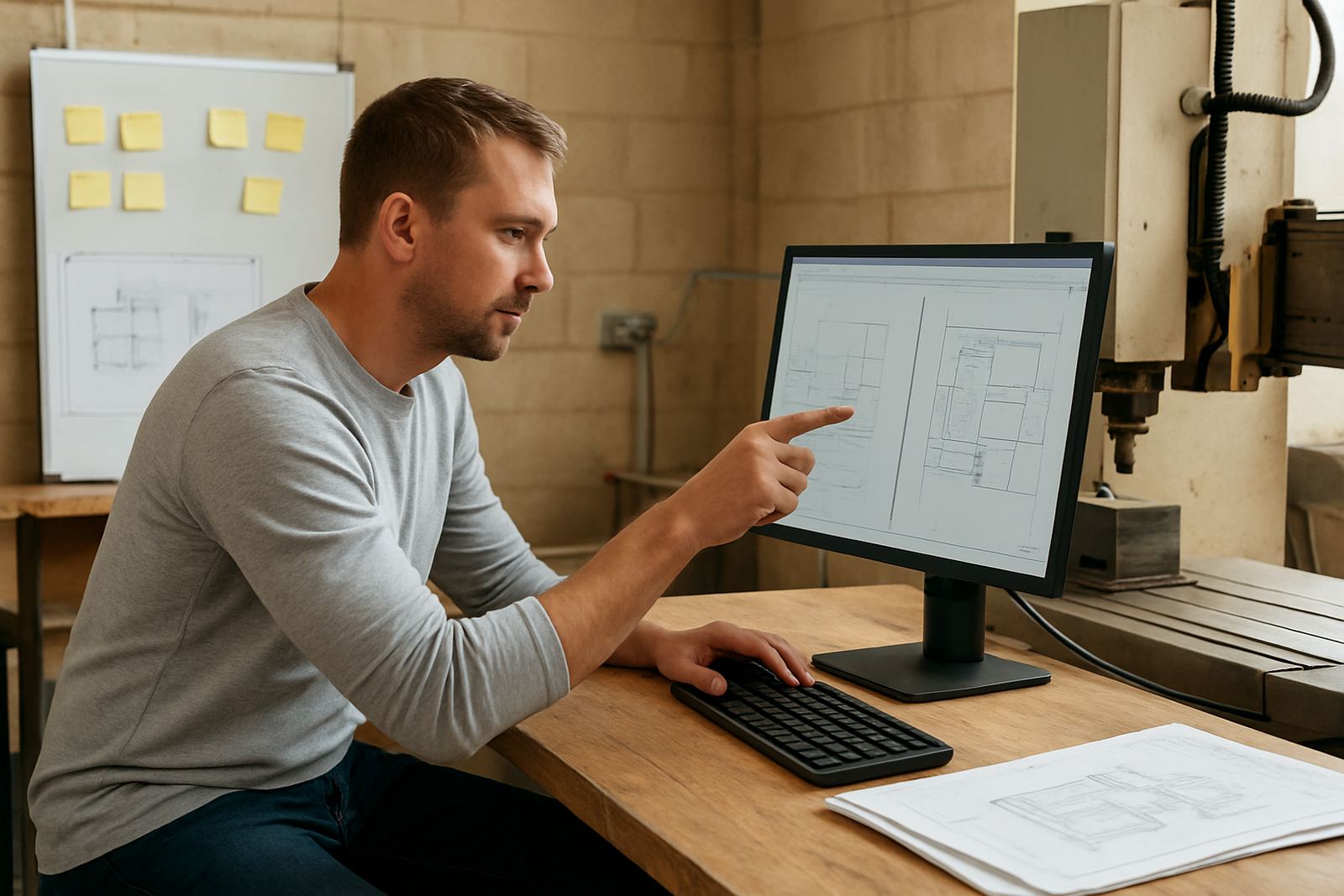
Most shops do not upgrade because of one big failure. They upgrade because the daily work starts bending around the software. A programmer spends an extra hour cleaning up toolpaths, the operator keeps asking for edited files, or a simple 3 axis job needs three separate steps just to get to the machine. That is usually the first sign the current seat is no longer matching the way the shop works.
In a Centurion or Pretoria workshop, that pressure often shows up when load-shedding hits and the team has to recover quickly after a stop. If a licence is tied to one workstation, or it takes too long to reinstall after a power interruption, the whole workflow suffers. The seat should support the shop, not become a point of delay.
2. Signs your current licence is limiting output
Some limits are technical, others are practical. A shop may still be getting parts out, but the margin shrinks because the programmer spends too much time repeating setup work or manually correcting code. When that happens week after week, the licence is no longer a good fit.
- Jobs take longer to prepare because the available tools or functions are too limited.
- The machine needs manual edits after post output more often than it should.
- Only one person can comfortably use the seat, so training or holiday cover becomes difficult.
- New machine types have been added, but the current setup cannot follow them properly.
- The shop has grown from one-off parts into repeat production and needs better standardisation.
- Support calls keep coming up for the same issues, which points to a workflow gap rather than operator error.
If two or three of these are happening, the seat is probably costing more than it saves. That does not always mean a complete change. Sometimes it just means a better licence structure, a cleaner post-processor, or a new support plan so the team can keep moving.
3. The cost of staying on the wrong setup
Many shops hold onto an older licence because it is already paid for. That makes sense on paper, but the hidden cost shows up in labour, scrap and missed delivery dates. If a programmer spends an extra 20 minutes on each job and the shop runs 12 jobs a week, that is four hours gone before anyone has touched the machine. Over a month, that becomes real money.
There is also the issue of machine damage and wasted material. A poor post setup can send the wrong format, the wrong sequence, or a code structure that the operator has to patch on the control. That is where a simple upgrade can pay for itself faster than expected. For shops working mild steel, aluminium or plastic, especially where material is imported and lead times are tight, avoiding rework matters a lot.
We often see this in Durban where humidity and salt air already place extra pressure on electrical and mechanical systems. If the programming side is also messy, the shop is fighting on two fronts at once.
4. When a new machine means a new seat
Adding a new router, mill, lathe or plasma table should be a growth moment, but it can turn into a bottleneck if the current licence cannot support the machine properly. New equipment often needs a fresh post-process review, different offsets, new tool libraries and a cleaner handover process. If the shop tries to force the old setup to do everything, the operator ends up carrying the risk.
Machine onboarding is the right time to check whether the current seat still fits. A good review should cover the controller format, tool change logic, axis limits, workholding habits and how the programmer wants the machine to behave on first job release. If the shop is expanding into nested routing, multi-spindle work or more complex turning cycles, the original licence may simply be too small for the job.
- Confirm whether the new machine needs a different post configuration.
- Check if the seat allows the required file output and revision control.
- Test first jobs before the machine goes into daily production.
- Train the programmer and operator together so the process is consistent.
This is where an upgrade is not only about functions. It is about getting the first month on the machine right and avoiding early damage to confidence, tooling and time.
5. Training gaps are often a licence problem in disguise
Sometimes the complaint is not really about the software. It is about the fact that the current seat was set up for one senior person, and everyone else is expected to learn by watching. Once that person is unavailable, production slows down. In shops around Johannesburg and Vereeniging, we often see this after a key programmer leaves or a new owner takes over the workflow.
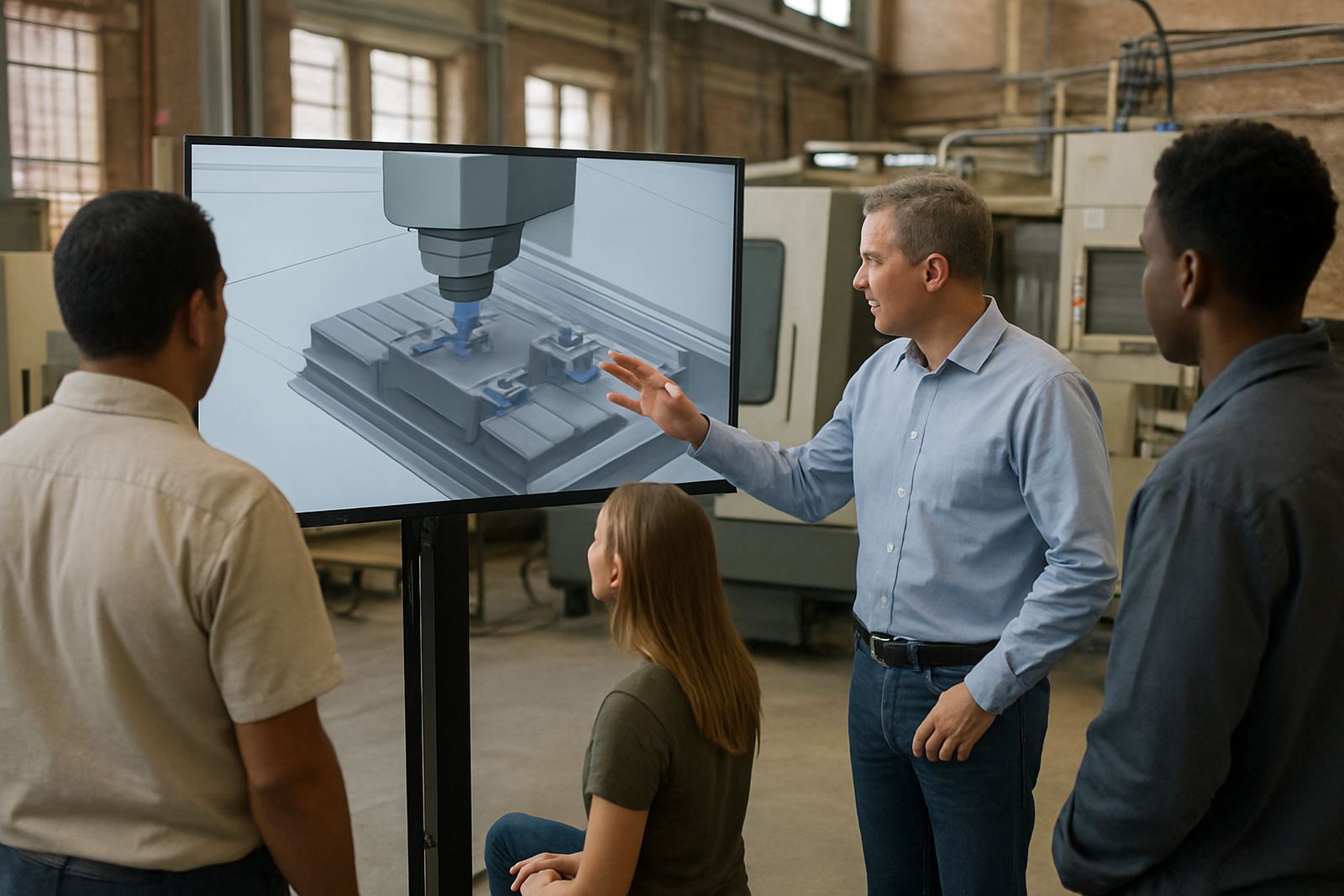
A better licence arrangement can support operator training, programmer training and owner training without everyone crowding onto one machine. That makes support easier and reduces the chance of inconsistent parts. It also helps with annual support planning, because the shop can map out who needs what level of access and what kind of guidance they need during busy periods.
If the same questions keep coming up, the issue may be that the current seat is not built for team use. A practical review will show whether the shop needs additional users, a cleaner installation, or a different support structure altogether.
6. A local example from a growing Gauteng shop
A small CNC shop in the East Rand started with one programming seat and one operator. As orders grew, they added another machine and took on more repeat work for furniture parts and light industrial components. On paper, the old setup still worked, but in practice the programmer was reworking posts, the operator was pausing jobs to ask for file changes and the owner could not get a clear view of job status.
After a workflow audit, the shop changed its seat structure, updated the post configuration and added first job support for the new machine. The result was not dramatic overnight, but it was measurable. Less rework, fewer surprises at the control and quicker turnaround on repeat parts. That kind of improvement is what makes an upgrade worth it, because the benefit shows up in the daily numbers.
For shops in Cape Town, coastal conditions can add another layer. Electrical interruptions, moisture and maintenance schedules all affect uptime. When the software side is also under strain, the whole operation feels harder than it should.
The right time to upgrade is usually before the team starts building workarounds. If the seat is no longer keeping pace with the shop, treat that as a signal to review licensing, post-processors and support together. A proper fit saves hours and gives the team room to grow.