Why Acrylic Edges Go Cloudy Or Melt
Acrylic is unforgiving when the cut is even slightly wrong. Too much heat, too little chip load, a blunt cutter, or a poor lead-in can leave a polished edge that looks good from a distance but shows stress marks up close. On signs, light boxes, machine covers and display parts, that edge finish often decides whether the job is ready for a client or needs another pass.
In South African shops, the problem often gets worse when operators try to push one setup across different machines. A router in Centurion cutting 6 mm cast acrylic with a sharp single-flute tool will not behave the same as a plasma shop converting its first routing job or a milling machine used for plastics after metal work. Acrylic needs its own strategy, and the feeds rates matter more than many operators expect.
The first thing to check is whether the cut is removing chips properly. If the cutter is rubbing rather than slicing, heat builds fast and the edge turns milky. If the tool is too aggressive, the sheet can chip at corners or break out at the exit. Good results usually come from a balanced toolpath, correct spindle speed, and stable workholding that stops the sheet lifting during the cut.
Toolpath Choices That Keep The Edge Cleaner
For cleaner acrylic edges, toolpath style is often the biggest decision before the job even starts. A shop may be tempted to use the same profile routine for wood, PVC and acrylic, but the entry and exit points should be adapted to the material. Smooth transitions reduce witness marks and help the cutter stay under control.
One useful approach is to reduce sudden direction changes. Sharp corners can create short dwell periods that add heat. Where possible, use arcs, gentle lead-ins and lead-outs, and avoid stopping the cutter on the final visible edge. If the post output is set up well, the machine should enter and leave the cut without leaving an ugly start mark on the part.
- Use a climb or conventional strategy according to the cutter and machine rigidity, not by habit.
- Keep stepovers and finishing passes consistent so the last pass only removes a light skin of material.
- Place tabs where they will not be seen, especially on clear or coloured display parts.
- Test small sample cuts before running a full sheet, particularly after any software update or machine change.
For nested jobs, the order of cuts also matters. Inside features should normally be cut before the outer profile so the sheet stays stable. That simple sequence can prevent movement that would otherwise spoil the last edge of a sign face or panel.
Feeds, Speeds And Chip Load On Acrylic
Acrylic likes a clean chip, not dust and not a smear of melted plastic. If the spindle speed is high but the feed is too slow, the tool keeps chewing the same surface and heat rises. If the feed is too fast for the cutter size or machine condition, the edge can tear and leave a rough finish that needs hand polishing. The goal is to make the cutter work with the material, not fight it.
There is no single setting that suits every shop, but the basic rule is simple: match chip load to tool diameter, flute count and machine stiffness. A 3 mm cutter on a light-duty router will need a very different feed from a 6 mm cutter on a heavier machine. On older machines, especially where vibration is a problem, even a small change in acceleration can improve the finish more than a big change in spindle speed.
In Durban, for example, coastal humidity can also affect how sheets behave during storage and clamping. Acrylic that has absorbed heat or sat in a warm store room can cut differently from fresh stock. When the material behaves inconsistently, the operator may blame the post-processor or the cutter, when the real issue is a mix of feeds, storage, and clamping pressure.
- Start with test cuts on offcuts and measure the finish under light, not only by eye.
- Reduce feed changes between roughing and finishing passes so the cutter does not leave a visible line.
- Avoid long dwell points at corners or lead-ins that create heat spots.
- Check that vacuum or mechanical hold-down is strong enough to stop flutter on thinner sheets.
How Post-Processors Affect Edge Finish
The software settings behind the machine can help or hurt the final edge. A good post-processor should output smooth motion, sensible retracts and clean start points that suit the control on the machine. If the code introduces tiny pauses, or if the output is not tuned to the controller, the cutter can leave a scalloped edge or a burn line that should not be there.
This is where post tuning becomes practical rather than technical. A shop in Johannesburg may run several machines with different controllers, and each one may need a slightly different output style. One machine may prefer shorter moves with cleaner look-ahead, while another may need reduced retracts to stop the cutter from lifting and dropping across a visible face. Small changes in the output can save a lot of sanding later.
When a post is set correctly, the operator gets predictable motion, the machine behaves more steadily, and the finish improves without needing to slow the whole job down. That matters on production work where the client wants 20 panels on Friday morning and the installer is waiting at the site.
- Set post output to match the actual machine, not just the software default.
- Check lead-in and lead-out behaviour on both inside and outside profiles.
- Confirm that the final pass is not re-cutting a damaged edge from a roughing toolpath.
- Review units, decimals and tool change lines so the machine runs exactly as expected.
Machine Setup For Better Acrylic Results
Even the best toolpath cannot rescue a badly prepared machine. Acrylic shows every weakness in the setup because it reflects light and magnifies surface defects. If the table is not level, if the spoilboard has grooves, or if the gantry has play, the edge will show it. That is why machine onboarding and routine checks are important before a production run.
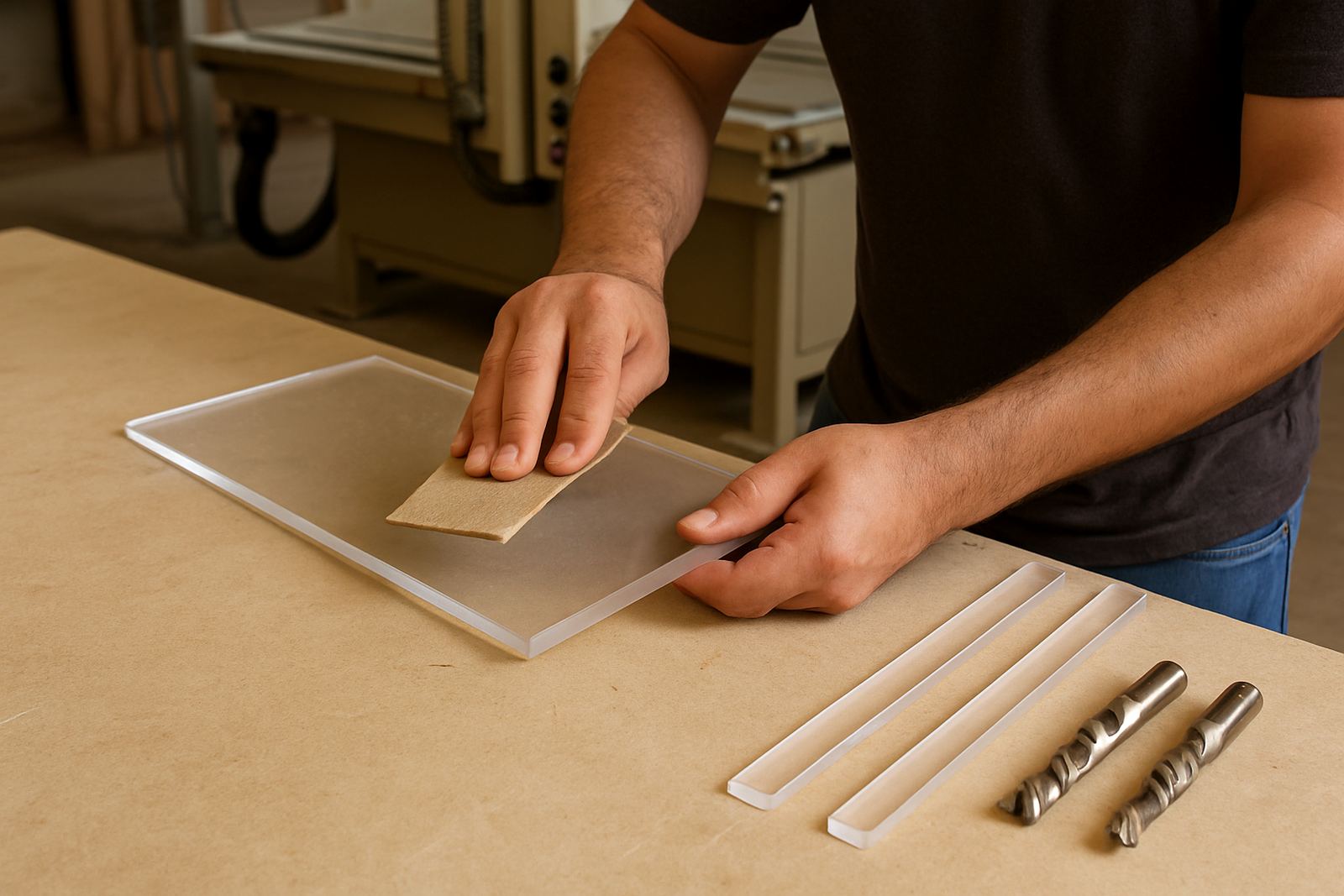
Before cutting acrylic, confirm that the spoilboard is flat, the cutter is sharp, and the collet is clean. On thin sheets, a slight lift at one corner can cause a melted streak along the profile. On thicker stock, poor dust extraction can recut chips and leave a rough finish. Shops often think they need a new tool when they really need a cleaner setup and a better first job check.
For new operators, training should cover more than just loading a file. They need to understand how to read the sound of the cut, when to stop the machine, and how to tell the difference between a feed problem and a hold-down problem. That practical knowledge saves material, especially when stock is imported and replacement sheets take time to arrive.
A Local Example From A Pretoria Sign Shop
A Pretoria sign shop recently came in with a recurring issue on 3 mm clear acrylic letters. The parts were dimensionally correct, but the edges had a slight haze and a few corners showed tiny chips. The shop was already using a good cutter, so the problem had to be traced back through the setup. The post was outputting a short pause at the start of each profile, and the finishing pass was running too slowly for the cutter geometry.
After the post was tuned and the toolpath order was adjusted, the difference was immediate. Inside cuts were completed first, the final profile pass ran with steadier motion, and the machine no longer lingered at corners. The operator also changed sheet clamping to keep the material flatter across the full bed. The result was a cleaner edge that needed less hand work before assembly, and the client could move straight to polishing only on the visible face if needed.
That sort of improvement does not come from one setting alone. It comes from looking at the whole chain: software output, tool choice, feed strategy and machine condition. For shops in Pretoria, Centurion, Vereeniging and further afield, that is often the fastest way to improve acrylic results without replacing the machine or adding extra labour.