Built for cavities, cores and electrode work
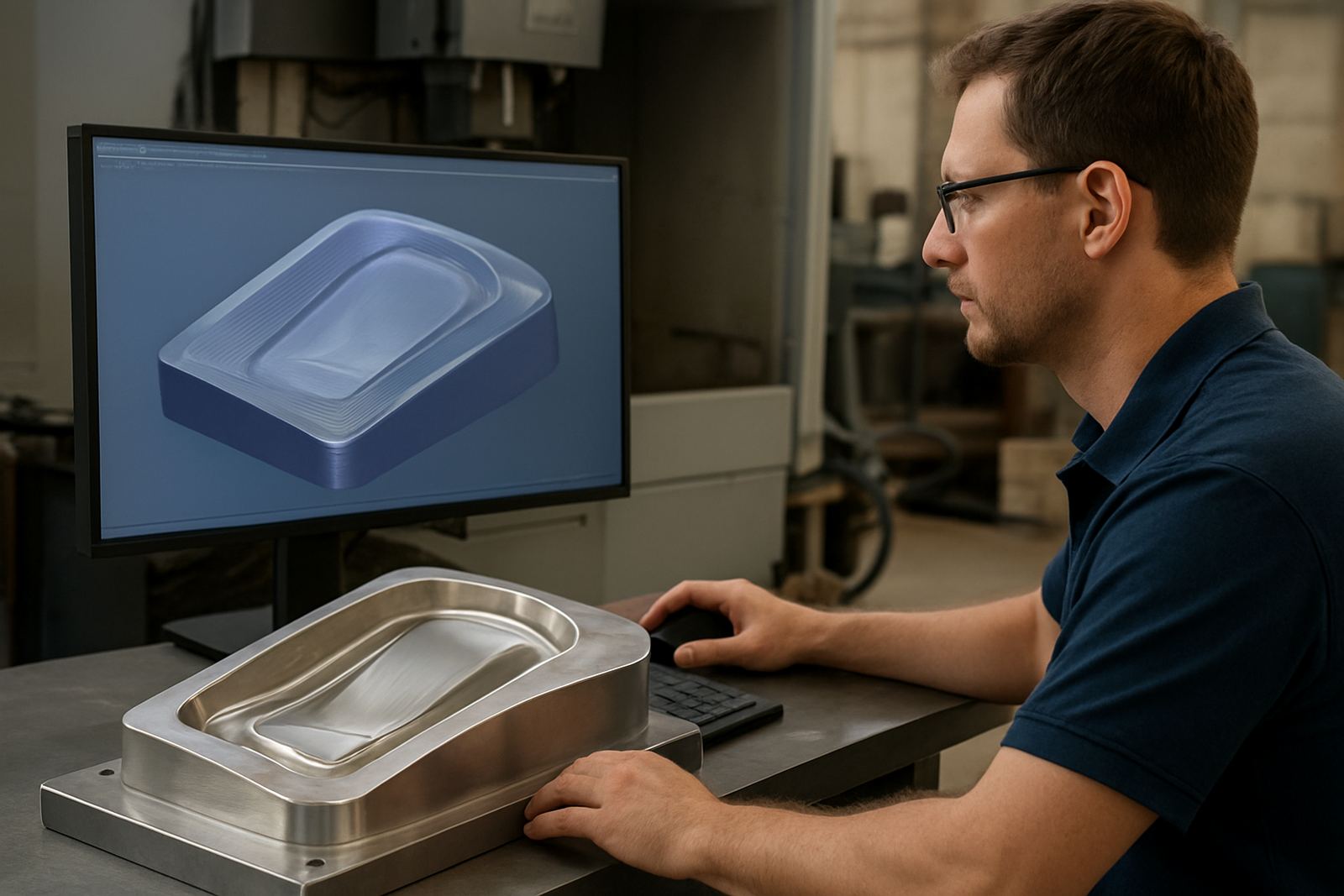
This CAM package is aimed at mould shops that need repeatable toolpaths for cavity and core machining, graphite or copper electrodes, and finishing passes that leave a clean surface before polishing. It suits toolrooms, subcontract mould makers and production shops that run small batches, repeat jobs and tight tolerances. In practice that means fewer hand edits, cleaner NC output and less time checking every line at the control.
The workflow is set up for solid models, electrode extraction, roughing, rest machining and fine finishing. Shops in South Africa often deal with mixed power supply conditions and time pressure from customers, so the real value is predictable setup and code that runs the first time. A good post and proper tool library matter just as much as the cutterpath itself.
- Roughing, semi-finishing and finishing strategies for mould components
- Electrode creation and spark gap allowance control
- Surface finishing paths for polished mould faces
- Rest machining for tight corners and deep pockets
Sizes, licence options and machine types
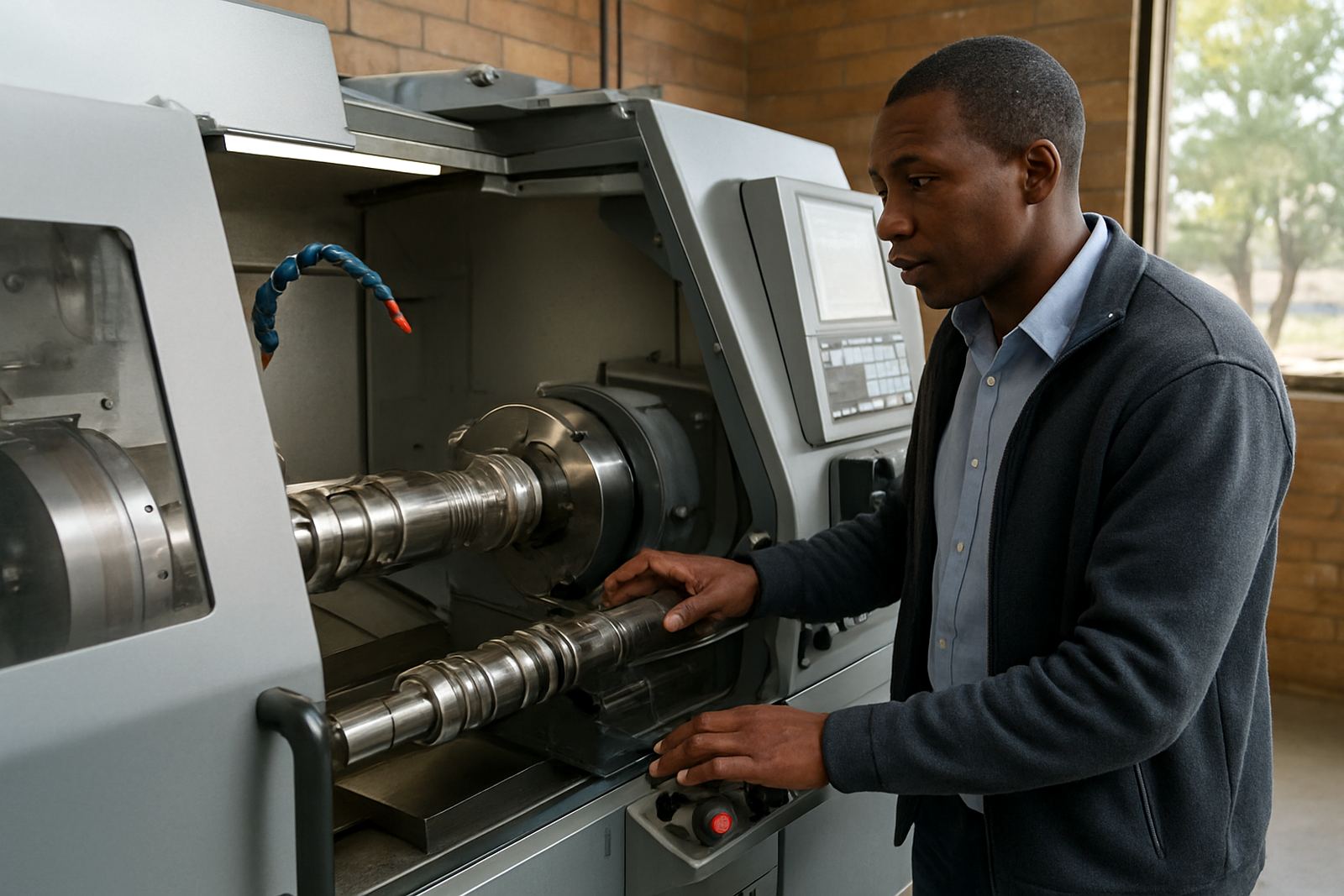
Licences are supplied for single seats, multiple users and shop-floor setups where one programmer supports more than one machine. Typical use covers 3-axis routing, 3-axis milling, 4-axis index work and turning related tooling support where the workflow needs it. For shops expanding from one machine to several, it is important to match the licence structure to the way work is actually passed around.
Options can include post-processors for different controllers, tool library structure, simulation setup and file output formats that suit your internal process. If your shop is running a small toolroom in Vereeniging or a larger mould operation in Johannesburg, we can set the package around the machines you have now and the machines you plan to add later. A licence that fits the shop reduces admin and keeps programmers focused on output, not file conversion.
- Single-user and multi-user licence options
- Post support for routing, milling, turning and plasma related workflow where required
- Tool library and material library setup
- Upgrade paths for added stations and new machine types
Where mould tooling CAM suits best
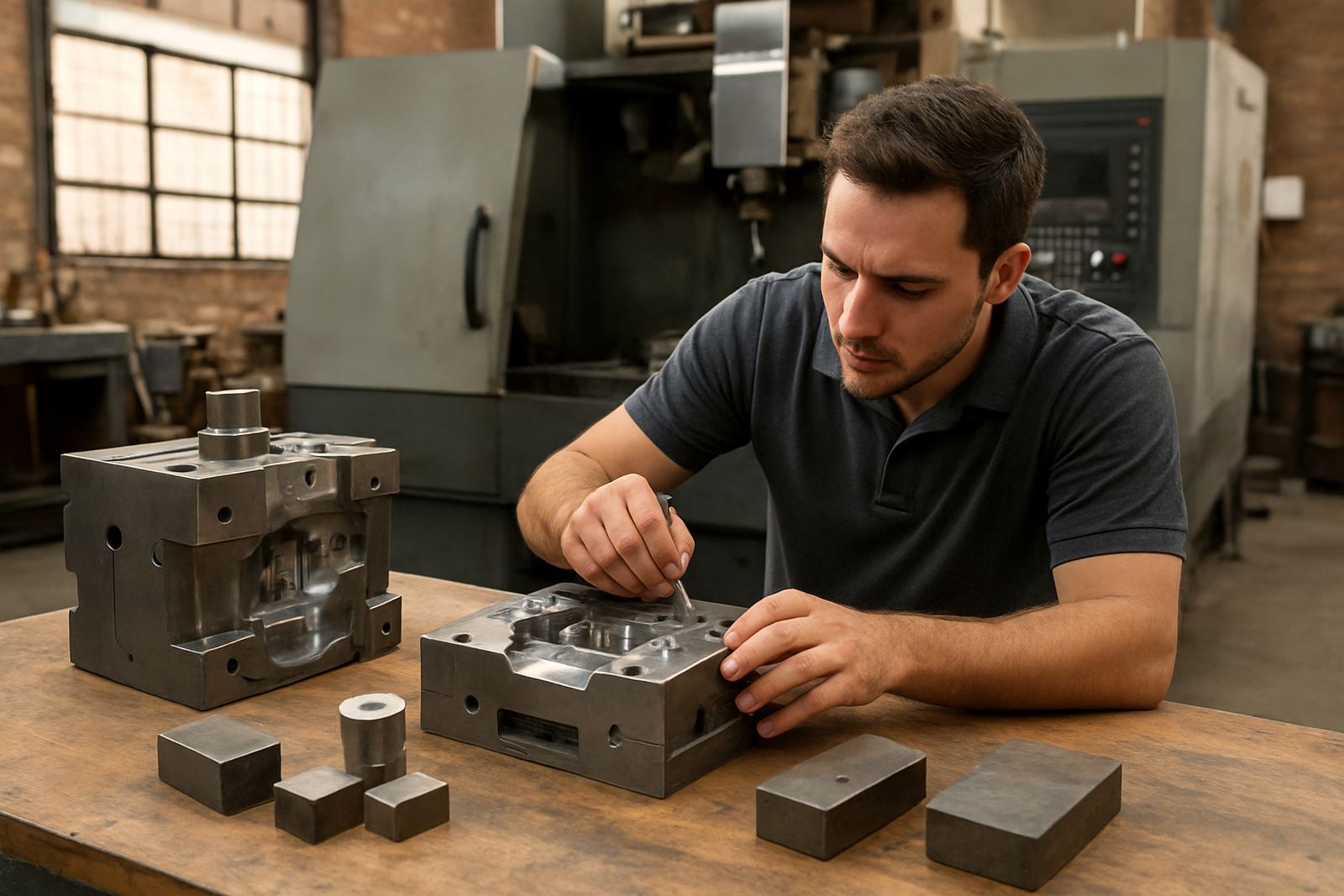
This product suits shops that make injection moulds, press tools, forming tools and repair inserts, plus subcontractors doing electrode preparation and finishing support. It also works well where jobs come in from local industries with short lead times, especially when the shop must move from drawing to cutting without a long approval cycle. The software is useful in Pretoria, East Rand, West Rand and the coastal areas too, where humidity can affect stored tooling and the shop needs clear process control.
For deeper cavities and fine finish work, the ability to control stepovers, lead-ins, entry moves and machining order is important. It helps reduce tool marks and keeps heat down on delicate work. If your team runs a mix of old and new machines, the post and setup need to account for different controllers and operator habits, otherwise the job sheets get messy very fast.
- Mould shops cutting aluminium, tool steel and graphite electrodes
- Toolrooms doing repair work, inserts and detail machining
- Subcontract machining for automotive, packaging and plastics tooling
- Shops needing repeatable output with less machine-side editing
Installation, setup and power requirements
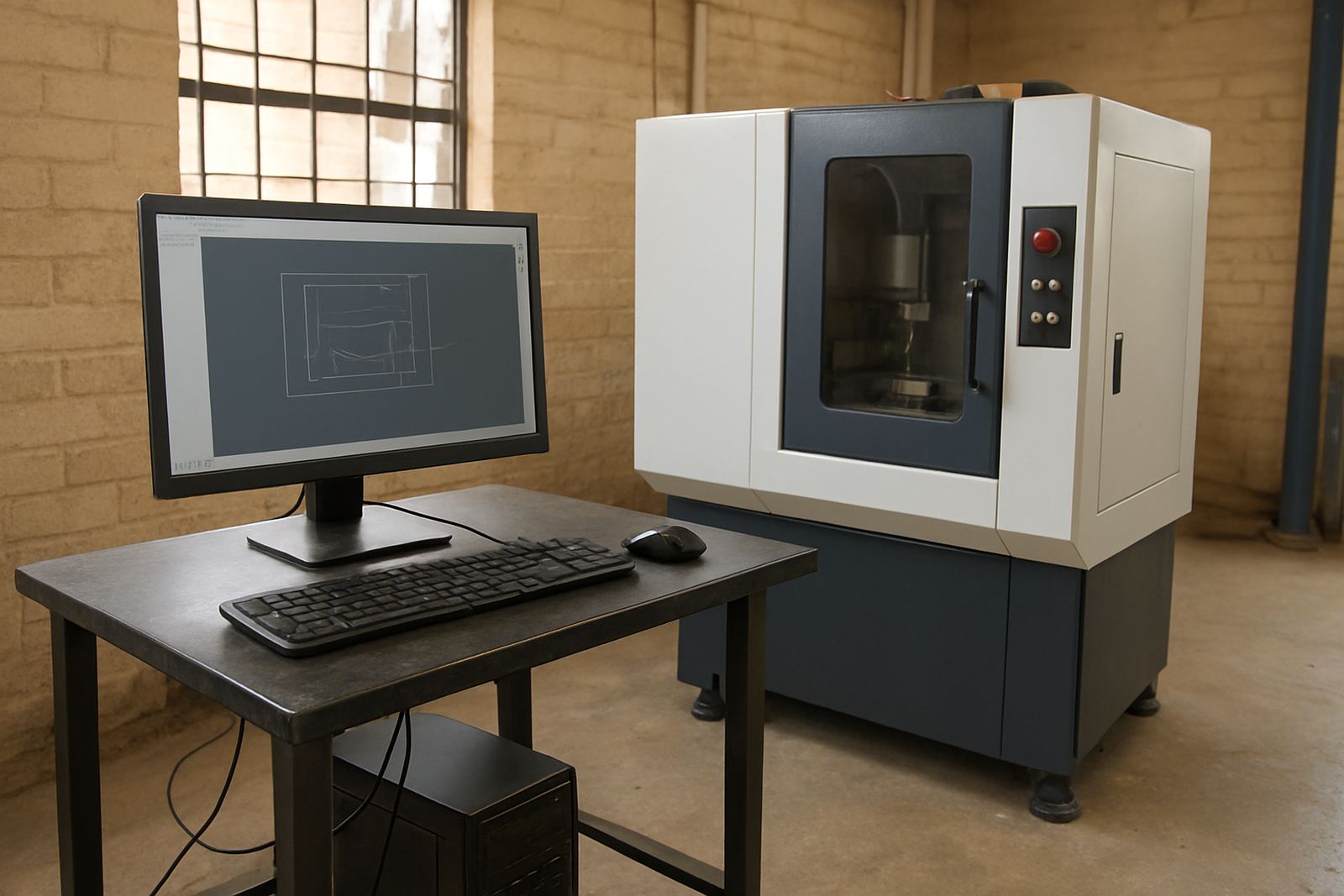
Installation usually starts with licence setup, machine profile checking and post tuning so that your NC output matches the controller, workholding and safe start blocks used on site. We assist remotely or on-site depending on the job and can also train your operators at the same time. If your shop has load-shedding plans, the CAM workstation should be on protected power so the licence and current project are not interrupted mid-save.
The software itself does not need compressed air or gas, but the shop environment does matter. Keep the workstation in a dry, dust controlled area and away from grinding or coolant spray. For mould shops near the coast, humidity control helps protect PCs, storage and printed setup notes. A small UPS is worth fitting, especially where municipal supply is unstable or the computer room shares power with other equipment.
- Windows workstation with enough memory for solid models and toolpath simulation
- Stable storage for projects, posts and tool libraries
- UPS recommended for load-shedding and brownout protection
- Remote or on-site setup available across South Africa
Care, servicing and support after go-live
Once the system is in daily use, the main care items are licence checks, post updates, tool library reviews and operator refresher training. Many shops only notice issues when a new machine arrives or a different programmer takes over, so it pays to review naming rules, tool numbering and setup sheets regularly. Small inconsistencies can cause scrap, and a wrong offset on mould work is expensive.
We support machine onboarding, first job support and remote troubleshooting, with annual support plans for shops that want steady access to help. If your team changes jobs often, a short workflow audit can expose gaps in the process before they turn into delays. The goal is to keep the software practical on the floor, not just correct on paper.
- Licence installation and renewal checks
- Post tuning after machine changes or controller updates
- Operator and programmer refresher sessions
- Workflow audits for naming, tool setup and file handover
What to check before ordering
Before you place an order, gather the machine make and model, controller type, axis count, spindle range, common tooling and the materials you cut most often. It also helps to know whether you need electrode work, 3D finishing, turning support or a post for more than one machine. If you run several sites, tell us which team is responsible for programming and which team handles setup on the machine.
For mould tooling work, these details affect the post, the training plan and the way toolpaths are posted for safe starts and restarts. If you are in Centurion, Pretoria or Johannesburg, an on-site visit can be arranged. For Durban and Cape Town, we plan around travel and site access so the training day is well used, not rushed. Complete information up front means the software is set up for your moulds from day one.
- Machine controller type and axis configuration
- Need for electrodes, surface finishing or multi-machine posting
- Current tool library format and naming rules
- Training level of operators and programmers
Key facts
| Primary use | Cavities, cores, electrodes and finish machining |
|---|---|
| Licence options | Single-user, multi-user and shop-floor setups |
| Machine support | 3-axis, 4-axis index and selected turning workflows |
| Output | Custom post-processed NC code for your controller |
| Support | Remote troubleshooting, on-site training and machine onboarding |
| South African coverage | Centurion, Pretoria, Johannesburg, Vereeniging, Durban, Cape Town and surrounding areas |