Integrated programming for mill-turn work
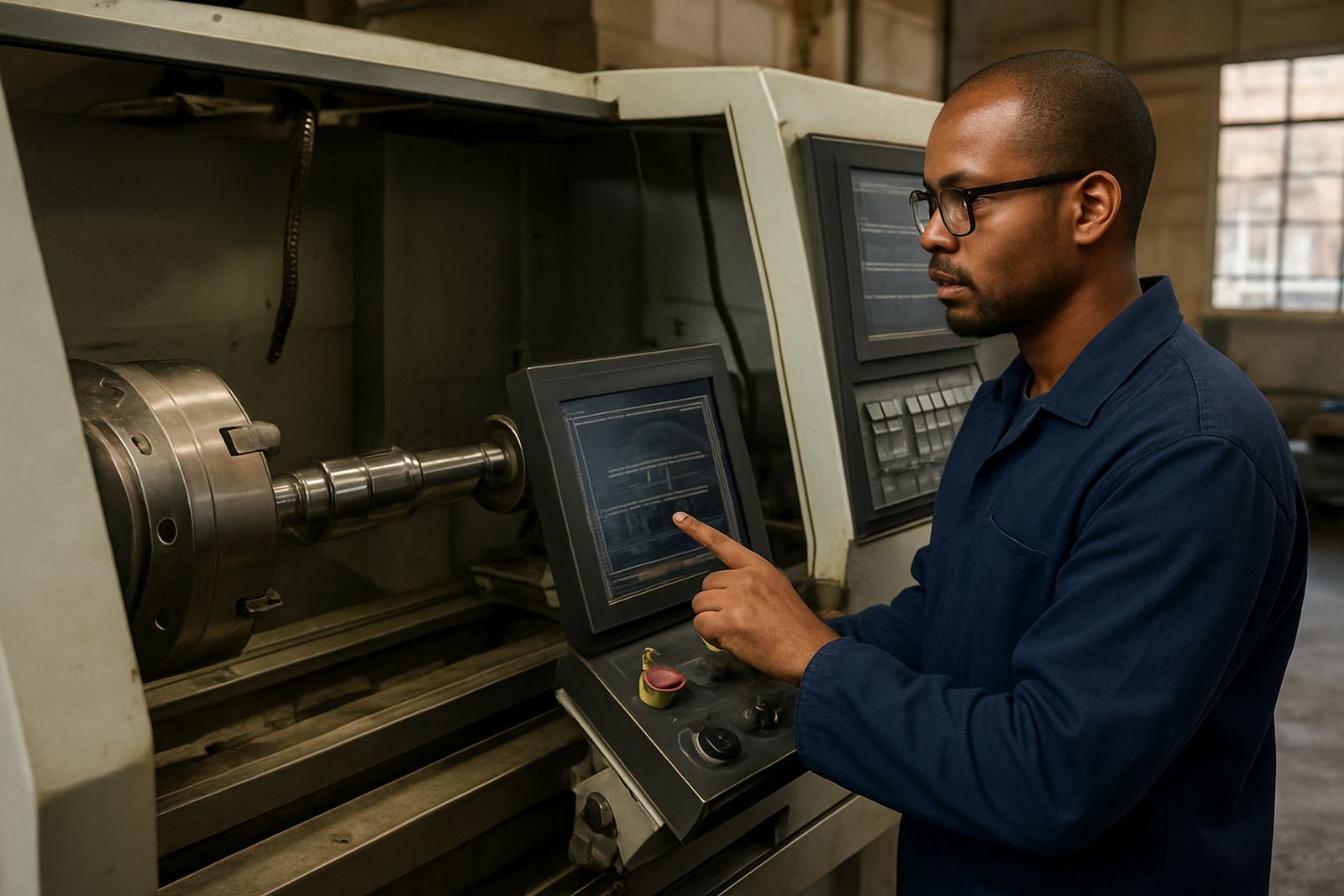
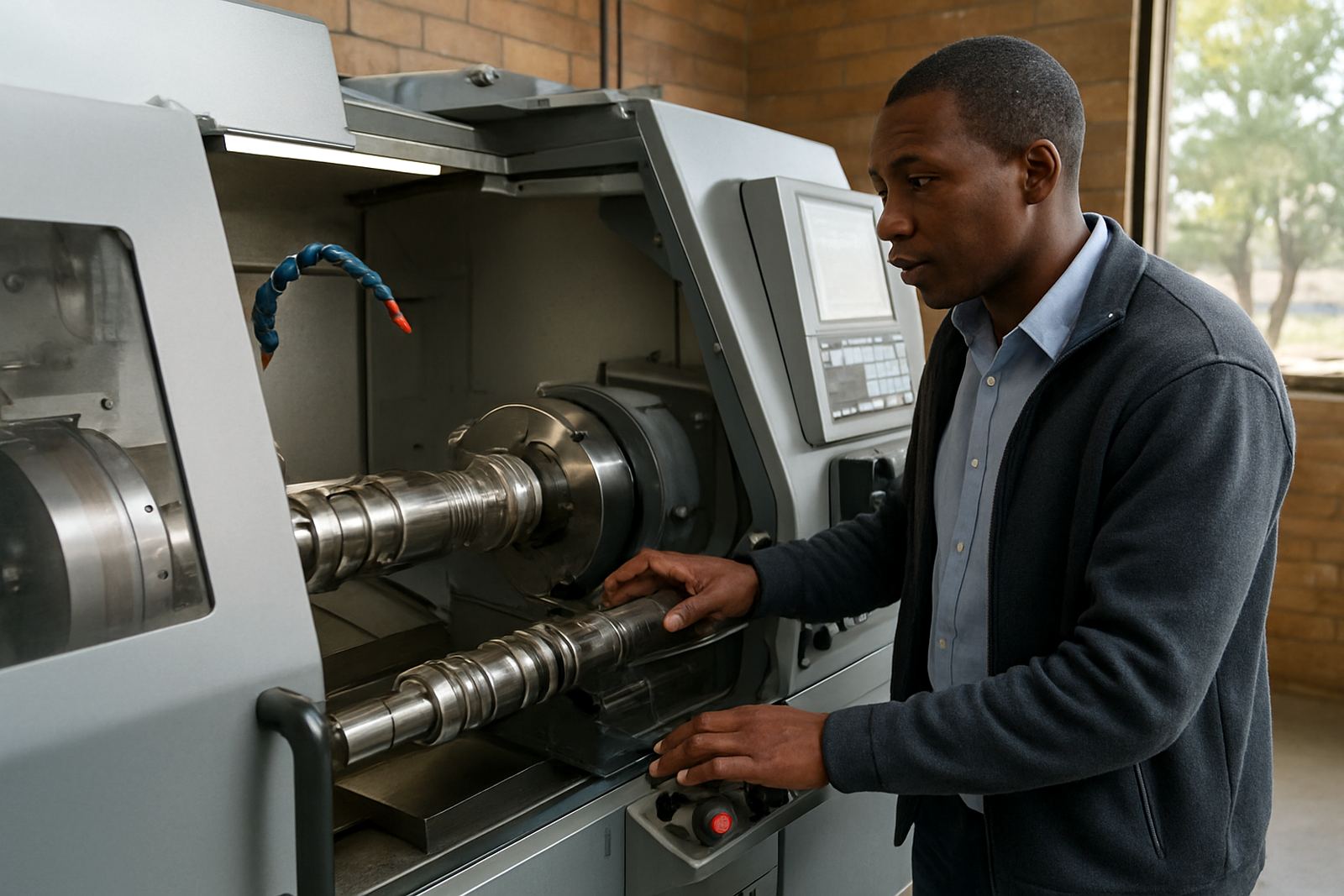
Mill Turn CAM is used for hybrid machine setups where turning, live tooling, milling and secondary operations must work from one programme. Instead of splitting a job between separate systems, your team can plan roughing, finishing, drilling, grooving and contour milling in a single job file. That helps keep toolpaths consistent and reduces the chance of a mismatch when a part moves from turning to milling on the same machine.
It suits workshops running small batch work, repeat production, repair jobs and precision components for engineering, agricultural, automotive, tooling and general fabrication work. Whether you are in Centurion, Pretoria, Johannesburg, Vereeniging, Durban or Cape Town, the value is the same: less time lost at the machine and clearer control over the full cycle. In many shops the biggest gain is not speed alone, it is better confidence when a part has multiple operations and tight tolerances.
For teams with mixed experience, the software also helps standardise how jobs are set up. A programmer can build the sequence, a setter can verify the offsets and an operator can run the job with fewer surprises. That matters on night shifts, during load-shedding or when work is split across more than one machine, because a clear process is easier to follow under pressure.
Options, machine formats and licensing choices
Mill Turn CAM is supplied as a licence with options that depend on your machine type, spindle layout and the operations you need to support. Some shops only need basic mill-turn programming for a single turret machine, while others need live tooling, sub-spindle control, Y-axis movement or multiple channels for more advanced cycles. We help match the licence to the machine so you are not paying for functions you will never use.
- Mill-turn programming for 2-axis turning centres with live tooling
- Combined milling and turning workflows for hybrid machine configurations
- Support for single or multi-channel machine structures, depending on the control
- Post-processor setup for machine-specific syntax and safe output
- Licence installation for new seats, upgrades or reinstallation after PC replacement
Licence options are usually discussed alongside the machine list, the controller type and the number of programmers or setters who need access. If you run more than one machine in different branches, we can help you plan the right mix of licences and support cover so the same programming standard is used across the workshop. That is often important in Gauteng and KZN where teams may share jobs between sites, or where one programmer supports several operators.
Where Mill Turn CAM fits best
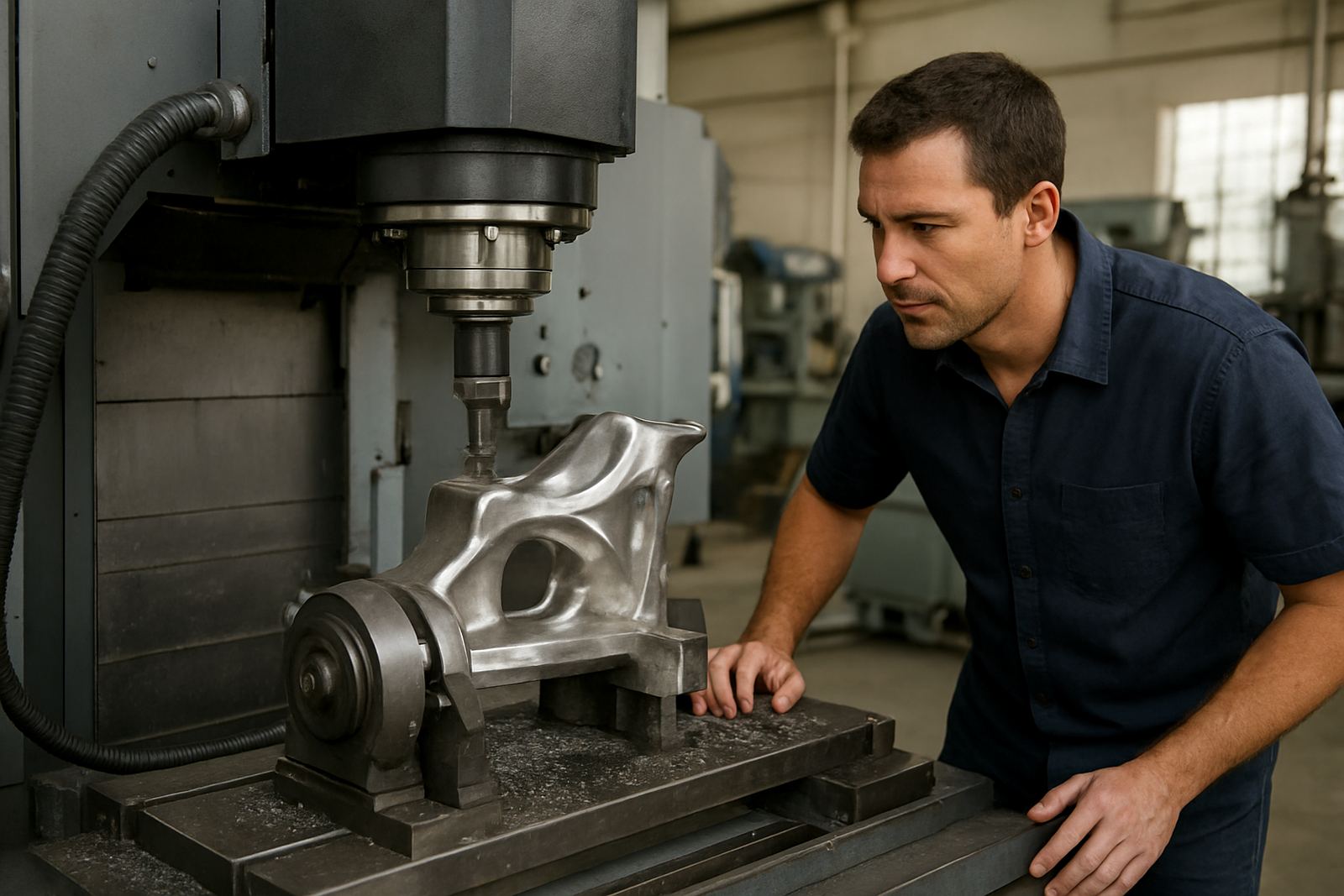
This product suits workshops that make parts with both rotational and prismatic features. Common examples include shafts with keyways, flanges with bolt circles, housings with turned bores, end features, cross holes and milled flats, as well as repair parts that must be recreated from sample pieces. If your work often moves between lathe and mill, or if one machine can do both but your current process is awkward, Mill Turn CAM is worth considering.
It is also a sensible fit for shops that want better repeatability on short runs. A proper mill-turn programme can reduce manual edits at the machine and make it easier to store a trusted process for the next order. For owner-operators, that means fewer late-night fixes. For larger teams, it means better handover between quoting, programming and production. We have seen that once a shop is handling mixed parts regularly, the right post and setup guidance makes a big difference to cycle time and scrap.
- Suitable for toolrooms and jobbing shops
- Useful for OEMs making repeat components in small to medium batches
- Good for shops with one programmer supporting several machines
- Works well where machine time is expensive and setup errors are costly
Installation, computer setup and workshop power needs
Installation normally starts with licence activation, machine definition and post setup. For a clean result, the workstation should be dedicated to programming, with enough space for current projects, tool libraries and archived jobs. We usually recommend a stable Windows-based PC with a current processor, ample RAM and a proper solid-state drive, because large toolpath files and complex part models can become slow on older hardware. A second monitor is helpful for programmers who compare drawings, setup sheets and tool data at the same time.
Mill Turn CAM itself does not need special machine power, gas or shop air because it is office and programming software. What matters is the computer environment, network access for licence handling where applicable, and reliable backup power if your area experiences load-shedding. In practice, many South African shops protect their programming station with a UPS and surge protection so a job file is not lost during an outage. If your operation is coastal, especially in Durban or Cape Town, it is also wise to keep the PC in a dry clean room away from salt humidity and grinding dust.
When we handle installation on site or remotely, we also check that the post output matches the control logic on the machine. That step is important because a mill-turn programme can be ruined by one wrong tool call, a wrong axis sign or a missed clamp move. The aim is not just to get the software running, but to make sure the first few jobs can be loaded and cycled with confidence.
Care, maintenance and support after go-live
Software care is mostly about good housekeeping and process control. Keep a backup of licences, machine posts, tool libraries and verified job files. Store posts with a clear naming system so operators know which one belongs to which machine. If the machine is serviced or the control is updated, the post should be checked again before production resumes. That is especially important after a control replacement, turret service or axis calibration.
Annual support plans help keep the workflow stable as your team changes or your machines are upgraded. We can assist with post tuning, remote troubleshooting, operator training, programmer training and first job support. If a shop adds a new machine or changes from single turret work to more complex mill-turn parts, it is often worth doing a workflow audit first so the setup matches the real shop process, not just the manual. A few hours of tuning now can save days of frustration later.
For ongoing use, the main risk is drift: new staff, changed tooling, edited posts and unverified macros. A short monthly review of the tool library, post version and top recurring parts keeps the system under control. It sounds simple, but in busy workshops it is usually the difference between a predictable process and one that slowly becomes messy.
What to check before placing an order
Before you order Mill Turn CAM, gather the machine details and the way you actually work. Controller model, axis layout and tool changer type are what we match the licence and post to. If you are not sure about a field, send what you have and we will help you fill the gaps. A clear handover at the start avoids confusion later, especially when there are several machines on the floor.
- Machine make, model and control type
- Whether the machine has live tooling, sub-spindle, Y-axis or C-axis functions
- Number of seats required and who will use them
- Typical part size, materials and tolerances
- Tooling list, turret layout and holder types
- Whether you need post tuning, training or first job support
It also helps to know your workshop constraints: power stability, backup arrangements, internet access for support sessions and whether the machine is at a site with restricted access or shift work. If the shop is in a noisy production area, remote troubleshooting can still work well, but a first on-site visit is sometimes better for commissioning and operator confidence. We use that information to plan the right installation path, and to avoid sending a licence or post that does not suit the way your machine is actually run.
Key facts
| Product type | CAD/CAM software for mill-turn programming |
|---|---|
| Core use | Combined milling and turning toolpaths for hybrid machines |
| Machine compatibility | Turning centres, mill-turn machines and hybrid CNC configurations |
| Typical options | Live tooling, Y-axis, sub-spindle, multi-channel post support |
| System requirement | Windows-based programming PC with current CPU, sufficient RAM and SSD storage |
| Support services | Licence installation, post-processors, training, first job support and annual plans |