What 5 Axis CAM does in day-to-day production
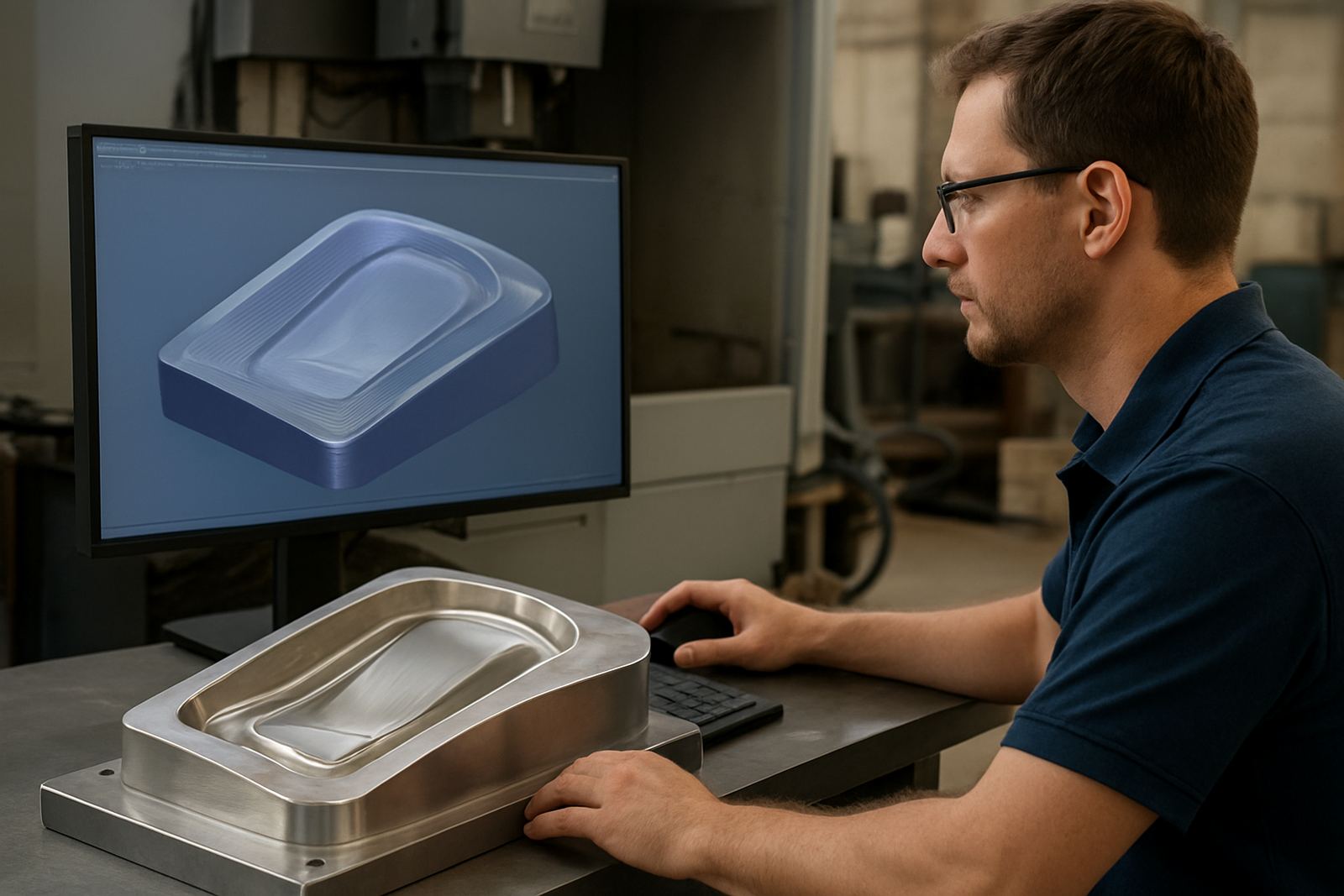
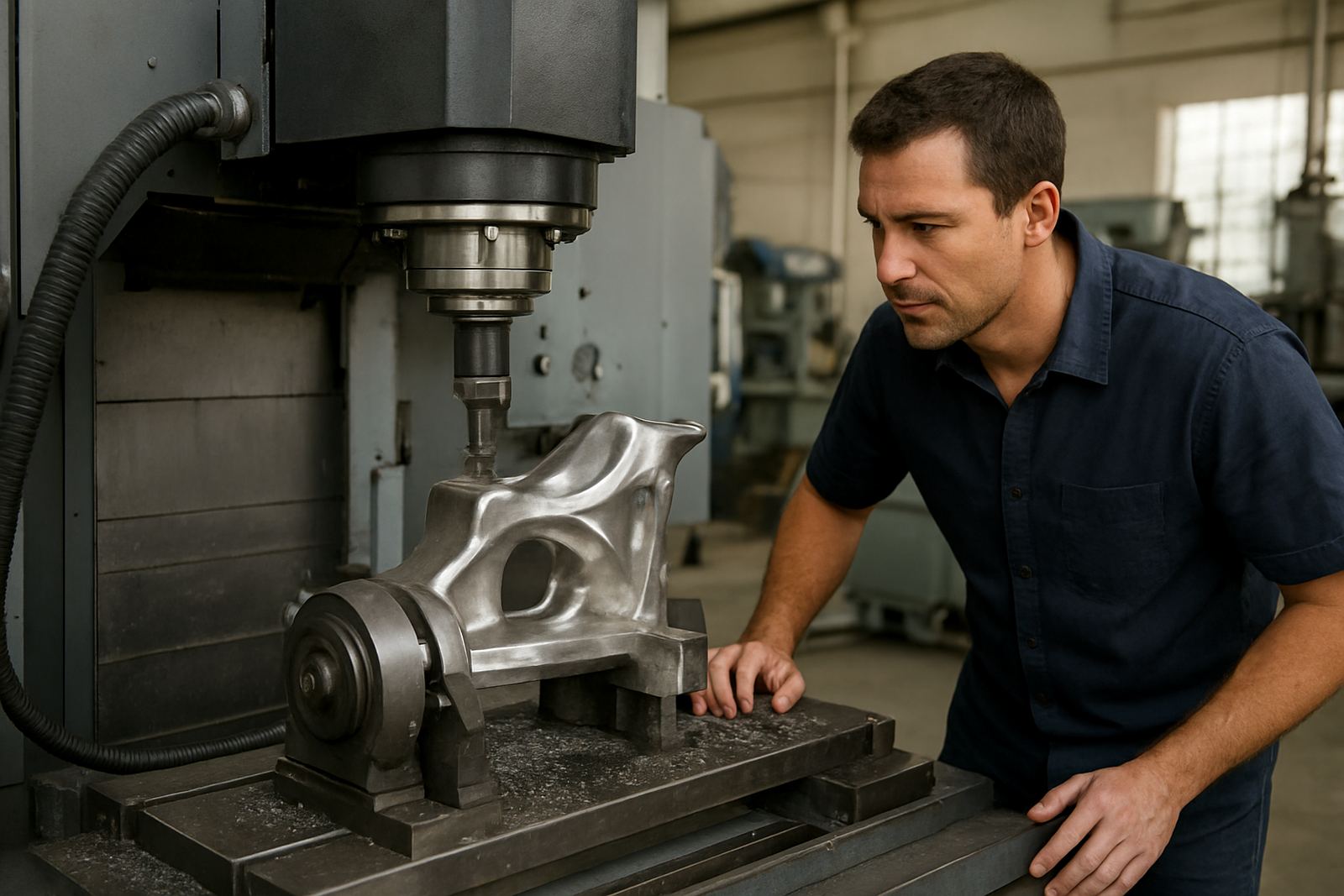
5 Axis CAM is used to create machining paths where the tool and cutter can move across more than three axes at the same time. That extra movement helps when you are machining curved moulds, impellers, aero-style parts, deep pockets, chamfers on awkward faces or parts that need access from several angles. In practical terms, it can cut down on repositioning, improve surface finish and reduce the amount of hand finishing after the machine run.
For South African shops, the value is often in cycle time and setup control. A job that used to need three or four clamping positions may be completed in one or two, which helps when power interruptions, load shedding and short production windows already put pressure on output. It also gives better control on parts where the material is expensive, because there is less risk of scrap from repeated handling.
- Supports complex 3D surfaces, undercuts and compound angles
- Useful for indexed and continuous 5 axis work
- Helps reduce manual re-clamping and setup errors
- Suitable for one-off jobs and repeat production alike
Where this software suits and what operations use it
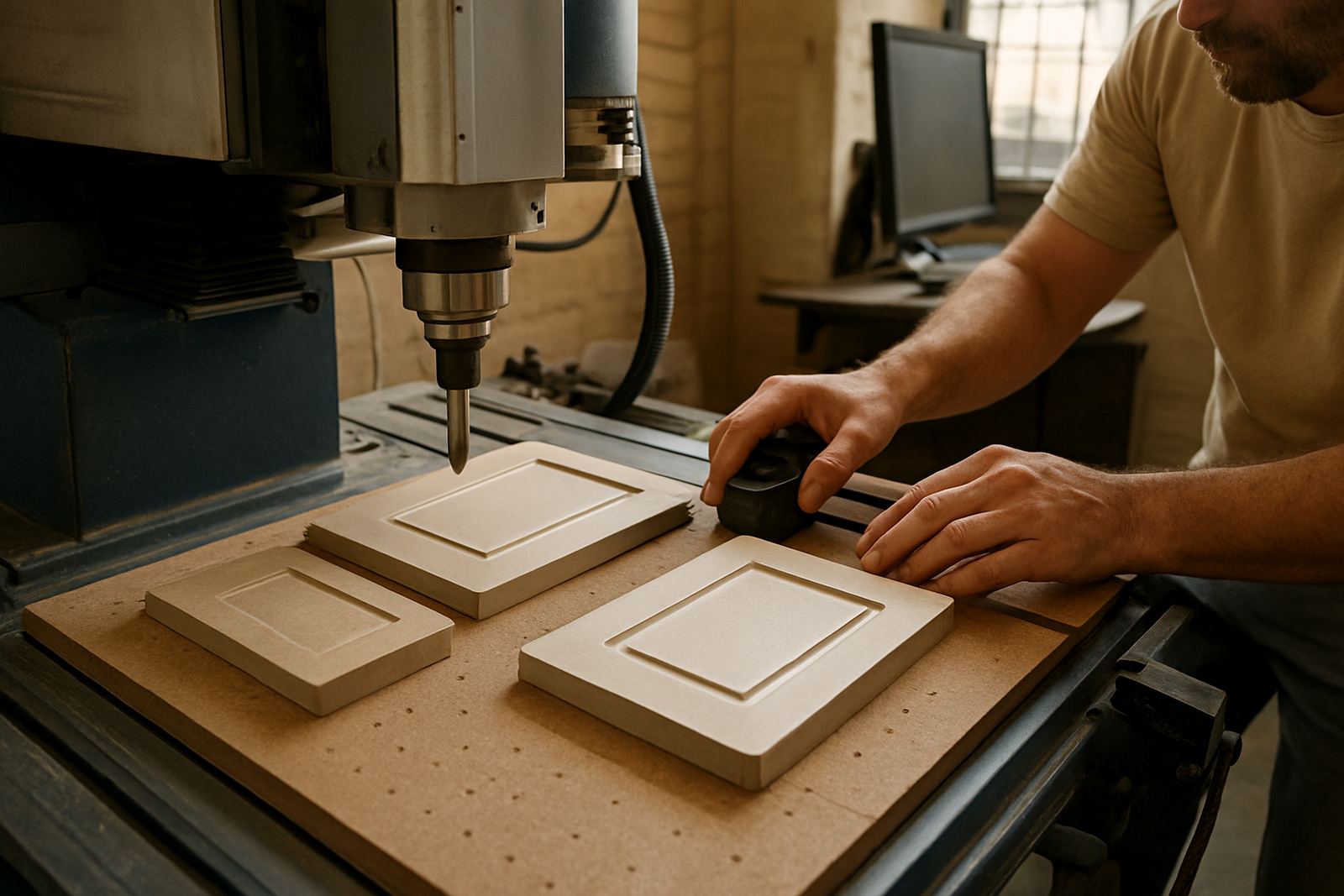
This product suits CNC shops that already have capable machines and want more control over the toolpath. It is a strong fit for routing shops doing panels, signage, moulds and jigs, milling shops producing components with compound surfaces, and turning shops that need live tool and multi-operation workflows. Plasma users can also benefit where parts need bevel cuts, hole correction or more controlled part positioning.
Across Pretoria, Johannesburg, Vereeniging, Durban and Cape Town, we see demand from shops that need to handle both short-run work and repeat contracts. Coastal humidity in Durban or Cape Town can affect machine setup and electrical cupboards, so many users prefer a clean, repeatable CAM workflow with clear post output and fewer manual edits at the machine. In Gauteng, the need is often speed and dependable handover between programmer and operator.
- Best for shops with experienced programmers or an internal technical lead
- Useful where parts have multiple faces or complex geometry
- Helpful for moulds, dies, fixtures, prototypes and precision components
- Can be paired with custom post-processors for your machine control
Licence options, workstation sizing and setup requirements
5 Axis CAM is normally supplied as a software licence matched to your seat count and machining requirement. Some shops only need one programming station, while larger teams may want more than one licence for different programmers or shifts. If you run multiple machines, it helps to match the licence plan to your production schedule so work can move without bottlenecks.
For installation, a stable Windows workstation is normally used, with enough processing power and memory to handle large toolpath calculations. A solid-state drive is recommended, especially if the computer is used for heavy CAD files or multiple part revisions. You do not need special gas supply for the software, but you do need a reliable mains supply, surge protection and a backup power plan where power cuts are common. For shops in industrial areas, an uninterruptible power supply is often worth having so files are not lost mid-calculation.
- Typical workstation: 16 GB RAM minimum, 32 GB preferred for large models
- Modern multi-core processor recommended for toolpath calculation speed
- Dedicated storage space for projects, posts and tool libraries
- Stable power, UPS backup and regular file backups are advised
Custom post-processors and machine matching
The CAM output is only useful if it speaks correctly to your controller, so post-processing matters. We supply custom post-processors for the specific machine, control and workflow you are using. That includes checking axis limits, tool change behaviour, canned cycles, safe retracts, probe routines and any shop preferences that affect daily production. If the post is not tuned properly, even a good toolpath can create stoppages or manual edits at the machine.
Post tuning is often needed when a shop changes tooling, adds a rotary axis, updates the control or brings in a new machine. We also assist with machine onboarding, so the programmer, setter and operator all understand the output before the first live job goes through. That is especially important when a shop is moving from simpler 3 axis work into 5 axis production for the first time.
- Controller-specific post setup and output checks
- Safe move logic and machine limits reviewed before release
- Support for rotary tables, trunnion setups and multi-axis heads
- Workflow checks for tool length, work offset and probe routines
Training for programmers, operators and owners
Hands-on training is available on-site and is tailored to the people who will actually use the software. Programmer training covers strategy, tool selection, stock setup, collision awareness and output control. Operator training focuses on loading jobs, verifying files, proving out the first run and using the machine safely. Owner training is useful when a shop wants better oversight of programming hours, job costing and capacity planning.
Training can be arranged in Centurion, Pretoria, Johannesburg, Vereeniging, Durban, Cape Town and the surrounding East Rand and West Rand areas. For shops with tight schedules, we can structure the sessions in blocks so production does not stop for a full week. If your team works through shift changes or weekend catch-up, that can be planned too.
- On-site or remote training, depending on your workflow
- Suitable for new users and experienced programmers moving to 5 axis
- Can include first job support at the machine
- Useful for small teams that need fast, practical uptake
What to verify before you buy 5-axis CAM
Before ordering 5 Axis CAM, it helps to confirm your machine details, control model, file formats and the kind of work you want to produce. If you know the machine travel, rotary axis arrangement, spindle speed range, tool magazine capacity and typical material sizes, we can set up the right licence and post more accurately. It is also worth checking who will do the programming, because the support and training plan should match the experience level of the person on the workstation.
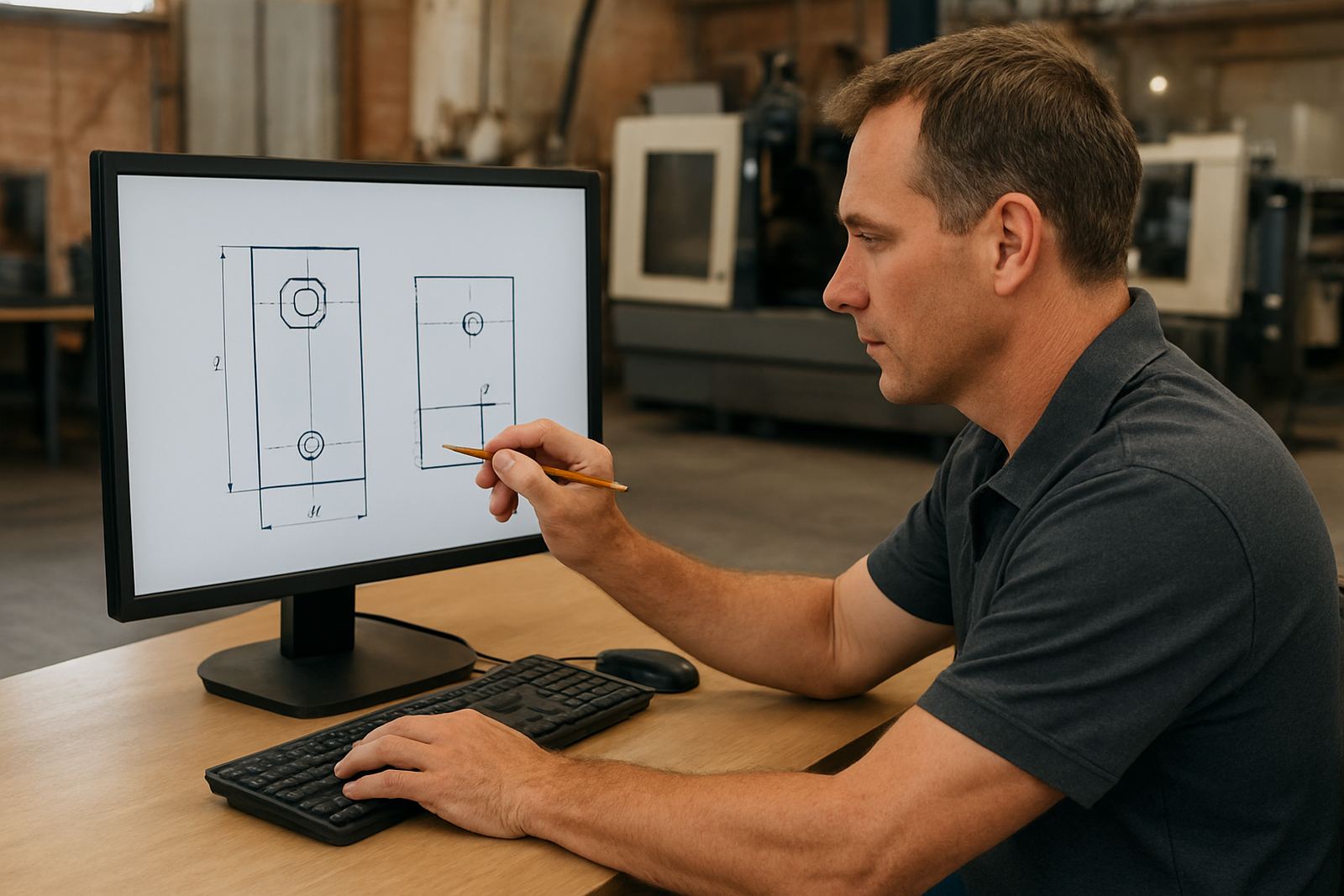
For best results, send through the machine make and model, controller type, number of axes, any probe system in use, and a sample part drawing if available. If you are running aluminium, steel, timber, plastic or composite material, tell us that too because toolpath choices and feeds may differ. Shops with dusty routing areas or coastal air should also plan for regular cabinet cleaning and file backup discipline, since both the machine and the computer need steady care.
- Machine make, model and controller type
- Number of axes and rotary setup details
- Typical parts, materials and file formats
- Who will use the licence and what training they need
Care, servicing and keeping output reliable
Software itself needs little physical servicing, but the surrounding setup does need attention. Keep the workstation clean, update files in a controlled way and store post changes in one place so the team is not using old output by mistake. Regularly back up projects, tool libraries and post files to a separate drive or server. This is especially important for shops that lose time during municipal outages or power dips.
We also recommend periodic workflow audits so the CAM process stays matched to the machine, tooling and team structure. If a new operator joins or a new machine is added, the old setup may no longer be the best fit. Annual support plans are available for shops that want ongoing help with licence installs, remote troubleshooting, post tuning and first job checks.
- Back up projects and posts regularly
- Review tool libraries after tooling changes
- Keep the control and CAM post aligned after machine updates
- Use support plans when production depends on fast turnaround
Key facts
| Product type | 5 Axis CAM software licence |
|---|---|
| Main use | Complex toolpaths for 5 axis routing, milling, turning and plasma work |
| Options | Single seat, multi-seat, custom post-processor, post tuning, machine onboarding |
| System | Windows workstation with solid-state drive, stable power and backup plan |
| Typical workflow | 3D surfacing, multi-angle machining, undercuts, indexed and continuous motion |
| Support | Installation, training, first job support, remote troubleshooting and annual support plans |