What Signmaking Router CAM does on a busy shop floor
Licences are typically supplied for single users or for shops that need more than one seat, depending on how many operators work on the same machine set. Some businesses only need one installation for a router cell, while larger shops may want separate workstations for design, programming and machine release. If your team works across day and night shifts, it helps to decide early whether the licence must move between computers or stay on one office PC.
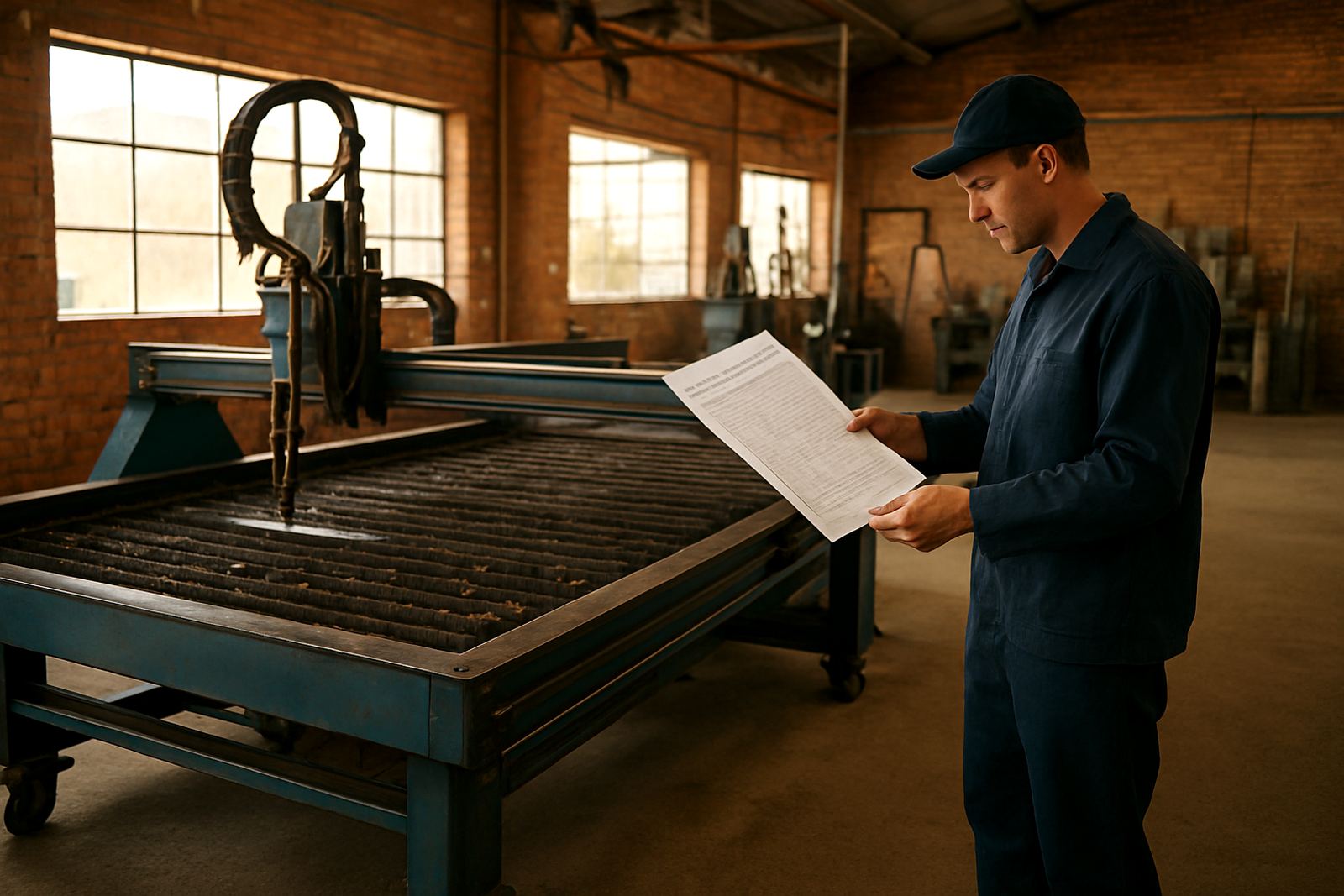
Typical output sizes are driven by the machine rather than the software, so the practical limit is the working envelope of your router. Common signmaking routers in South Africa are 1220 x 2440 mm, 1500 x 3000 mm or larger gantry machines for full sheet nesting. The software is also used on smaller format routers for prototype work and internal job prep. Toolpaths can be set for single parts, repeated arrays or full sheets, which is useful when a client needs 50 matching panels by Friday afternoon.
- Suitable for small sign shops, large fabrication teams and in-house production units
- Supports common sheet sizes from half sheet up to full 2440 x 1220 mm and larger
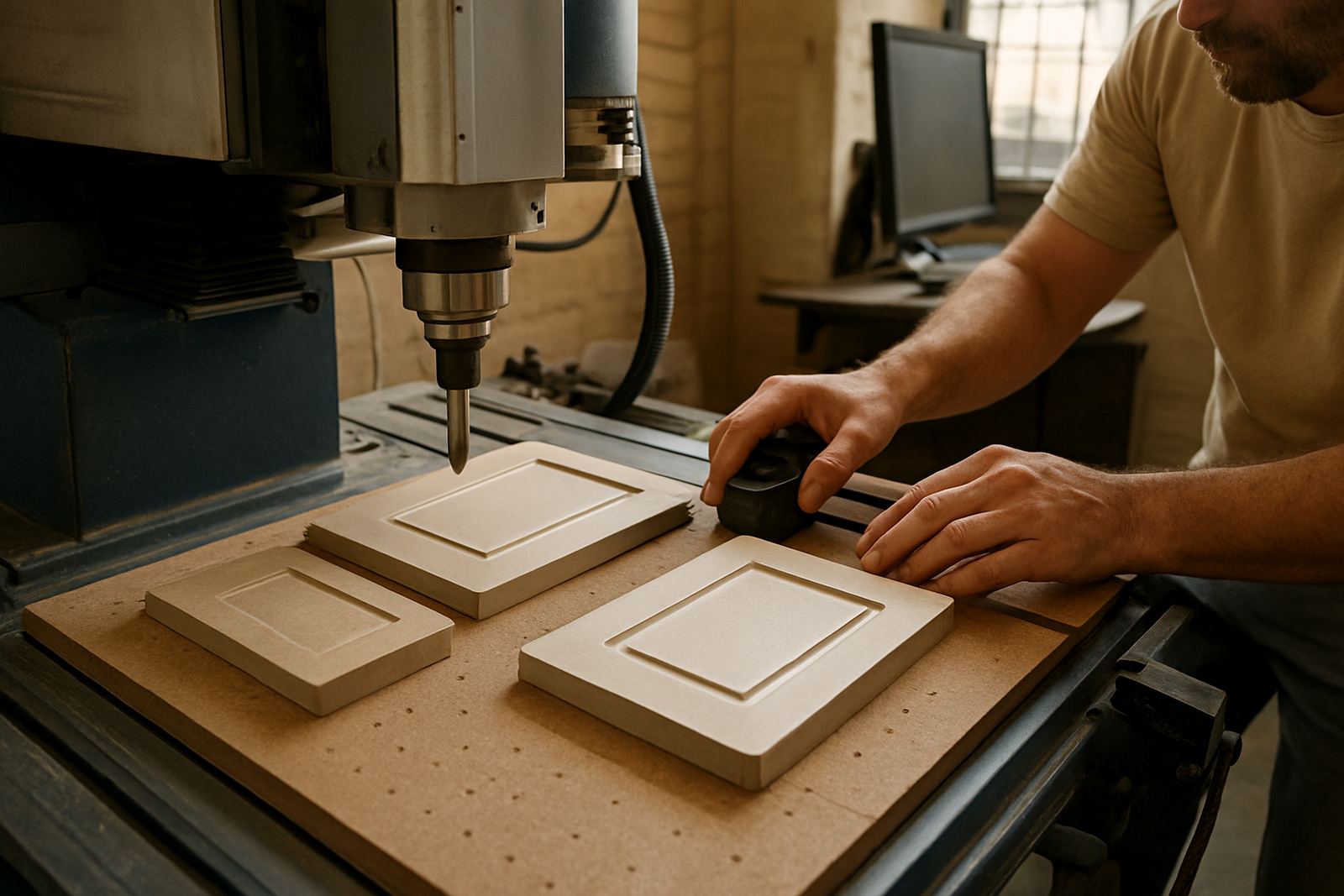
- Useful for acrylic, board, timber, plastics and light aluminium work
- Can be matched to local machine controllers through post-processing
Post-processors and machine matching for local routers
Installation is normally done on the office computer or programming station, then tested against a sample job before the first live production run. We can assist remotely, or on-site in Centurion, Pretoria, Johannesburg, Vereeniging, Durban and Cape Town where the job volume justifies a visit. During installation we check software versioning, licence activation, tool database setup and output folders so the team can find files quickly when the machine is waiting.
Power and machine setup need to be stable. The software itself does not need heavy power, but the workstation should be protected by a UPS or inverter if load-shedding is common in the area. A brownout at the wrong moment can interrupt output, corrupt a file or leave a programmer guessing which toolpath was already sent. For coastal areas like Durban and Cape Town, shops should also keep the computer room dry and dust controlled, since humidity and fine sign dust can shorten component life if cabinets are left open.
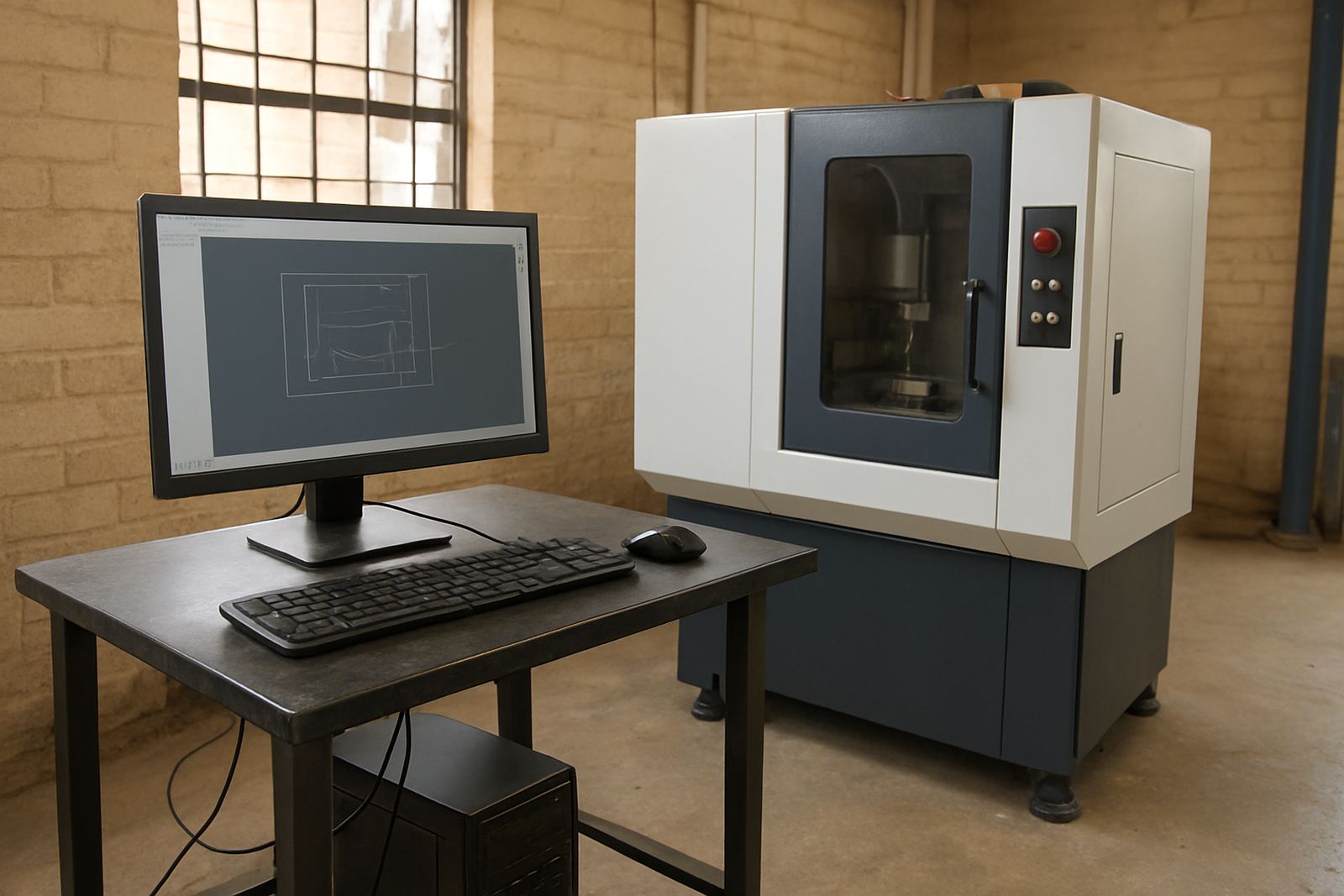
- Install on a dedicated PC where possible, with admin access for updates
- Use a UPS or backup power for the programming station and network switch
- Keep the machine file path and post folder easy to locate for operators
- Allow time for first job support after installation so the team can work with confidence
Training for signmakers, programmers and owners
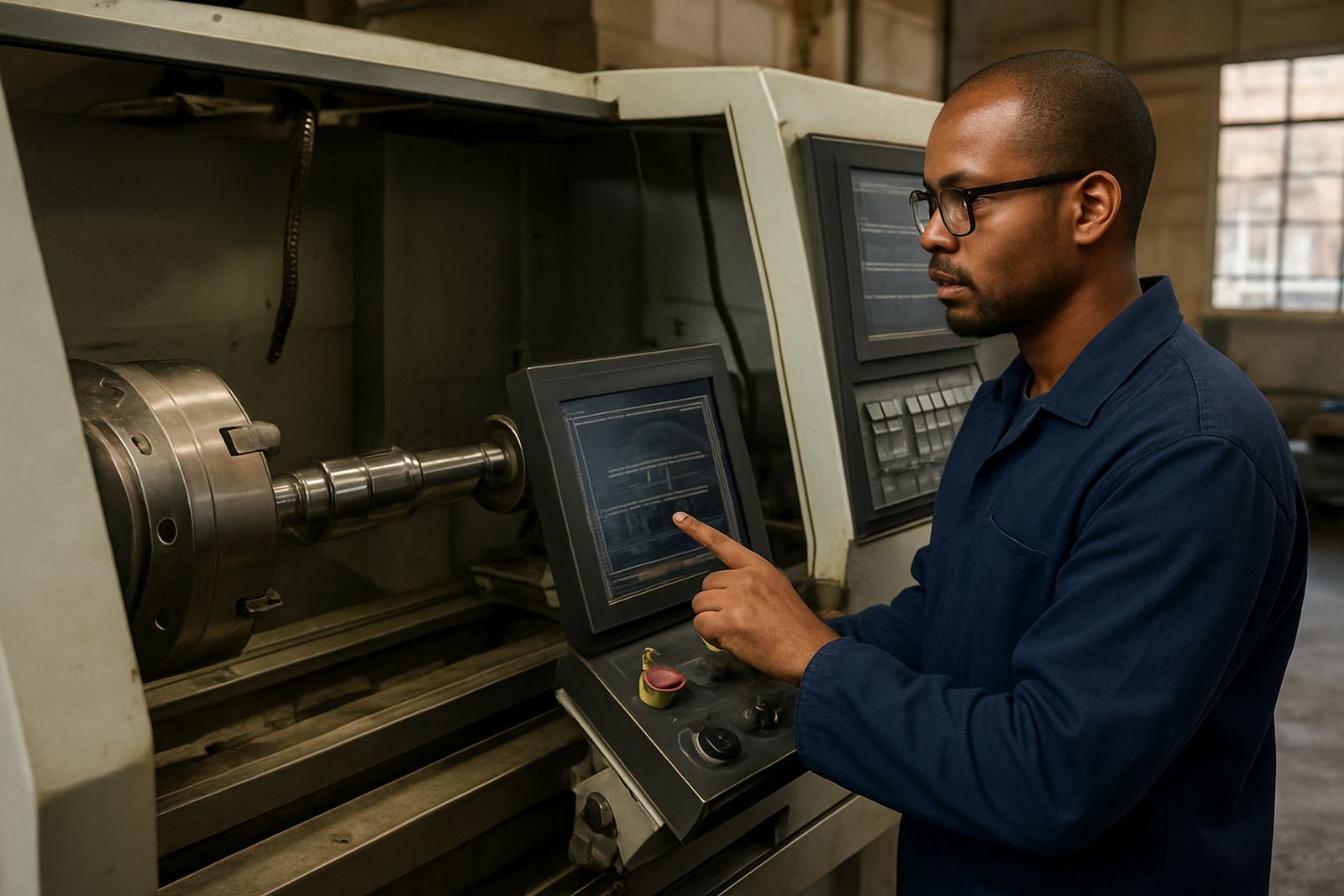
Different people need different training. Operators usually want the basics of loading files, choosing tools and checking cut order. Programmers need deeper control over nesting, tabs, lead-ins, feeds and tool libraries. Owners often need a broader view of turnaround time, material usage and how to reduce scrap when jobs come in mixed sizes. Our training is hands-on and practical, with examples taken from sign shops rather than generic classroom work.
We support training in Centurion, Pretoria, Johannesburg, Vereeniging, Durban, Cape Town and other areas through scheduled sessions and site work where needed. If a shop has one router running full days, training is often best split into short blocks so production can continue. That also gives the team time to test the next job properly instead of trying to learn everything in one sitting.
- Operator training for loading, verification and safe machine release
- Programmer training for toolpath setup, nesting and file preparation
- Owner training for workflow planning, material control and job costing support
- First job support after training so the first production run is checked properly
Setup, upkeep and what to check before you buy
Like any production software, the best results come from a clean setup and regular housekeeping. Keep a clear naming system for jobs, tools and revisions. Back up post files and libraries weekly, especially if the shop has more than one operator. If tooling changes often, check that the tool library is maintained and that feeds and speeds are recorded for each material type. A small mistake in a tool table can affect the full sheet, so it pays to check before release.
Before ordering, confirm what machine you have, what controller it uses, what materials you cut most often and whether you need a custom post or only standard output. Also check the working area, spindle speed range, tool holder type and whether vacuum hold-down is available. Shops that do signwriting only may need different defaults to shops that also cut light engineering parts. A clear brief at the start saves time later and avoids rework.
- Confirm router size, controller type and current file format
- List the main materials, cutter diameters and typical sheet sizes
- Say whether you need nesting, lettering, engraving or all three
- Ask for post tuning if your machine has special start, stop or restart behaviour
Key facts
| Product type | CAD/CAM software for signmaking routers |
|---|---|
| Main uses | Profile cutting, engraving, raised lettering, panel work |
| Common machine sizes | 1220 x 2440 mm, 1500 x 3000 mm and larger |
| Material suitability | Acrylic, PVC foam board, MDF, plywood, timber, light aluminium |
| Output | Machine-ready toolpaths with custom post-processing |
| Support areas | Centurion, Pretoria, Johannesburg, Vereeniging, Durban, Cape Town |