One workflow from drawing to machine code
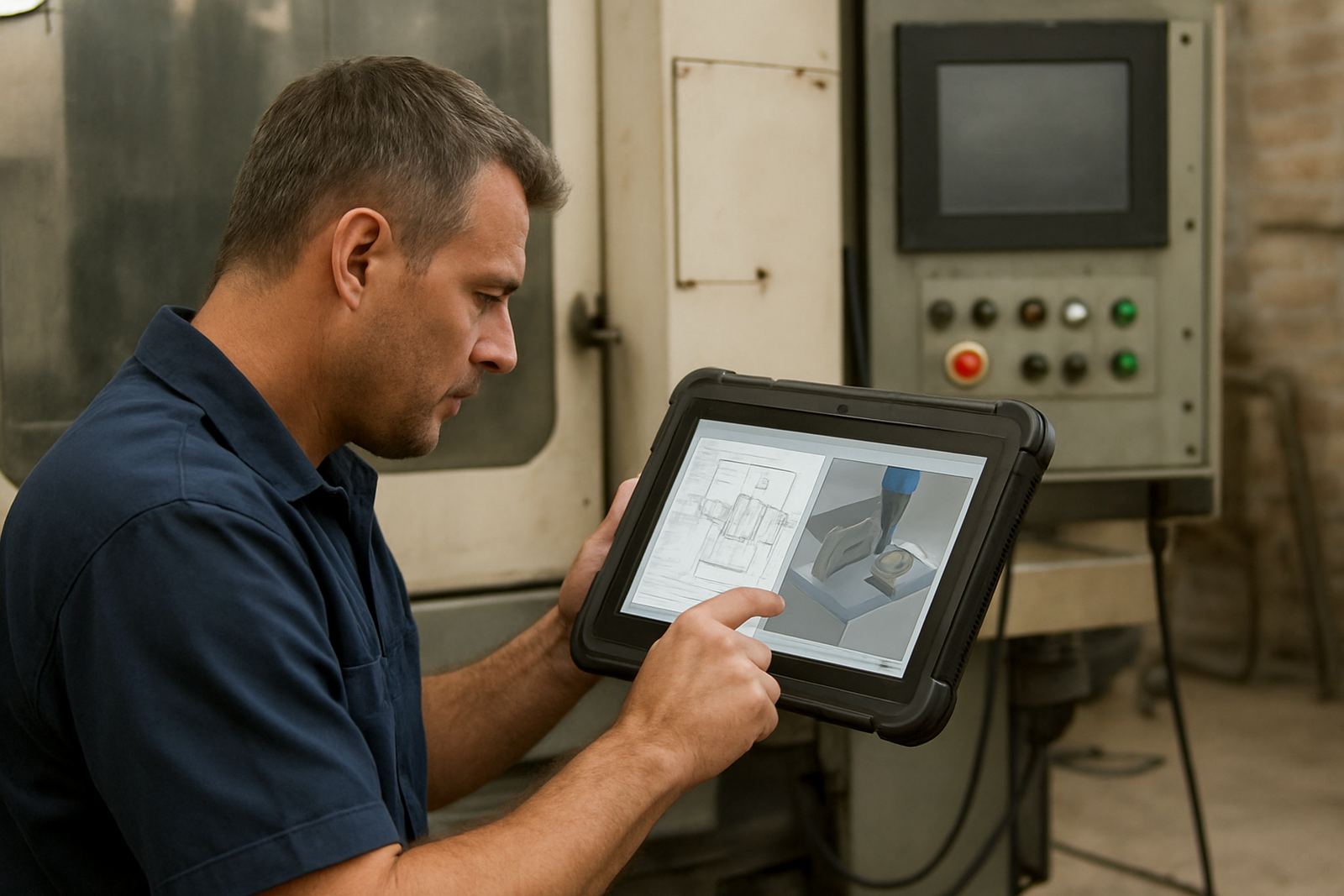
The CAD CAM Bundle brings the drafting side and the machining side into one working set, so your team can move from a part sketch to a running job without changing systems midstream. For many shops this means less rework, fewer version mix ups and a clearer handover between design, programming and the operator at the machine.
It is suited to South African workshops that run CNC routing, milling, turning or plasma cutting and need a practical setup for day to day production. Whether you are cutting MDF in Pretoria, running alloy work in Johannesburg, or doing plasma plate work in Durban, the bundle is aimed at the people who need to get the next job moving quickly and correctly.
The bundle can be set up for single users or shared across a small team, depending on how your shop is structured. It also helps if you want one process for quoting, setting up toolpaths and generating code, instead of piecing together separate packages that do not speak to each other properly.
Licence options and typical shop sizes
Because no two CNC shops run the same way, the CAD CAM Bundle can be matched to your bench size, number of programmers and machine mix. Some shops only need one licence for a senior programmer and one operator station, while others want a wider roll out for a growing team across multiple shifts.
- Single user licence for one programmer or owner operator
- Shared office use for a small programming team
- Multi seat rollout for workshops with separate design and machine prep roles
- Custom post-processor matching for routers, mills, lathes and plasma tables
- Optional on-site setup for shops in Centurion, Pretoria, Johannesburg, Vereeniging, Durban and Cape Town
For larger production floors, we can also shape the bundle around different machine groups, for example one setup for routing and another for turning. That matters when a shop has mixed equipment and different output requirements, because a clean post-processor saves time at the machine and reduces operator guesswork.
Where the bundle fits best in production
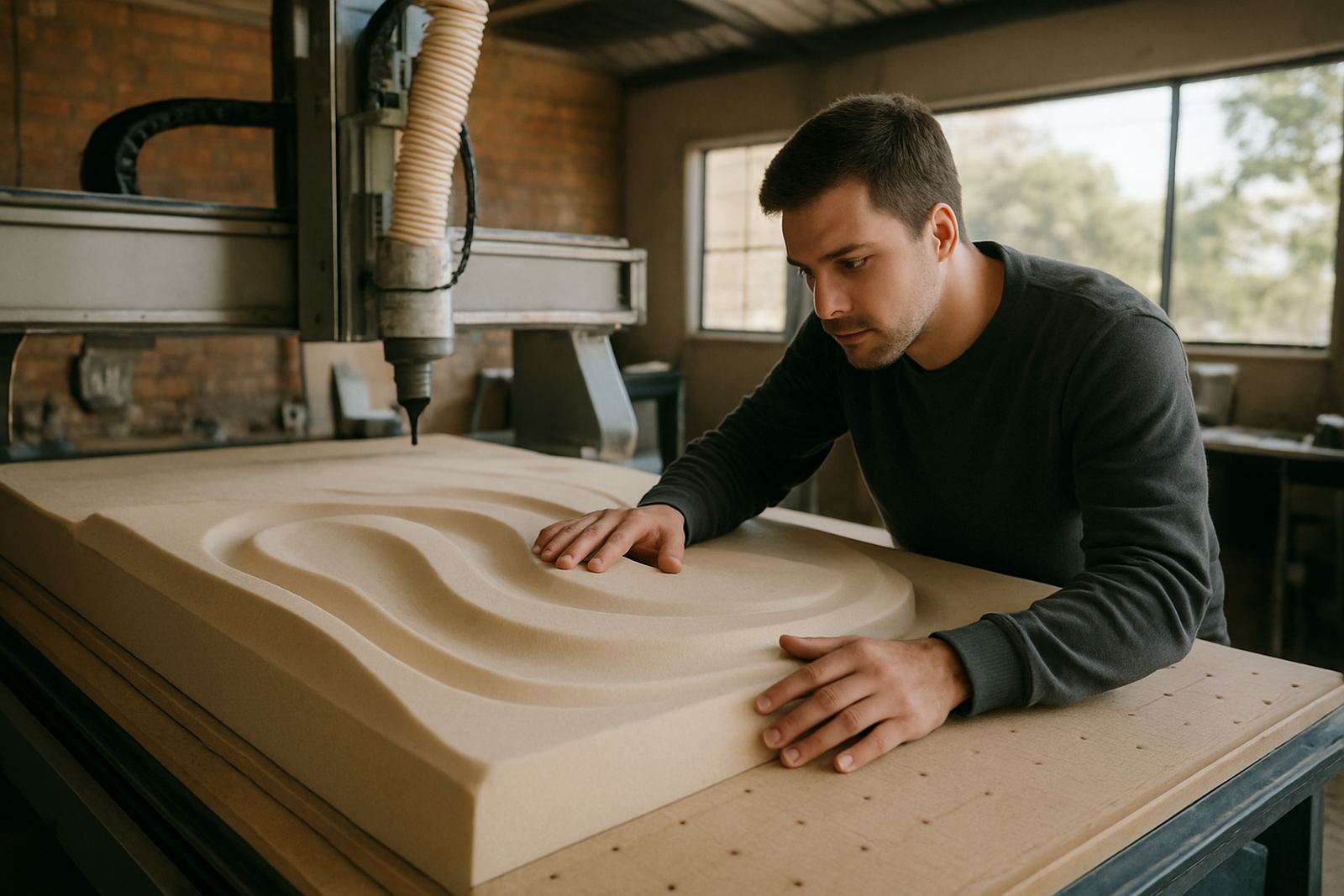
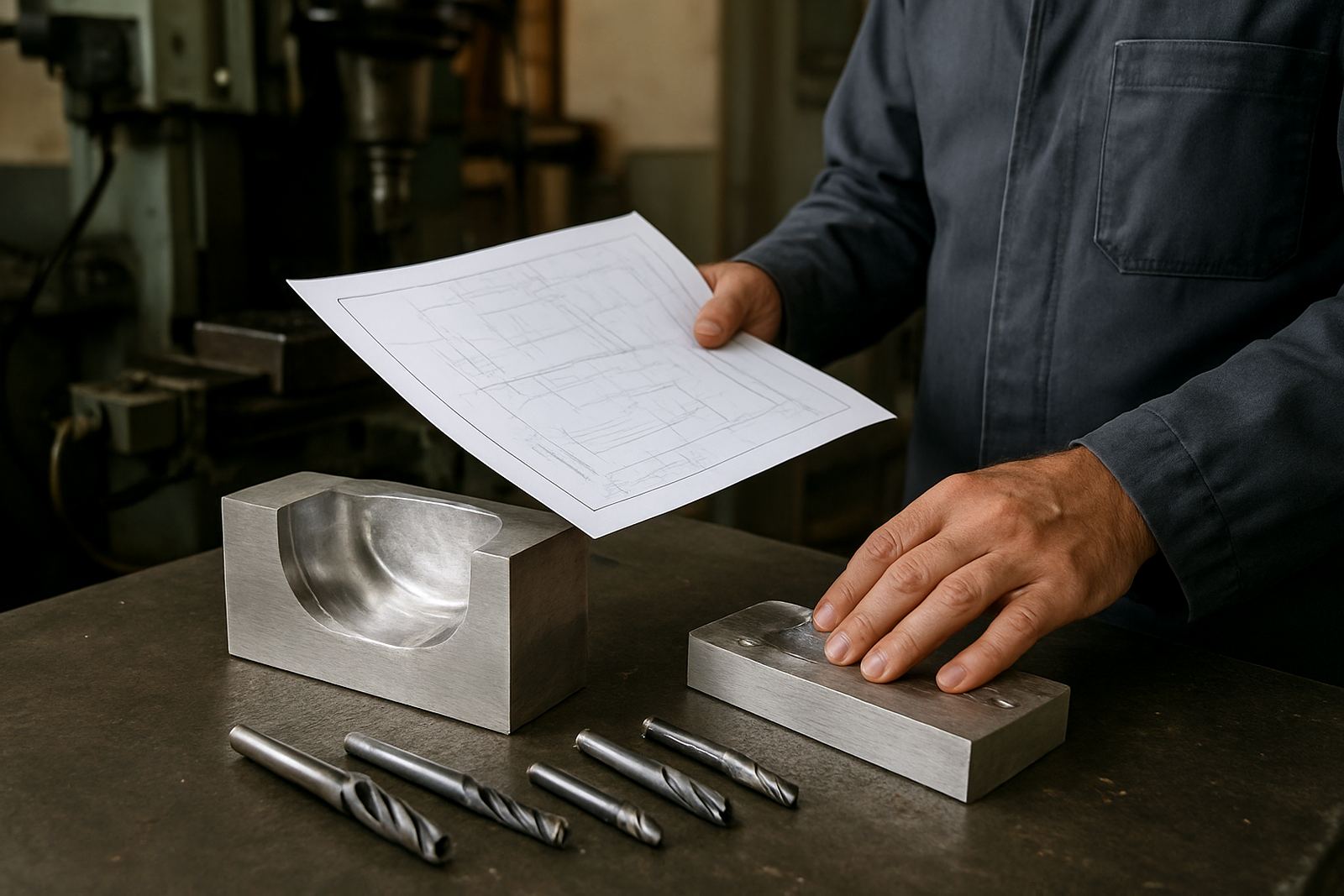
This bundle suits shops that need repeatable output more than flashy features. It is a strong fit for cabinet and signage work, light engineering, plate cutting, mould and prototype jobs, small batch production and custom manufacturing. If your team is regularly switching between parts, materials and machine types, a combined workflow helps keep the queue moving.
It is also useful for businesses that are trying to reduce dependence on one person. When only one programmer knows the setup, every sick day or leave period slows the shop. A shared process with proper training helps owners, programmers and operators all understand the same job path.
- Good for first-time CNC shops moving from manual drawing to machine programming
- Useful for established shops needing cleaner post output and better job control
- Suitable for teams in coastal areas where humidity affects equipment and file handling routines matter
- Helpful where load-shedding makes it important to save work often and restart without confusion
Installation, network setup and power considerations
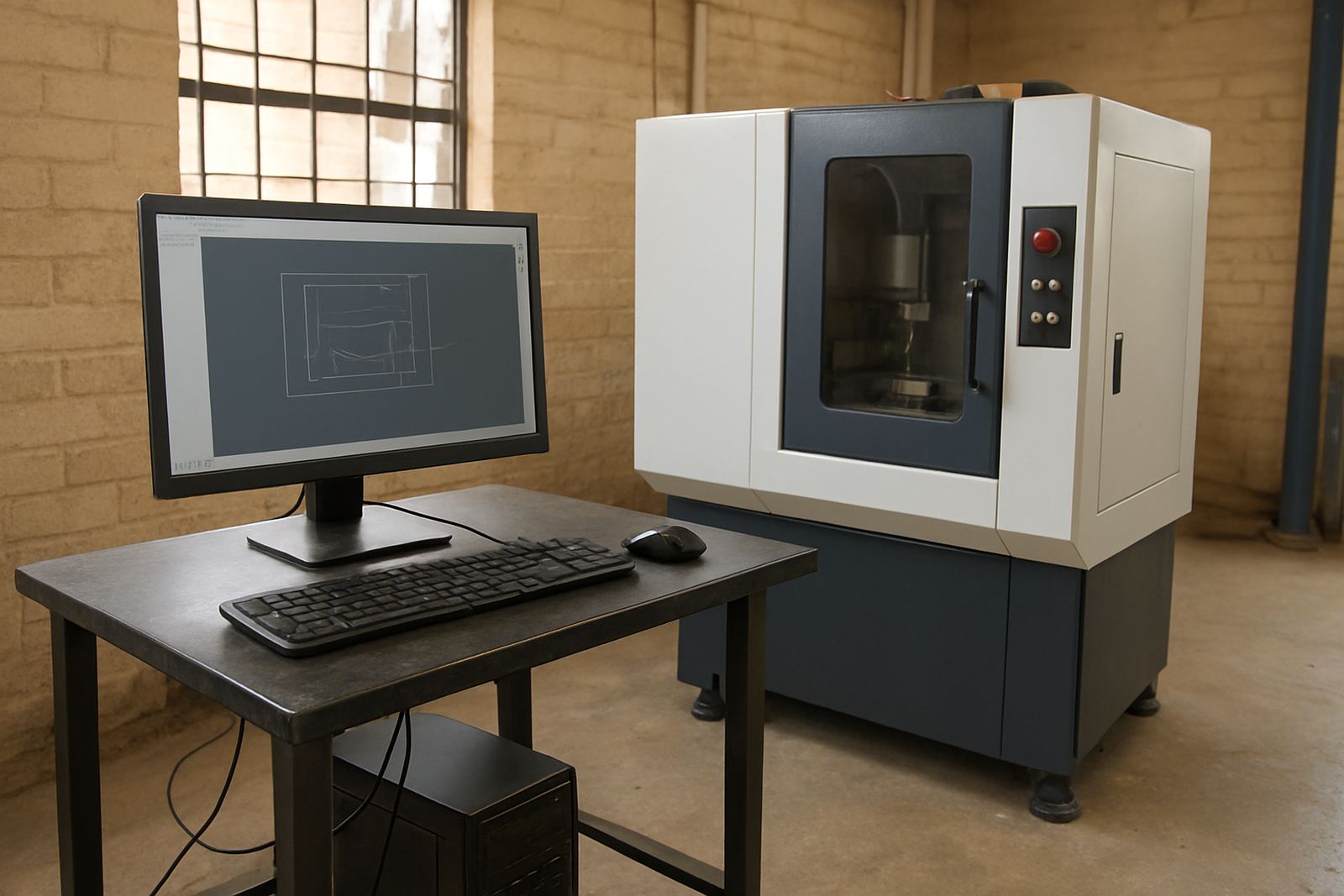
Licence installation is normally done with your office computer or programming station, and we can help get the bundle running in a way that suits your workflow. In some shops that means one standalone machine, while in others it means a networked office with a local backup routine and more than one user profile. We also help with first job support so the first parts are set up properly and the output is checked before production starts.
The software itself does not need special plant power, but the equipment around it does. A stable PC, reliable backup power and clean shutdown habits are important in South Africa, especially where load-shedding is part of daily operations. If your office sits on an inverter or UPS, we recommend checking that the machine can close files properly and restart cleanly after an outage. In humid coastal areas, keep the workstation dry and dust free too, because that helps long term stability.
When planning the install, it is worth checking the shop network, user access and whether the programmer needs remote access for support. If your municipal site has strict working hours or access control, we can schedule the setup around production and site rules, so there is less disruption to the floor.
Training and support for practical shop use
The bundle is most valuable when the people using it understand the process from start to finish. We provide operator training, programmer training and owner training so the right people know what to check, what to save and how to keep the workflow tidy. Training can be done on site or arranged from one of our local areas, including Centurion, Pretoria, Johannesburg, Vereeniging, Durban, Cape Town, East Rand and West Rand.
Our team also supports machine onboarding, post tuning, workflow audits, tool library builds and remote troubleshooting. That means we can help if a post is not matching your machine correctly, if toolpaths are coming out slower than they should, or if the shop wants a cleaner way to set up repeat work.
- Hands-on machine and office training for new users
- Post tuning for better code output and cleaner machine starts
- Workflow audits for shops that want fewer errors between design and production
- Annual support plans for ongoing help through busy production periods
For many shops the best time to do support is after hours or between production runs, and we can plan around that. A small typo in a tool name or offset can cost you time, so the aim is to keep the process simple enough for the whole team to follow.
What to verify before you buy 5-axis CAM
Before ordering, it helps to confirm your machine types, the number of users and the sort of work you do most often. A router shop does not need the same setup as a turning shop, and plasma tables usually need different post behaviour from milling machines. If you are unsure, send the details through the enquiry form on our contact page and we can help you narrow it down.
Have your machine controller details ready, along with the material types you cut, the file formats you use and whether you need one seat or several. If the shop already has a tool library, bring that too because it can speed up setup and reduce duplicate work. It also helps to know if the operator needs only basic output or if the team wants to handle more advanced programming and edit work.
- Machine type, controller details and number of spindles or turrets
- Number of users who will need access
- Main work materials such as MDF, aluminium, steel plate or plastics
- Whether you need remote support, on-site installation or both
- Current workflow pain points, such as slow posting, incorrect offsets or repeated tool changes
Once those basics are clear, the bundle can be matched to the shop properly, which saves time later and keeps the first jobs moving without drama.
Key facts
| Product type | Combined CAD and CAM software bundle |
|---|---|
| Licence options | Single user, small team or multi seat setup |
| Machine support | Routing, milling, turning and plasma workflows |
| Setup support | Licence installation, post tuning and first job support |
| Training options | Operator, programmer and owner training on site or remote |
| Support coverage | Centurion base with service across South Africa including Pretoria, Johannesburg, Vereeniging, Durban and Cape Town |