Read-only access for the people on the machine
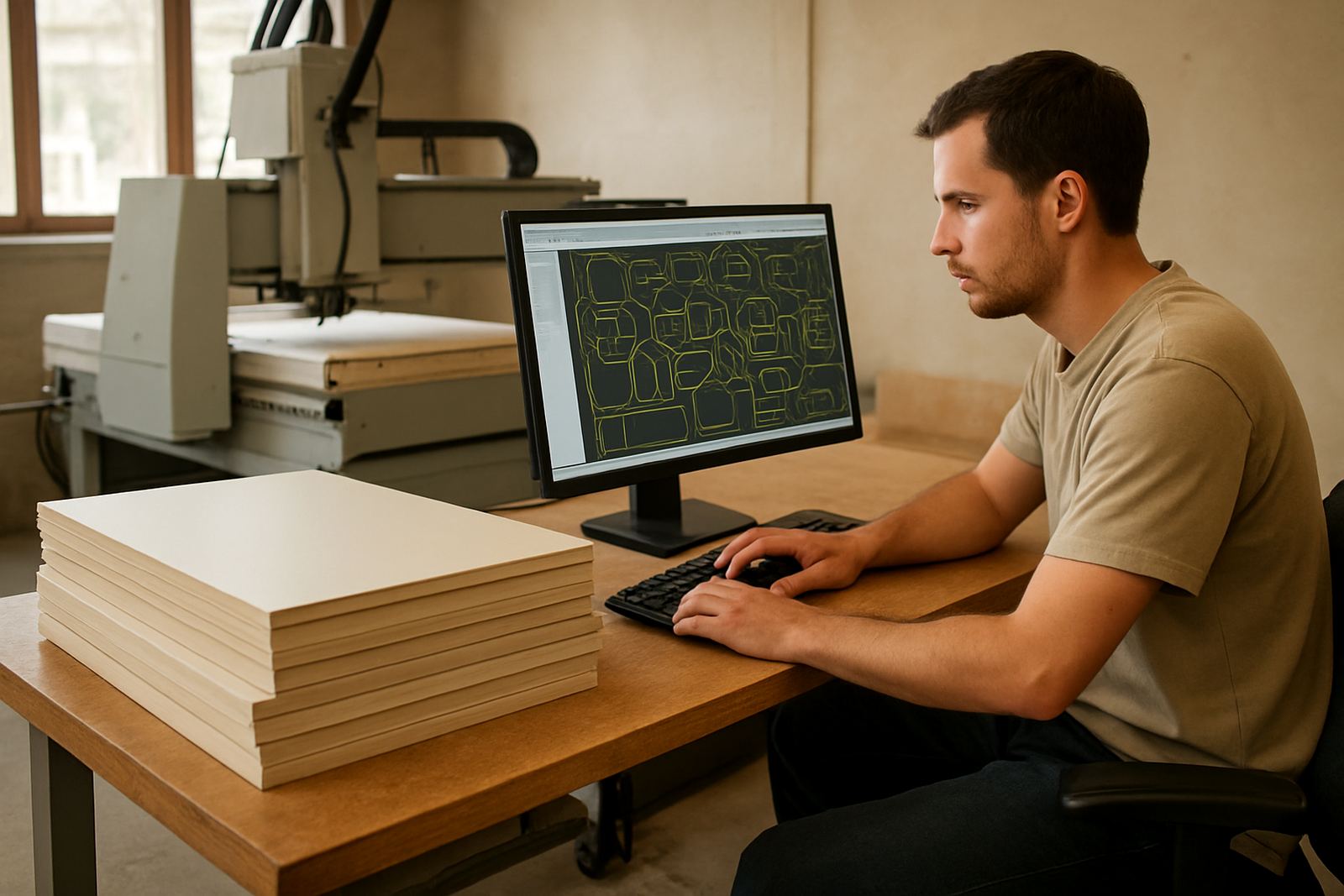
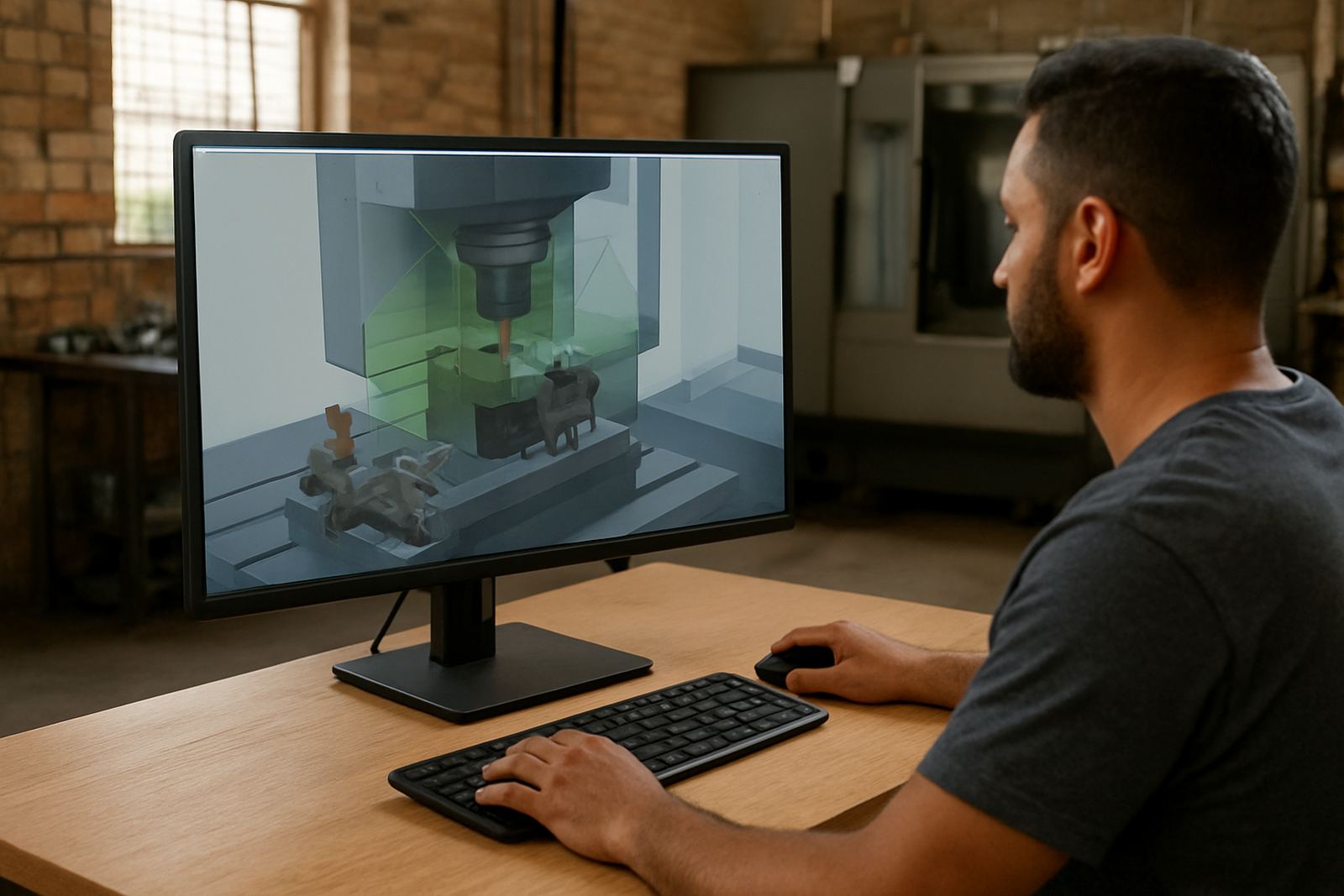
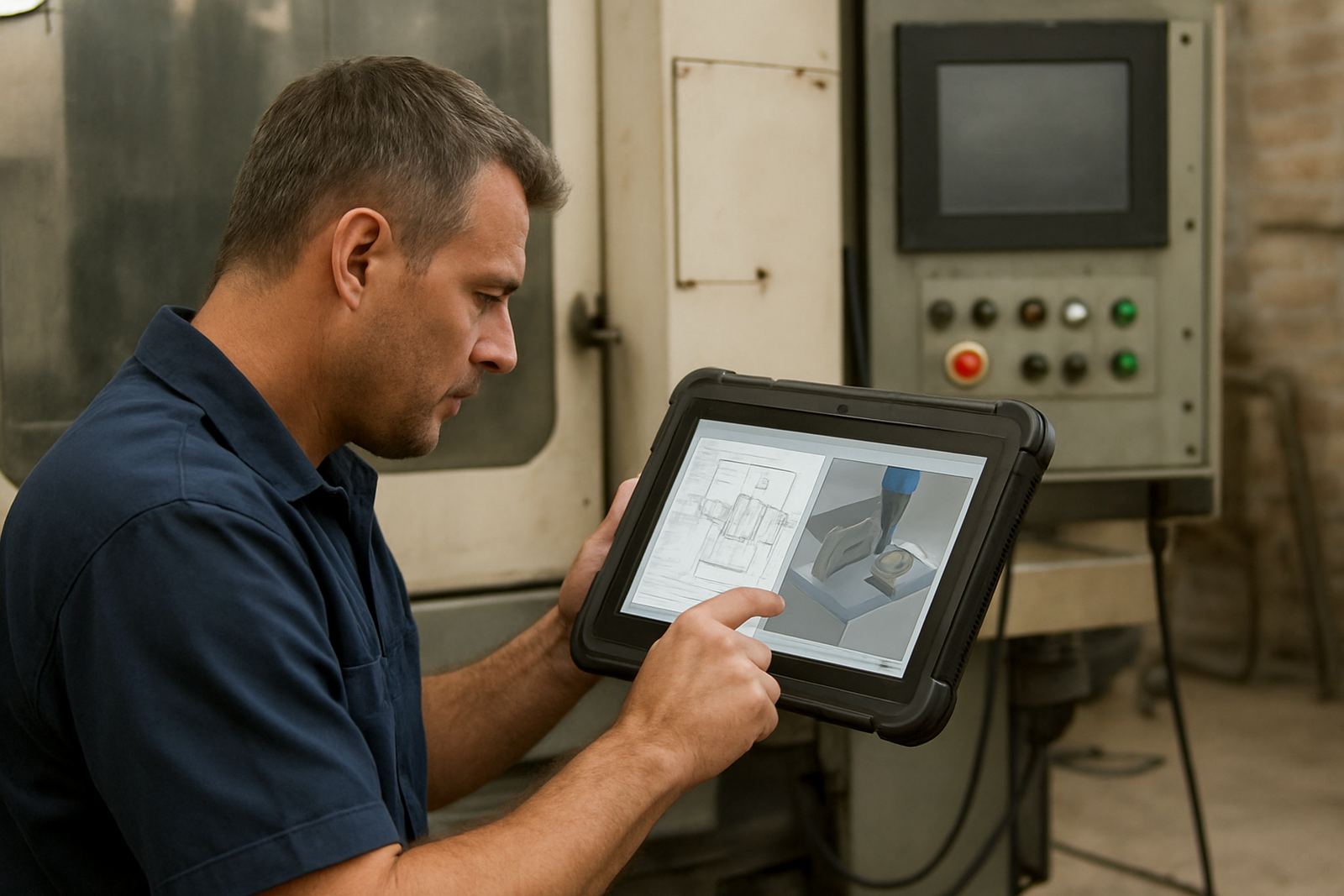
The Shopfloor Viewer Seat is for operators who need to see the job, not edit it. It gives clear read-only access to toolpaths, setup sheets, tool lists and basic job notes so the shopfloor team can check details before loading material or starting a run. That helps reduce avoidable errors, especially where multiple shifts share the same machine and one missed setting can cost a plate or a full day.
It suits CNC routing, milling, turning and plasma shops where programming is done in the office or by a senior programmer, while the machine team handles loading, zeroing and cycle start. In smaller workshops in Pretoria or Vereeniging, one seat can support a shared machine station. In larger shops in Johannesburg or Durban, extra viewer seats can be added for each line, cell or shift.
- Read-only view of toolpaths and job data
- Setup sheet viewing for quicker handover
- Useful for operators, setters and team leaders
- Helps keep program changes controlled at source
Seat options and the right setup for your floor
Viewer seats are usually supplied as single-user licences, with more seats added as the shop grows. Some customers need one seat at a machine terminal, while others want several seats across a workshop so operators can check the same job from different stations. If your team works in shifts or shares a router between departments, it is worth planning the number of seats around the busiest hour, not just the average day.
You can pair the seat with a local shop server or a central file location, depending on how your CAD/CAM data is managed. For coastal sites in Cape Town or Durban, where humidity can affect electronics and terminals, we also advise on practical workstation placement and cable routing. If your shop runs through load-shedding, a small UPS on the viewing station is often enough to keep access available while the main equipment is safely shut down.
- Single-user and multi-seat options available
- Suitable for local file access or server-based workflows
- Can be used at fixed terminals or shared shopfloor stations
- Works well with controlled network permissions
Installation, network fit and power needs
Installation is straightforward when the workshop network is already organised. We assist with licence installation, user access and basic checks so the viewer seat opens the right files and stays read-only. For most shops, a standard Windows workstation or compact industrial PC is enough, provided it meets the software requirements and has a stable connection to the job files.
No gas supply is needed for this product. Power needs are light, but the station should still be protected from voltage dips, dusty cabinets and loose plugs common in busy CNC areas. If the workstation sits near a plasma table or in a cutting room, we recommend keeping it away from direct spark, swarf and coolant mist. A clean wall mount or trolley setup often works better than a table top position in a cramped shop.
- Requires a compatible Windows workstation
- Network access to shared job files or server folders
- No gas or compressed air required
- Basic power protection is recommended for load-shedding conditions
Where the Shopfloor Viewer Seat suits best
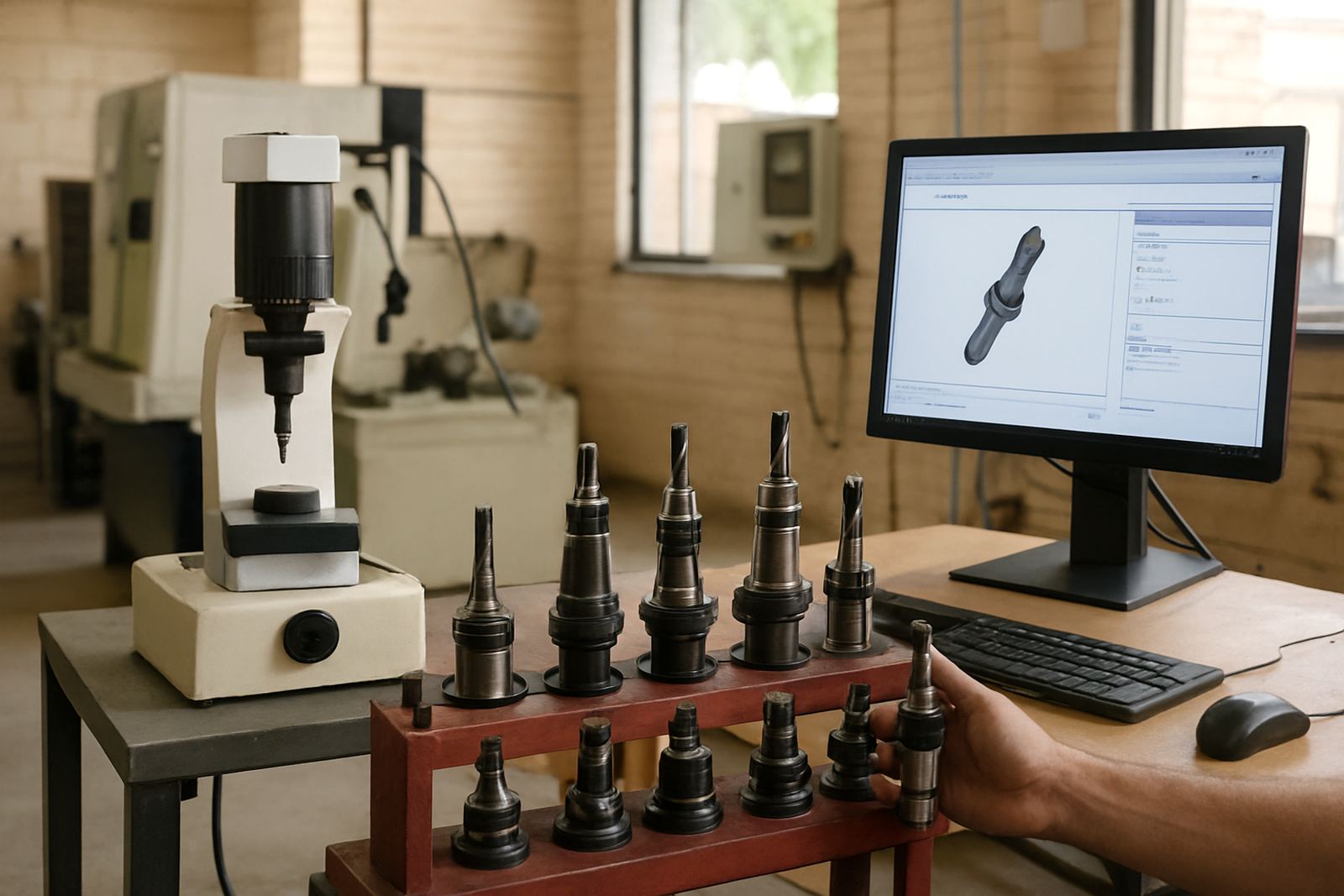
This seat is useful anywhere operators need reliable job information without editing rights. CNC routing shops use it for nesting sheets and cutter notes. Milling shops use it for setup data, fixtures and op order. Turning shops use it for part lists and tool information. Plasma shops use it for plate layout, pierce points and cut order. It is also helpful where one programmer supports several machines across Centurion, Pretoria and the East Rand.
It is especially handy in businesses that want tighter control over revisions. Instead of passing printed notes around the shop, the latest file can be checked on screen before the machine starts. That makes handover cleaner between day and night shifts, and it helps when owners want visibility on jobs without standing over the operator all morning.
- CNC routing, milling, turning and plasma shops
- Shift handovers and shared machine stations
- Small workshops and multi-machine production floors
- Suitable where revision control matters
Care, servicing and support after installation
The viewer seat itself does not need heavy servicing, but the surrounding setup does. Keep the workstation clean, dust free and protected from power spikes. Update user access when staff change, and keep the file structure tidy so operators always see the current job. If the machine room is noisy or crowded, label the station clearly so the team knows it is for viewing only and not for editing programs.
We can help with remote troubleshooting, workflow audits and annual support plans if the shop grows or the process changes. That is useful when a business adds another machine, changes post-processors or wants the operator screens standardised across multiple branches. A quick check once or twice a year can prevent confusion later, especially after new staff are trained or a new machine is onboarded.
- Keep the PC clean and protected from dust and coolant
- Review user access after staffing changes
- Check folder paths and current job naming regularly
- Useful to include in annual support planning
What to confirm before you order
Before ordering, confirm how many viewers you need, which machines they will support and whether the data lives locally or on a server. Also check the workstation specification, screen size and whether the machine team needs one shared station or separate seats at each cell. If your shop has mixed equipment, tell us the machine types, controller versions and the kind of files operators must see.
It also helps to confirm who will use the seat day to day. Some sites need only operator access, while others want supervisors, setters and owners to view jobs from different points in the workshop. If you are based in Pretoria, Johannesburg, Vereeniging, Durban or Cape Town, we can shape the order around your floor layout and support needs. A little planning now saves a lot of back and forth later, especially when production is already tight.
- Number of users and machines to be supported
- Local or server based file location
- Workstation spec and screen size
- Controller type, file format and access level needed
Key facts
| Licence type | Read-only shopfloor viewer seat |
|---|---|
| User access | Single operator seat, expandable with additional licences |
| Supported work | Toolpaths, setup sheets, job details and notes |
| Best use | CNC routing, milling, turning and plasma workshops |
| Installation | Windows workstation, network file access and licence setup |
| Power needs | Standard mains power, UPS recommended in load-shedding areas |