What the Nesting Module does on a busy shop floor
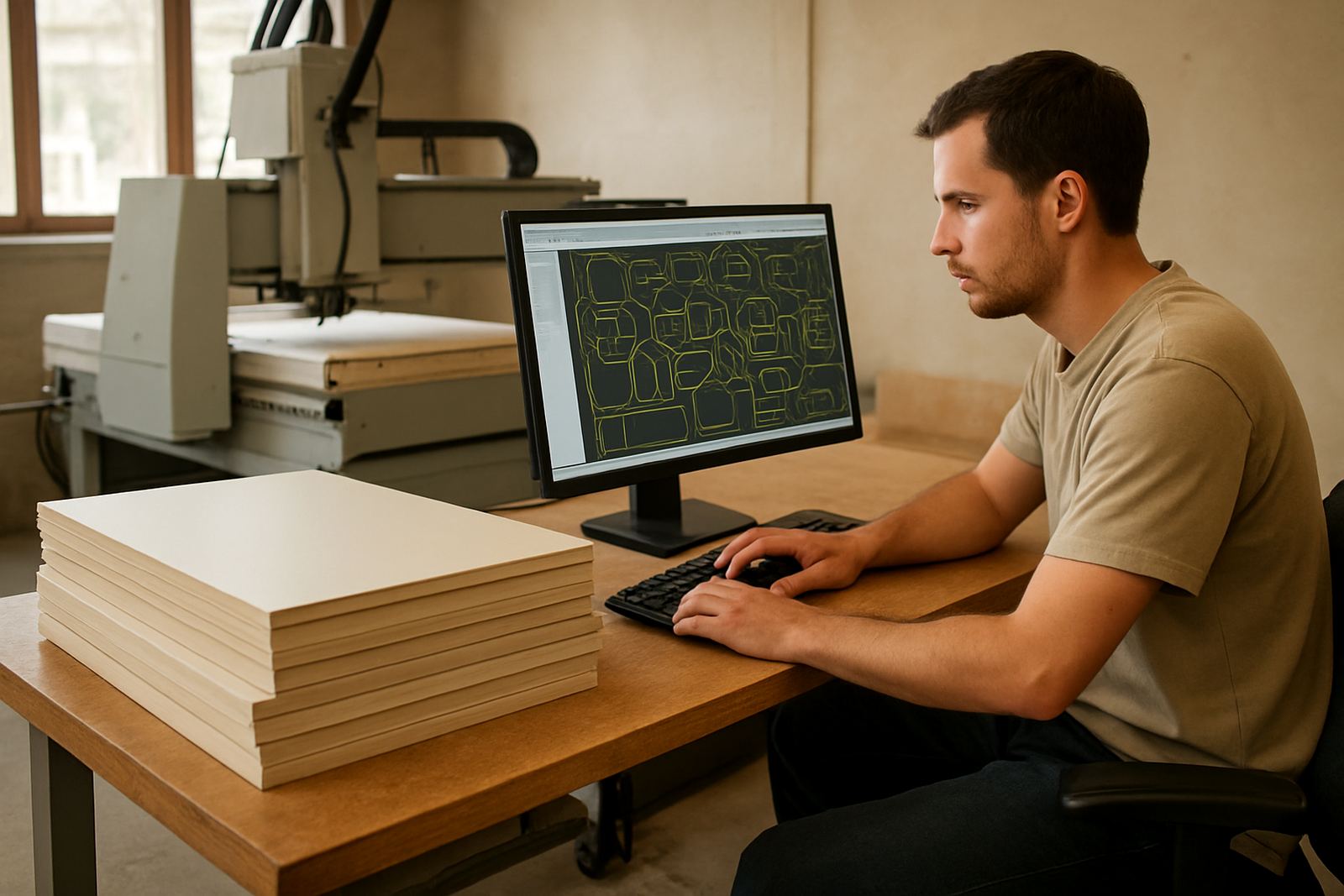
The Nesting Module is used to arrange parts across a sheet so you can cut more components from less material. For shops cutting board, laminate faced panel, acrylic, PVC sheet, foam board or similar flat stock, it helps turn rough material sizes into a cleaner cutting plan with less waste between parts. That matters when sheet pricing goes up, or when you are trying to keep offcuts down on repeat jobs.
It is especially useful where operators need to process the same panel sizes day after day, because the module helps standardise the layout before toolpaths are sent to the machine. In a South African workshop this can mean fewer mistakes during load-shedding recovery, less manual marking out, and fewer reruns when material comes in slightly different sizes from supplier to supplier. The result is not magic, just better use of the sheet and clearer control over the job.
Where it suits routers, profile cutters and sheet-based production
This module suits CNC routing and profile cutting shops that work from flat sheets rather than individual bar or round stock. It is a good fit for cabinet components, shopfitting parts, signage panels, packaging inserts, gasket material, insulation board and similar sheet stock. If your workflow starts with a 2440 x 1220 mm sheet, or any other standard panel size, nesting can make a real difference to yield.
It also suits shops that need to keep cut quality consistent across jobs with different part counts. Whether you are running one-off custom work in Centurion or higher volume production in Durban or Cape Town, the nesting process helps reduce operator judgement on every layout. That means less variation when new staff are learning the system and less time spent trying to work out how to fit odd shaped parts onto a sheet.
- Suitable for single sheets or batch nesting across repeated jobs
- Useful for routers, profile cutters and sheet-fed production lines
- Helps reduce trim loss on costly board and plastics
- Works well where job turnaround is tight and material is expensive
Options, sizes and file types to ask about
The Nesting Module is typically supplied as a software option or licence add-on, depending on the workflow and machine setup. It can be matched to the size of your sheets, the number of jobs you run at once and the level of automation needed in your shop. Some customers only need basic part nesting and grain direction control, while others need more advanced part spacing, remnant tracking and sheet optimisation rules.
When ordering, confirm the sheet sizes you use most often, whether you cut single or double sided jobs, and whether you need to maintain grain direction on boards with a visible face. If you work with imported material or non standard sheet sizes, that should be mentioned up front because it affects how the nesting setup is configured. This is where the details matter, and a quick check before installation can save a lot of back and forth later on.
- Common sheet sizes can be set for 2440 x 1220 mm, 3050 x 1220 mm or custom panels
- Options may include grain direction, rotation rules and remnant reuse
- Useful file handling includes DXF, DWG, IGES, STEP and other common CNC formats
- Ask if your parts need tabs, lead-ins or tool specific clearance rules
Installation, power and the shop conditions that matter
Because this is a software module, installation usually involves licence setup, configuration and making sure the nesting rules match your post processor and machine workflow. A typical setup needs a Windows-based PC or workstation with enough memory, enough local storage and a stable network connection for licence management if applicable. For shops running generators or inverters during load-shedding, it is worth checking that the PC, monitor and any licence dongle or network component stay powered long enough for safe shutdowns.
No gas supply is needed for the Nesting Module itself. What matters is a reliable electrical supply for the computer and, if used, the router controller or machine network. In humid coastal areas such as Durban, keep the workstation in a dry area and avoid dust build-up around fans and ports. In high dust shops in Gauteng, especially where MDF and particle board are cut daily, a clean cabinet and regular air blow-down help prevent failures and corrupted data. Small things like a failed UPS battery or a loose network cable can stop production for the day.
Care, servicing and keeping the module accurate
The Nesting Module does not need mechanical servicing like a spindle or vacuum pump, but it does need regular attention. That means licence checks, software updates where approved, backup of machine settings and review of nesting templates if your product range changes. If a shop starts cutting thicker sheet stock, changing tool diameters or moving from manual sheet placement to barcode driven workflow, the nesting rules should be reviewed again.
It also helps to keep one person responsible for the master settings so changes do not get made by three different operators in one week. We often see wasted material because the sheet margins, part spacing or rotation limits were altered without anyone recording it. A short monthly review is usually enough for smaller shops, while larger shops in Pretoria or Johannesburg may prefer a scheduled support plan with regular checks and remote troubleshooting.
- Back up nesting templates and machine settings before updates
- Review sheet margins, spacing and grain rules after any product change
- Keep the PC clean, cool and protected against power dips
- Test output after post changes or machine controller updates
What to verify before you buy 5-axis CAM
Before ordering the Nesting Module, confirm the exact material types you cut, the sheet sizes you buy, and whether your parts need common grain direction or can be rotated freely. Also check the number of users who need access, because some shops need one licence on the programming PC while others need a licence that can move between offices or production stations. If you are in a multi-branch operation, make sure the licence arrangement fits the way you work across sites.
You should also tell us which machine types you run, whether you need routing only or routing plus profile cutting, and if you want the module to work with custom post-processors already in use. If your shop does owner programming, operator preparation and production release separately, that should be mentioned too because the setup can be adjusted to suit that process. A clear order spec saves time, avoids wrong assumptions and keeps commissioning straightforward.
- Sheet sizes and material thicknesses
- Number of users and where the licence will be installed
- Machine type, controller type and current post processor details
- Need for grain direction, remnant management or batch nesting
- Training requirements for operators, programmers or owners
Support for South African CNC shops after commissioning
CNC Software works with sheet-based shops across South Africa from our Centurion base, with support for Pretoria, Johannesburg, Vereeniging, Durban and Cape Town. Our team can assist with licence installation, machine onboarding, workflow audits, post tuning and operator or programmer training so the Nesting Module is used properly from the start. If a job is not nesting the way it should, or a machine is producing unnecessary scrap, we can review the workflow and correct the settings.
For many shops the real value starts after installation, when the module is fitted into the day to day production routine. That is where first job support matters, especially if you are moving from manual layout to software assisted nesting for the first time. The aim is practical: fewer sheet errors, better material yield and a setup the team can actually use without guesswork.
Key facts
| Product type | Nesting software module for CNC sheet stock optimisation |
|---|---|
| Compatible machines | Routers and profile cutters using flat sheet material |
| Typical sheet sizes | 2440 x 1220 mm, 3050 x 1220 mm and custom sizes |
| Supported workflow | Single jobs, batch nesting, remnant reuse and grain direction control |
| Installation needs | Windows PC, stable power, sufficient storage and licence setup |
| Service support | Post tuning, onboarding, training, remote troubleshooting and annual support plans |