What a Single Seat Licence Covers
This licence is issued for one person and one workstation, so the software stays tied to a single user setup instead of being shared around the shop. It is a practical choice when one programmer is responsible for quoting, programming and file preparation, or when an owner-operator needs direct access to CAD/CAM tools without managing extra seats.
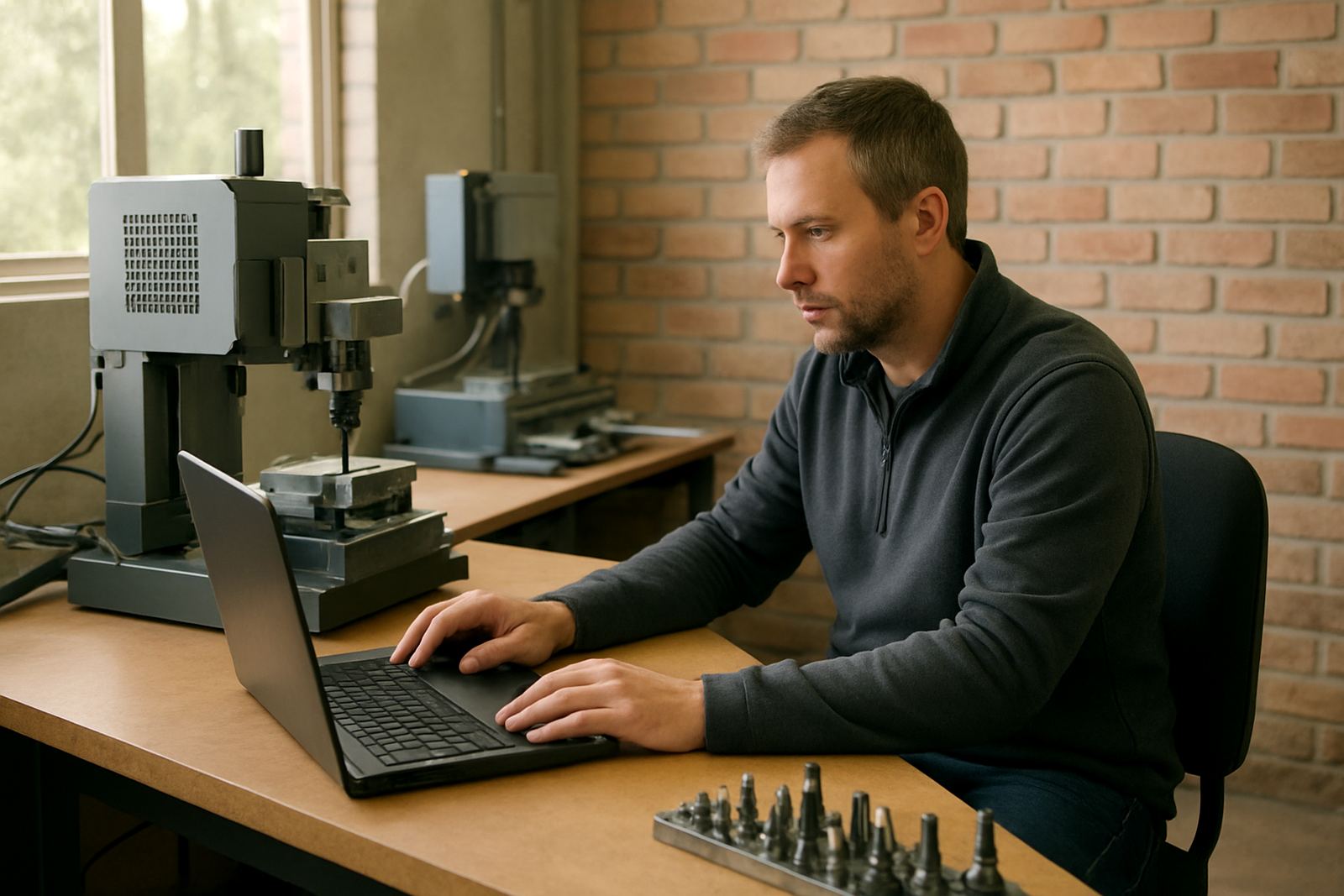
For many South African workshops, that means one licensed environment on a reliable office PC or programming station, with the right post-processor and machine outputs loaded for the specific machine. You get a proper setup for day to day work, not a loose arrangement that changes from one computer to the next. If your team is still working around load-shedding, this also helps because the licence lives on one known machine and is easier to protect with a UPS and backup plan.
- One named user, one main computer
- Suitable for solo programmers and owner-operators
- Can be paired with a custom post-processor
- Works for routing, milling, turning and plasma environments
Where It Fits Best in a CNC Shop
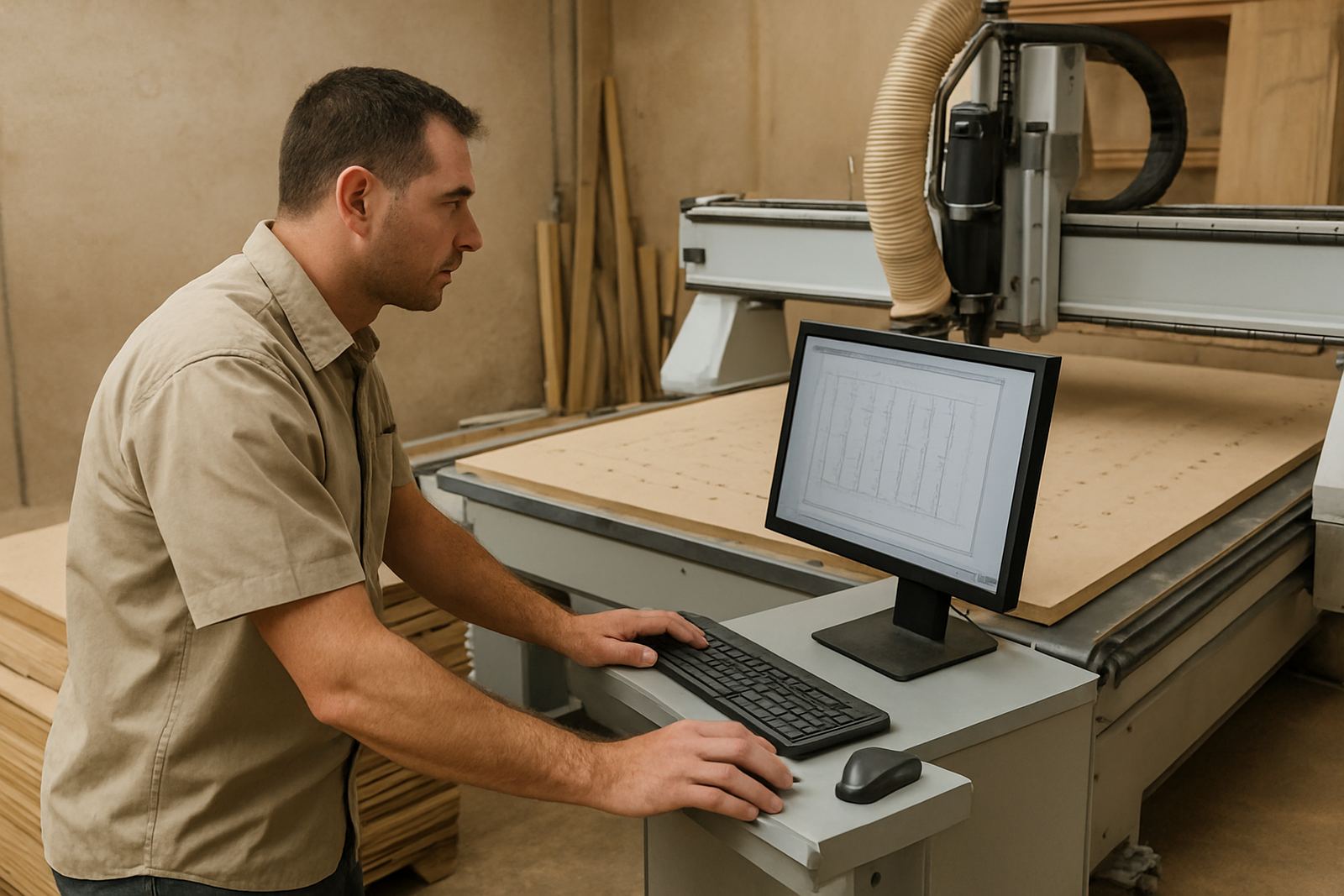
This option is strongest where one person handles most of the programming work, or where a small shop has just one CAM station and a single machine operator. It suits joinery shops in Pretoria, jobbing shops in Johannesburg, and metal fabricators in Durban or Cape Town where the programmer sits close to the machine floor and needs quick access to toolpaths and setup files.
It also works well for businesses with seasonal work or variable machine hours. If you only need one active seat but still want room for support later, a single licence keeps things simple and manageable. In smaller workshops, less admin means fewer mistakes too, especially when orders are moving between office, workshop and loading bay.
- Best for one programmer or one operator-programmer
- Good for small and medium CNC shops
- Useful when only one PC is used for CAM work
- Common in routing, milling, turning and plasma shops
Installation, Power Protection and Network Setup
We install the licence on the chosen workstation and check that the machine output matches your controller, whether you are using a router, lathe, mill or plasma table. The computer should have stable power, enough disk space and a reliable network connection if any dongle, licence server or file transfer workflow is involved. In offices where the supply is unstable, a UPS is strongly recommended so the activation does not get interrupted during a power dip or changeover.
For on-site work in Centurion, Pretoria, Vereeniging, Johannesburg, Durban and Cape Town, we can also assist with machine handover, file path setup and first job testing. If your shop is coastal, protect the PC and any connected hardware from humidity and salt air. Keep the station clean, well ventilated and away from grinding dust, oil mist and direct sunlight. A small error in setup can waste a full afternoon, so it is worth getting the install sorted properly the first time.
- Single PC installation and activation
- Best used with UPS backup during load-shedding
- Needs stable Windows environment and local admin access
- File transfer and post output checked during setup
Options and Add-Ons You Can Order With It
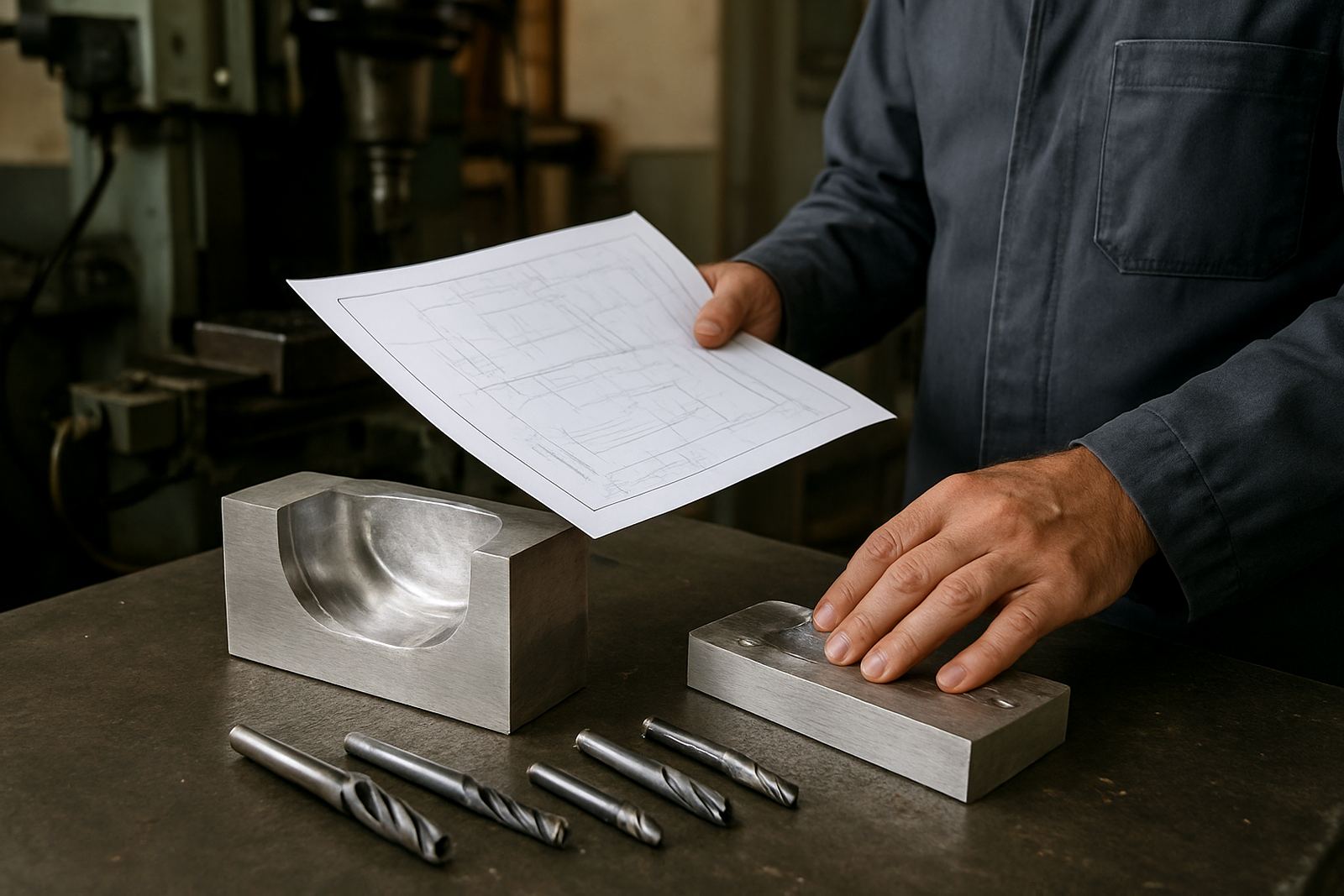
The single seat licence can be supplied with the software tier and machine post you need, plus practical add-ons that make the seat useful from day one. A licence on its own is only part of the picture. In most shops, the real value comes from having the correct post-processor, clear tool library structure and enough training so the user can make the system work confidently.
Depending on your setup, we can assist with licence installation, post tuning, machine onboarding and programmer training. If the seat belongs to an owner-operator, owner training is often the best choice because it covers the workflow from file import to the final code output. If your shop runs more than one machine type, we can also help separate the tool libraries and post files so the correct output is used every time.
- Custom post-processor setup
- Post tuning for machine-specific output
- Tool library build or tidy-up
- Operator, programmer or owner training
- First job support after installation
What to Check Before You Order
Before placing an order, confirm who the single named user will be and which computer will run the licence. It helps to know the machine make and model, controller type, post format needed and the main material you cut. A routing shop doing board and panel work does not need the same setup as a turning shop, and a plasma table usually needs its own workflow detail too.
Please also check whether you need remote support, on-site setup or a support plan after commissioning. If the workstation is old, short on RAM or shared with other office work, it may slow down the process and create avoidable delays. It is worth checking access rights, backups and power protection before installation day, because missing one of those items can hold up activation or testing.
- Confirm the named user and single workstation
- Have machine make, model and controller details ready
- Check whether a custom post is required
- Make sure the PC is suitable and fully updated
- Plan for UPS backup and file backups
Care, Servicing and Ongoing Support
A licence does not need mechanical servicing, but the workstation around it does. Keep the computer clean, apply updates in a controlled way and avoid changing the user profile without checking the licence first. Back up posts, libraries and project files regularly so one failed drive does not take out the whole programming environment. In shops with dusty conditions, simple cleaning of vents and filters goes a long way.
If the operator changes, the machine is moved, or the workflow starts using new tooling, it is a good time to review the seat again. We can assist with remote troubleshooting, workflow audits and annual support plans so the setup stays current. That matters in busy South African shops where production pressure builds quickly and nobody has time to guess what the last setting was.
- Keep the licence computer backed up and updated
- Save posts and libraries in a secure folder structure
- Review the setup when tooling or machines change
- Use remote support for quick fault finding
Key facts
| Licence type | Single user, single workstation |
|---|---|
| Best for | One programmer or owner-operator |
| Machine types | Routing, milling, turning and plasma |
| Setup required | Installed on one dedicated PC with stable power and backup |
| Common add-ons | Custom post-processor, post tuning, training, first job support |
| Support area | Centurion, Pretoria, Johannesburg, Vereeniging, Durban, Cape Town and wider South Africa |