Built for cabinet parts, not general guessing
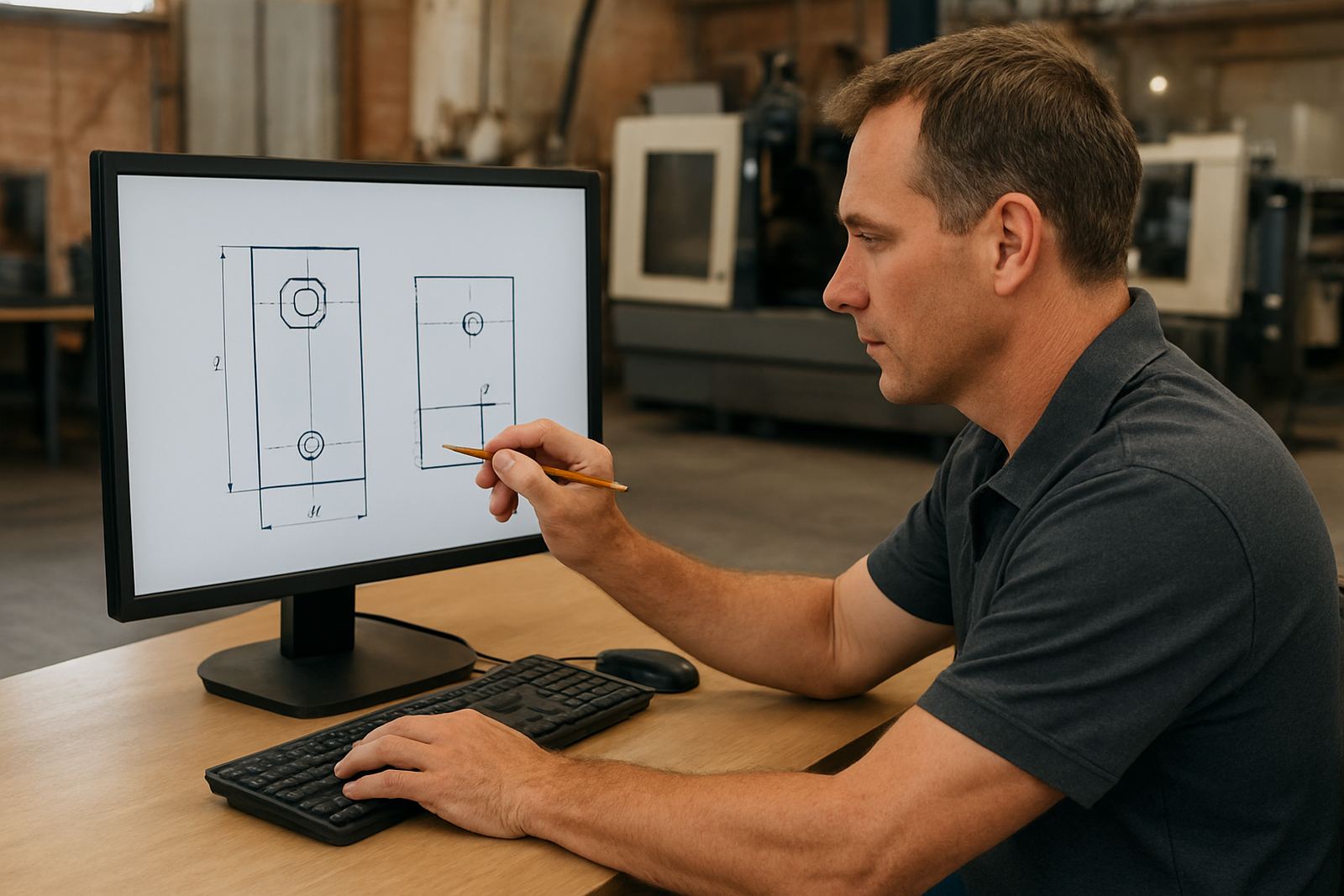
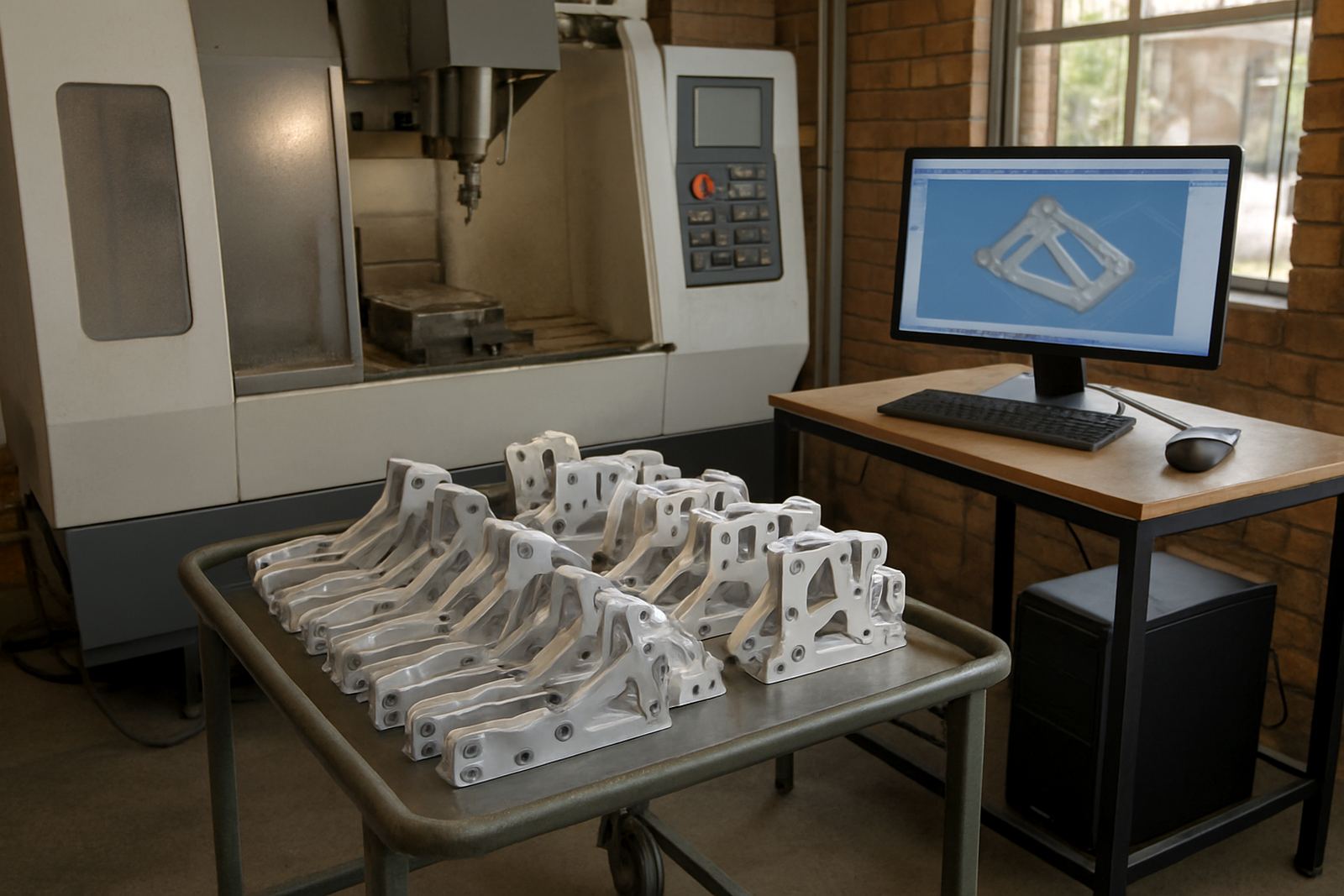
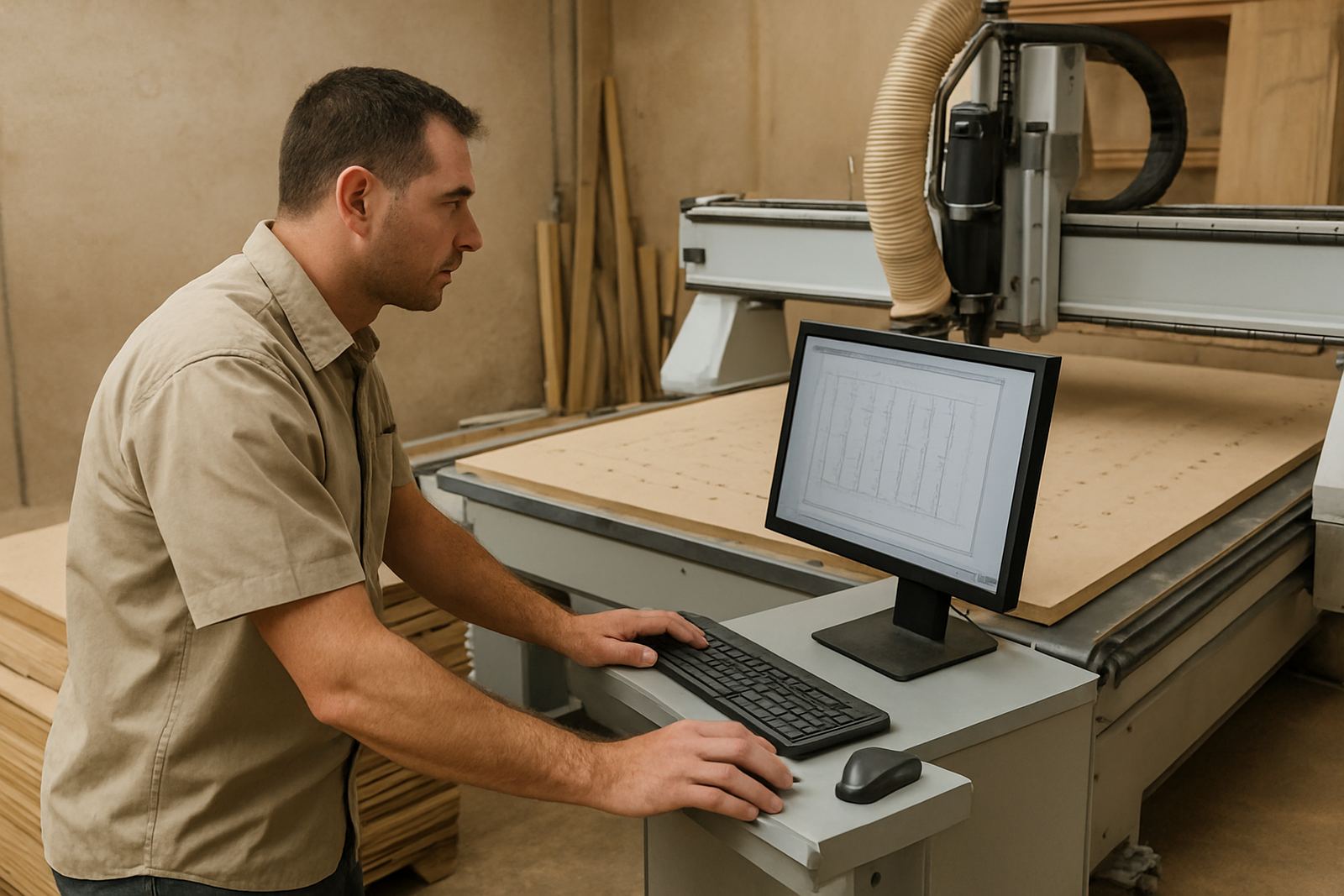
Cabinet Router CAM is set up for the daily work of kitchen, wardrobe and office furniture production. It handles panel profiles, hinge cups, shelf holes, cam and dowel drilling, rebates, dados, pocketing and cut lists without making the programmer fight through unnecessary steps. For shops in Pretoria, Johannesburg or Durban that run mixed batches, this helps keep one standard for every job, even when the material changes from melamine to MDF or compact laminate.
The focus is on practical output for cabinet components. You can create operations for sides, tops, bottoms, shelves, doors and fillers, then group them into a job that is easier to check before release. That matters when production is under pressure and the machine must keep moving, especially where power interruptions or rushed rework can eat into the day.
Typical sizes, sheet formats and cutting options
Most cabinetry work starts with standard sheet goods, so the software needs to handle the common sizes used by South African shops. It works with 2 440 x 1 220 mm sheets, 3 050 x 1 525 mm sheets, and other imported or custom stock sizes where your material list requires it. You can also set up edge overhangs, clamping gaps and safe zones for vacuum pods or hold-downs.
Useful options include the following:
- Nesting for full sheet optimisation and waste reduction
- Drilling cycles for shelf pins, hinge cups and fixing holes
- Profiling for outer cuts, internal cut-outs and rebates
- Label and part marking output for easier sorting at the panel saw or edgebander
- Cut list output that matches job folders, batch runs or repeat orders
- Toolpath control for 2D routing on flat panels and face machining
If your shop needs to process special sizes for export jobs or bulk commercial cabinetry, the same setup can be adjusted so the sheet size, grain direction and part clearance stay consistent.
Where it suits best on the shop floor
This product suits cabinet makers, fit-out contractors, joinery shops and volume panel processors that need accurate repeatable output. It is a good fit for CNC routing cells making kitchens, bedroom cupboards, school furniture, reception counters and office storage. Shops in Vereeniging, the East Rand and the West Rand often use this type of workflow when one operator must prepare the next day's jobs before closing time.
It also suits smaller workshops that are moving from manual marking to CNC production. If your team still relies on paper templates, hand-written cut lists or separate files for every drilling pattern, the change to a single cabinet-focused system can reduce errors. That is especially useful when jobs are repeated for estate developments, shopfitting runs or municipal tenders where consistency matters.
Installation, machine setup and power needs
Cabinet Router CAM is supplied as a software licence and installed on a suitable Windows computer linked to your CNC controller workflow. A stable PC with enough memory and storage is important, along with a monitor that allows the programmer to see full sheet layouts clearly. For shops in coastal areas like Durban or Cape Town, a protected workstation and clean network connection are worth planning for because humidity and dust can affect day-to-day reliability.
The software itself does not need gas, but your machine setup still has to be checked for air supply where pneumatic clamps or tool changers are used. Power should be stable, with surge protection and backup planning for load-shedding where needed. We normally review the controller type, post-processor output, vacuum table setup, tool magazine limits and the usual feed and speed ranges before installation. That keeps the first jobs simpler and reduces the risk of crashes or missed drilling cycles.
Training and support for first jobs
After installation, the real value comes from getting the first jobs out cleanly. We offer hands-on training for operators, programmers and owners, either on-site or remotely, depending on the shop and the number of people involved. Training can cover drawing import, sheet setup, nesting rules, drilling order, output checking and how to save repeatable templates for common cabinet ranges.
Support is especially useful when a shop is changing from manual work to full CNC production or when a new machine is added to an existing line. Our team can help with post tuning, machine onboarding, first job support and workflow audits so the output matches the machine on the floor. If a program is not reading as expected, remote troubleshooting can usually identify whether the issue sits in the tool library, the post, or the machine settings.
What to check before you order
Before you place an order, it helps to confirm a few practical details so the licence and setup suit your shop. Cabinet Router CAM should be matched to the machine type, controller and the way your team actually builds cabinets, not just the brochure version of the process.
- Machine type: routing table, machining centre, or plasma is not the same workflow
- Controller output required for your machine and existing post-processor format
- Typical sheet sizes, material thicknesses and grain direction rules
- Which operations you need most, drilling, pocketing, profiling or full nesting
- Number of users and whether one PC or multiple stations will be used
- Whether you need custom post-processors, tool library builds or annual support plans
We also advise checking how parts are labelled on the floor, who signs off the first article, and whether the shop needs owner training as well as operator training. A clear handover helps avoid confusion later when the team is busy and there is no time to correct a missed setting.
Key facts
| Product type | Cabinet-focused CAD/CAM software licence |
|---|---|
| Primary use | Programming cabinet panels, drilling cycles, pockets and cut lists |
| Supported machine types | CNC routing tables and related flat-panel machining systems |
| Common sheet formats | 2 440 x 1 220 mm, 3 050 x 1 525 mm, custom sizes |
| Setup requirements | Windows PC, stable power, suitable controller output, operator workflow review |
| Support options | Custom post-processors, training, machine onboarding, first job support, annual support plans |