Built for repeat milling work in busy shops
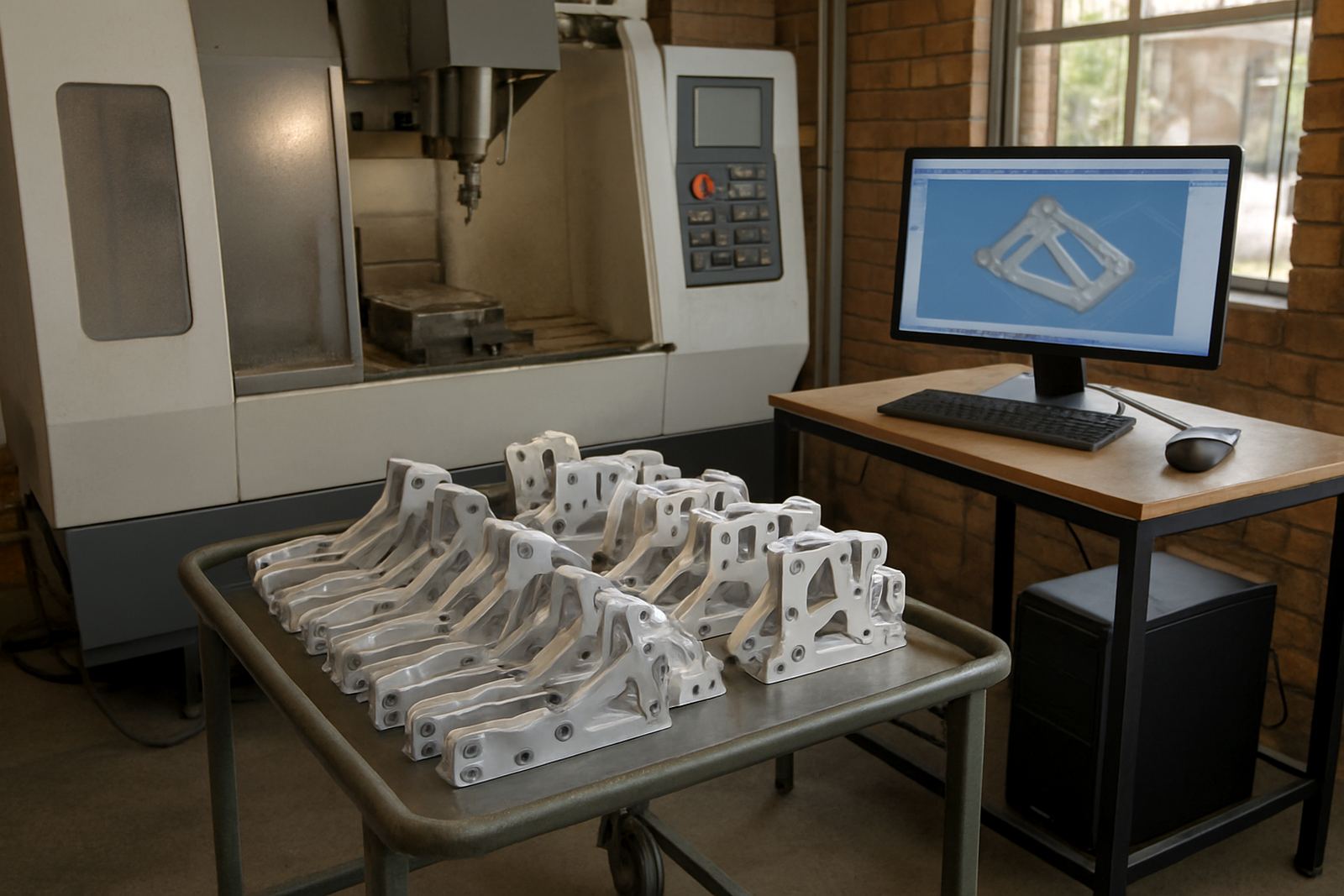
This product is aimed at production milling jobs where the same component comes back week after week, or where a fixture plate has to be updated with small changes. It is useful for shops running aluminium, mild steel, stainless steel and engineering plastics, especially when one programmer is supporting more than one machine. The focus is on saving time at the CAM stage, cutting down manual edits at the machine and keeping the process repeatable from the first part to the last.
For South African shops, that matters when you are working around load shedding, shift changes and tight delivery dates. If a job pauses overnight, you want the next person to open the file, check the setup and continue without having to rebuild the whole program. This also helps where multiple operators share one machine and the same fixture is used across several orders, as the settings stay clear and traceable.
Typical sizes, module options and what you can expect
Production Milling CAM is usually supplied as a software licence with the milling functions needed for repeat work, plus post-processor support so the output matches your machine controls. Shops can start with the core milling package and add more capability as their work grows. That makes sense for a small jobbing shop in Vereeniging or a larger production floor in Durban that wants to standardise programming across a few machines.
- 2D contouring, pocketing and drilling cycles for production parts
- 3D finishing for moulds, dies and shaped surfaces
- Fixture and template based programming for repeat jobs
- Custom post processor setup for the controller on your machine
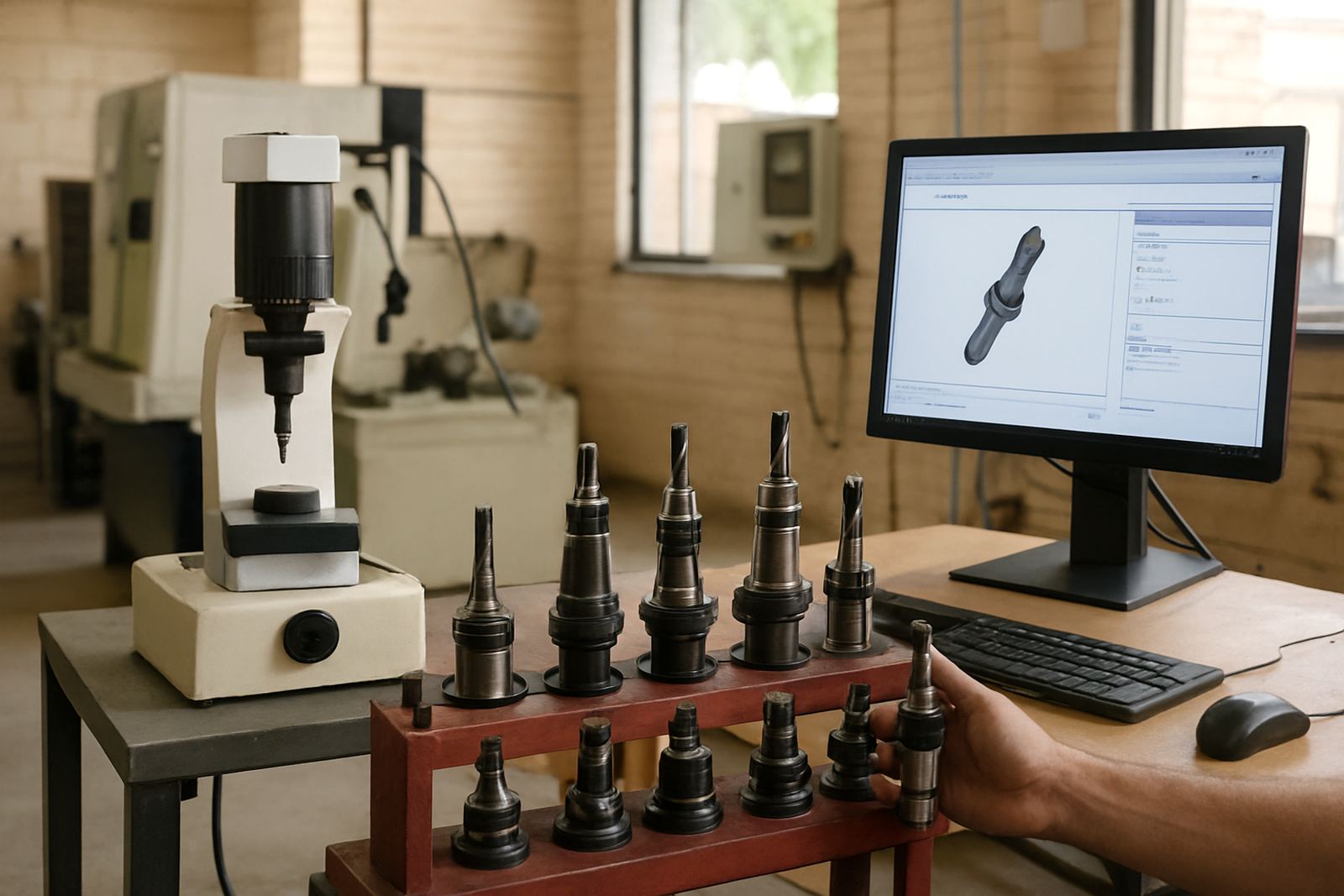
- Tool library setup for cutters, inserts and holders used often
- Optional training for programmers, operators and owners
Where needed, we can also help tune the post so the code reflects your actual machine behaviour, not just the default output. That reduces small corrections at the control and helps the shop run cleaner jobs with less scrap.
Where Production Milling CAM suits best
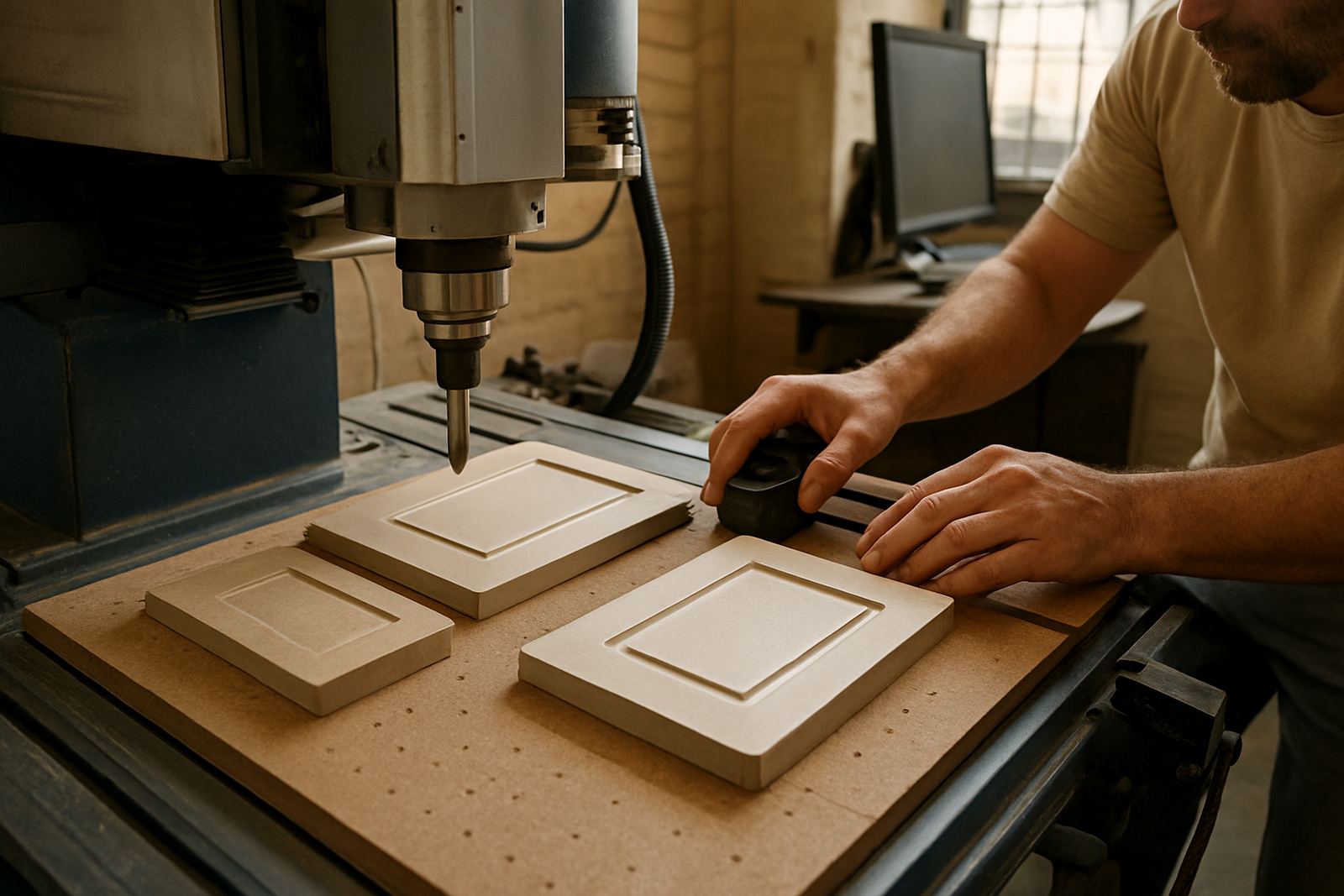
This is a good fit for routing and milling shops that make repeat panels, brackets, plates, machine parts, patterns and production fixtures. It is also practical for contract manufacturers who need the same part to be run on different days or by different operators. In Pretoria and Johannesburg we often see it used for general engineering, while coastal shops in Cape Town and Durban value the ability to keep toolpaths tidy when humidity and storage conditions can affect materials and setup notes.
It suits shops that want faster programming for recurring work, but still need enough control to handle tool selection, stepdown, stock allowance and finish quality. If your team produces one offs only, the full value may be limited. If your work includes repeats, revision changes and a mix of quick jobs and scheduled runs, the time savings add up fast.
- General engineering and jobbing shops
- Fixture and jig production
- Short run and medium run repeat parts
- Toolroom environments with regular setup changes
- Shops training new programmers or cross training operators
Installation, power and machine side checks
The software itself needs a suitable Windows based workstation with enough memory and graphics support for the type of files you run. For milling shops, a proper backup plan is just as important as the licence, because files, tool libraries and post files should not be sitting on one machine only. We normally recommend a stable PC, a UPS for areas where power dips are common, and a clean folder structure that the whole team can follow.
There is no gas requirement for the software, but your machine setup still matters. Check that the CNC controller, network connection, USB transfer method or DNC workflow is sorted before rollout. If the machine is old, or the control is not well documented, we may need time to test the post and verify the output with a dry run. A small slip here can cost a day on the floor, so it is worth checking early.
- Windows workstation with enough RAM for your part size and file complexity
- UPS recommended for offices and programming stations during load shedding
- Stable network or file transfer method for shared use
- Machine controller details for post setup and output testing
- Back up of tool libraries, templates and post files
Care, updates and keeping the output clean
Like any production tool, this works best when it is looked after properly. Keep your post files, library files and templates in one known location and back them up regularly. When a cutter is replaced, a holder changes or a new fixture plate is added, update the library straight away instead of leaving stale data in circulation. That kind of admin seems small, but it prevents missed offsets and wrong speeds later.
We also suggest regular checks on the first and last program of the day, especially where several operators share the same machine. If something changes on the floor, the programmer should know about it before the next batch starts. Annual support plans can help with that, along with remote troubleshooting, post tuning and workflow audits when the shop starts to grow. Coastal humidity, dust and poor housekeeping can all affect consistency, so a short monthly review is time well spent.
What to check before you order
Before you place an order, it helps to have the machine make and control type ready, plus a clear idea of the parts you run most often. We will also want to know whether your team needs a simple production setup, or something more advanced with custom post processing and training. If you are still deciding, send through the enquiry form and we can work through the details with you.
- Machine type: routing, milling, turning or plasma support needed
- Controller details and current program output format
- Typical material type and part size range
- Number of programmers and operators who need training
- Whether you need installation, post tuning or first job support
- Any existing tool library, templates or setup sheets to convert
For shops in Centurion, Pretoria, Johannesburg, Vereeniging, Durban, Cape Town and the East Rand or West Rand, we can support implementation in person or remotely depending on the job. Our team includes applications, post-processor, training and support staff, so the handover is practical and not just a software drop off.
How the rollout is handled
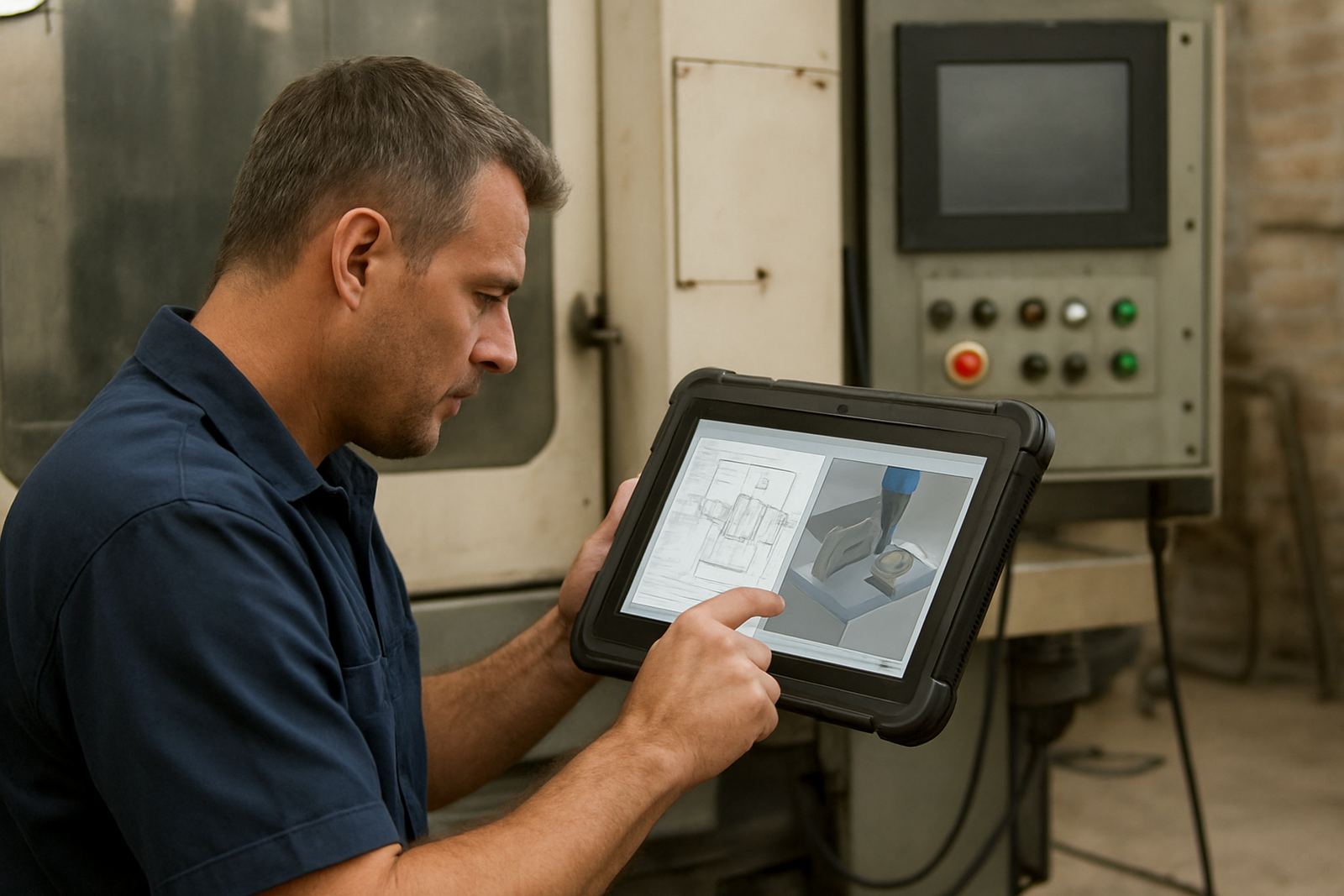
Once the licence is in place, we can assist with installation, post setup and the first production job. If you need it, we also cover operator training, programmer training and owner training so everyone understands the workflow. That makes it easier to keep standards consistent when the machine is busy or when one person is off sick.
For many shops, the most useful part is the first job support. We help check the toolpaths, verify the output and make sure the program suits the actual machine behaviour, not just what the screen says. After that, the shop usually has a much clearer routine for repeat work and less scrambling when new orders arrive.
Key facts
| Product type | Production milling CAM software licence for repeat CNC work |
|---|---|
| Primary use | Repeat parts, fixtures, jigs, plates and short to medium run milling jobs |
| Supported workflow | 2D milling, drilling, contouring and optional 3D finishing |
| Machine compatibility | Milling machines with custom post-processor output to match the controller |
| Installation needs | Windows workstation, backup storage and machine controller details |
| Support options | Licence installation, post tuning, training, first job support and annual support plans |