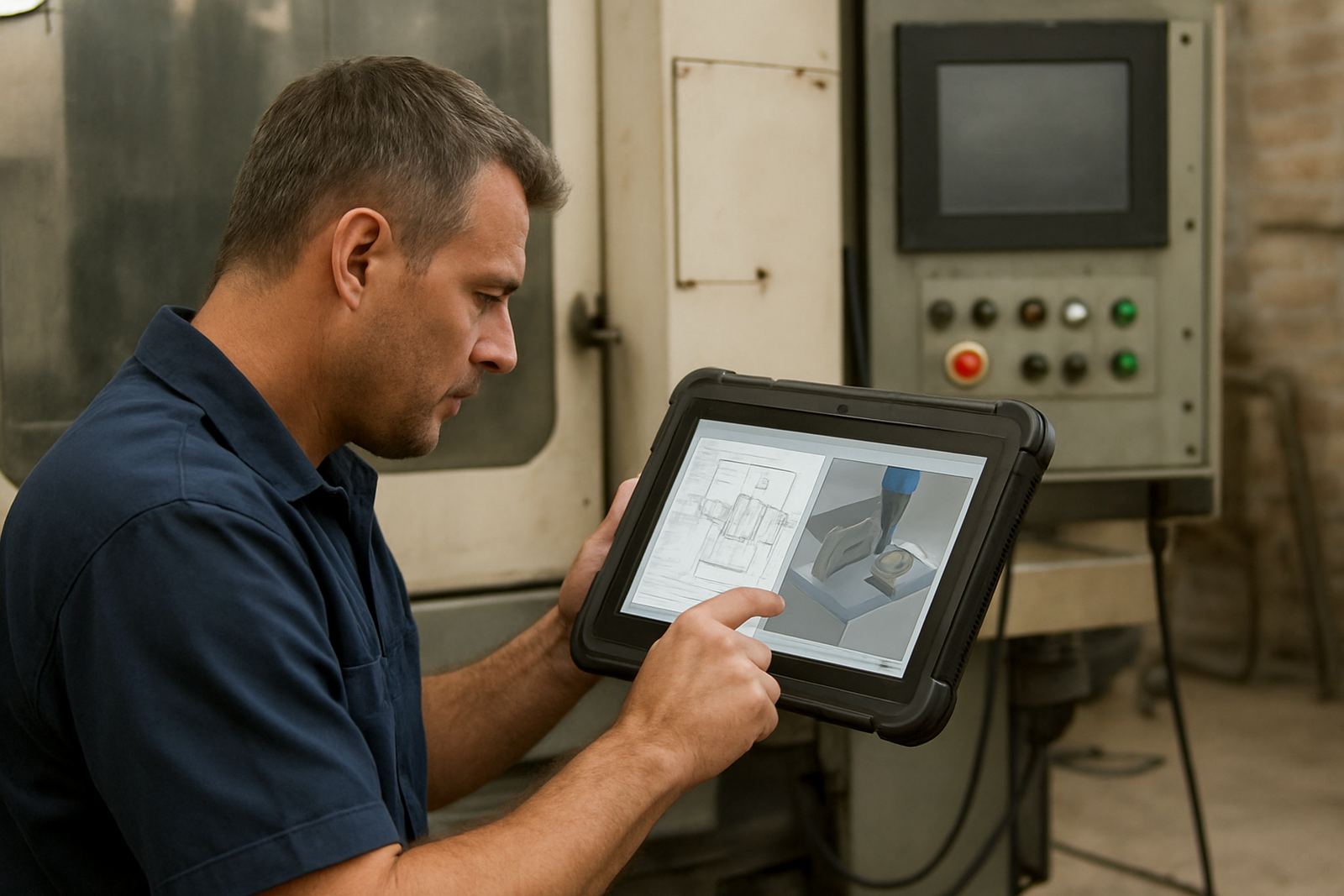
What the Tool Library Module does for a busy shop
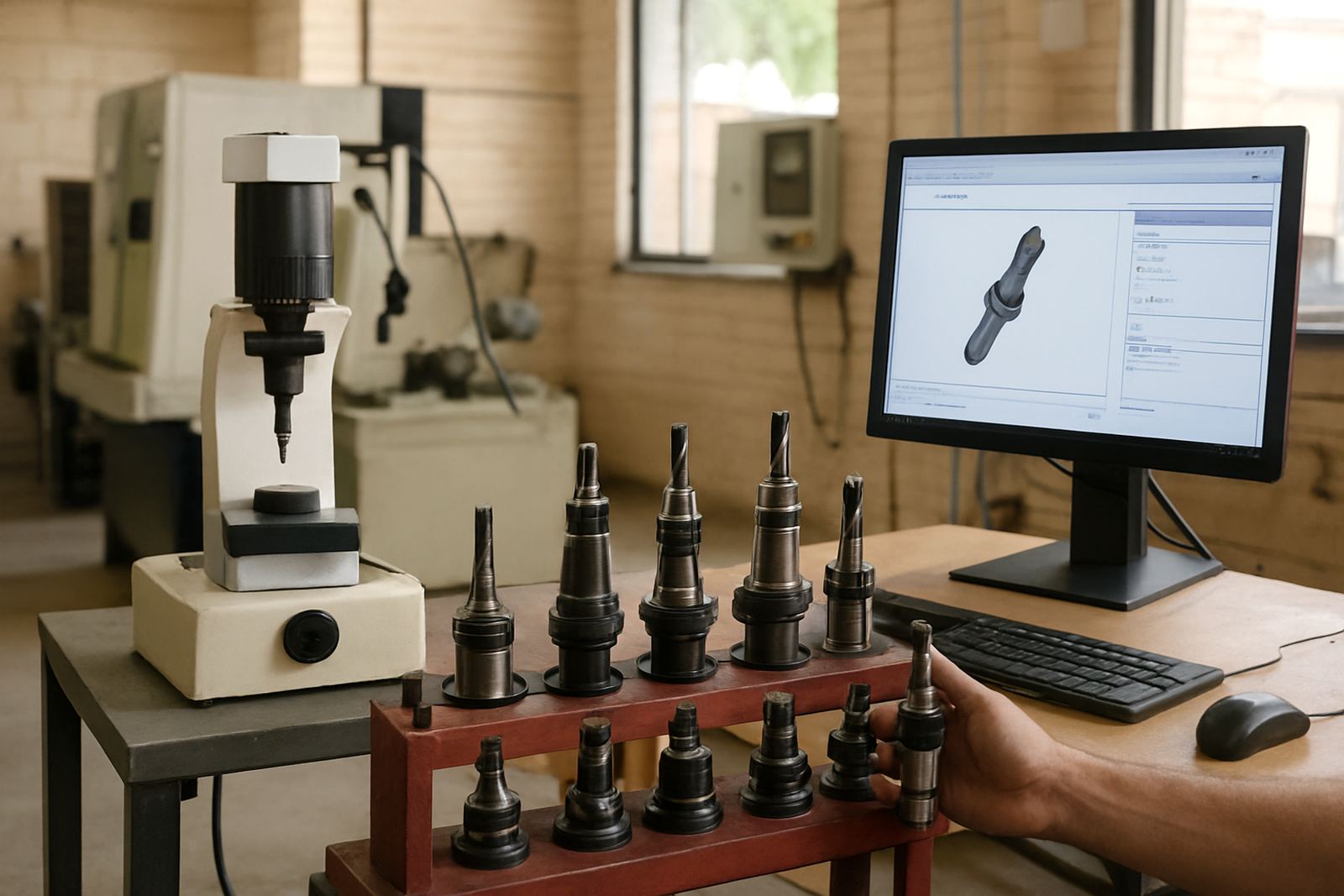
The Tool Library Module gives your programmers and operators a central place to store tool data, holder details, cutter geometry, feed rates, spindle speeds and notes for repeat jobs. Instead of retyping values for every programme, you keep one clean source of truth that can be reused across parts, machines and shifts.
For South African shops running under time pressure, this matters when load-shedding, split shifts or a last minute job change throws the day off. A well kept library reduces rework and saves setup time, especially where one programmer is supporting more than one machine, or where a trainee is stepping in on a second shift. It also makes it easier to keep standards consistent between Pretoria, Johannesburg, Durban and Cape Town teams.
- Store cutter type, diameter, flute count and corner radius
- Link holders, stick-out and clamp notes to each tool
- Save feeds, speeds and strategy notes for repeat use
- Track tool life, wear notes and replacement cycles
- Use shared naming rules so everyone reads the same data
Library sizes, structure and common setup options
The module can be set up for a small workshop with a simple tool list or for a larger operation with several machines, multiple users and different process standards. It is usually structured by machine, tool type, material, holder family and programme template, so the right data is easy to find. Shops that run routing, milling, turning and plasma often need separate libraries, while other shops prefer one master library with filtered views.
Typical setup options include single machine libraries, multi machine libraries, shared company libraries and role based access where programmers can edit and operators can only view or select approved tools. If you are running repeat production, you can also add naming rules, preferred tool sets and job-specific folders so old settings do not get mixed with a new order.
- Small shop: 50 to 200 tools
- Growing shop: 200 to 1 000 tools
- Multi-site use: central library with local copies or synced standards
- Data fields: tool number, holder, offset, material, tool path notes
- Access levels: admin, programmer and operator views
Where it suits best in South African production environments
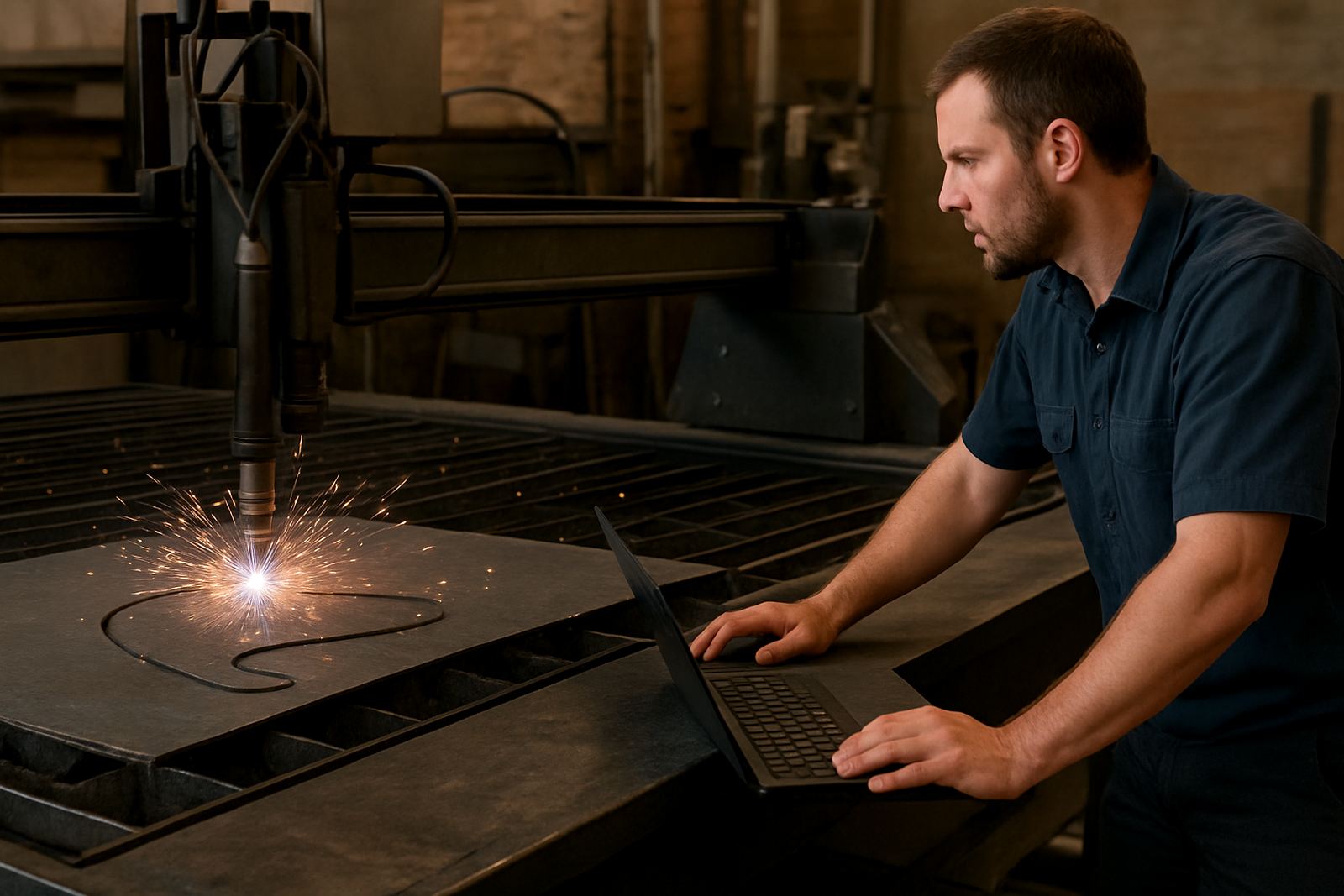
This module suits shops that need repeatable programming standards and cleaner handovers between staff. It is a strong fit for CNC routing shops making signage, kitchen parts, shopfitting panels and flat sheet products, and also for milling and turning shops doing repeat components, fixtures, tooling plates and maintenance parts. Plasma users can use the same principle for torch data, consumables and cut settings where the process requires disciplined records.
It is especially useful in places where humidity, dust or power interruptions create avoidable mistakes. Coastal shops in Durban and Cape Town often need clearer maintenance notes because corrosion, moisture and dirty tooling can affect performance faster than expected. Inland shops in Pretoria, Vereeniging, the East Rand and West Rand often use the library to keep pace when one operator covers more than one machine, or when production changes quickly with municipal and customer deadlines.
- Ideal for job shops with repeat but varied work
- Useful where more than one person sets up the machine
- Helpful for teams training new programmers or operators
- Good for shops standardising around one approved tool list
Installation, data load and what your machine needs
Installation is mainly about setting up the software correctly, loading your existing tool data and matching the fields to the way your shop works. For some clients, that means a fresh tool list built from scratch; for others, it means cleaning up spreadsheets, paper notes or older files and bringing them into one structured library. We also check naming conventions, units, machine profiles and user permissions so the library works properly from day one.
No special gas supply is needed for this module. Power requirements depend on the computer or server it runs on, and most shops use a standard Windows workstation or office PC with stable mains power and surge protection. If the site has frequent outages, we recommend a UPS for the office PC and any local file storage, because an interrupted save can leave a half written record. A small network share or backed up local drive is usually enough for one site, while larger teams may want central storage with regular backups.
- Needs a Windows based PC or server environment
- Best with uninterrupted power through a UPS
- Network sharing can be used for multi-user access
- Backup routine should be checked before live use
- Machine data should be verified against real tooling
Care, updates and keeping the library reliable
A tool library only stays useful if it is maintained. We advise shops to appoint one person to approve edits, even if several users can view the data. That person should check for duplicate tool numbers, outdated feed values, wrong holder lengths and missing comments after tool changes. If a new cutter arrives, it should be measured properly and entered before the next job runs.
Regular servicing is mostly data care rather than hardware servicing. That means checking backups, reviewing changes after new staff are trained, and confirming that the tool list still matches the actual machine room. A monthly check is usually enough for smaller shops, while busier production environments may need a weekly review. If your tooling changes often, keep a short note against each tool so the reason for a change is not lost later. It saves time and reduces the chance of a programmer guessing wrong.
- Review the library after each tool room update
- Check that backups are running and restorable
- Retire broken or obsolete tools instead of leaving them active
- Confirm feeds and speeds after material or cutter changes
- Keep one approved naming format for the whole team
What to check before you order the module
Before you order, it helps to know how many machines you want covered, how many users will access the library and whether you need one central file or several machine specific sets. You should also decide who will own the data, because the cleanest libraries are the ones with a clear person responsible for updates. If you already have tool spreadsheets, send them through in their current format so the structure can be matched to your workflow without unnecessary retyping.
It is also worth checking what level of detail your programmers want. Some teams only need tool number, diameter, holder and basic feeds, while others want a full record with material notes, stick-out, offset values, cut strategy and operator comments. If your shop is handling repeat contracts or multiple branches, ask for a naming standard from the start, otherwise the same tool may end up with three names and two spellings, which is a headache later.
- Number of machines to be covered
- How many users need edit rights
- Current format of your tool data
- Whether you need shared or machine specific libraries
- Required detail level for feeds, holders and notes
Support for shops across Centurion and beyond
We support CNC shops from our Centurion base and work with clients in Pretoria, Johannesburg, Vereeniging, Durban and Cape Town, plus East Rand and West Rand operations. Where needed, we can assist with the full setup, from tool library structure and licence installation to machine onboarding, workflow audits and first job support. That makes it easier to get the tool data right before production starts relying on it.
If you want a cleaner handover between programming and the machine floor, the Tool Library Module is one of the first places to start. It keeps the details in order, makes repeat work faster and helps reduce those small mistakes that cost real money. Once it is set up properly, the team can trust what they see and spend less time second guessing the file.
Key facts
| Module type | Tool data management for CNC programming and repeat setup |
|---|---|
| Typical data fields | Tool number, cutter geometry, holder details, feeds, speeds, offsets and notes |
| User scale | Single user, small team or multi-user shared library |
| Machine fit | Routing, milling, turning and plasma workflows |
| Installation environment | Windows based workstation or server with backup and UPS recommended |
| Library capacity | From 50 tools upward, with scalable structures for larger shops |