What 2D Drafting CAM does on the shop floor
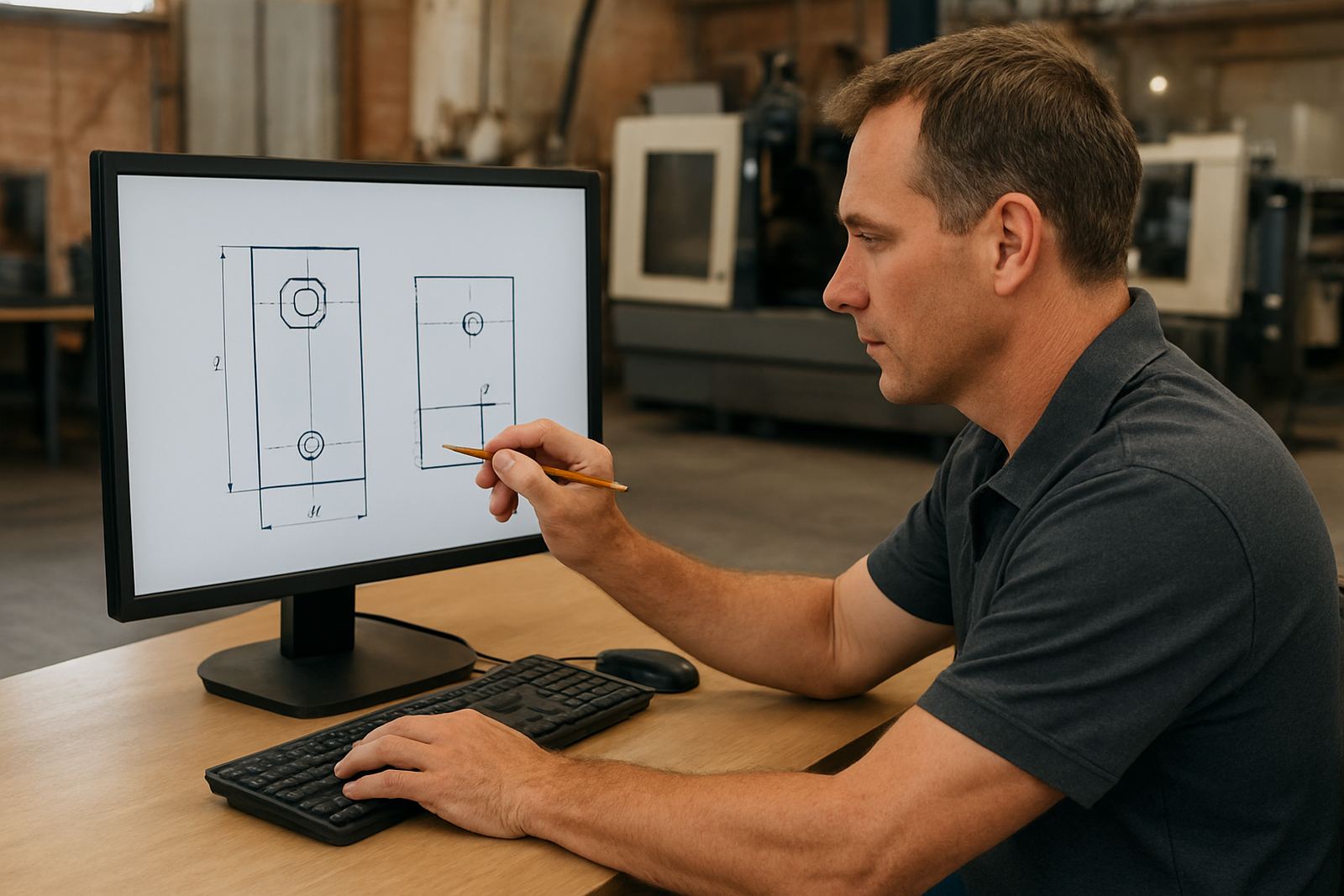
2D Drafting CAM is used to draw parts, mark holes, create profiles and prepare cutting moves for sheet, plate and solid material. It is suited to day to day workshop edits, small production runs and repeat jobs where the team needs a direct way to update geometry and send it to the machine without redoing the full part file.
For many South African shops, this is the practical middle ground between a basic drawing package and a full 3D programming suite. It helps with sign panels, brackets, flanges, templates, panels and simple component sets. If the work changes often, it is useful for quick corrections after a drawing is sent through, or when a customer drops off an old sketch at the counter and needs a part made the same afternoon.
- Profile cutting for flat parts
- Drill and hole placement for plates and panels
- Basic workshop edits and redraws
- Simple toolpath preparation for routing, milling or plasma
Where the product fits best in South African workshops
This product suits CNC routing shops, general engineering workshops, cabinet makers with CNC routers, small fabrication teams and plasma operators who cut a lot of flat work. It also suits jobbing shops in Pretoria, Johannesburg, Vereeniging, Durban and Cape Town that need dependable output on standard parts, not a full programming department.
It is especially useful where the owner, setter or programmer needs to keep machine time high and admin low. In mixed environments, one person can handle drawing changes while another checks feeds, leads and output. The result is less back and forth between the office and the machine bay, which matters when load-shedding or municipal downtime already eats into the day.
Where the shop has more than one machine, the same environment can be used to keep the drawing style and toolpath method consistent. That helps when a team member moves from a router to a plasma table, or from a mill to a second shift machine and needs the same process every time.
Licence options and setup choices
We supply CAD/CAM software licences for small owner-run shops through to larger teams with several programmers. The exact licence option depends on how many seats you need, whether the software must sit on one PC or move between stations, and whether your team wants local or remote installation support.
Common setup choices include single-user licences, networked access for shared use, and workstation installs for separate programming points. We also assist with licence installation, machine onboarding and custom post-processors so the output matches your CNC control and shop naming rules. If you are running more than one machine type, we can set up post tuning so the post behaves properly on each machine family.
- Single-user or shared licence structures
- Workstation installation on office PCs or workshop PCs
- Machine-specific output settings
- Post-processor matching for router, mill, turn or plasma work
Installation, power and machine side requirements
2D Drafting CAM does not need special gas, coolant or compressed air on its own, but the PC it runs on must be stable enough for daily production use. A decent Windows workstation, a clean network connection if files are shared, and backup power for the office or programme station are worth planning for, especially in areas where load-shedding still interrupts the day.
For practical use, the software should be installed on a machine with enough memory and storage for drawings, tool libraries and job archives. If the shop uses a UPS, make sure it covers the computer, screen and network point. If your team works near the coast, keep the PC in a dry area because humidity and salty air can affect connectors, fans and keyboards over time. It is a small thing, but it saves a lot of faults.
- Windows PC with enough memory for daily drawing work
- Stable power and UPS support recommended
- Shared file access if more than one user prepares jobs
- Clean, dry room conditions help in coastal towns
Training for operators, programmers and owners
Hands-on training is available in Centurion and through our regional training areas in Pretoria, Johannesburg, Vereeniging, Durban, Cape Town, East Rand and West Rand. We also do on-site training for shops that want the team taught on their own machine mix, tooling and job flow. That is often the best choice when the workshop has local routines that matter, such as a fixed cutting order, custom blank sizes or a particular approval process.
Training can be set up for operator use, programmer use or owner level oversight. Operator training focuses on day to day job loading and checking. Programmer training covers drawing preparation, toolpath creation and output control. Owner training helps with workflow decisions, handover control and how to judge whether the setup is paying its way. Ompha Mabandla, Tiaan Ferreira, Phenyo Ngema, Farieda Jacobs, Mthunzi Diale and Vanisha Rampersad support the practical side from applications, post setup, training and technical follow up.
- Operator, programmer and owner training paths
- On-site or regional training by area
- Workflow support for small and growing teams
- First job support after installation available
Care, servicing and keeping jobs moving
Software itself needs less mechanical servicing than a machine, but it still needs regular attention. Keep backups of licences, posts, tool libraries and job templates. Make sure updates are approved before a busy production week, and check that your output is still matching the machine after any PC replacement or control change. If the shop changes cutters, units or naming standards, update the library rather than patching it job by job.
Annual support plans are useful for shops that want steady access to help, post tuning and remote troubleshooting without starting from scratch each time there is a new job type. If a drawing is not converting cleanly or the machine is doing something unexpected, it is better to check the post and workflow early. A small error in setup can cost a full sheet, or an entire shift if it goes unnoticed.
- Back up posts, tool libraries and job templates
- Check output after PC, control or machine changes
- Use support plans for recurring jobs and updates
- Keep file naming and units consistent across the team
What to check before you order
Before ordering, confirm the machine type, control type, work material and the way your shop wants to prepare jobs. We need to know whether you are cutting profiles only, drilling holes, doing nest work, or mixing drawing edits with production output. It also helps to know if the shop uses metric units, what tool types are common, and whether the programme will run on one machine or several.
Please also check your current PC setup, who will use the licence, and whether you need installation on-site or remote. If you already have a post, send the machine details so we can check the output before you commit. If you do not have a post yet, we can help with a clean setup from the start. That bit saves a lot of rework later.
- Machine make and control details
- Type of work: profile, holes, nesting, workshop edits
- Number of users and licence seat requirement
- Need for custom post, training and first job support
Key facts
| Category | 2D drafting and CAM for flat work |
|---|---|
| Typical use | Profiles, holes, redraws and toolpath prep |
| Material types | Sheet metal, plate, board, plastic and light solid stock |
| Installation | Windows PC, local or remote setup |
| Power needs | No special machine power, but stable mains and UPS recommended |
| Support | Licence installation, post tuning, training and remote troubleshooting |