Built for mixed work and quick turnarounds
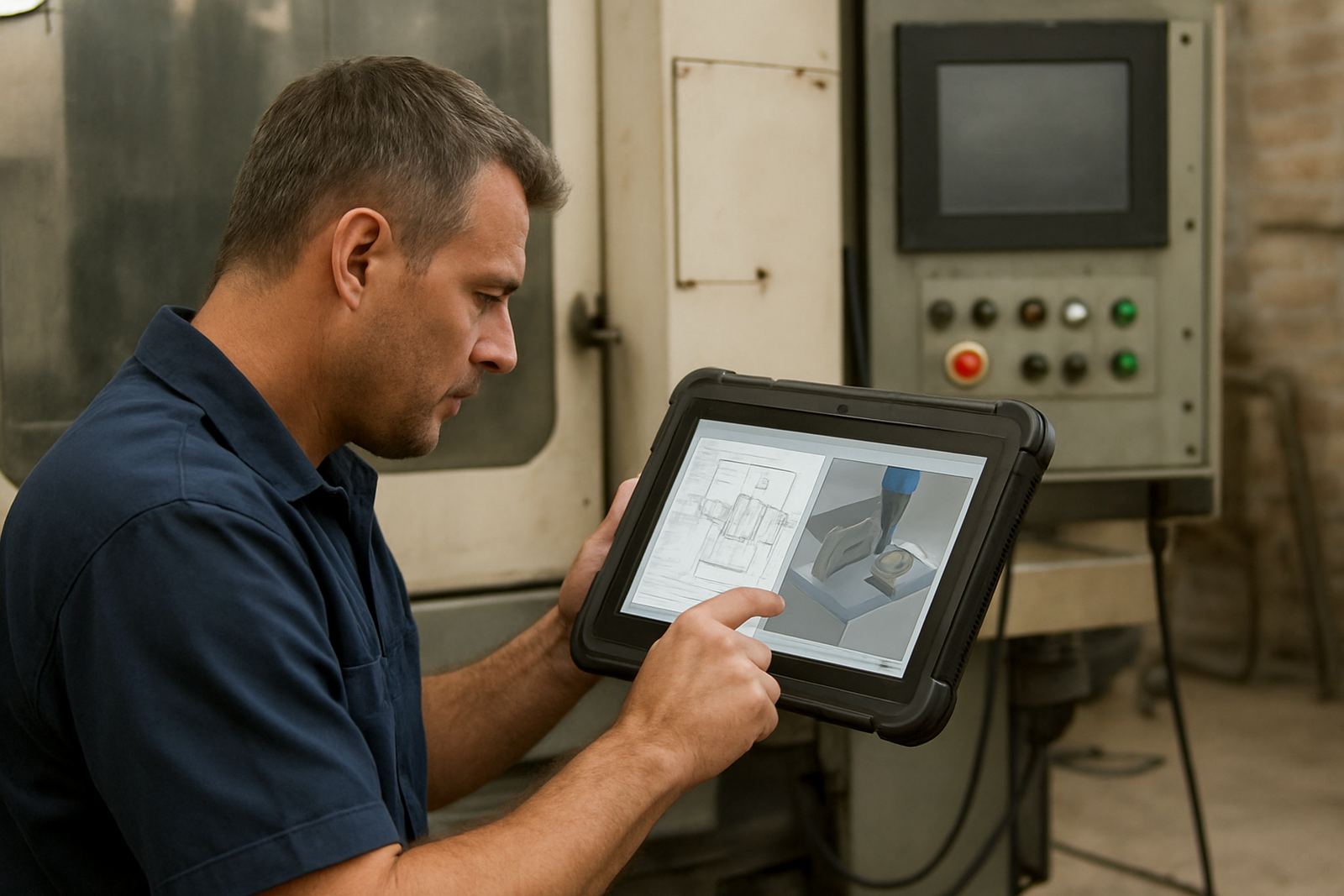
Jobbing Shop CAM is suited to workshops that do not run the same part all week. One day you may be cutting aluminium brackets, the next mild steel plates, then plastic signage or timber panels. The software is organised around fast setup, repeatable toolpaths and clear control over feeds, depths and output so your team can move from drawing to machine without wasting time.
For South African shops, that matters when a customer wants a quote by lunchtime and parts by the next morning. You need software that helps you assess machine time, tool changes and material use without overcomplicating the process. It should also cope with power interruptions and restart points on the machine side, because load-shedding still affects many workshops and production plans.
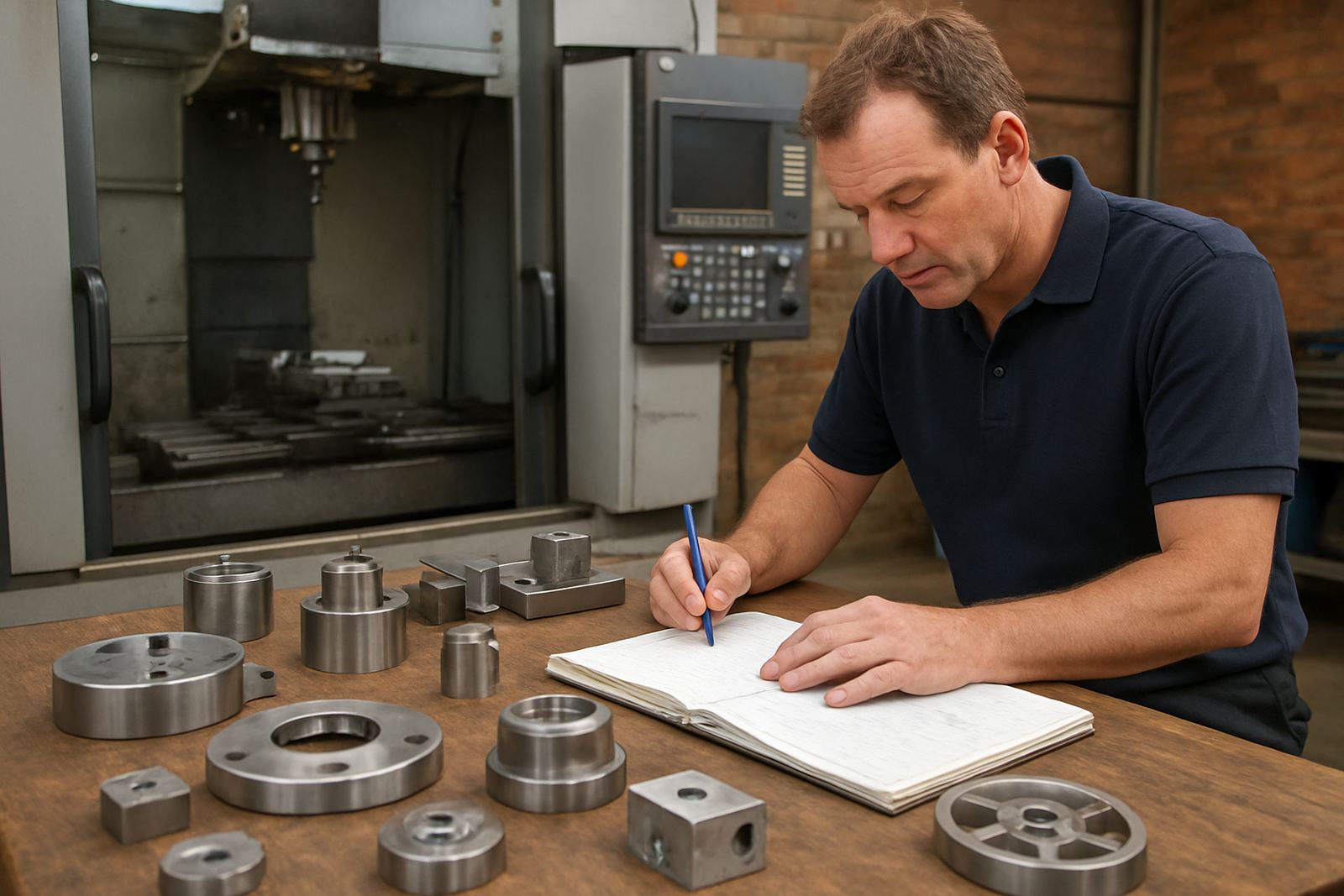
Typical users include small to medium CNC routing, milling, turning and plasma operations in Pretoria, Johannesburg, Vereeniging, Durban and Cape Town. It also suits contract shops that take on one-off work, repair parts and short production runs, where every job is slightly different and setup time has to stay under control.
Programming options that suit different machines
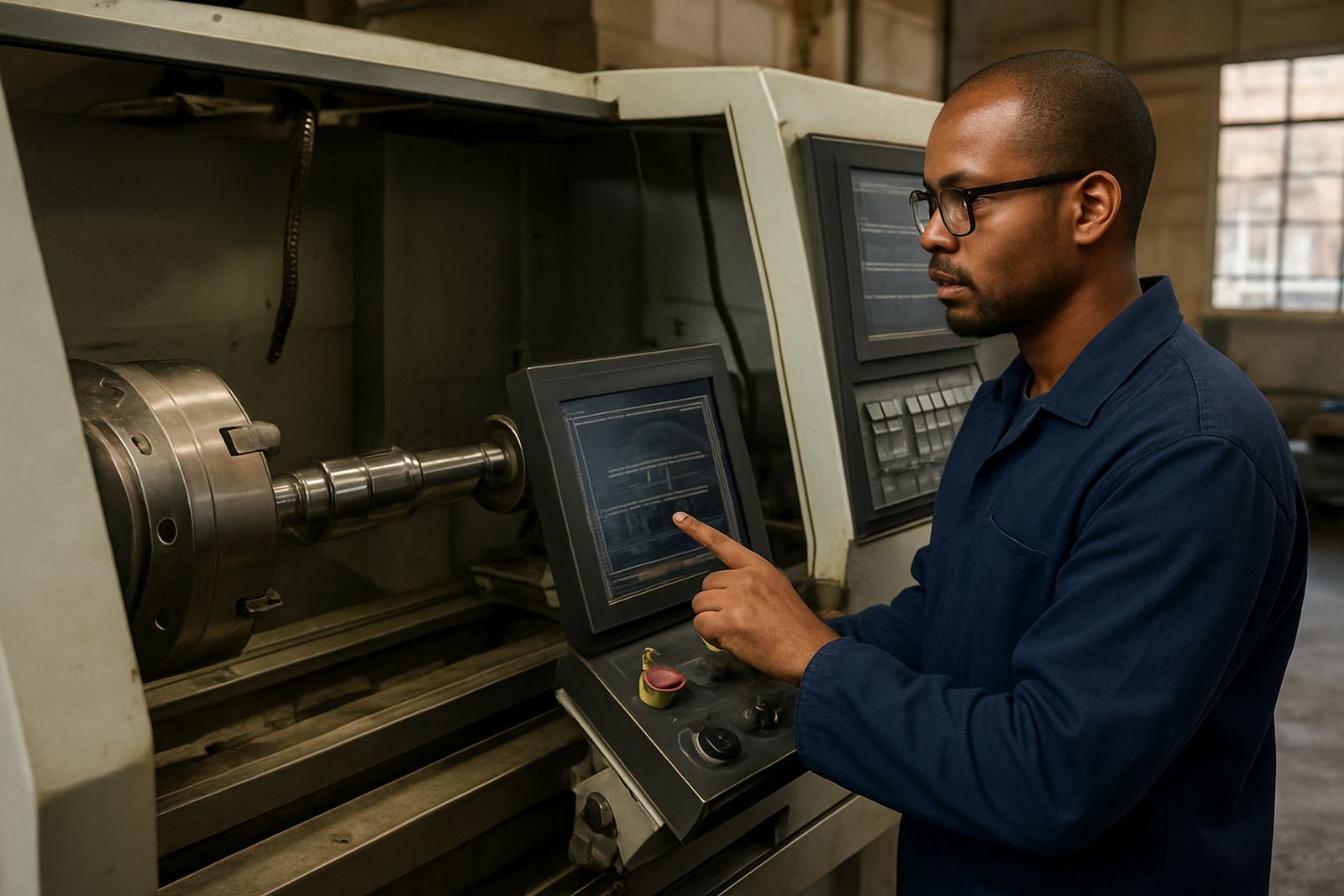
The package can be configured around the machines you already run. That may include 3-axis routing, vertical machining, turning centres or plasma tables. Post-processor setup is important here, because each controller reads code differently and a small mismatch can cause wasted material or machine stops. A proper post also helps with safe retracts, coolant control, tool changes and home positions.
- Custom post-processors for common controller formats
- Post tuning for cleaner output and fewer manual edits
- Tool library builds for repeat work and faster setup
- Machine onboarding for new equipment or new shifts
- First job support to check the first live run on your floor
Where a shop has more than one machine, the output can be standardised so operators do not have to learn a different style of file for every machine. That reduces error, especially when there is a mix of experienced programmers and newer operators. It also helps when a company grows from one machine to three, then needs a cleaner handover process for production planning.
Where it suits on the floor
This product suits jobbing shops that need flexibility more than high-volume repetition. If you quote often, change material often, or work to customer-supplied drawings, the software gives you a workable path from CAD data to machine-ready code. It is especially useful when parts vary in thickness, nesting layout or fixture method.
It is a strong fit for:
- Custom furniture and panel processing
- Signage and display work
- Engineering repair shops
- General jobbing and contract CNC production
- Prototype and short-run manufacturing
Shops near the coast often ask about humidity and corrosion. The software itself does not care, but the machines, tooling and computers do. We normally recommend keeping the control PC in a dry, dust-managed area and making sure backups are stored off the shop floor. In inland areas like Centurion and Pretoria, dust and heat are the bigger issue, so regular cleaning of fans and filters matters just as much.
Installation, power and setup requirements
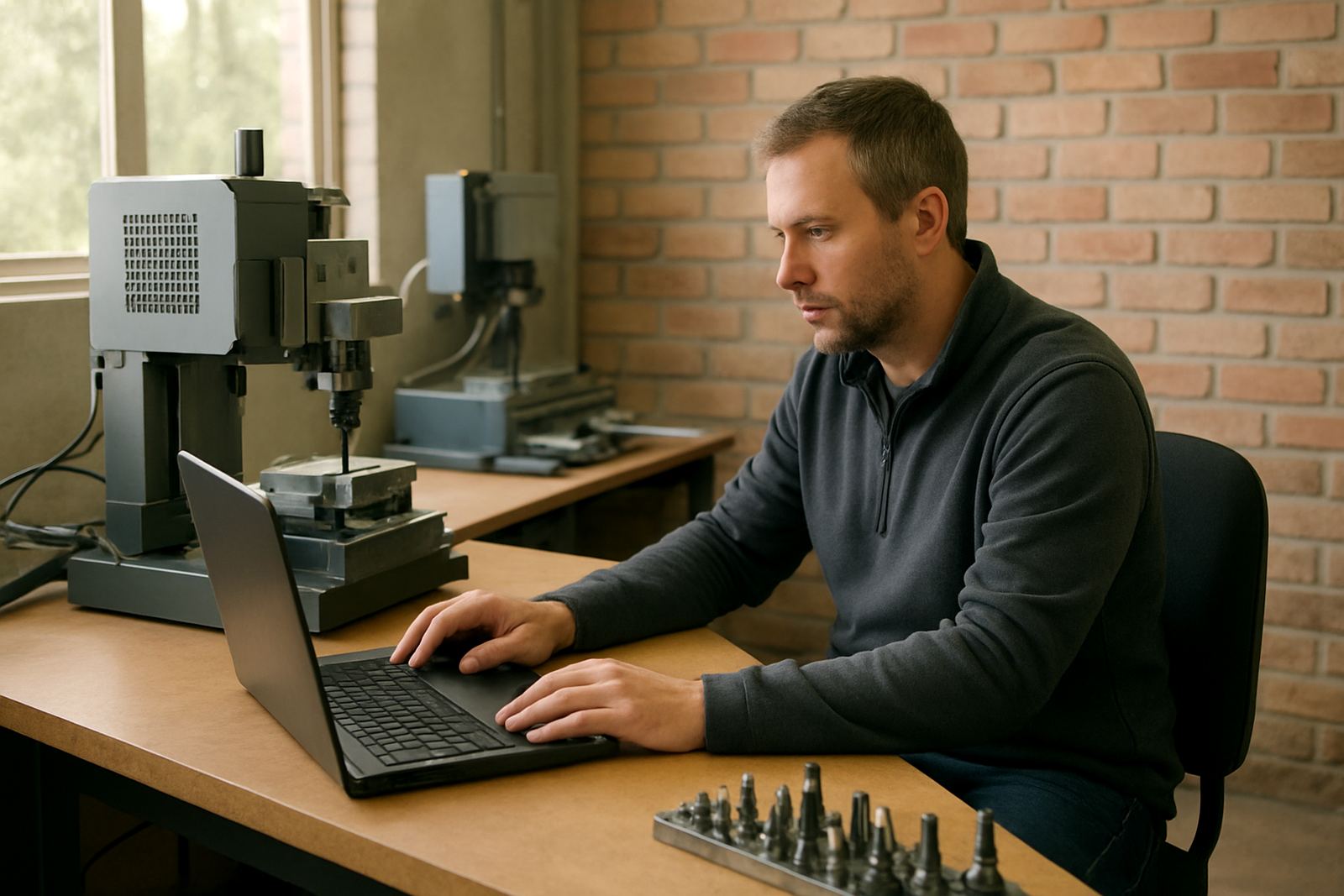
Licence installation and machine setup are usually done on-site or remotely, depending on what your team needs. A stable Windows-based computer is normally required, with enough memory and storage for your drawings, tool libraries and project files. The machine side needs a clean connection to the controller, plus any required drivers or output settings for your specific setup.
There is no gas requirement for the software itself. For the workshop, the bigger concern is stable power. If your site is affected by load-shedding, it is worth planning for a UPS on the control PC and proper shutdown procedures for the machine and network. That can prevent file corruption and keep your job records intact.
We also look at practical details before rollout, such as whether your network shares files between offices, whether operators use the same user profile, and whether your programmers need different output styles for nested panels or turned components. Small setup choices make a big difference later when the machine is under pressure and time is tight.
Care, updates and keeping output tidy
Good CAM work is not only about generating code once. It is about keeping the workflow tidy so files can be reused, altered and checked quickly. That means keeping tool libraries current, storing proven feeds and speeds, and reviewing post output after machine changes. If a cutter, chuck or controller changes, the file path should be checked before the next live run.
- Review posted code after any machine or tool change
- Back up post files and libraries regularly
- Keep training notes with the job file for repeat work
- Test new posts on a safe sample before production use
- Schedule annual support checks if your workload is growing
Support plans are useful for shops that do not have time to chase small issues themselves. If a machine starts behaving differently after a service or controller update, a quick review can save a lot of wasted stock. A minor mismatch caught early is much cheaper than scrapping a full sheet or a turned batch.
What to check before you order
Before ordering, it helps to know exactly what work the shop handles and which machines must be supported. The more specific you are, the better the setup can be matched to your floor. If you are unsure, we normally start with the current drawings, controller details and a few sample parts, then map out the most sensible workflow.
Please have these details ready:
- Machine type and controller model
- Materials you cut most often
- Typical part size and thickness
- Whether you need routing, milling, turning or plasma output
- Who will use the software: programmer, operator or owner
- Whether you need onsite training in Centurion, Pretoria, Johannesburg, Vereeniging, Durban, Cape Town, East Rand or West Rand
For many shops the best result comes from a combination of licence installation, custom post-processing and hands-on training. That way the team understands not only how the software works but also how to keep it practical when orders are messy and deadlines are tight. If your floor has mixed experience levels, owner training and programmer training can be split so each person gets what they need.
Key facts
| Product type | CAD/CAM software for jobbing shop programming |
|---|---|
| Supported workflows | Routing, milling, turning and plasma |
| Primary use | Mixed parts, short runs and quick quoting |
| Output options | Custom post-processors and post tuning |
| Setup services | Licence installation, machine onboarding and first job support |
| Training | Operator, programmer and owner training on-site or remote |