Built For Everyday Turning Work
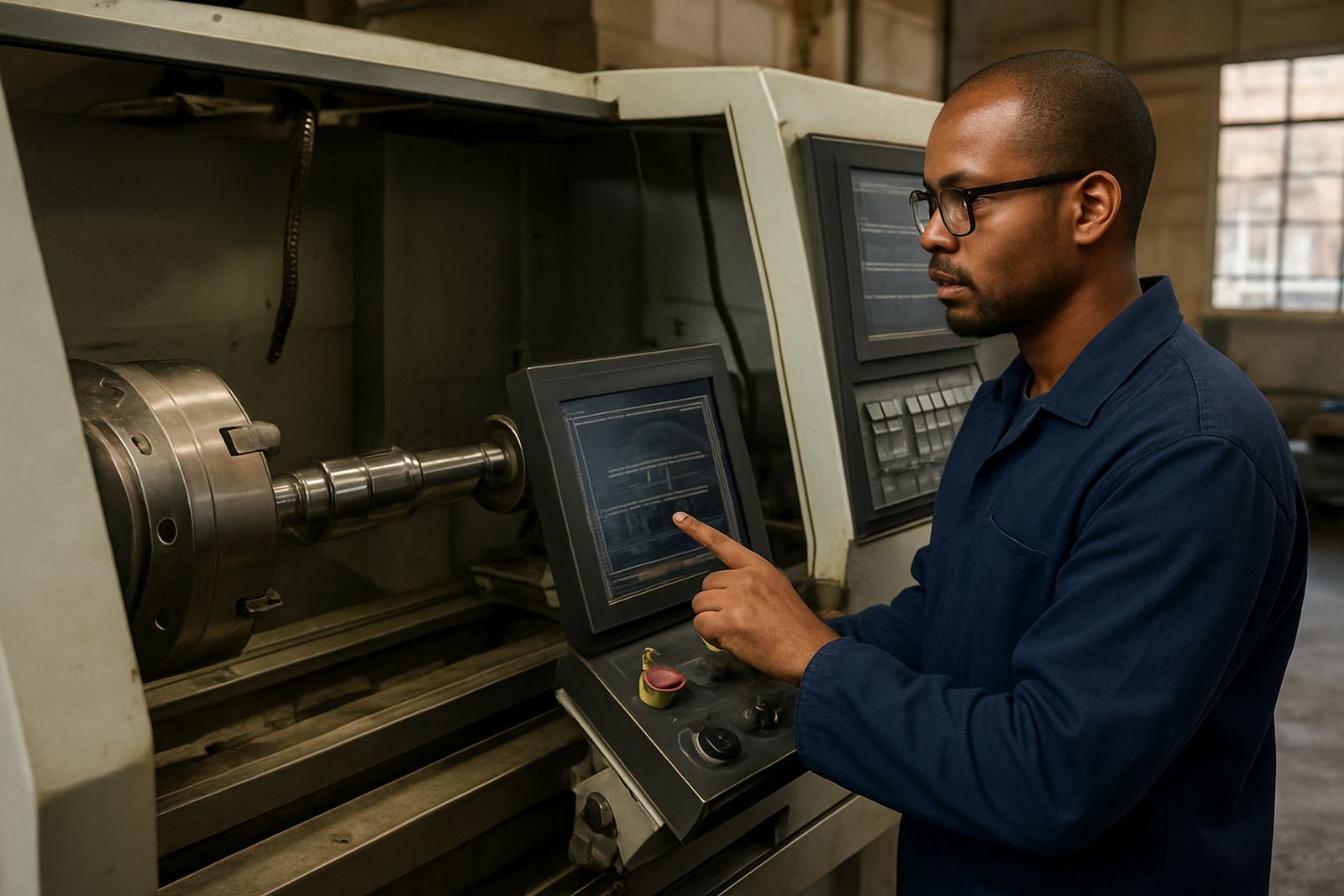
2 Axis Lathe CAM is used to programme standard turning operations without the clutter of multi-axis setup. It is suited to shops that run 2-axis lathes for shafts, bushes, spacers, flanges and short batch work where setup time matters. The main value is consistency, each cycle can be set once and reused with the same tool, feed and speed rules.
The software supports common turning cycles for facing, rough and finish profiling, OD and ID grooving, threading, chamfering and cut-off routines. For a shop in Pretoria or Johannesburg this means less time hand-editing G-code and fewer mistakes when the same part comes back a month later. It also helps when an operator changes shift and the job still needs to run the next morning.
What It Covers On A 2-Axis Lathe
The package is suited to turning centres and CNC lathes with X and Z movement only. It works well for bar-fed parts, chucking work and fixtures where the part is loaded manually or by simple automation. If your machine has a standard turret and one spindle, this is the right class of CAM for that environment.
- Facing and plain turning cycles
- Rough and finish contouring
- Grooving and parting off
- Internal and external threading
- Drilling, boring and reaming where the machine supports it
- Left hand and right hand tool paths
For shops running mixed material, the same programme structure can be tuned for mild steel, stainless, aluminium and engineering plastics. In coastal areas like Durban and Cape Town, correct tool data and sensible feed rates matter because heat and humidity can affect both the tool and the stock condition.
Licence Sizes, Options And Shop Fit
Licences are usually supplied for a single workstation, with options for additional seats where more than one programmer needs access. Some shops only need one seat near the machine, while others want a shared programming point in the office and another at the workshop. We also assist with licence installation and machine-side file transfer so the post output reaches the control in the right format.
- Single-user licence for one programmer
- Additional user access for growing teams
- Post-processor setup for your control format
- Training for operators, programmers or owners
- Support plans for ongoing updates and help
If your turning work is handled by one experienced setter, a basic licence can be enough. If you have a team of setters and learners, it is often better to include training and a support plan from the start so programming standards stay the same across shifts.
Installation, Setup And Power Needs
For installation, the main requirement is a Windows-based workstation that meets current software requirements, a reliable local network connection if files are shared, and enough storage for part libraries, tool libraries and archived jobs. No special gas or plant services are needed for the software itself. The important part is a stable power supply and a clean user environment, especially in areas affected by load-shedding or frequent power dips.
We recommend an uninterruptible power supply for the PC and a proper shutdown routine for the machine network setup. This helps prevent file corruption and lost settings when the electricity drops during a save or transfer. If your shop runs in a production area with dust or vibration, keep the computer in a safe position away from coolant spray and chips.
Care, Servicing And Keeping Jobs Consistent
The software itself does not need mechanical servicing, but the workflow around it does. Tool libraries should be checked regularly, especially after insert changes, toolholder swaps or a tooling review. Post-processor settings should also be checked after a control update, machine retro-fit or change in spindle orientation. If the post is not kept current, even a good programme can produce avoidable edits at the machine.
We advise shops to keep a tidy job archive with part revisions, tool lists, feed notes and approved output files. That makes it easier to repeat a part, quote future work and train a new setter without guessing. A short monthly review can save a lot of time later, and it catches small setting drifts before they become scrap.
What To Check Before You Order
Before placing an order, it helps to confirm your machine control, current programming method and the type of work you run most often. The right setup depends on whether you do batch turning, one-off repair parts or repeat production. It also matters whether your shop needs a basic turning post or a custom post with local machine codes, turret rules and subroutines.
- Machine make, model and control type
- Whether you use one or more lathes
- Typical part diameter and length range
- Thread types, grooving widths and part-off needs
- Who will use the software day to day
- Whether you need on-site training in Centurion, Pretoria, Johannesburg, Vereeniging, Durban, Cape Town, East Rand or West Rand
If your shop runs older equipment, bring the sample code and a few part drawings. That lets us check the output format before rollout and reduces the risk of rework later. For many shops the best starting point is licence installation, post tuning and first job support, then operator or programmer training once the first jobs are running cleanly.
Key facts
| Product type | 2 Axis Lathe CAM software licence |
|---|---|
| Core cycles | Facing, profiling, grooving, threading and cut-off |
| Machine fit | 2-axis CNC lathes and turning centres |
| Output | Customisable G-code through a matched post-processor |
| Typical users | Operators, programmers and owners in jobbing or production shops |
| Support options | On-site training, remote troubleshooting and annual support plans |