What an offline programming seat does in a busy shop
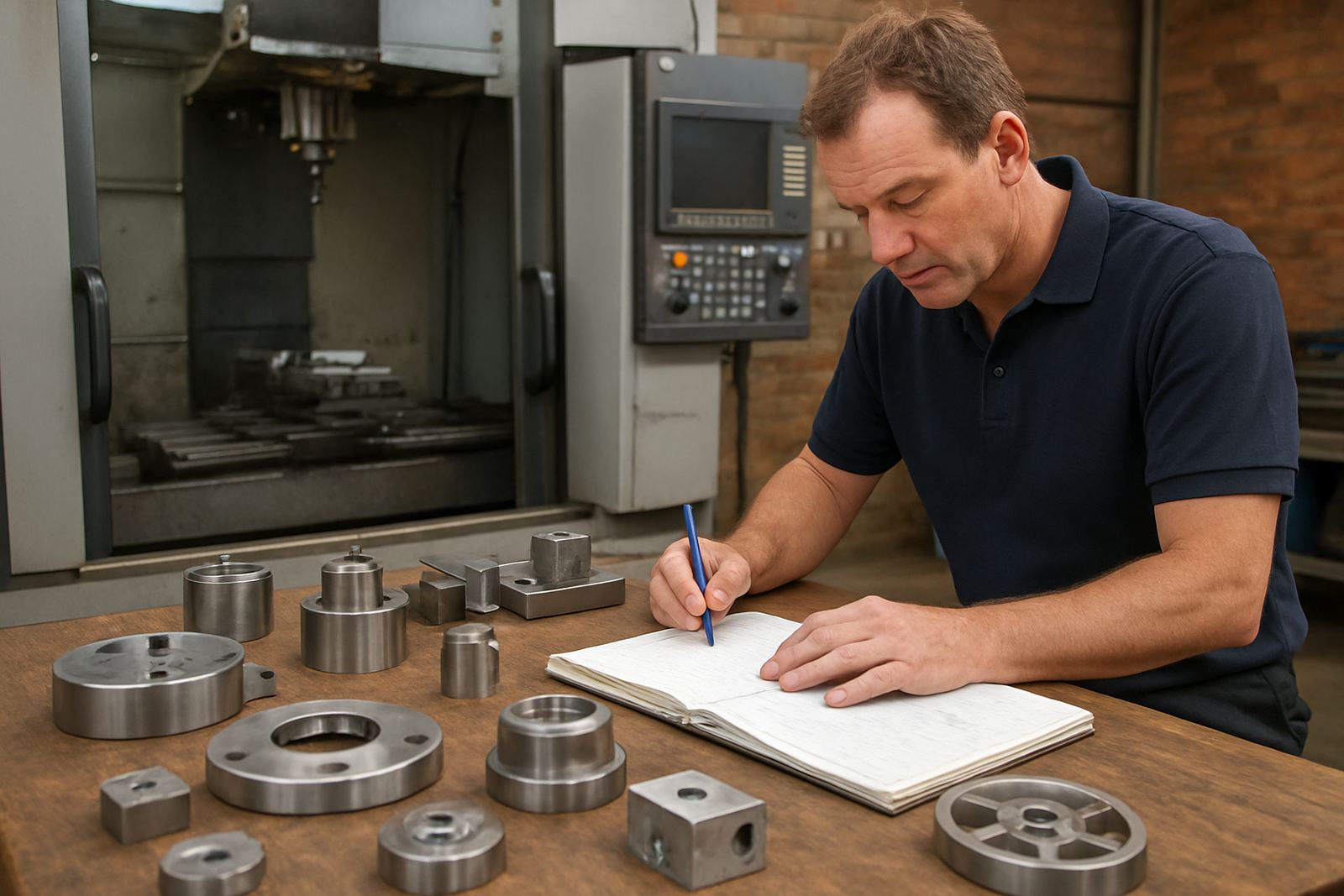
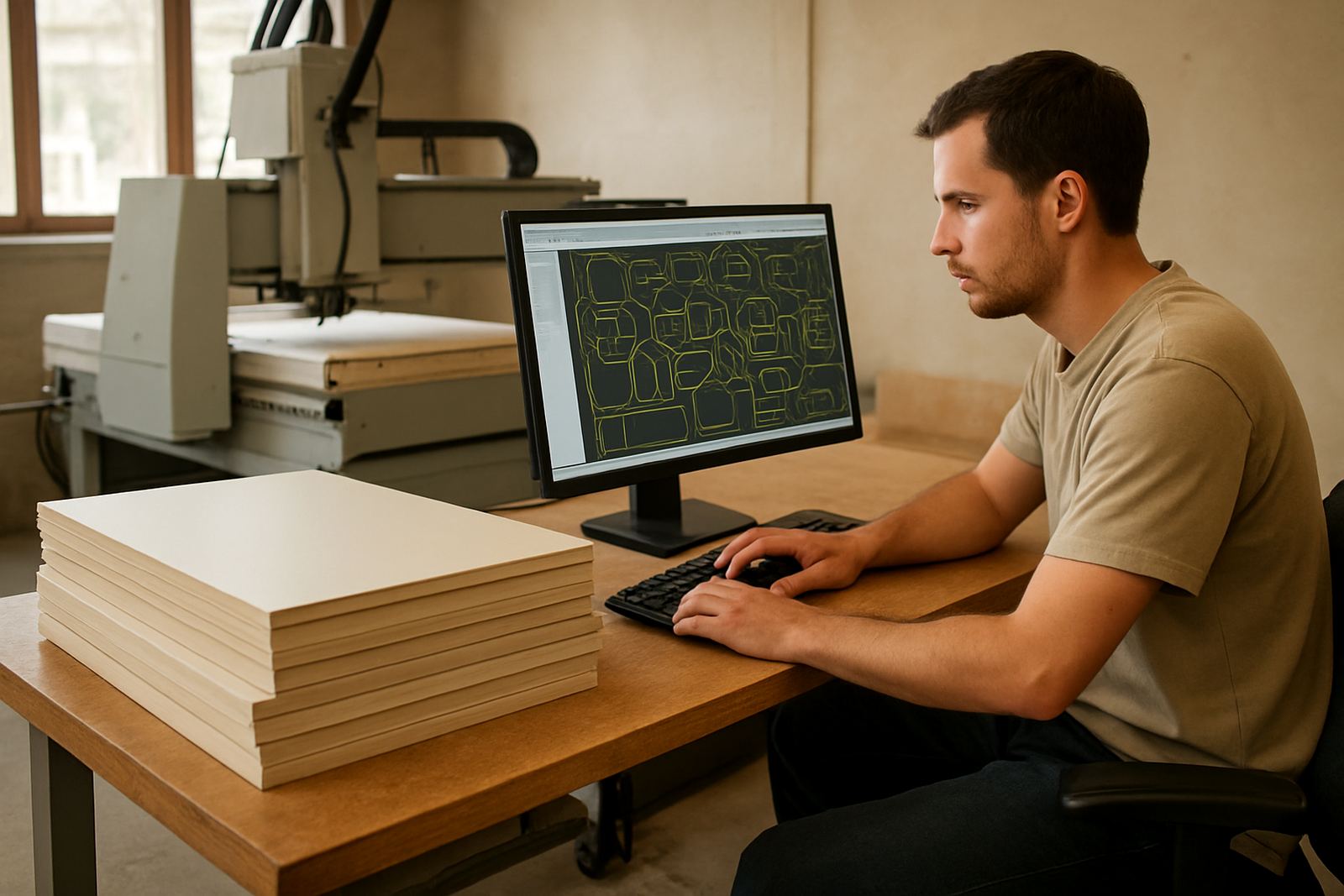
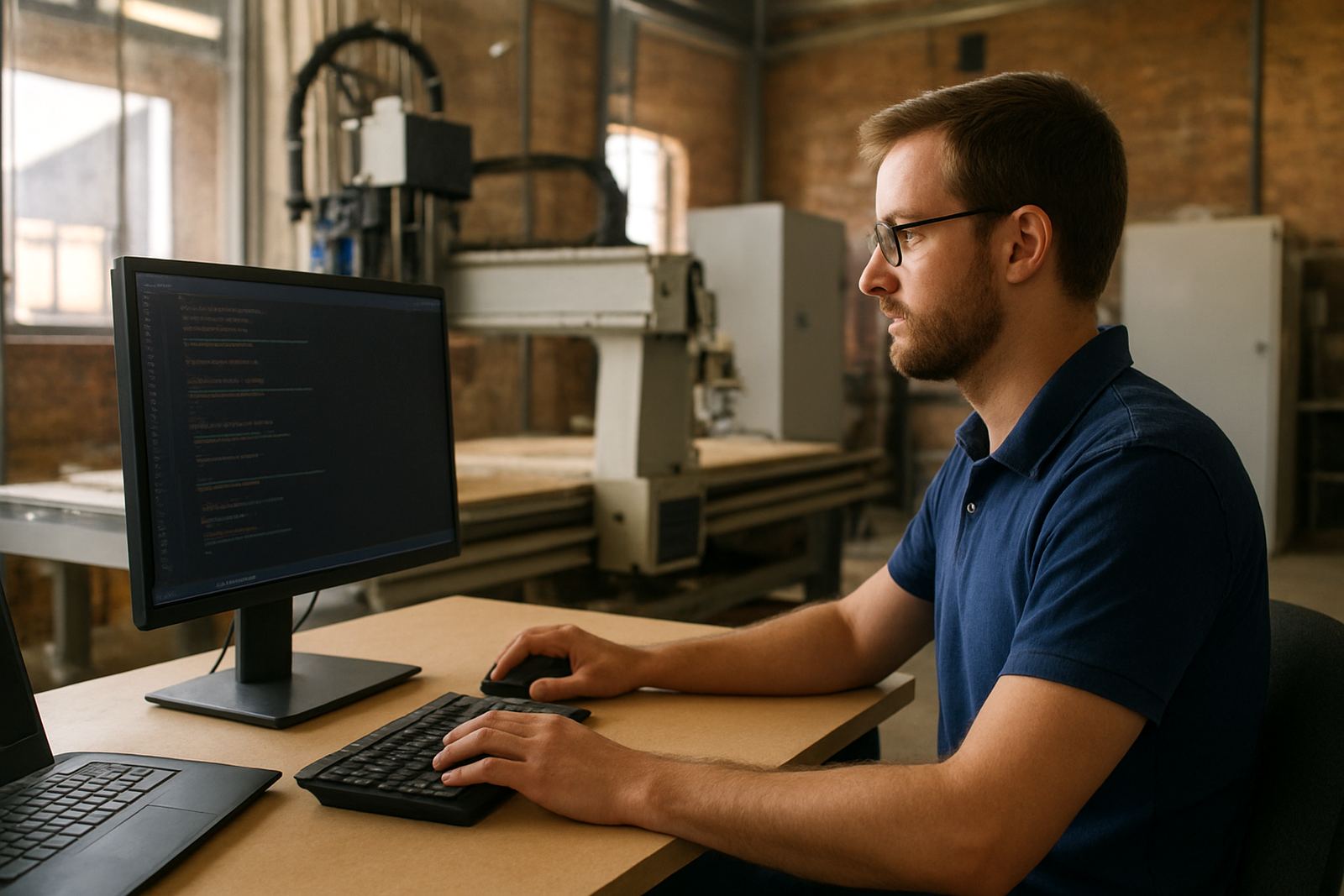
An offline programming seat is a dedicated CAD/CAM workstation used to prepare CNC jobs away from the machine controller. Your programmer can build toolpaths, review stock setup, verify feeds and speeds, and post code while the machine is still cutting the previous job. In a shop with single-shift or two-shift production, that extra separation matters because one stopped computer can hold up the whole day.
For South African shops working with routing, milling, turning or plasma, this setup is especially useful when the machine is in use for long runs, when operators are still learning, or when several programmers need to share one environment. It also helps with load-shedding planning because the office side can keep working from a UPS or inverter while the machine area is managed separately.
- Separates programming from production so jobs can be prepared in advance
- Reduces wait time on the machine controller
- Works well for one programmer or a small team
- Useful for shops with multiple machines or frequent changeovers
Seat sizes and practical options for different shops
Offline programming seats are usually set up in a few practical sizes, depending on how many users need access and how much work they do each day. A single-seat setup suits a smaller workshop in Centurion or Vereeniging that only needs one programmer. A multi-seat setup is better for larger shops in Johannesburg, Durban or Cape Town where several staff members handle quoting, nesting, tool libraries and post processing at the same time.
We can configure the seat to suit 2D nesting, 3D surfacing, turning cycles or full production CAM work. If you run a mix of machines, the seat can be set up with the right post-processors for each one, which keeps output consistent and avoids confusion on the floor.
- Single seat: one user, one workstation, ideal for smaller shops
- Shared seat: one licence used by a few staff on the same network
- Multi-seat: several users working at once in a larger team
- Application scope: routing, milling, turning and plasma workflows
Where this setup suits best in South Africa
This product suits shops that cannot afford to have programming tied to the machine all day. It is a good fit for cabinet shops, signage makers, engineering firms, subcontractors, jobbing shops and production facilities that run tight delivery schedules. If your machine room is noisy, dusty or exposed to humidity, keeping the programming station in a cleaner office space also protects the software environment and makes daily work easier.
We often recommend it where there is a single CNC machine, but the work content changes often. It also helps when a company wants one person to programme while another person operates the machine, or when the owner wants visibility on jobs before they are released. For shops near the coast, a controlled indoor space is useful because salt air and moisture can affect hardware over time, especially if the computer is left in a workshop environment.
- Good for shops with limited machine downtime
- Useful where one machine serves many different jobs
- Works for production spaces and smaller owner-run workshops
- Helps keep programming separate from dust, vibration and moisture
Installation, network setup and power requirements
Installation normally starts with the workstation, software licence, user access and post-processor setup. We then link the seat to your existing files, machine list and production workflow so the programmer can start on real jobs, not spend days sorting out folders. If the shop needs remote support or off-site troubleshooting, the seat can be prepared for that as well.
Power needs are straightforward: a stable single-phase supply, a properly earthed outlet and protection against brownouts. In many South African workshops, a small UPS is wise for saving open jobs during load-shedding or short power dips. No gas supply is required. If the seat will sit in a workshop office, we also recommend decent ventilation, a clean surface and a position away from grinding dust and heavy vibration.
- Stable single-phase power supply recommended
- UPS or inverter support advised in load-shedding areas
- No gas connection required
- Network access useful for file transfer, updates and support
Care, servicing and keeping the seat reliable
The seat itself does not need heavy servicing, but the workstation and software should be kept in order. Keep files backed up, update licences when needed and check that the post-processor matches the machine after any controller changes. If a machine is upgraded, a new tooling package is added or the shop changes material types, the programming setup should be reviewed too.
In daily use, the main care points are simple: keep the computer clean, make sure fans are not blocked, and avoid leaving it in a hot corner of the workshop. If you are running long production hours, it is worth checking storage space, backup routines and whether operators are saving the right revision before a job is released. Small discipline here saves a lot of scrap later, no need for drama.
- Keep the workstation dust free and well ventilated
- Back up job files and tool libraries regularly
- Review post settings after controller or machine changes
- Check licence status before planned production runs
What to check before ordering your seat
Before ordering, gather the machine make and model, controller type, number of users, and the kind of work you do most often. We also need to know whether you are running routing, milling, turning or plasma, and whether the seat must work with one machine or several. If you already have a tool library, sample code or a current post, send that through with your enquiry so the setup matches your shop.
It also helps to know your current hardware, screen size preference, whether you need remote support, and if training is required for a programmer, operator or owner. Some shops only need licence installation and first job support, while others want a fuller handover with workflow audits and annual support plans. Good starting details mean the seat is set up for the way your team works.
- Machine type, controller and number of axes
- Number of users who need access
- Current CAD/CAM files, posts and tool libraries
- Need for training, remote support or onsite setup
Key facts
| Product type | Offline CAD/CAM programming workstation licence and setup |
|---|---|
| Typical users | 1 to 5 programmers or shared shop-floor planners |
| Compatible workflows | Routing, milling, turning and plasma |
| Power requirement | Single-phase supply with UPS recommended |
| Network requirement | Local network or file-sharing connection recommended |
| Support options | Licence installation, post tuning, onboarding and training |