Built for teaching CAD/CAM the way shops actually run
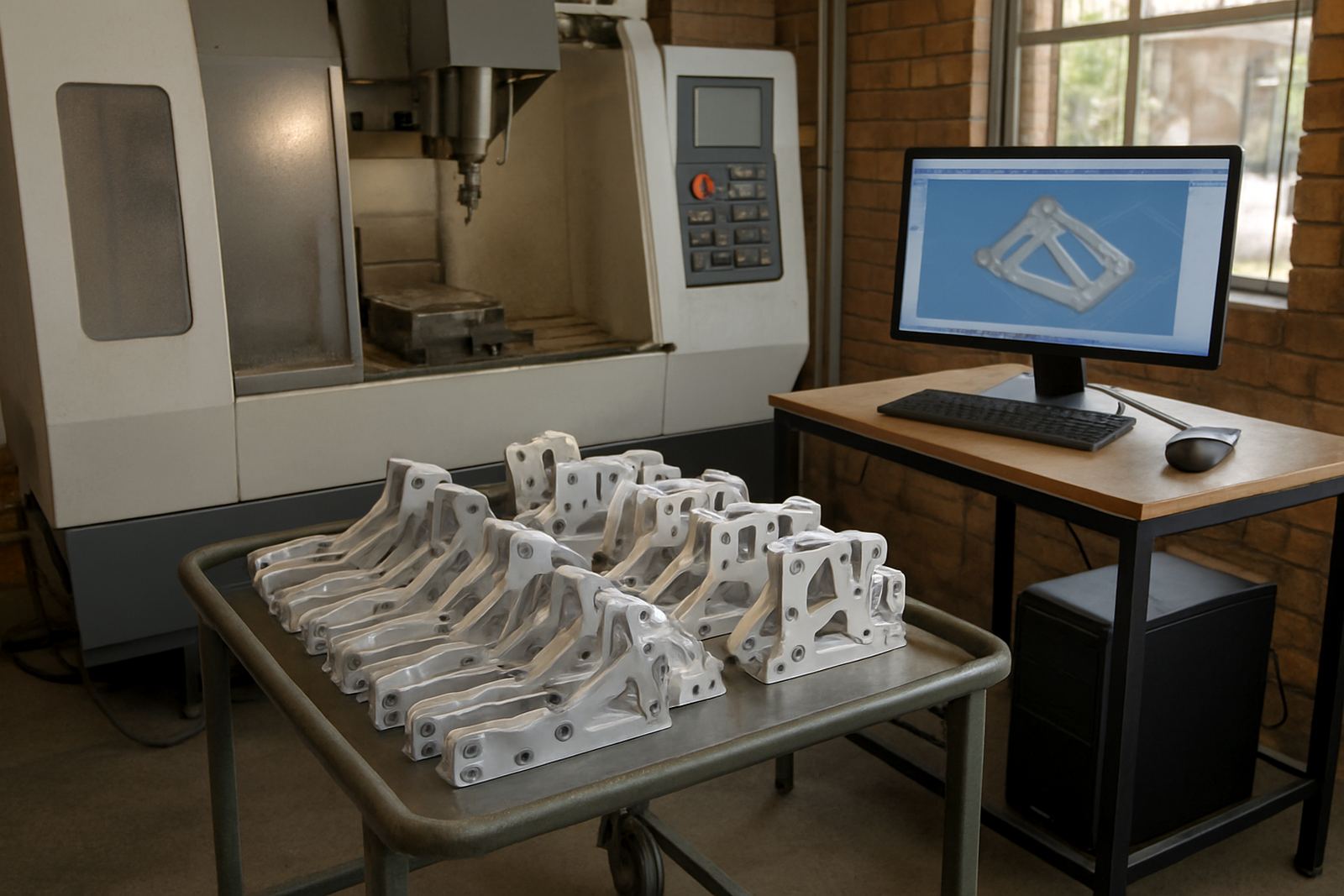
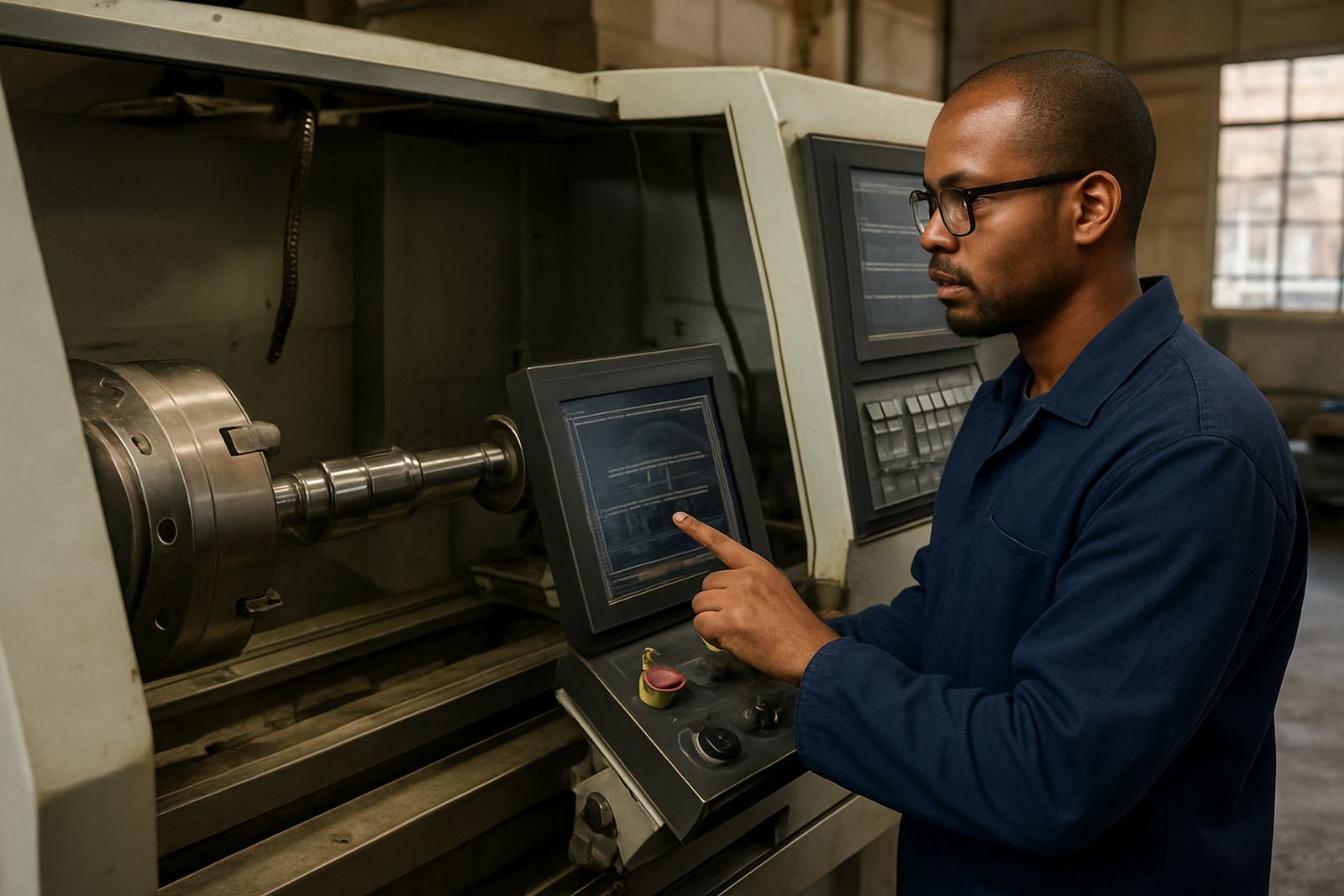
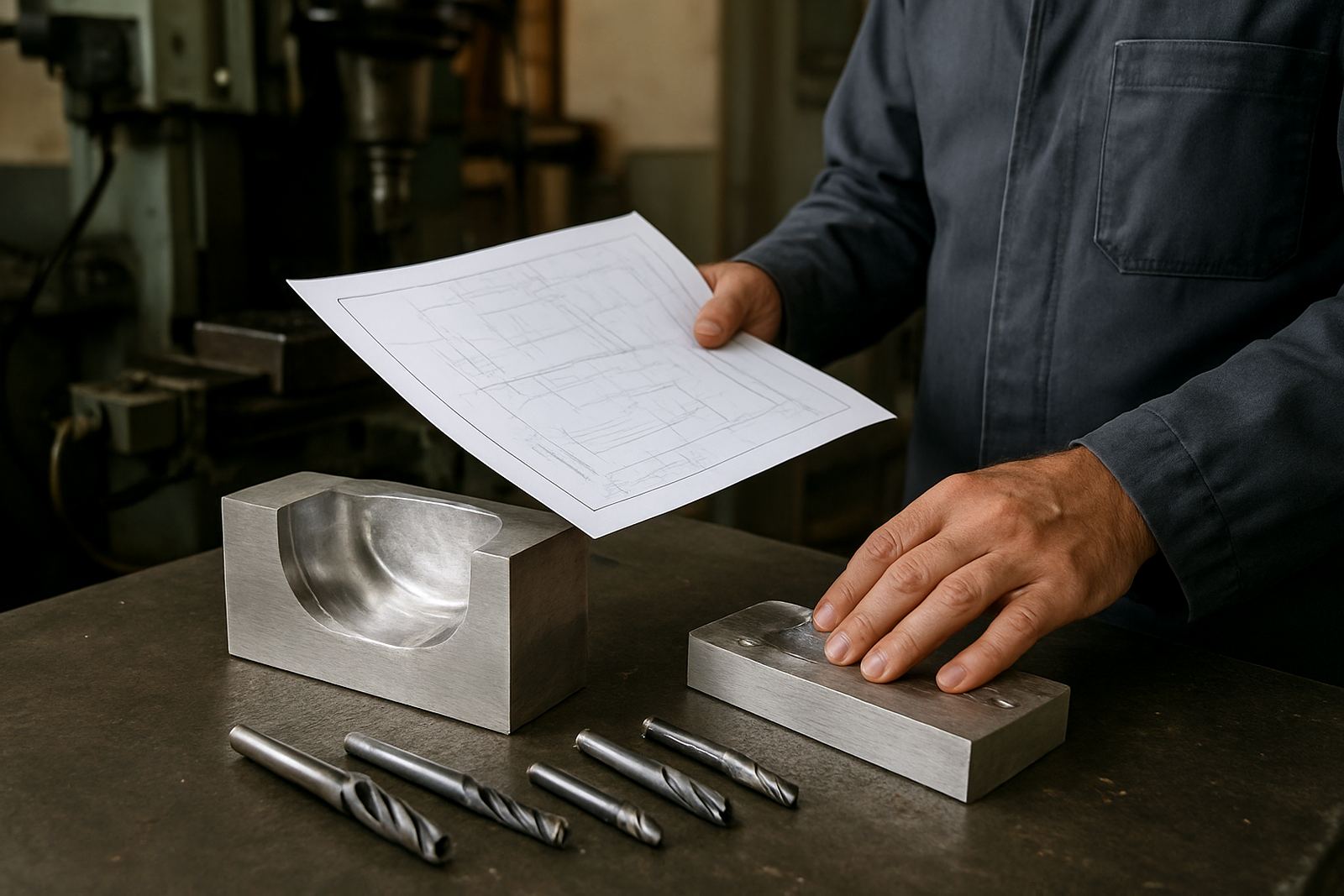
An Educational Seat is set up for learning, demonstration and supervised production practice on CNC routing, milling, turning and plasma machines. It is ideal where a lecturer, trainer or senior programmer needs one controlled seat for a group, or where a business wants to build in-house skills without tying up a full production licence on every training machine. The focus is on practical use: creating jobs, checking geometry, proving toolpaths and learning how the post-processor behaves before a part goes to the machine.
For South African shops this matters because training often happens around shift work, load-shedding and limited machine time. A proper training seat lets learners work off-line, repeat exercises and build confidence before they touch the workshop floor. It also helps with standardising methods across branches in Pretoria, Johannesburg, Vereeniging, Durban, Cape Town and surrounding industrial areas.
Licence sizes and seat options for different learning setups
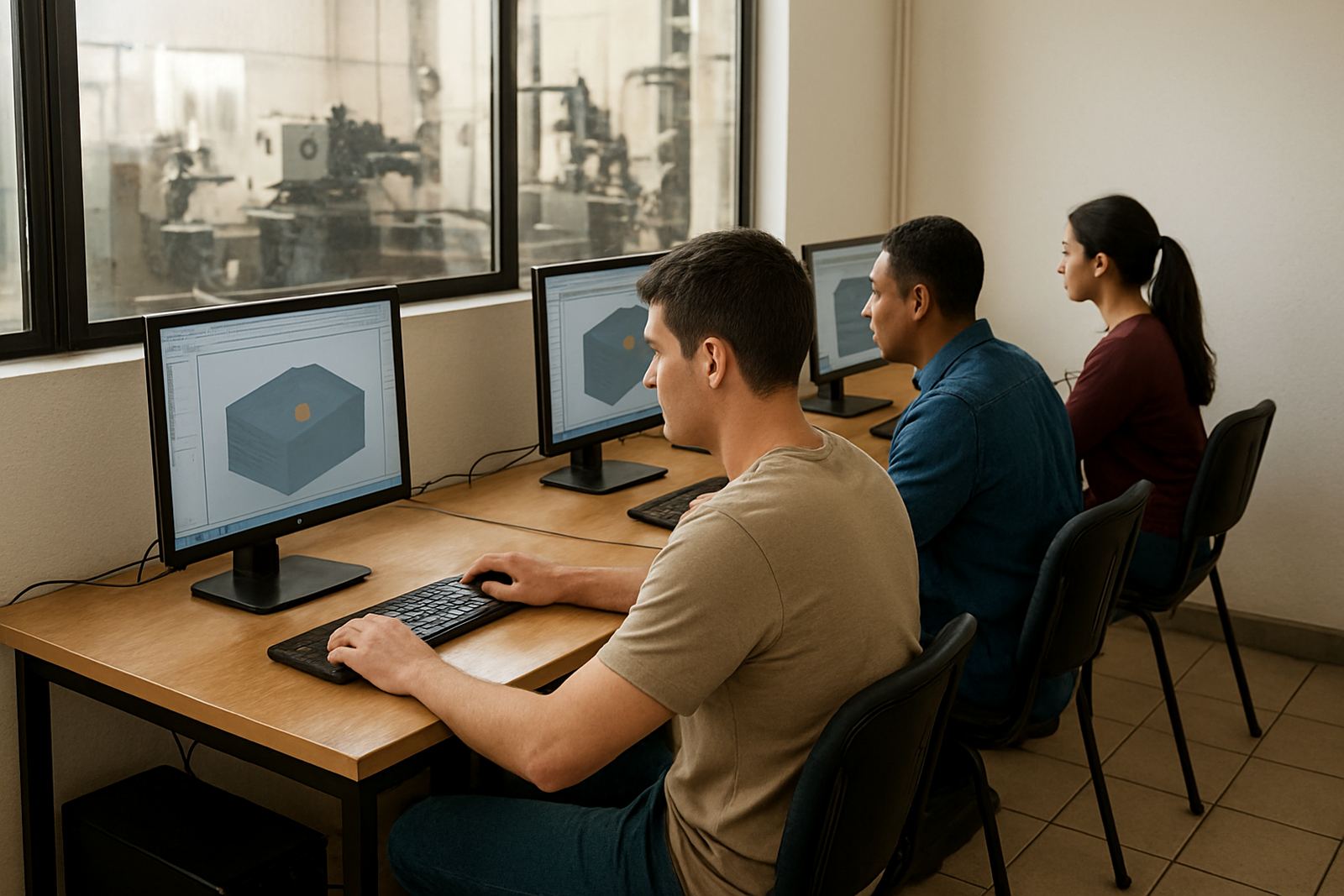
Educational Seat licensing can be matched to the way your team trains. Some customers need one station in a classroom, while others need several licences for a college lab or an internal training room. We also assist where a shop needs a seat tied to one workstation for a learner rotation, or where access must be managed between day-shift and night-shift teams. The exact licence structure depends on the number of users, the machine types and whether the seat is for tutoring, assessment or supervised programming.
- Single training seat for one learner or one instructor station
- Small lab setup for 2 to 5 users
- Multi-seat training room for colleges and trade schools
- Shared internal skills development seat for rotating teams
- Seat linked to one post-processor or multiple machine types
If your team works across several branches, we can help standardise the setup so that a learner trained in Centurion can follow the same workflow in Cape Town or Durban without having to relearn the basics. That consistency saves time and cuts down on mistakes at machine level.
Where the Educational Seat suits best
This product suits apprenticeship programmes, technical colleges, training centres and manufacturers that want structured upskilling inside the company. It is a good fit for first-year programmers, machine setters, supervisors moving into CAM, and owners who want a better view of what happens before a job is released to production. It is especially useful where new operators need to understand feeds, speeds, tool libraries, nesting logic and the link between the drawing and the toolpath.
Typical use cases include lesson work, sample jobs, correction exercises, simulation practice and post-processor familiarisation. It can also support first-job training before a customer part is loaded on to the machine. If your workshop handles aluminium, mild steel, plastics or wood-based materials, the seat gives learners a safe place to test the workflow before cutting actual material.
- Apprentice training and assessment
- College and trade school labs
- Internal programming upskilling
- Operator and setter education
- Owner review of quoting and production flow
Installation, PC requirements and power planning
Installation is usually straightforward on a suitable Windows workstation, but the machine should be configured properly before training starts. For a classroom or office environment, the computer needs enough processing headroom for drawing, toolpath calculation and simulation. A solid-state drive, stable graphics support and sufficient RAM make a real difference when several learners are opening large files at once. If the seat is used in a workshop office, keep dust control in mind and avoid placing the PC close to cutting, grinding or plasma fumes.
Power planning is also important in South African conditions. Where load-shedding is a factor, a small UPS is worth having so training sessions are not interrupted by sudden shutdowns and file corruption. In coastal towns, humidity and salt air can affect connectors and cooling, so the workstation should be kept clean and dry. There is no gas requirement for the software itself, but if the seat is being used alongside plasma training, the machine bay must have the correct extraction and gas supply arrangements in line with workshop practice and municipal safety rules.
- Stable Windows workstation with enough RAM for training files
- SSD storage for faster loading and better reliability
- UPS recommended for load-shedding protection
- Good ventilation and dust control in workshop areas
- Network or offline setup depending on site policy
Care, servicing and keeping the training seat current
An Educational Seat does not need mechanical servicing, but it does need proper care on the IT side and sensible training management. Keep the workstation updated, back up sample files and make sure the user profile stays tidy so learners are not working from old tool libraries or outdated post settings. If the machine list changes, or a new router, mill or lathe is added, the post-processor should be checked again before class work starts.
We also recommend periodic review of the training workflow. That means checking whether the exercises still match your current machine fleet, whether the tool libraries are accurate, and whether learners are being shown the correct sequence from setup to output. For shops on an annual support plan, this is a good time to review licence status, post tuning and any issues raised during the year. A small admin check now and then prevents bigger problems later, especially when a new intake of learners starts.
What to check before you order
Before ordering, it helps to be clear on how the seat will be used and who will use it. The most common mistake is ordering a training licence without matching it to the machine type, the number of users or the level of support needed. If your team wants to train programmers, the seat may need more advanced functions than a basic operator learning station. If the learner will be working on multiple machines, each post-processor requirement should be listed up front.
Please check the following details before submitting an enquiry through the contact page:
- Number of learners and trainers who will use the seat
- Whether it is for routing, milling, turning or plasma
- Which machine makes or controller types need support
- Whether you need installation, first job support or training only
- Whether the seat will be used in one room or across branches
- Any site conditions that affect power, dust, humidity or network access
Once we have those details, we can advise on the right licence structure, make sure the post-processor is suited to your machine and plan the training session properly. That saves time for both the trainer and the learner, and it keeps the workshop moving.
Key facts
| Product type | Training-oriented CAD/CAM software seat |
|---|---|
| Primary use | Apprentice training, colleges and internal skills development |
| Machine support | Routing, milling, turning and plasma |
| Licence setup | Single seat or shared lab configuration |
| Installation | Windows workstation setup with local support available |
| Support options | Licence installation, post tuning, training and first job support |