What the Probing Module Does on the Shop Floor
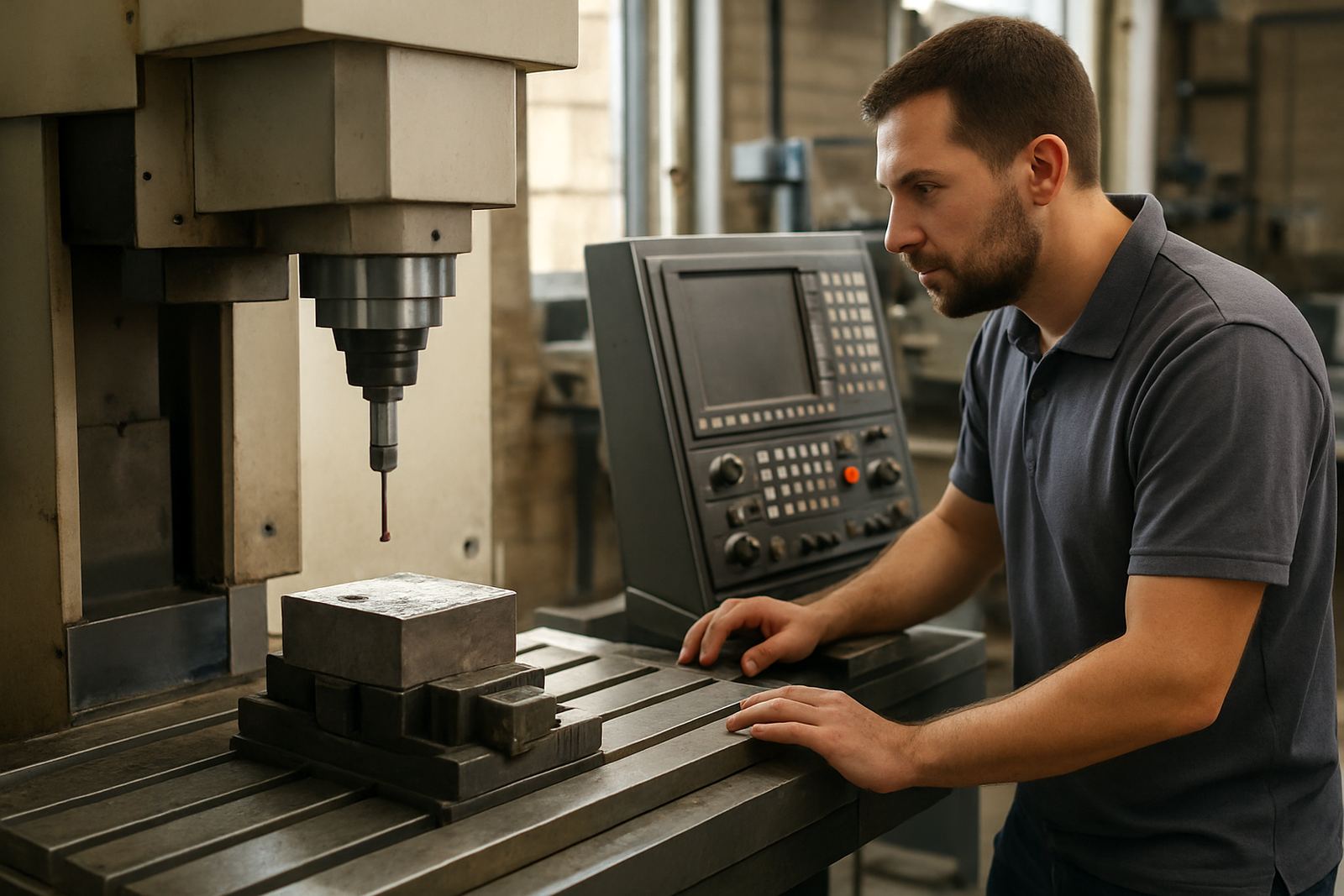
The probing module adds guided cycles that help the machine locate material, set work offsets and check features during a run. Instead of relying only on manual setting methods, the operator can touch off against the part or a reference surface and record the position directly into the control workflow. That saves time on small batches, repeat jobs and parts that need tight consistency.
In South African shops this is especially useful where power interruptions, shift handovers and mixed operator skill levels can throw off setup routines. A probing cycle can reduce scrap on the first part, cut rework after lunch breaks and help keep jobs moving when a machine has been parked overnight. It is also useful where humidity, heat or material movement changes the way stock sits on the table or chuck.
- Stock finding for plate, billet, sheet and round stock
- Datum setting for X, Y, Z and rotary positions
- In-process verification before finishing cuts
- Repeat part location for fixtures, jigs and nested jobs
Where It Suits Routing, Milling, Turning and Plasma Work
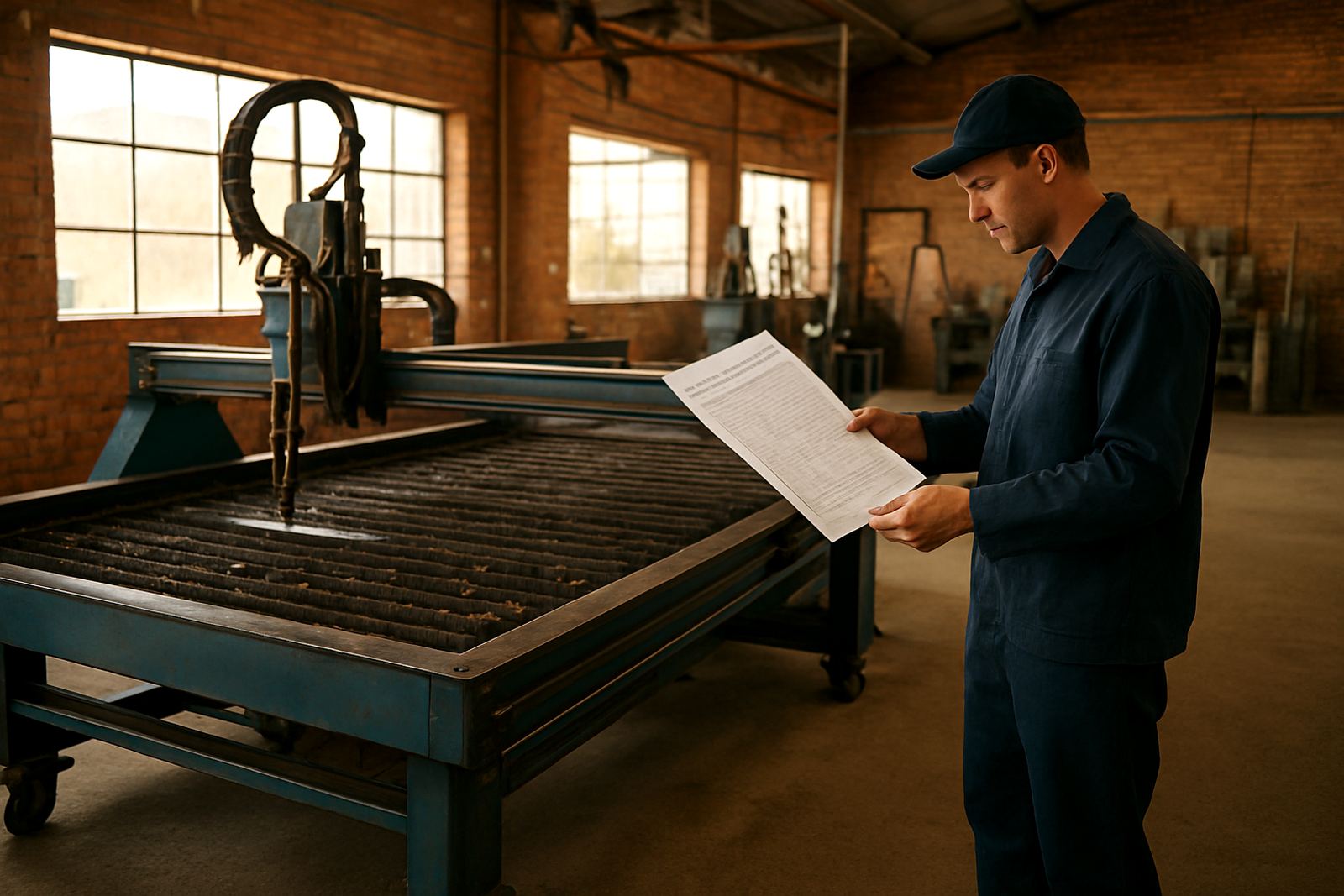
This module suits shops that need reliable setup control across different machine types. On CNC routers it helps with board edges, spoilboard reference and nested sheet work. On milling machines it supports vice jobs, soft jaws, tombstones and multiple part runs. On turning centres it can assist with face, bore and diameter checks where the control and machine allow probing routines. On plasma tables it is useful for sheet height reference, corner finding and checking plate position before cutting.
If your shop handles one-off work, short runs or mixed batches, the probing cycles become part of the daily setup routine. They are also valuable where the same machine is used by different operators and you need one consistent method for setting the job. For coastal sites in Durban or Cape Town, keeping setup steps repeatable matters because wear, dust and moisture can affect how quickly the machine holds accuracy from shift to shift.
- Best for short runs and repeat jobs
- Useful where operators change often
- Helps reduce setup time on complex fixtures
- Supports cleaner first-off parts and fewer scrap pieces
Sizes, Options and Typical Configuration Choices
The probing module is usually supplied as a software licence with the cycles enabled for the machine and control environment being used. Depending on the machine and job type, the package can be configured for surface probing, edge finding, bore checks, tool length verification and feature measurement. Some shops only need basic stock and datum routines, while others require more advanced in-process checks and custom logic for production work.
Common option choices include the probe type, trigger style, cable routing, mounting bracket and the number of cycles needed for daily use. Shops with multiple machines often ask for a standardised setup so that operators can move between a router, mill and plasma table without relearning the process each time. If you are running several sites across Pretoria, Johannesburg, Vereeniging, Durban or Cape Town, it also helps to keep the probing routines consistent across the full fleet.
- Basic stock finding and datum cycles
- Expanded in-process verification routines
- Custom screens or prompts for operator use
- Machine-specific post and cycle configuration
Installation, Power and Machine Readiness
Installation starts with checking the control version, available inputs and how the probing device will connect to the machine. The module must match the software environment and the physical machine build, including the control cabinet layout and any existing touch-off hardware. On some machines the probe can be integrated into the current tool setting workflow, while on others it needs a dedicated input and a clear home position routine.
Power needs are normally light because the probe itself does not draw heavy current, but the overall setup must still be stable. In shops that deal with load-shedding, surge events or generator changeovers, it is worth protecting the control cabinet and keeping the probing circuit properly earthed. Dust extraction, coolant mist and compressed air lines also need to be checked so the probe stays clean and repeatable. If the machine is used near the coast, corrosion control matters as much as electrical stability.
- Confirm control compatibility before ordering
- Allow for clean cable routing and secure mounting
- Keep the control cabinet protected from dust and moisture
- Use proper earthing and surge protection on the machine side
Care, Servicing and Keeping the Probe Accurate
A probing module works best when the mechanical parts are kept clean and checked often. The stylus or tip should be inspected for wear, the body should be free of swarf and coolant, and the mounting should not be loose. A probe that is knocked, overtightened or covered in debris can give false readings and lead to offset errors on the next job.
Routine care is simple but important. Wipe the probe before each shift, check trigger response against a known reference and confirm the routine still returns the expected datum. If you run high-volume work, build a weekly check into the maintenance sheet. On plasma tables, where dust and fine particles are constant, the probe should be cleaned more often than on a milling machine. In humid areas, store spare parts in a dry cabinet and inspect connectors for oxidation.
- Clean after each shift or job change
- Check trigger repeatability against a known reference
- Inspect cables, connectors and mounting points regularly
- Log any failed readings before the next production run
What to Confirm Before Ordering the Probing Module
Before ordering, confirm the machine type, control model, software version and the exact probing jobs you want to run. A router that only needs stock finding has different needs to a mill that must verify pockets, bores and tool lengths. You should also know whether the shop wants standard cycles or custom routines tied to a specific product family. That makes the setup cleaner and avoids rework later on.
It helps to have the machine dimensions, table size, spindle or turret details, and any fixture heights or clamp positions that may affect probe travel. If the machine is already in production, note the current setup method, the common failure points and which operators will use the module day to day. For many shops, the right choice is the one that keeps the process simple enough for training, yet precise enough for repeat work.
- Machine type and control version
- Needed cycles: stock, datum, verification or all three
- Probe mounting space and safe travel limits
- Operator workflow and training needs
Key facts
| Function | Stock finding, datum setting and in-process verification |
|---|---|
| Machine types | CNC routing, milling, turning and plasma |
| Typical use | First-off checks, repeat setups and fixture location |
| Inputs | Compatible control input and clean probe signal path |
| Power | Low power device, machine side protection required |
| Care | Clean tip, inspect cables and verify repeatability regularly |