What the Reporting Module does on the workshop floor
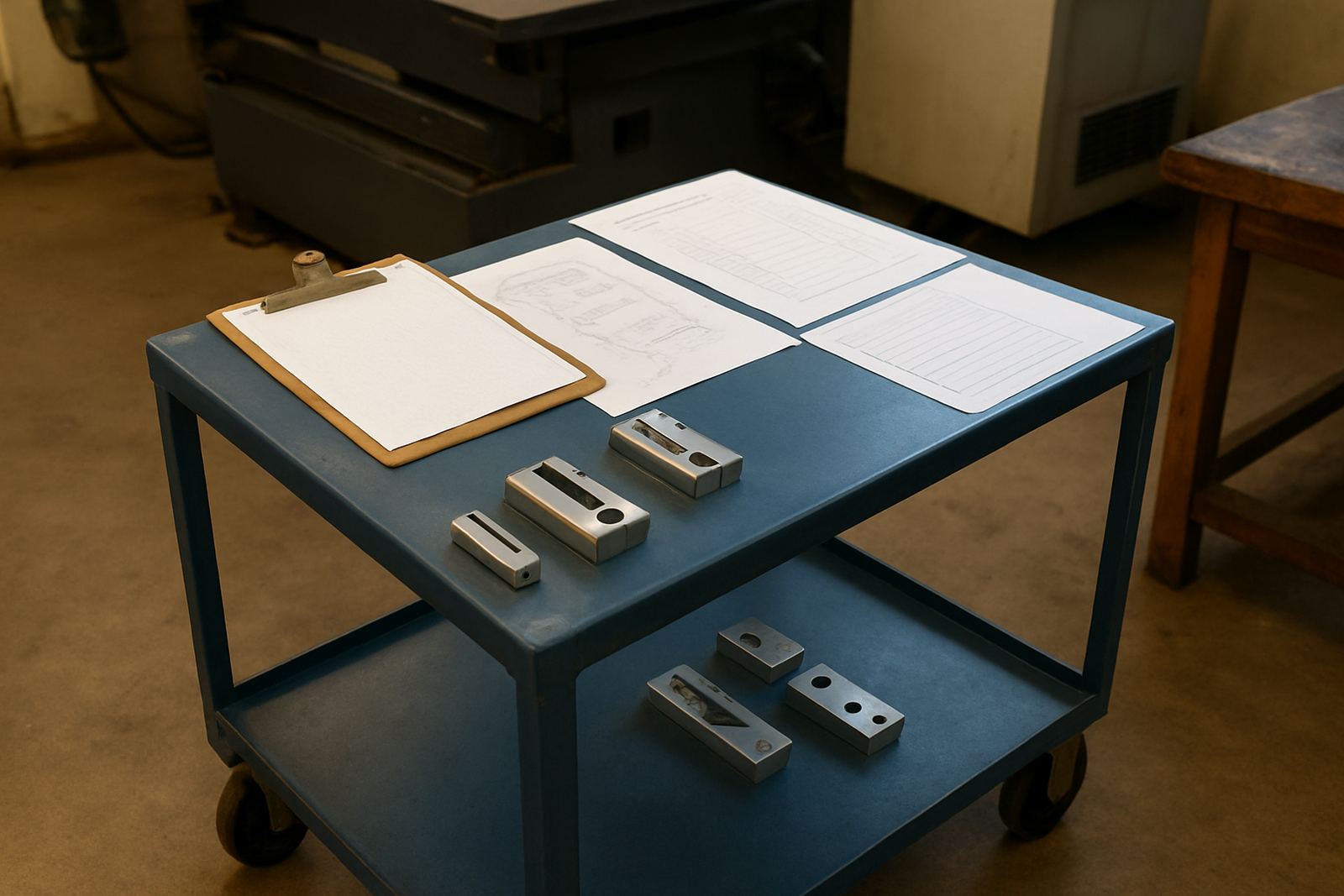
The Reporting Module pulls practical information from a finished job and lays it out in a format that is easy to print, share or file. Typical output includes setup sheets, operation notes, tool lists, workholding reminders, part counts and revision details, so the person on the machine does not have to hunt through programming files to get started.
For shops running mixed work, it is especially useful when several operators handle the same machine or when jobs move between Centurion, Pretoria and Johannesburg sites. You can keep the paperwork consistent even when the programmer and the machine operator are not the same person. It also helps with handover at shift change, which matters when a job starts late because of load shedding or a machine fault.
- Setup sheets for routing, milling, turning and plasma jobs
- Tooling lists with tool numbers, diameters, lengths and notes
- Job summaries for supervisors and owners
- Printable records for repeat work and traceability
Output options and what you can include
The module is used for simple one-page job sheets as well as more detailed packs for complex work. You can include job name, material, stock size, machine name, program number, setup sequence, tool changes, feeds and speeds, and any special instructions such as clamping order or probe checks. If your shop prefers more detail, you can add revision control, cutter notes and finishing steps too.
It suits shops that want clean paperwork without retyping the same information for every run. A Durban workshop dealing with coastal humidity may want more detailed storage and rust-prevention notes on the sheet, while a Cape Town shop might add handling notes for laser-cut or plasma-cut parts that need careful deburring. Small touches like this save time and reduce mistakes when the team is busy.
- Basic reports for quick production runs
- Detailed reports for first-off jobs and repeat batches
- Custom fields for shop-specific instructions
- Company header and reference numbering where required
Where the module suits best
This module suits CNC shops that need orderly paperwork without adding more admin to the day. It works well in routing shops making panels, cabinet parts and signs, in milling shops handling brackets and fixtures, in turning shops producing shafts and bushes, and in plasma shops where cut lists and nesting references matter.
It is also a good fit for training environments, jobbing shops and factories that keep more than one machine busy. If your team in Vereeniging or the East Rand often works from verbal instructions or handwritten notes, the module gives you a cleaner record. Owners and programmers can check what was run, what tools were used and what needs to be prepared before the next setup.
- Jobbing shops with changing work every day
- Production shops needing repeatable setup sheets
- Training workshops teaching operator discipline
- Multi-machine environments with shared programmers
Installation, setup and power needs
The Reporting Module is installed as part of your CNC software environment and configured to match the way your shop already works. During setup, we map the fields you want on the report, the order they appear in, and how they link to your post-processed files and job records. If you need on-site help in Pretoria, Johannesburg, Durban or Cape Town, the setup can be done at the machine or in the office depending on your workflow.
No gas supply is needed for the module. Power requirements are the same as your office or programming computer, so a stable mains supply and proper backup during outages are recommended. If your workshop uses UPS support or generator changeover because of load-shedding, the software should be installed on a PC that can shut down cleanly and keep job data safe. A standard office printer is usually enough for hard copies, although larger shops may prefer network printing.
- Office PC or programming workstation required
- Printer recommended for hard-copy setup sheets
- UPS advised where power cuts are common
- Network access helpful for shared job records
Care, servicing and keeping reports accurate
The module itself does not need mechanical servicing, but it does need the job data around it to stay tidy. If tool libraries are out of date, reports will be out of date too. The same applies to machine names, fixture references and post-processor settings. A quick review every few months keeps the output useful and avoids surprises at the machine.
We normally recommend checking report templates after any software update, new machine purchase or major change in tooling. Shops that add a new router, milling centre or plasma table should also review their naming convention so the reports stay consistent. If you are running annual support plans, this is a good time to tidy up fields and test a sample printout. It takes less time than fixing a bad first job later.
- Review templates after updates or machine changes
- Keep tool libraries current
- Check report fields against actual workshop practice
- Test print one sample job before going live
What to check when ordering your module
Before ordering, it helps to know what type of reports you need and who will use them. Some shops only want a simple setup sheet for the operator, while others need a fuller pack with tooling, material, revision control and sign-off spaces. If you are supplying multiple branches, think about whether each site needs the same format or whether Pretoria, Centurion and Johannesburg should each have its own header and naming style.
You should also confirm the CNC machine types, the software version in use, and whether the same format must cover routing, milling, turning and plasma jobs. If your team wants training as part of the rollout, we can include operator training, programmer training or owner training, plus first job support to make sure the reporting output matches your process. Clear input at the start saves round trips later, especially when there are several people signing off the same job.
- Machine type and software version
- Report fields needed for each department
- Whether printed or digital output is preferred
- Any shop-specific numbering or approval rules
Key facts
| Product type | CNC job reporting and paperwork module |
|---|---|
| Typical use | Setup sheets, tooling lists, job summaries and traceability |
| Compatible environments | Routing, milling, turning and plasma workshops |
| Output formats | Printable workshop reports with custom fields |
| Installation | Configured on your programming workstation and linked to job data |
| Support options | Remote troubleshooting, on-site training and annual support plans |