A sensible first step for milling work
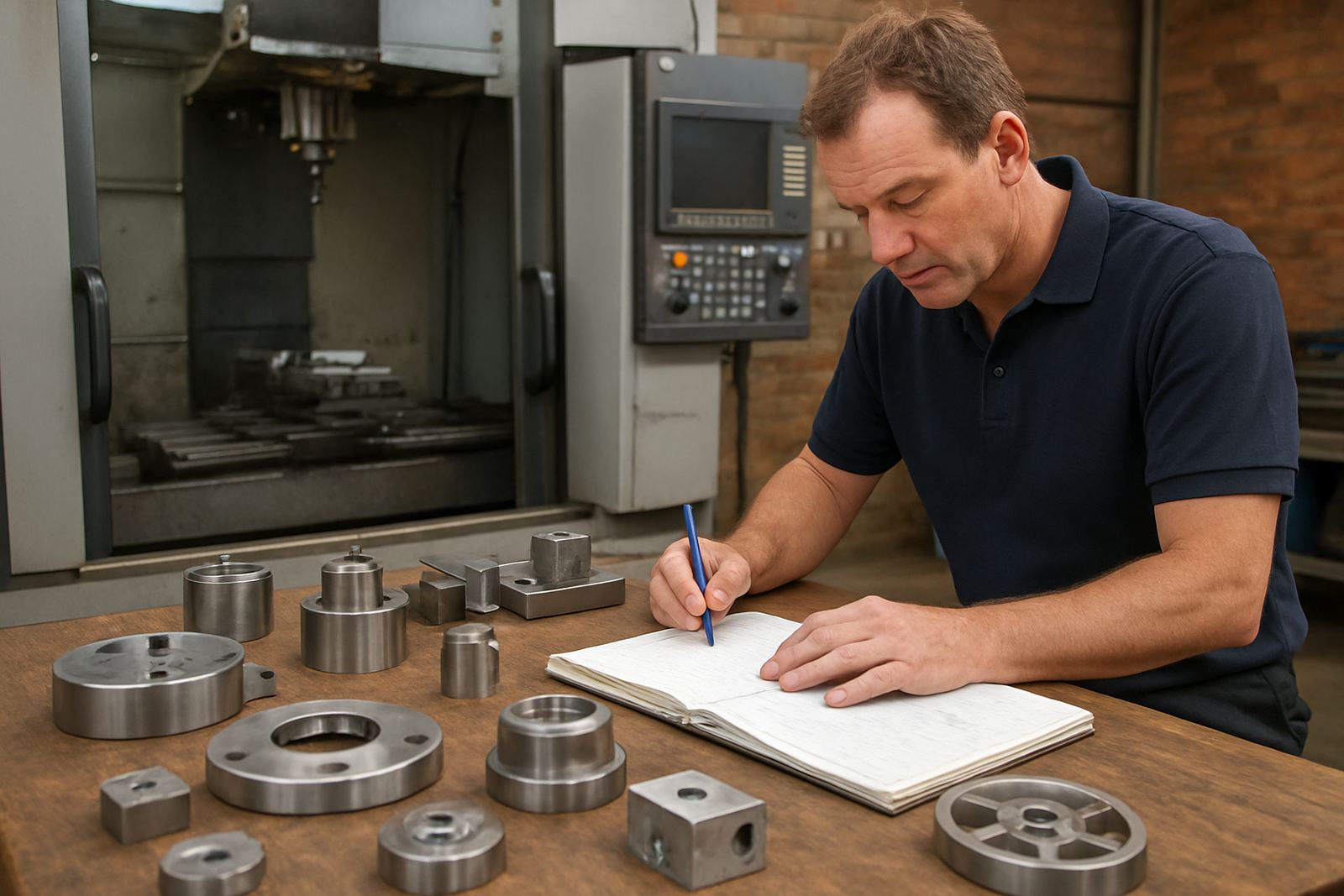
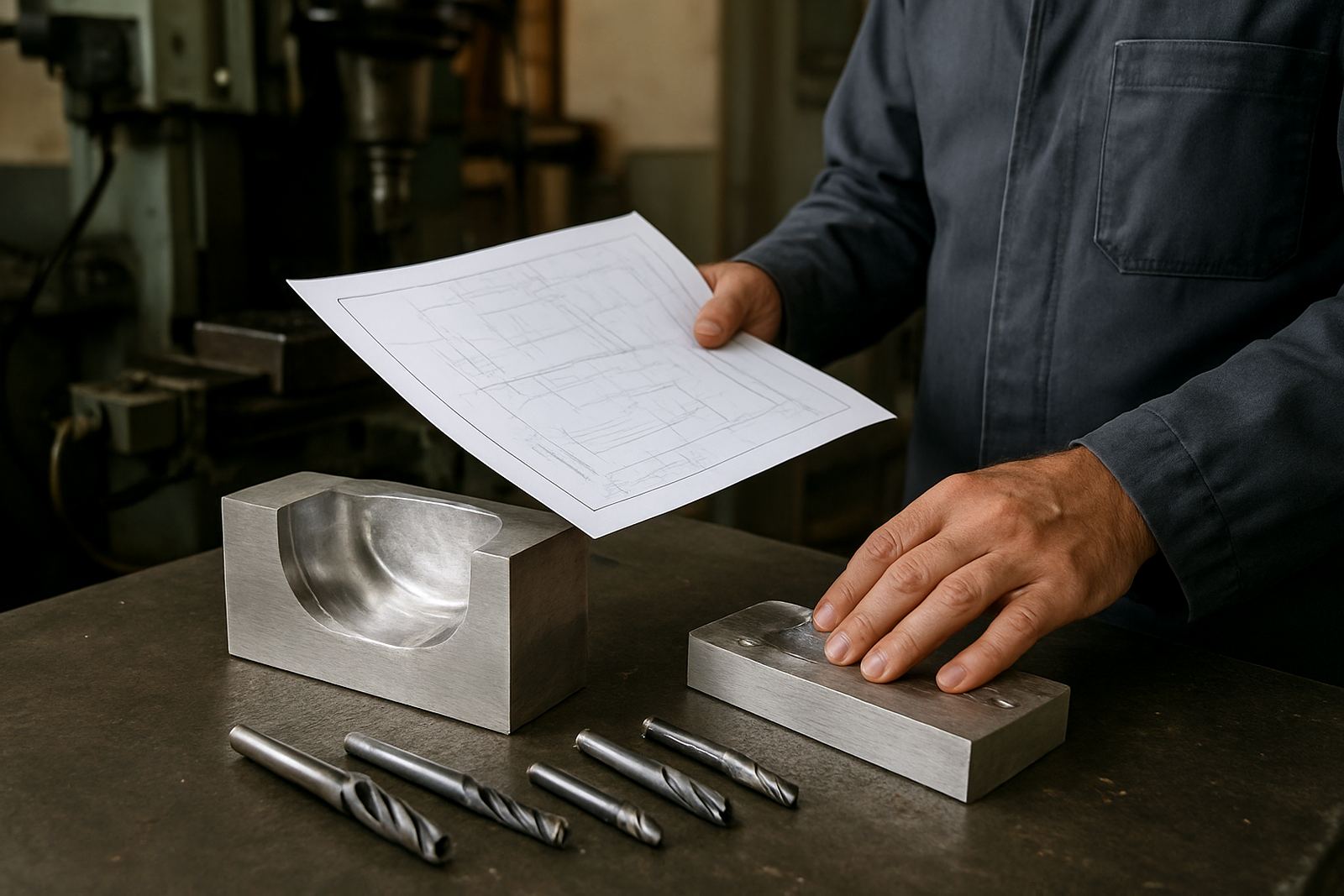
Entry Milling CAM is aimed at the work most shops see every week: profiling, pocketing, drilling, slotting and simple 3-axis toolpaths. It gives your programmer a structured way to prepare jobs for CNC milling machines without carrying the cost or complexity of higher end packages that may go unused for months. If your shop is running short production batches, repeat parts, brackets, plates, mould inserts or general fabrication components, this licence gives you a practical base to work from.
For South African shops that need to keep machines moving through load shedding, shared operators and changing shift patterns, the value is in consistency. A saved setup, a known tool library and the right post-processor make it easier to get from drawing to first chip with fewer surprises. It is not a feature packed licence for advanced surfacing or multi-axis work, but it is solid for 2D and basic 3-axis milling where speed and repeatability matter.
- Best for 2D profiles, pockets, drilling and simple 3-axis toolpaths
- Suitable for small and medium milling shops, training rooms and owner-operators
- Works well for jobbing work and repeat parts with clear tooling routines
What is included with the licence
The Entry Milling CAM licence gives you the core functions needed to create toolpaths, set cutting parameters and output machine-ready code through the correct post. Your exact setup depends on the machine control, the type of work you do and how many seats you need. In most cases we help define the right licence type first, then match it to your production needs so you are not paying for unused options.
We also look at the practical side of day-to-day use. That includes licence installation, machine-specific post-processors, onboarding for the first jobs and guidance on how to keep tool data tidy. If your team is moving from manual programming or another CAM system, the handover needs to be clear enough for the operator and programmer both, otherwise the licence sits unused. A good setup saves time on the floor and cuts down on rework from incorrect feeds, wrong tool numbers or post output that does not suit the control.
- Single seat or multi-seat options, depending on your team size
- Custom post-processor setup for common milling controls
- Remote troubleshooting, first job support and workflow audits available
Where Entry Milling CAM suits best
This licence suits workshops in Pretoria, Johannesburg, Vereeniging, Durban, Cape Town and surrounding industrial areas where straightforward milling jobs need to move quickly from quote to machine. It is a good fit for job shops, maintenance teams, light fabrication businesses, toolrooms and smaller production environments that do not need full advanced surfacing or high-end automation. If your parts are mostly 2D or simple 3-axis features, this level is usually enough.
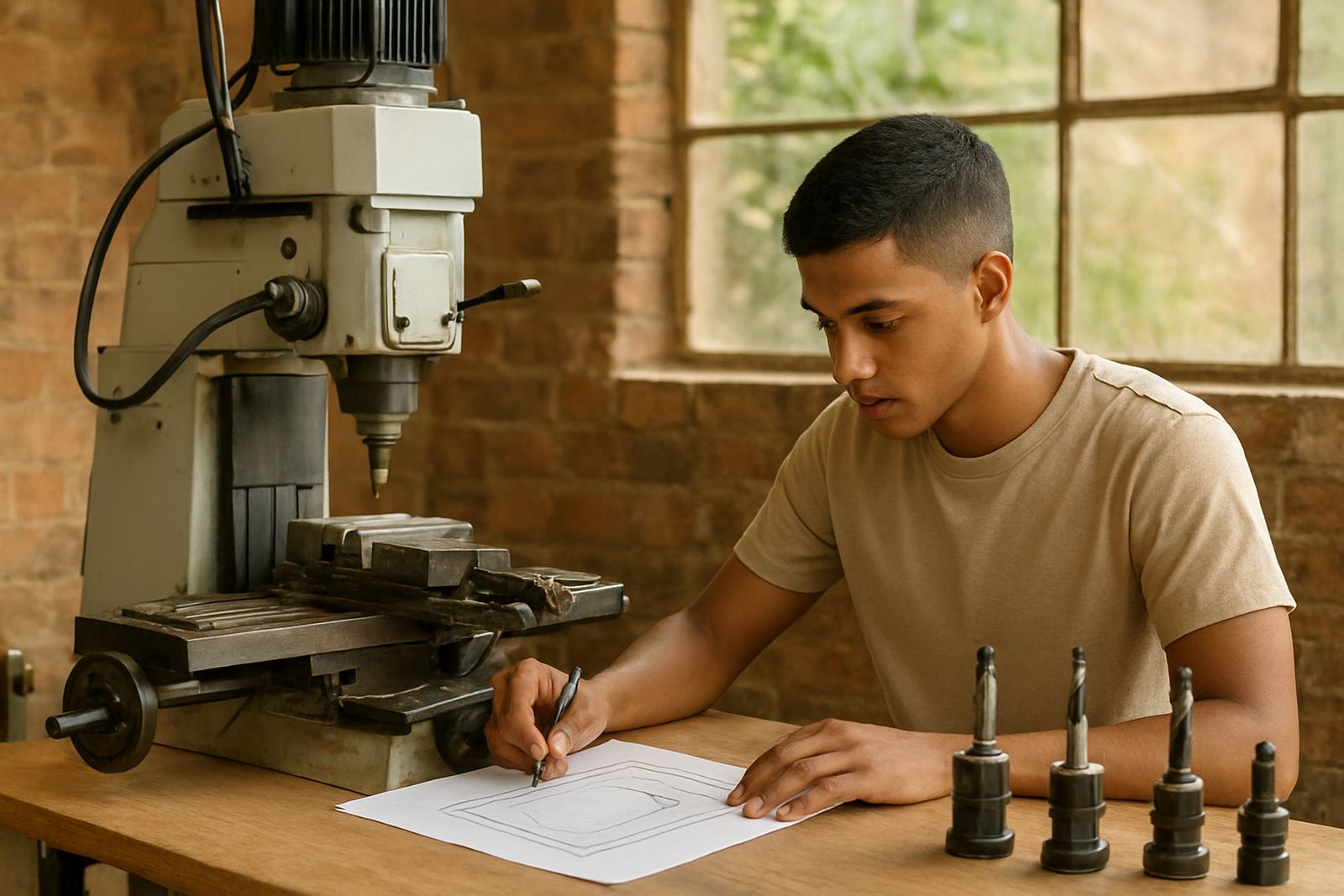
It also works well in training environments. New programmers can learn toolpath logic, feeds and speeds, work offsets and stock setup without being overwhelmed by functions they will not use straight away. For owners, that means less time spent correcting basic errors and more confidence that the machine is being used properly. In many cases we see the first gains from better setup discipline, not from adding more software.
- Toolrooms and maintenance departments
- Small batch production and repeat component work
- Training programmes for operators and junior programmers
Installation, machine setup and power considerations
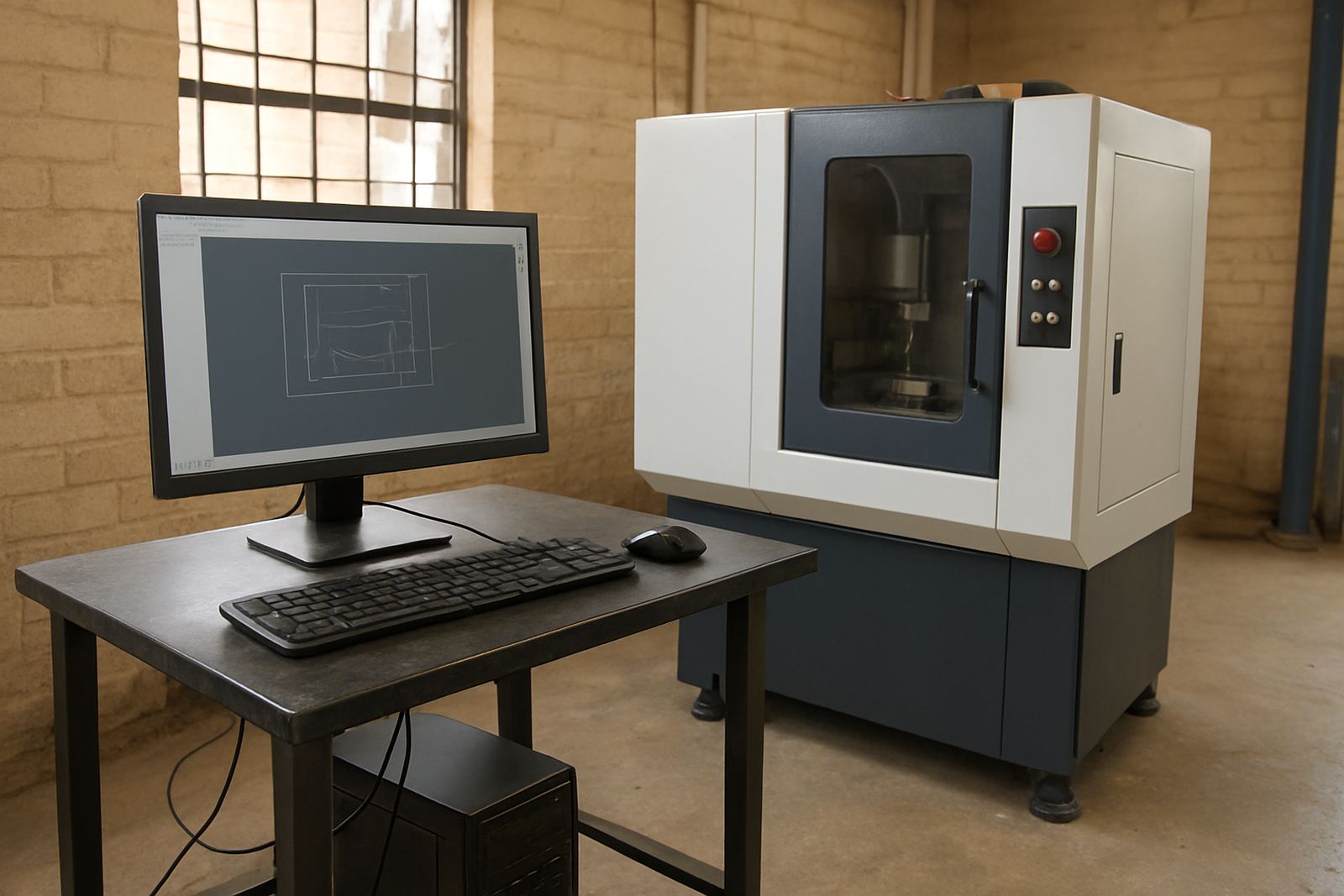
Entry Milling CAM is software based, so there is no gas requirement. The main practical points are the computer, the licence activation and the machine control connection. You need a stable Windows environment, enough processing power for the jobs you expect to run and a clean backup routine for job files and post settings. If your area is affected by power interruptions, it is worth putting the computer, network gear and any licence dongle or activation workflow onto backup power. A sudden shutdown during a toolpath edit can cost time and sometimes corrupt a file.
For shops with multiple machines or a mix of controls, post-processor choice matters. A good post must match the machine code, tool change format, spindle commands and work offset style used on your shop floor. We can help install the licence, configure the post and check that the first output file follows your machine’s requirements. That is especially useful where one shop runs different controls on the same floor or where an older machine uses a stricter file format. If the setup is wrong at the start, small errors become expensive very quickly.
Care, updates and keeping the workflow tidy
Software does not need oil or greasing, but it does need proper housekeeping. Keep your tool library organised, back up post files, record which machine each post belongs to and keep a note of any edits made by your programmer or setter. When a shop changes a tool holder, workholding method or machine control, the CAM setup should be reviewed as well. A simple annual support plan helps here because it gives you a point of contact when something changes or a file needs checking after a control update.
Training also forms part of care. If one person knows how the licence works and everyone else is guessing, you end up with different naming styles, inconsistent feeds and avoidable scrap. We recommend refresher sessions for operators and programmers after a machine move, control upgrade or staff change. Coastal humidity in places like Durban can also affect cabinets, PCs and backups, so keep the workstation in a clean, dry area and protect it from dust and vibration where possible.
- Back up posts and tool libraries regularly
- Review feeds, speeds and workholding after any machine change
- Use refresher training when staff or controls change
What to check before you order
Before placing an order, make sure you know which machine you are post-processing for, what type of control it uses and whether you need one seat or more than one. If you already have sample code, send it through with your enquiry so we can compare the output style. That helps avoid delays and reduces the chance of a post that almost works but still needs rework. It is also worth checking whether you need operator training, programmer training, owner training or first job support alongside the licence.
For larger shops, ask about machine onboarding and workflow audits if you are adding Entry Milling CAM to an existing production line. We often find that the software choice is only one part of the picture. Tool library structure, job naming, file storage and approval steps all affect whether a new licence speeds things up or just creates another work queue. If you are in Pretoria, Johannesburg, Vereeniging, Durban or Cape Town, we can help through the enquiry form on our contact page and guide you to the right setup for your shop.
- Machine control make and model
- Number of users and seats required
- Need for post tuning, training or first job support
Key facts
| Product type | Entry-level CAD/CAM licence for milling |
|---|---|
| Primary use | 2D toolpaths and basic 3-axis milling |
| Typical machines | CNC milling centres, routers and related cutting machines |
| Licence options | Single seat or multiple seats depending on shop size |
| Setup support | Licence installation, post-processor setup and first job support |
| Training support | Operator, programmer and owner training available on request |