Nested cutting made practical for South African router shops
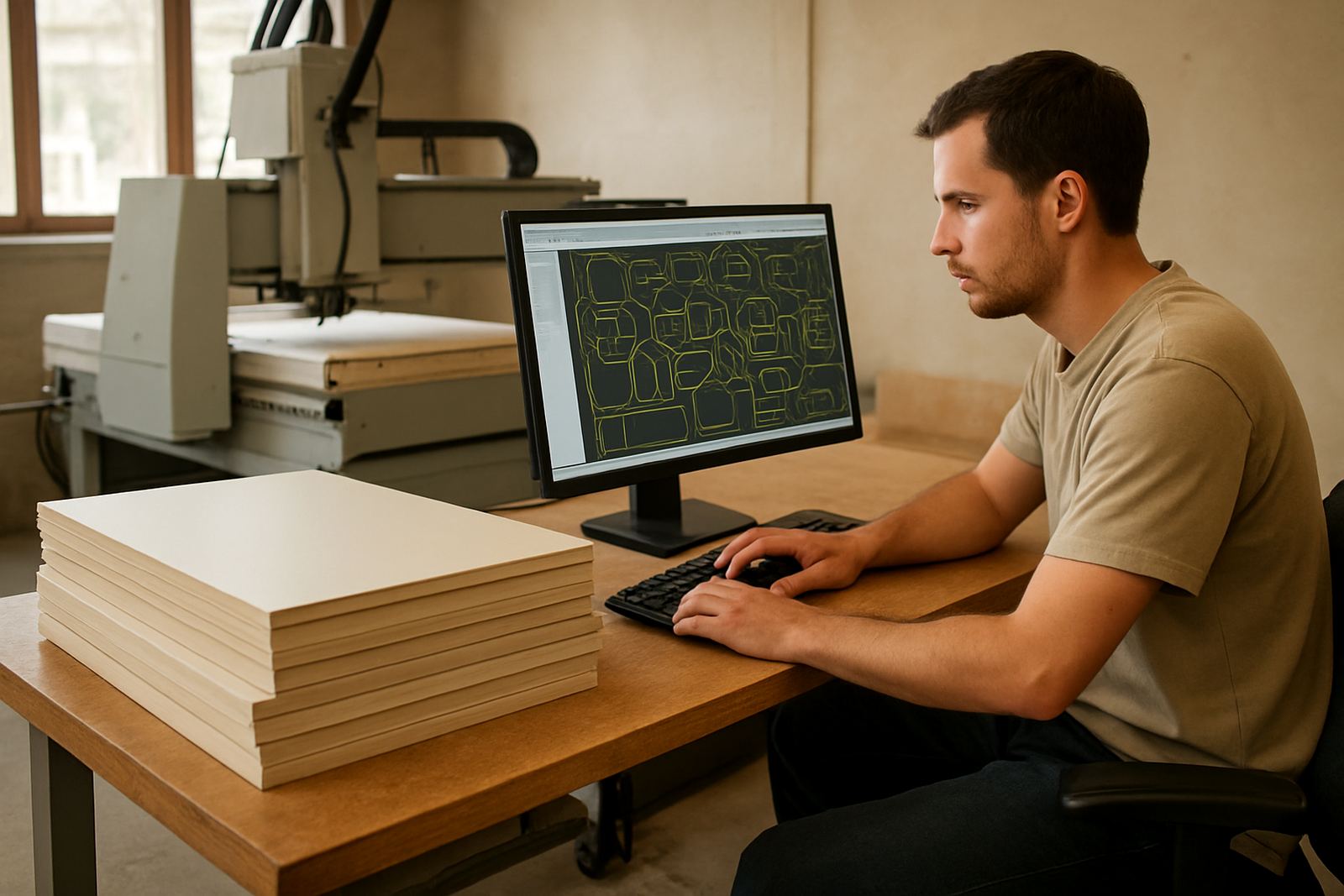
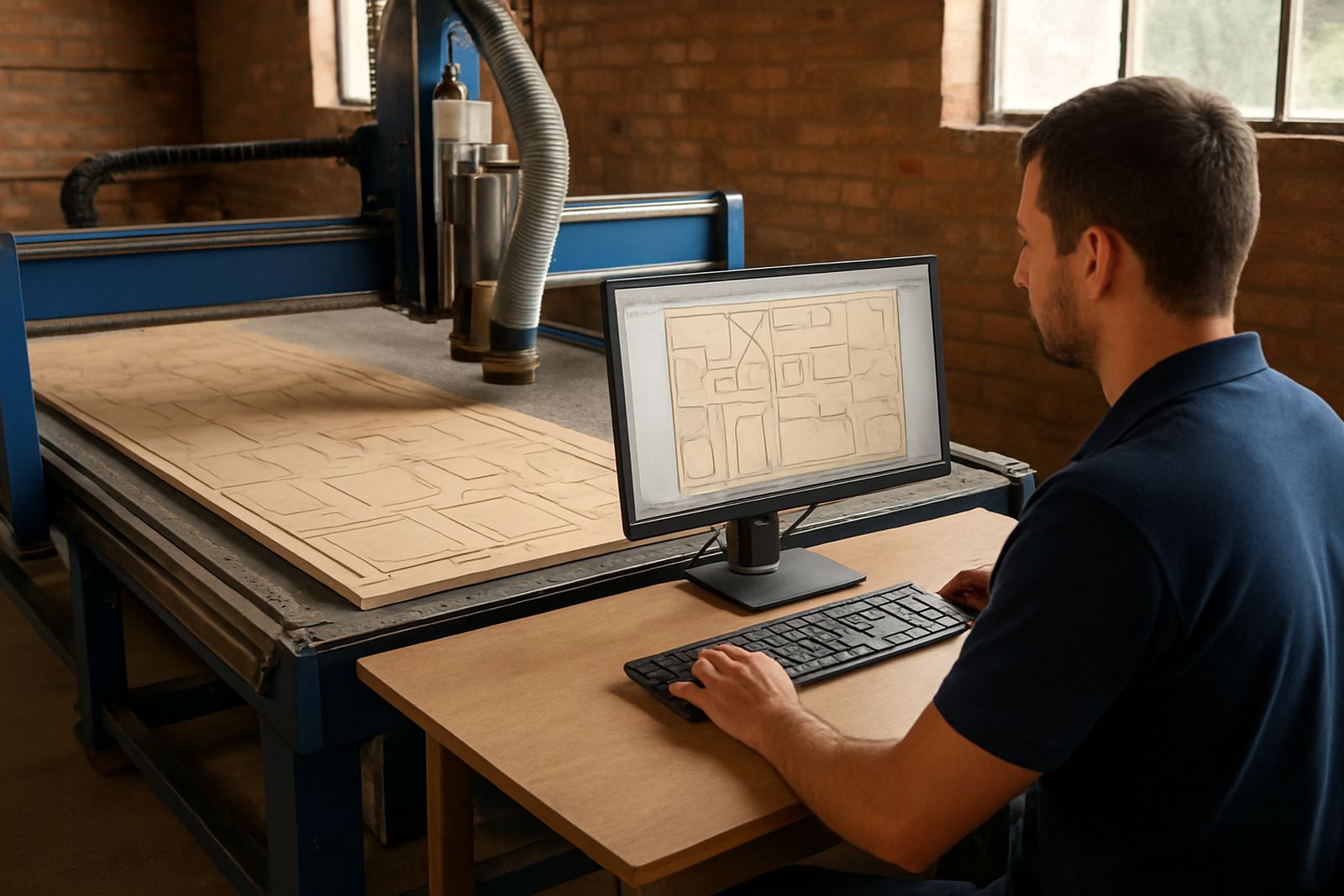
Router Nesting CAM is used to arrange parts on sheet stock so a router can cut faster with less waste. It is suited to MDF, birch ply, melamine, compact laminate, foam board and many plastics, with cutting paths set up for production work rather than one-off drawing export. For shops in Pretoria, Johannesburg, Vereeniging, Durban and Cape Town, the main gain is better sheet utilisation and cleaner release from the bed.
The software supports tab control, part sequencing and common cut strategies for nested panels. That means you can keep delicate parts in place during cutting, then release them without damage. It also helps reduce operator guesswork when jobs are repeated weekly, which is often where time gets lost.
Typical machine sizes and options to match the shop floor
Most nested sheet work is done on 4 x 8 ft and 5 x 10 ft routers, with some shops running 6 x 12 ft beds for large panels and door work. The software can be set up to suit single-head or multi-head routing workflows, depending on the machine and the way parts are loaded. If your router has a vacuum bed, hold-down zones should be mapped properly so the nesting plan supports the clamp pattern and no-go areas.
Common options and workflow choices include:
- Sheet sizes from 1 220 x 2 440 mm up to 1 830 x 3 660 mm
- Tab size and tab count control for fragile or narrow parts
- Separate inside and outside cut ordering
- On-sheet labels, part IDs and grain direction handling
- Yield planning for mixed jobs and remnant use
For shops cutting both standard panels and custom shapes, the setup should allow quick switching between material types and kerf settings. That saves rework and helps keep the cutting list clear for the operator.
Where it suits best, and where it needs a bit of planning
This product suits cabinetmakers, shopfitters, signmakers, display manufacturers and contract cutting shops that run sheet goods every day. It is also useful for businesses doing flat-pack furniture, acoustic panels, packaging inserts and plastic sheet work. If your team produces repeat jobs with changing dimensions, the nesting workflow can be a real help.
It is less useful where the shop only does hand-fed one-off work with no repeat sheets, or where the machine cannot hold a stable vacuum on thin material. In coastal areas like Durban or parts of Cape Town, humidity can move sheet material enough to affect yield, so storage and acclimatisation matter. Inland, dust control and board flatness usually need more attention than people expect.
Installation on the workshop network and what it needs
Licence installation is normally done on the office PC or programming station that prepares the cutting files, with output sent to the router control side as needed. A stable Windows computer, local network access if files are shared, and enough storage for job folders are important. The machine side should be checked for post output compatibility before first use, otherwise the first job can stall at the control, and that wastes a full sheet.
Power needs are modest for the software itself, but the workshop should still plan for load-shedding and clean shutdowns. If your office or programming PC is on a backup supply, the file library and licence can be protected during outages. For shops with unstable power, a proper UPS for the control station is strongly recommended, plus a clear restart routine after a cut is interrupted.
- Windows-based programming station with admin access
- Stable network or USB transfer path to the machine
- Backup power for office PC and file storage
- Compatible post-processor for the router control
- Quiet, dust-managed space for the operator screen and keyboard
Training, onboarding and first-job support
Hands-on training is useful because nesting software is only as good as the shop’s setup discipline. We cover operator training, programmer training and owner training, depending on who needs to touch the system day to day. First-job support is available when the first sheet is being run, which helps catch nesting mistakes, kerf settings and tab problems before they repeat.
Machine onboarding usually includes checking sheet size definitions, cut order, lead-ins, labels and file naming. If the shop already has a production method, we work to fit the software around that rather than forcing a new routine. For teams with more than one programmer, standard naming rules and job folders are worth putting in place early.
Setup, maintenance and what to verify before buying
The software itself does not need mechanical servicing, but the surrounding workflow does. Keep the programming PC clean, back up job libraries weekly, and review post output after any control change, update or new machine purchase. If your cutting list changes often, it helps to audit the workflow every few months so material yield and operator time stay under control.
Before ordering, check these points carefully:
- Your router bed size and usable cutting area
- Sheet material dimensions and typical thicknesses
- Whether tabs are required on small or fragile parts
- The machine control type and post output needs
- Who will prepare jobs and who will run them
- Whether you need remote support, annual cover or on-site training
It is also worth confirming how the shop handles remnants, because yield planning works best when offcuts are recorded properly and used again. A tidy library of common parts can save a lot of time, even if the shop is not very large.
Key facts
| Product type | CAD/CAM nesting software for CNC routers |
|---|---|
| Main use | Nested sheet cutting, tab control and yield planning |
| Supported work | Cabinet parts, signage, display panels and flat sheet goods |
| Typical sheet sizes | 1 220 x 2 440 mm, 1 525 x 3 050 mm, 1 830 x 3 660 mm |
| Installation | Windows programming PC with compatible machine post output |
| Support options | Licence installation, custom post-processors, training and first-job support |