What Plasma Nesting CAM Does On The Shop Floor
Plasma nesting CAM is used to arrange parts on flat sheet so you can cut more from each plate with less waste. It is a practical tool for mild steel, stainless steel and aluminium jobs where material cost, lead time and operator time all matter. The software builds cut paths from your drawings, places parts efficiently and then sends a machine-ready programme through a suitable post-processor.
For South African shops, the value is simple. When plate prices move, power interruptions happen, and clients want quicker turnaround, better nesting can protect margin. It also helps with remnant tracking so usable offcuts are not lost in the yard or left lying around without a plan. The result is fewer manual corrections and less time spent redoing layouts by hand. In busy workshops this can make a real difference during month end.
We support shops that cut sign work, machine guards, truck parts, brackets, panels and general fabrication jobs. If your team works from a mix of recurring orders and one-off work, nesting tools can keep the workflow organised without making the process complicated.
Sizes, Sheet Formats And Nesting Options
Plasma nesting CAM is usually supplied as a licence matched to the size of the operation, the number of machines and the type of work you cut. Some shops only need one seat for a single cutter, while larger teams need shared access, post setup and repeatable workflows across several operators. We help you choose what suits the way you run the floor, not just what looks good on paper.
Common options include support for standard sheet sizes, remnant sheets, mixed job batches and lead-in or lead-out control. Depending on your setup, you may also want features for bridge cutting, common line cutting, part marking, tab control and automatic sort by thickness or material type. If your process uses manual unloading, a simple nesting strategy is often better than a complicated one.
- Typical sheet sizes supported: 1 220 x 2 440 mm, 1 500 x 3 000 mm, 1 500 x 6 000 mm and custom plate sizes
- Suitable for plate thickness from thin gauge sheet up to heavier structural plate, subject to your torch setup
- Options for remnant reuse, cut sequence control and part numbering
- Can be matched to single machine or multi-machine shop use
Where the job mix changes often, nesting rules can be set so the software keeps small parts apart from larger parts, avoids scrap islands and reduces unnecessary travel moves. That helps with gas use and cycle time, especially on long cutting shifts.
Where It Fits Best In South African Workshops
This product suits plasma shops that want better use of sheet material and a more consistent cutting process. It is especially useful where labour is tight and one person may be nesting, programming and loading jobs on the same day. Shops in Gauteng often use it for fast turnaround work where same day cutting is expected. Along the coast, it is helpful for businesses that must manage humidity, storage condition and plate condition before cutting.
It works well in:
- Fabrication shops cutting brackets, gussets and mounting plates
- Sign and display workshops producing panels and letters in sheet form
- Truck and trailer repair shops making replacement parts
- Steel service centres handling repeat cut orders
- Small job shops that need cleaner nesting and less scrap from short runs
If your operation still relies on manual nesting or rough placement on screen, this type of CAM software can reduce mistakes and keep output more predictable. It also supports shops that want to train a new operator without slowing the whole bay down. Proper training matters because even a good system can be underused if the team does not know the settings that suit their machine and gas setup.
Installation, Machine Setup And Power Needs
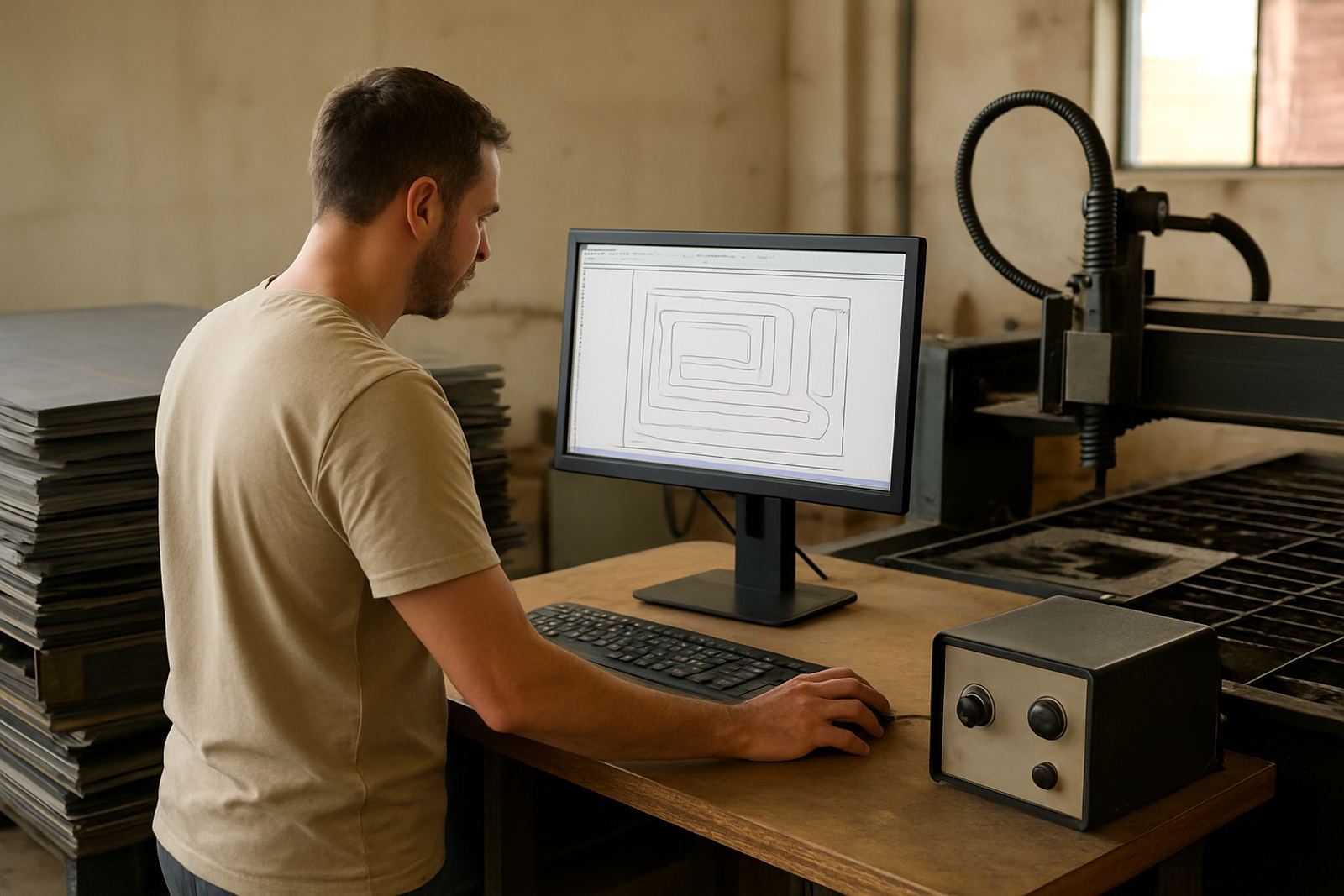
Installation starts with checking your machine controller, file format and post-processor requirements. We handle licence installation, machine onboarding and first job support so the cut file produced in the office matches the machine on the floor. If the machine has a known motion style, height control or torch arrangement, the output can be tuned to suit that setup. If not, we check it before the first production run.
Plasma cutting systems usually need a stable power supply for the control PC, the machine controller and any network link used for file transfer. In workshops affected by load-shedding, it is worth keeping the computer, screen and router on backup power so jobs are not lost during a move or preview. If the cutter itself uses compressed air or gas assists, the supply must be clean, dry and sized for the torch and duty cycle. Moisture in the air line can cause poor cut quality and extra consumable use.
- Check available PC specs, storage space and operating system compatibility
- Confirm the controller format and post needed by the machine
- Verify UPS or backup power for the office side of the setup
- Inspect air quality, pressure stability and gas supply before production
- Make sure the nesting file path and job naming method match the shop routine
We also assist with remote troubleshooting if a job does not post correctly or the operator needs a quick fix before a cut starts. That help is often more useful than guessing at the settings and wasting a full sheet.
Care, Updates And Ongoing Support
Plasma nesting CAM does not need heavy physical servicing, but the workflow around it does need attention. The drawing library should be checked so part names, thickness values and material notes stay accurate. Remnants should be recorded in a way that the next operator can find and trust them. If the machine changes, the post and output settings should be reviewed rather than left as they were six months ago.
We recommend regular checks on:
- Material libraries and thickness naming
- Toolpath settings for lead-ins, tabs and pierce count
- Post-processor output after machine updates or controller changes
- Operator access and training records
- Backup copies of licences, templates and remnant data
For shops with more than one cutter, annual support plans are useful because they keep the setup consistent when staff change or new jobs come in. If your team needs a refresher, we can arrange operator training, programmer training or owner training from our Centurion base and across our training areas in Pretoria, Johannesburg, Vereeniging, Durban, Cape Town, East Rand and West Rand.
In many shops the software itself is only part of the system. A clean setup, stable gas supply and clear job handling make a bigger difference than people expect. Small issues like poor file naming or a messy remnant list can slow the whole bay down, so a bit of routine care pays off.
What To Verify Before Ordering Plasma Nesting CAM
Before ordering Plasma Nesting CAM, it helps to have a few details ready so the licence and setup match your shop. We do not guess at the machine side because a wrong post or output rule can waste time on the first job. Accurate information lets installation and testing start from your real setup.
- Machine make, model and controller type
- Plasma power source details and cutting table size
- Preferred file formats used by your draughting team
- Typical sheet sizes, material types and thickness range
- Whether you need one seat or several users
- Whether training is needed for operators, programmers or owners
If you run a plasma shop in Centurion, Pretoria, Johannesburg, Vereeniging, Durban or Cape Town, use the enquiry form on our contact page and include the machine details, the material range and the number of users. We will help you choose the right licence, post-processor and support plan for the way your workshop actually works.
Key facts
| Licence type | Single-seat or multi-user, depending on shop needs |
|---|---|
| Supported work | Plasma nesting for sheet and plate cutting |
| Material range | Mild steel, stainless steel and aluminium |
| Sheet sizes | Standard formats and custom plate sizes |
| Workflow tools | Remnant tracking, part numbering and cut sequence control |
| Support | Installation, post tuning, training and remote troubleshooting |