When a toolroom needs CAM that can keep up
Toolrooms are different from production shops. One day you are making a replacement shaft for a mine site in Vereeniging, the next you are machining a cracked bracket, a fixture plate or a small batch of parts for a maintenance team in Pretoria. The work is varied, urgent and often measured in hours not weeks. That means CAM needs to be quick to set up, easy to trust and able to post clean code to the machine on the floor.
We work with shops that run mixed jobs on CNC milling machines, lathes, routers and plasma tables. In many toolrooms, one programmer is also answering the phone, checking drawings and sorting out operators, so the system has to fit the way the shop actually works. It should reduce hand edits, keep setups repeatable and make it easier to get a first good part without wasting material.
For many clients in Centurion, Johannesburg and Durban, the first goal is simple: shorten the time from drawing to chip. That usually starts with reliable post-processors, clean tool libraries and a training plan that suits the people already in the shop.
Typical equipment in a South African toolroom
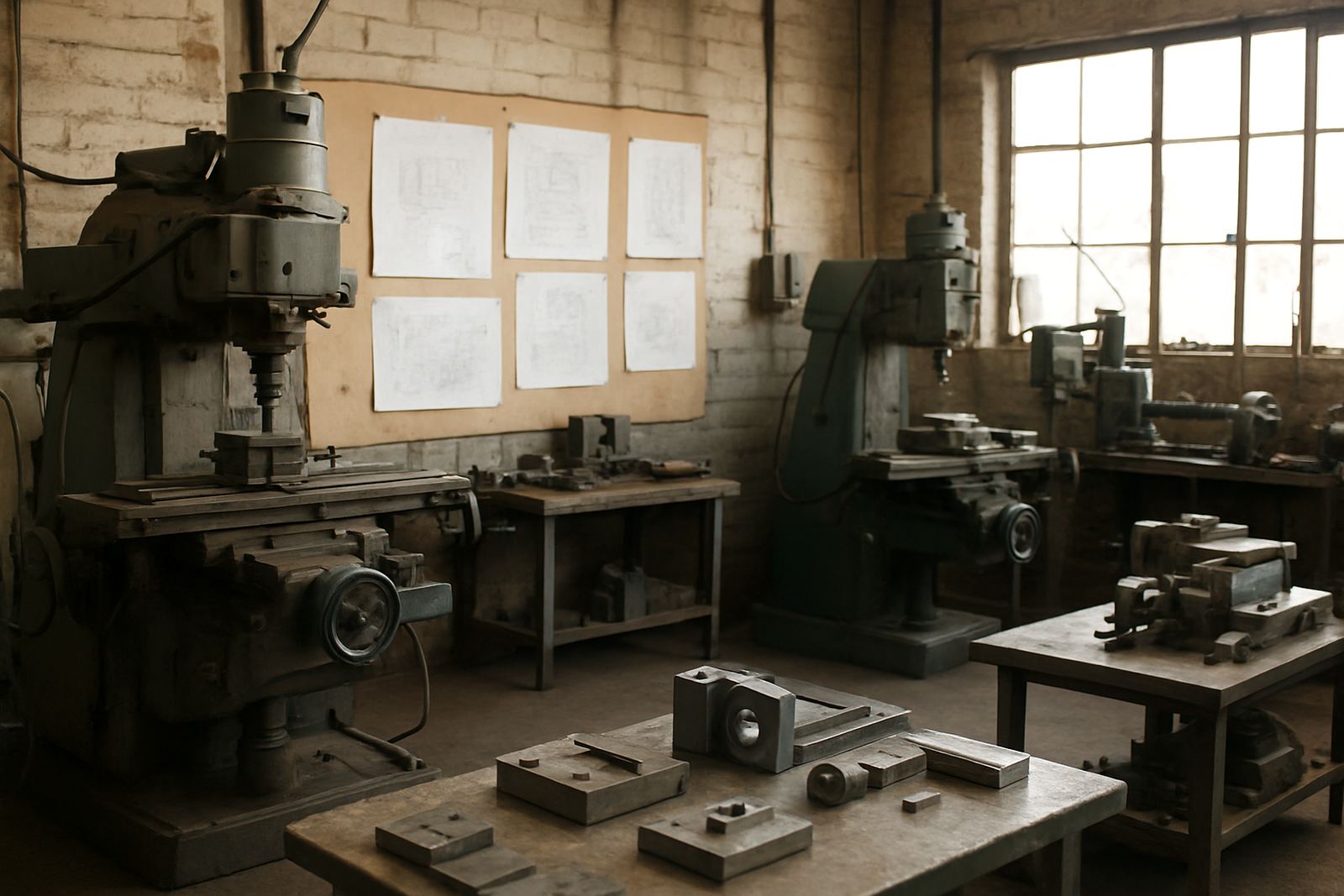
Most toolrooms are not running one type of machine only. A typical setup may include a vertical machining centre, a turning centre, a manual machine for backup work and, in some shops, a router or plasma table for plates, jigs and maintenance parts. Small 4th-axis rotary work is common too, especially for clamp bodies, special fittings and small mould or die components.
- 3-axis and 4-axis milling machines for repair parts, pockets and fixture plates
- CNC lathes for shafts, spacers, pins and sleeves
- Plasma tables for brackets, gussets and base plates
- Routers for templates, jigs and non-metal components
- Offline programming stations so the machine can keep running while code is prepared
Because many toolrooms work with short lead times, the CAM setup needs to handle job changes quickly. If the post does not suit the controller, operators end up editing code by hand and that is where mistakes creep in. In shops around Cape Town, coastal humidity can also affect storage and electrics, so it helps to keep the programming station and backup drives in a clean, dry area.
Layout and planning advice before you buy licences
Before adding new licences, it helps to map who does what. In a toolroom, the programmer may not be the same person running the machine or proving the first part. If that is the case, set up the software so drawing review, tool selection, posting and machine release are clear steps. This makes handover easier and reduces confusion when the job is urgent.
We usually suggest a layout that includes one main programming station, a second user for checking or support, and a reliable backup plan for power cuts. In South Africa, load-shedding is still a practical issue, so your PCs, network drives and routers should be on backup power where possible. A short outage during a post or while saving a tool library can waste more time than many shops expect.
- Keep the programming PC in the same office as the job cards and drawings
- Store post files and tool libraries in one controlled location
- Use a clear file naming system for job numbers, revisions and machine types
- Plan for offline work if the machine shop floor has unstable internet
- Allow space for a printer or label output if operators need setup sheets
A good layout also helps with municipal and site rules, especially where contractors share space with other tenants. If you are in an industrial park in the East Rand or West Rand, ask where backups, compressed air and machine access are managed before you commit to a new workflow.
Common mistakes that slow toolroom work down
The biggest mistake is buying software and expecting the default settings to suit every machine. A toolroom might have one controller for milling, another for turning and a separate plasma control, each with its own preferences. If the post is not tuned properly, operators can spend too much time checking coolant calls, spindle commands and work offset lines.
Another common issue is trying to do everything from a generic template. That may work for standard production, but toolrooms often need special fixtures, odd clamping and frequent tool changes. If the tool library is not maintained, the same cutter may appear under two names with different feeds and speeds, and that is where errors start. We have seen shops lose a full shift because a tool was changed on the machine but not updated in the CAM file.
- Using one post for multiple machine models without checking code output
- Skipping operator training because the shop is busy
- Not backing up tool libraries, machine settings and post files
- Leaving the programmer to solve every setup problem alone
- Ignoring first job support when the first part is already late
A small typo in a toolpath comment or a missed decimal point on a feed can cause scrap fast. That is why the first jobs need support, not just a software install.
Budget ranges for licences, support and training
Toolroom budgets vary widely because one shop may need a single licence and a basic post, while another needs multiple users, custom machine setup and training for operators and programmers. As a practical guide, smaller toolrooms often start with software and setup work from around R35 000 to R85 000, depending on licence type, machine count and post-process requirements.
For larger shops with custom post-processors, several seats and onboarding support, project costs can move into the R90 000 to R250 000 range or higher. If the shop needs annual support, remote troubleshooting and ongoing post tuning, it is wise to budget for that each year instead of waiting for a problem to appear on the machine floor.
Training is usually easier to approve when it is tied to a real job list. For example, a maintenance contractor in Johannesburg may need one day of programmer training and one day of operator training to get through urgent repair work. A Cape Town toolroom with mixed machines may need more time for post tuning and first job support. We help match the training to the type of work, not just the number of seats.
How CNC Software supports toolrooms across South Africa
Our Centurion base supports toolrooms across Pretoria, Johannesburg, Vereeniging, Durban, Cape Town and surrounding industrial areas. The work usually starts with a discussion about your machines, your current CAM setup and the kinds of parts you are trying to turn around faster. From there we can help with licence installation, post-processors, machine onboarding, tool library builds and on-site or remote training.
For toolrooms, the most useful support is often hands-on. That can mean checking code against the controller, adjusting a post for one machine, or training the team on how to handle repairs and one-off components without building a new process from scratch each time. We also support workflow audits and annual support plans for shops that want steady help throughout the year.
If your shop is carrying too much hand-editing, too many repeated setup questions or too much risk on first-off parts, the setup needs a cleaner fit. The aim is simple: predictable output, less rework and a quicker route from drawing to a part that fits.