When a workshop needs more than standard production code
Engineering workshops seldom run one neat type of work. One week it is a worn shaft, the next week a bracket, then a small batch of mild steel parts, and after that a plastic or aluminium modification that must fit an old machine back in service. That mix calls for flexible CAD/CAM software that can deal with maintenance work, specials and mixed-material machining without constant manual rework.
For these shops the pressure is usually time. A fitter, programmer or owner often needs to get a job moving while the machine is idle, and there is not much room for trial and error. Good software setup saves time on quoting, programming and first-off checks, especially where customers expect quick turnarounds and the machine must be back in service the same day.
Typical machine mix in South African engineering shops
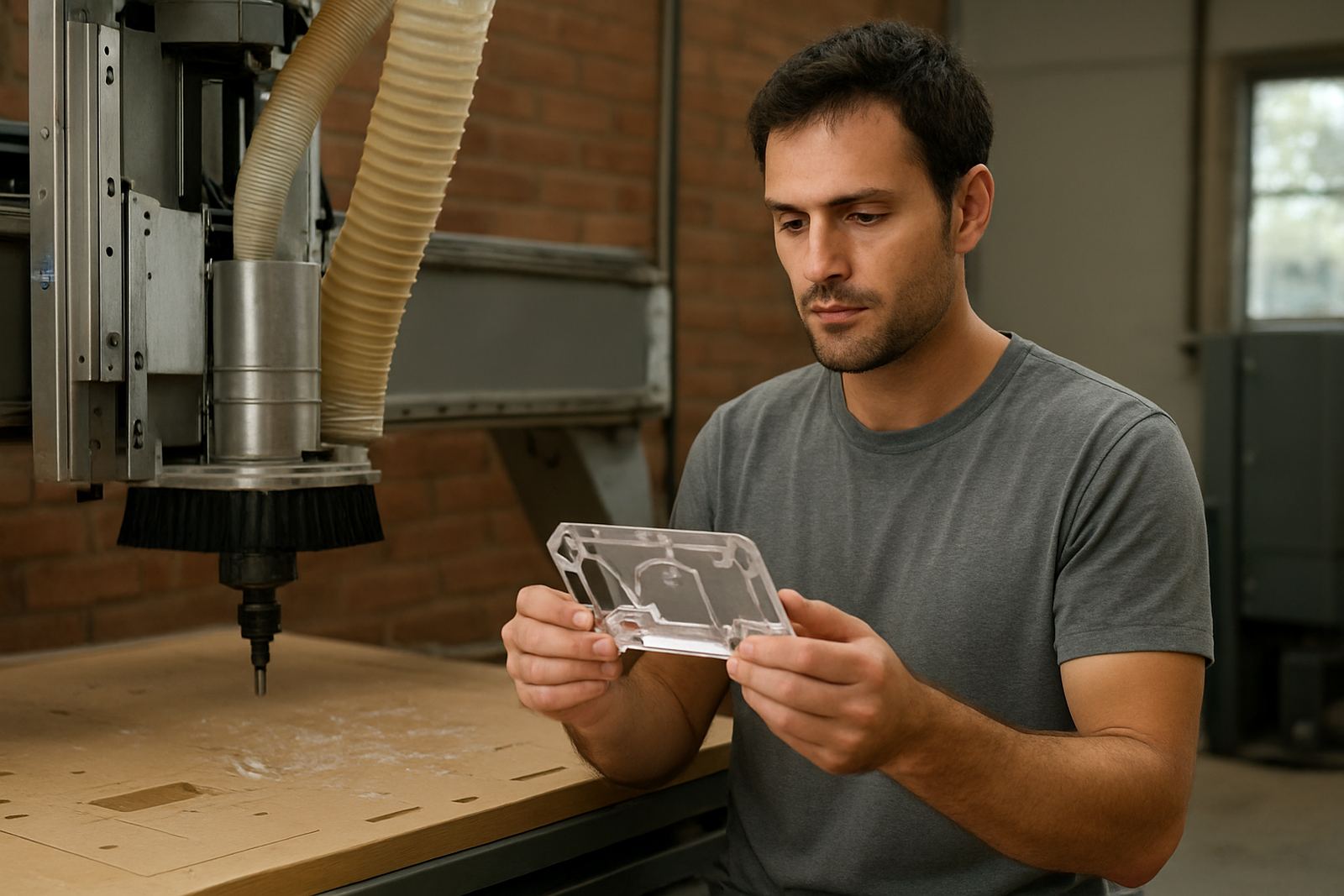
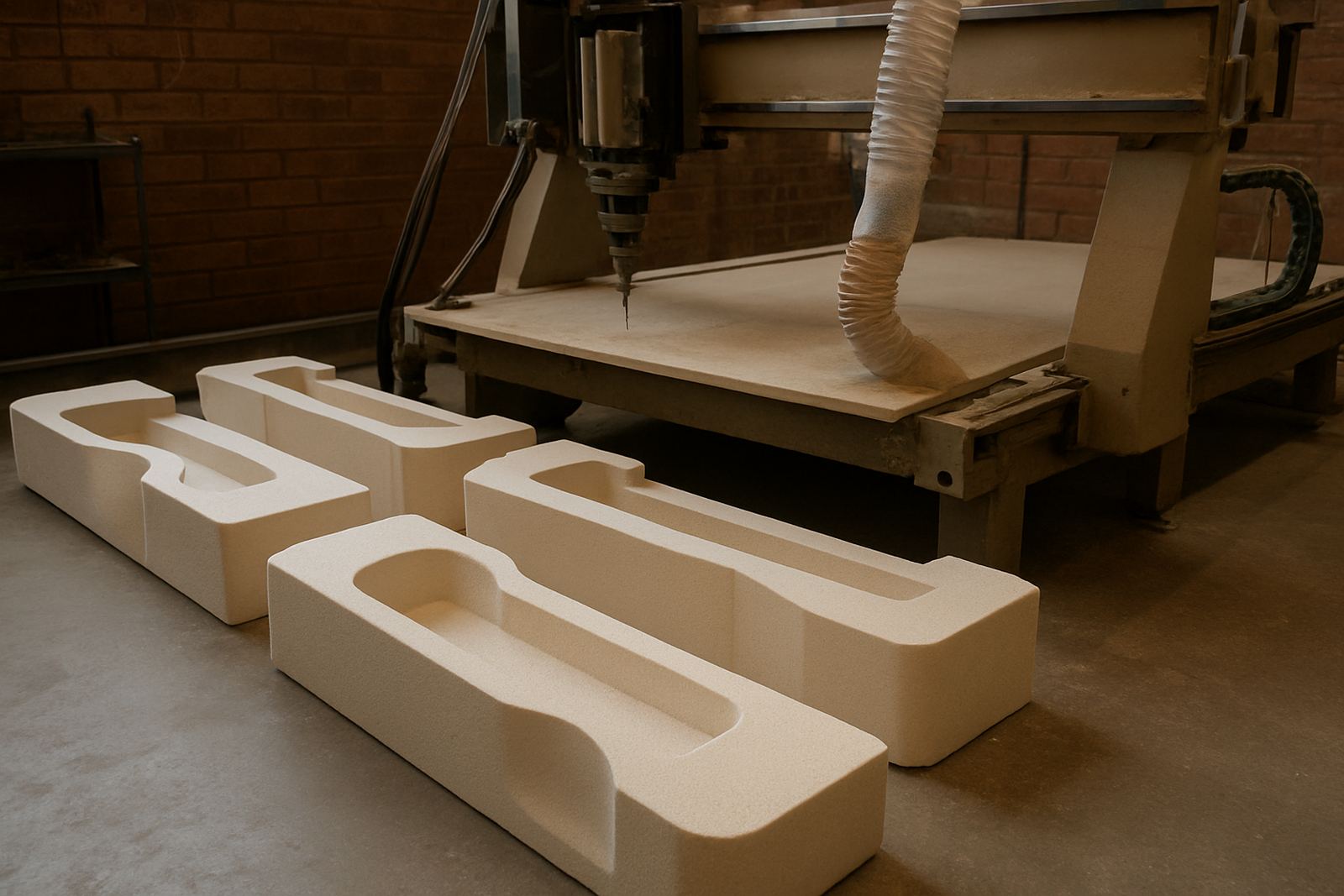
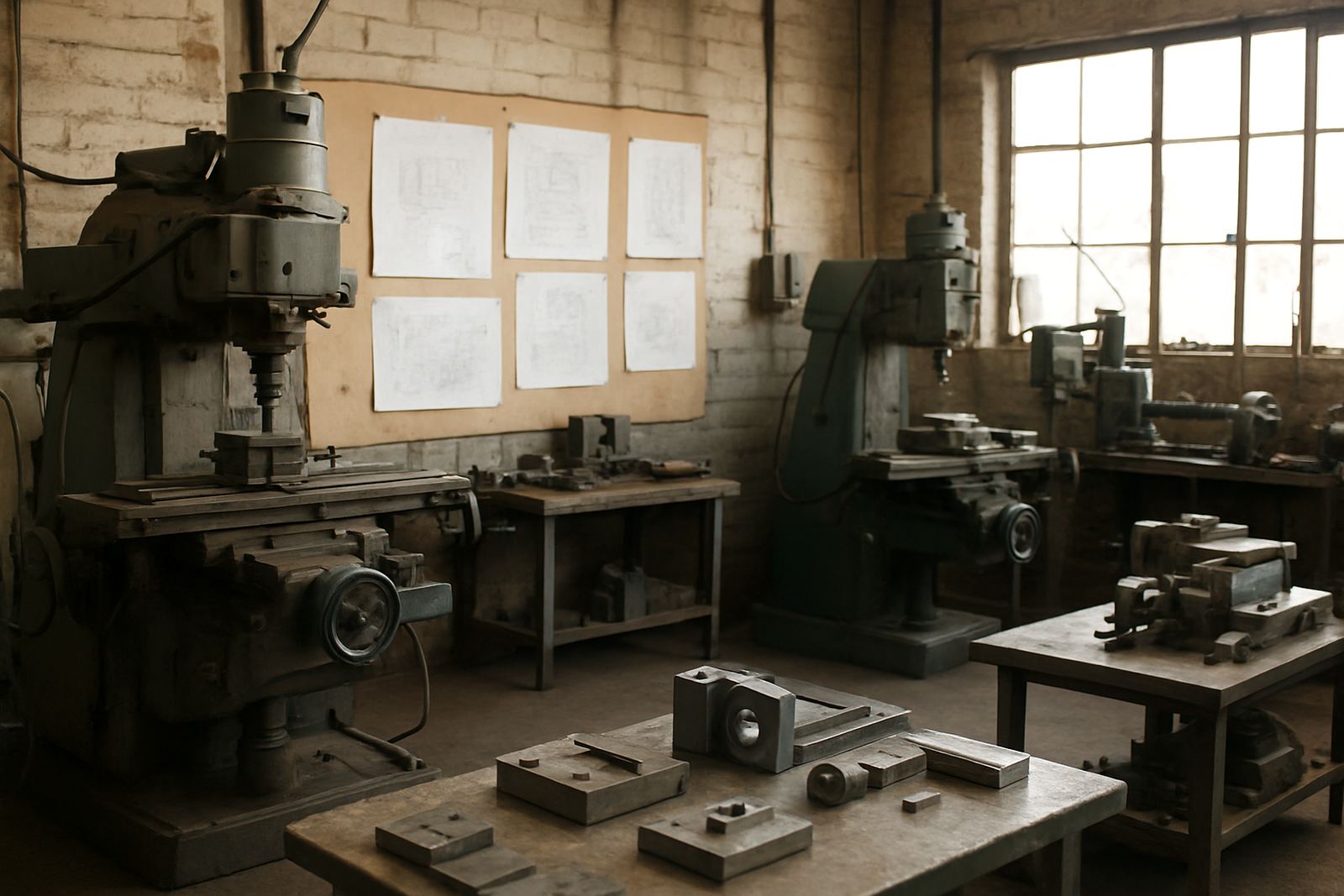
Most engineering workshops run a practical mix of equipment rather than one dedicated cell. We normally see CNC routers used for gasket boards, plastics and light plate work, vertical mills for general machining, lathes for shafts and bushes, and plasma machines for plates, frames and brackets. Some shops also carry manual machines, which means the CAD/CAM system must support both organised programming and quick intervention on the shop floor.
- 2 axis and 3 axis milling work for repair parts, housings and fixtures
- Turning jobs for shafts, sleeves, spacers and small batches
- Plasma cutting for templates, profiles and fabricated parts
- Mixed-material work in steel, aluminium, brass, plastics and composite board
- Older machines that need custom output instead of generic code
If your workshop handles both production and breakdown work, the software setup should let you move between jobs fast. It should not matter whether the part is a one-off or a repeat job, the output still needs to suit the machine, the controller and the person loading the next task.
Planning the software around the shop floor layout
Before installation, it helps to map the real flow of work. Where are jobs received, where are drawings checked, where does programming happen, and who signs off the first part? In a small workshop, one computer may be enough for quoting, nesting and programming. In a larger site, it often makes sense to keep programming away from the machine area, then send approved files to the operator station.
Centurion, Pretoria and Johannesburg workshops often want faster internal handover because the machine shop, stores and admin team are all on one site. Durban and Cape Town sites sometimes need extra care for moisture, dust and corrosion on cabinets, USB ports and machine panels. It is worth planning where the licence machine sits, how backups are stored, and how the team works during load-shedding or an outage.
- Keep a clear path from drawing to program to machine
- Use one naming system for jobs, revisions and tool sets
- Store backups on at least two separate locations
- Allow for power backup on the office PC and machine control where needed
Post-processors and machine onboarding for older and newer controls
A workshop can have very capable machines but still struggle because the output file does not match the controller. That is where custom post-processors and post tuning matter. We adjust output so the machine gets code it can read properly, with the right tool change logic, safe moves and header settings for the specific control and work process.
Machine onboarding usually starts with a review of the machine list, controller type, tool change style and typical job types. From there we test output on sample parts, check the first job and refine the setup until the operator can trust the file. It is common for shops to run one lathe, one mill and one plasma machine with different requirements, so a single generic setup is usually not enough.
When the post is correct, the rest of the workflow becomes calmer. Operators spend less time editing code by hand, programmers spend less time fixing avoidable errors, and the owner gets a clearer idea of what each machine can really handle. That matters on special work, where the first part may need to be right the first time.
Training for programmers, operators and owners
Training is often the difference between software that is installed and software that is actually used well. Our hands-on sessions cover operator training, programmer training and owner training, with the focus set by the shop. A programmer may need help with tool libraries and offsets, while an owner may want better visibility on setup time, first-off approval and job costing.
We also support first job support after installation, which is useful when the shop is moving from manual methods or from a very basic workflow. The team can work on real parts from the workshop, not just examples, so the learning sticks. Ompha Mabandla and Tiaan Ferreira often handle practical setup and post work, while Phenyo Ngema coordinates training dates and Farieda Jacobs assists when the support queue needs fast turnaround.
- Operator training for safe use and clean handover to the machine
- Programmer training for setup, tooling and file checking
- Owner training for workflow control and workload planning
- First job support for the first real part after go-live
Budget ranges for engineering workshops
Budget depends on the number of licences, the machine types and how much custom work is needed. A small workshop with one seat and a basic setup may start in the lower tens of thousands of Rand, while a multi-machine site with custom post-processors, several users and training can run into the higher tens of thousands or more. If the job mix is difficult, budget for post tuning and onboarding as well, because that is what protects the machine time.
Most workshops should also allow for annual support plans, especially where production cannot stop for long. Remote troubleshooting is useful when a machine is waiting and the team needs help quickly. For sites in Durban or Cape Town, it is wise to include enough budget for reliable backups and stable power handling, since outages and humidity can shorten the life of poor-quality setup. A planned setup is usually cheaper than patching things later, and less stressful too.