When Plastic Parts Need Clean Edges and Repeatable Cycle Times
Plastics work looks simple from the outside, but the details are unforgiving. Acrylic chips if the cutter is wrong, polyethylene can pull if the feed is off, and light composite panels can overheat before an operator notices. For shops in Centurion, Pretoria, Johannesburg, Vereeniging, Durban and Cape Town, the goal is the same: get a clean finish without wasting sheets, breaking small tools or fighting every setup change.
We usually step in when a shop is moving from manual programming to proper CAD/CAM, or when the current output keeps asking for hand edits on the machine. That can mean a new licence installation, a custom post-processor for the controller in use, or operator training so the team understands feeds, ramping, tabs, holding fixtures and what to do when static starts pulling chips back onto the cut.
Typical Machine Setups for Plastics and Acrylics
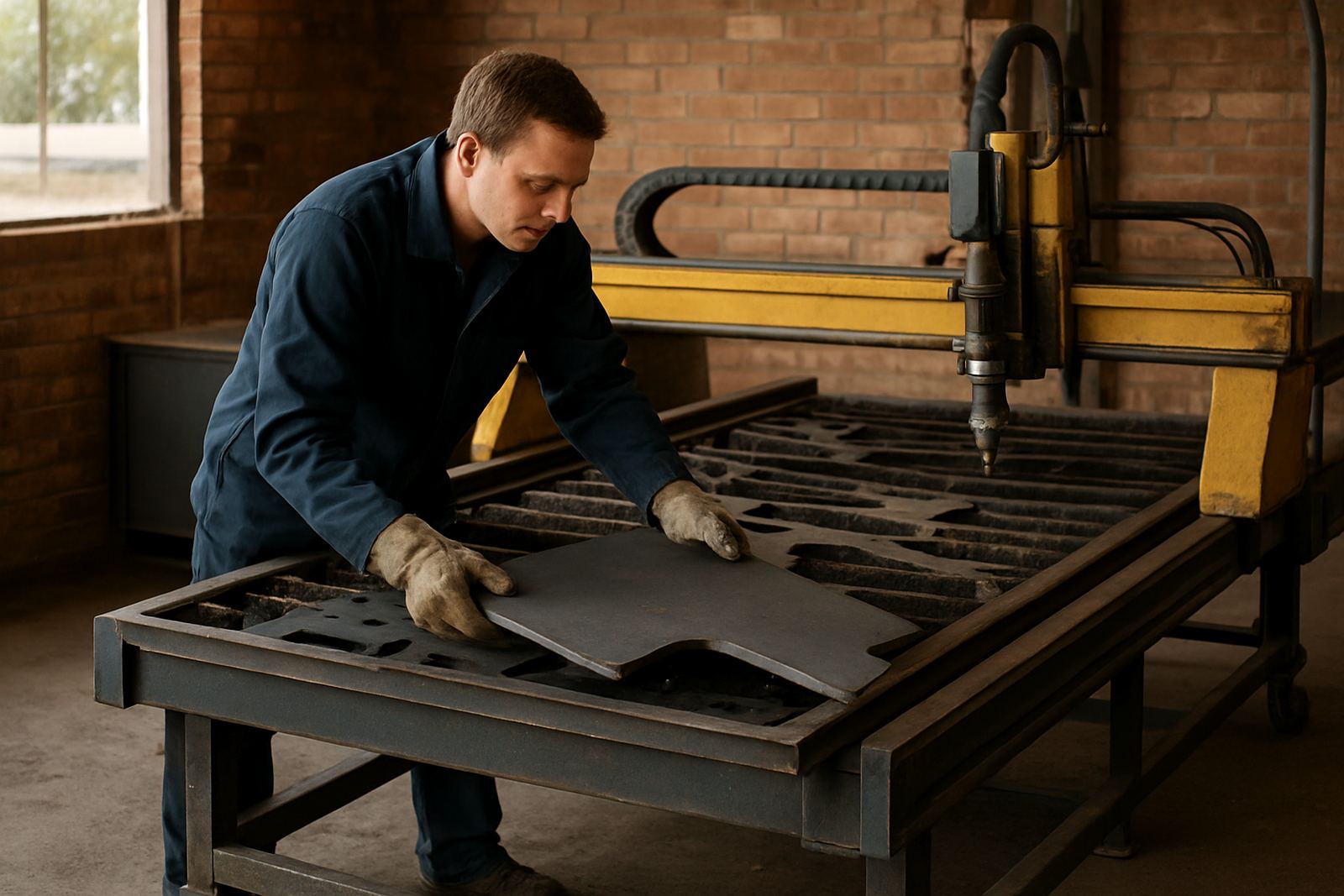
Most plastics shops we work with run a mix of routing and milling equipment, sometimes with a turning cell for bushings, spacers or small fitted parts. In some plants the same programming team also has to support plasma cutting for brackets and machine frames, so the workflow needs to be organised from the start. A good setup is not only about the machine, it is also about how the jobs move from drawing to toolpath to cut sheet.
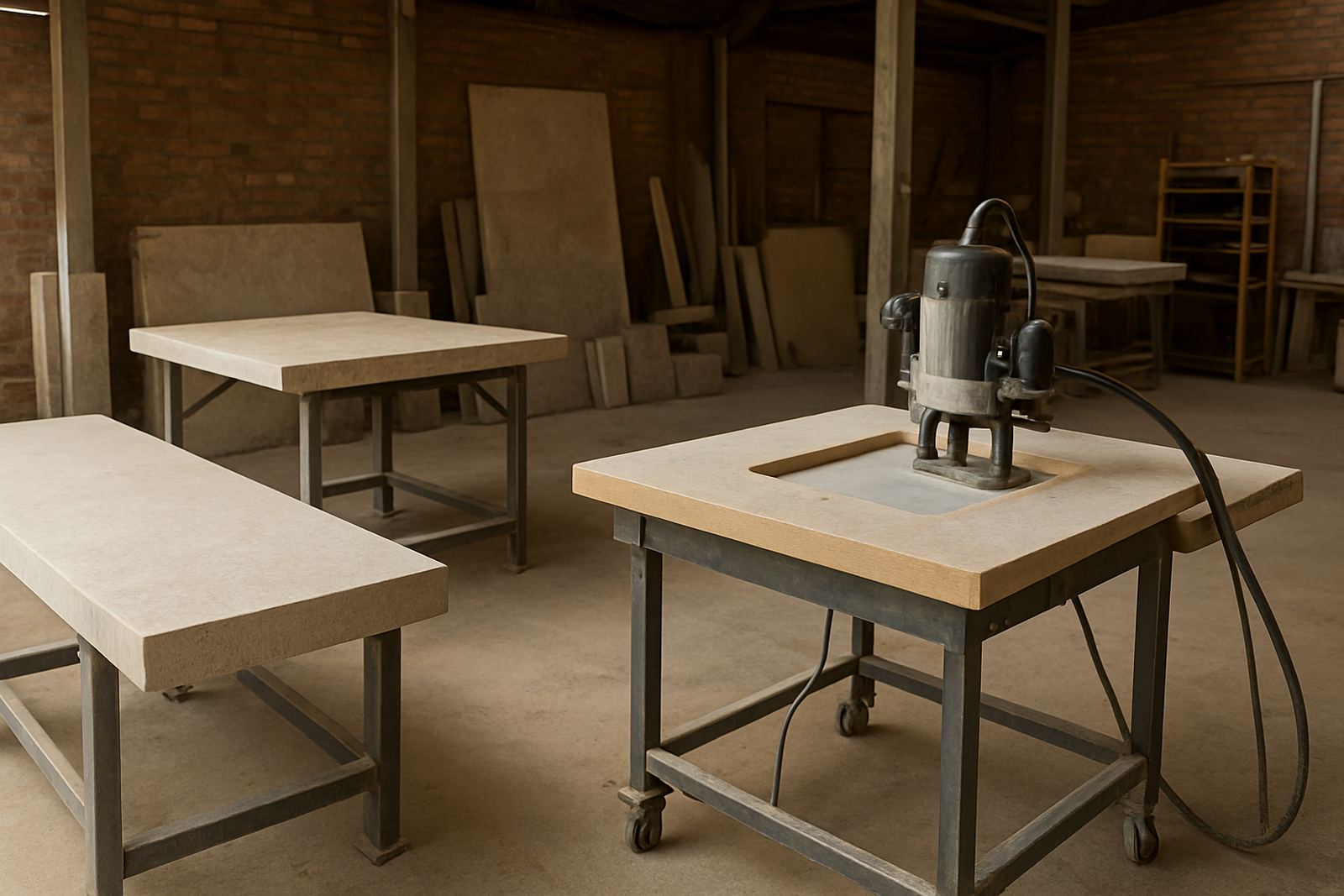
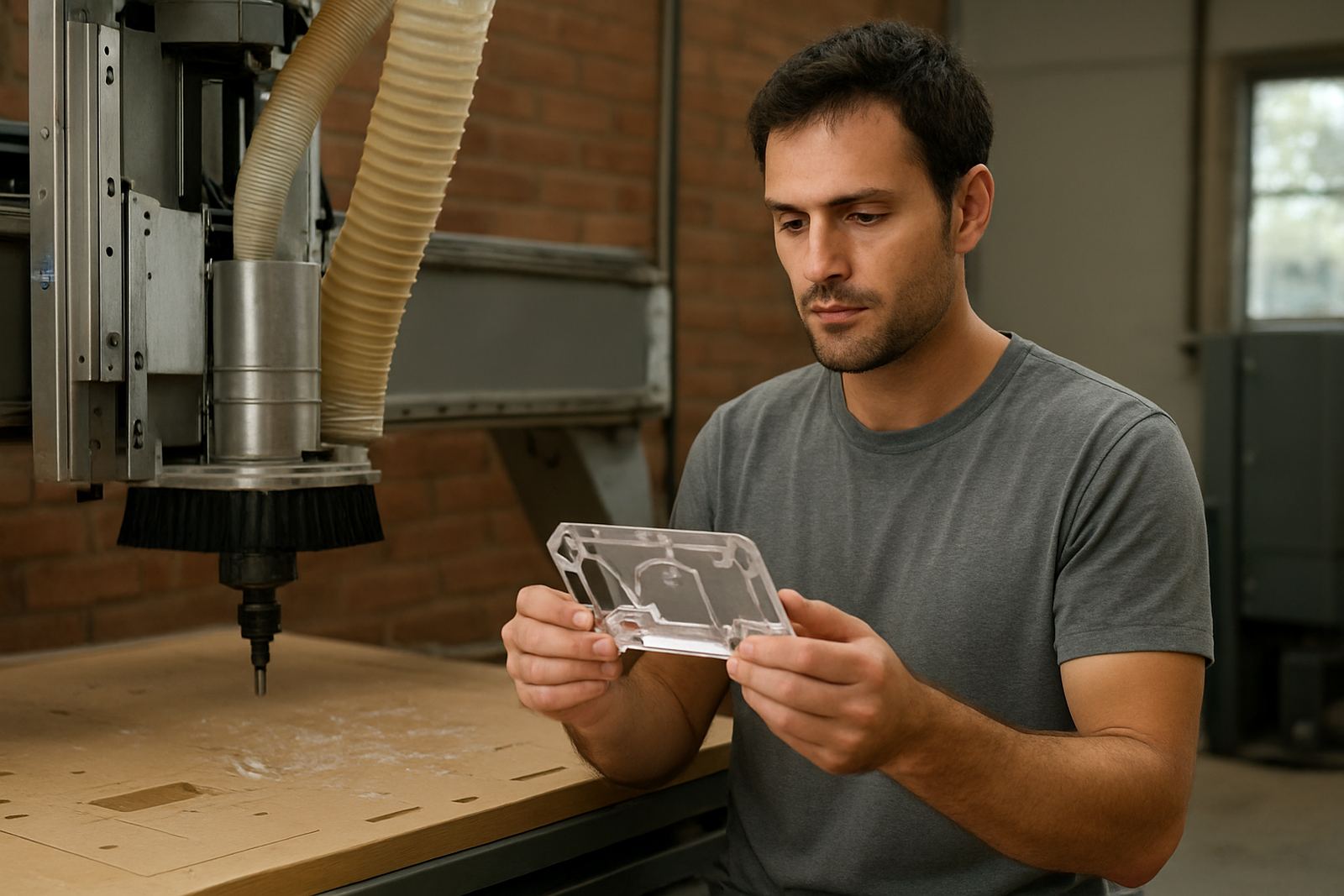
- CNC routers with vacuum tables for sheet acrylic, PVC and composite panels
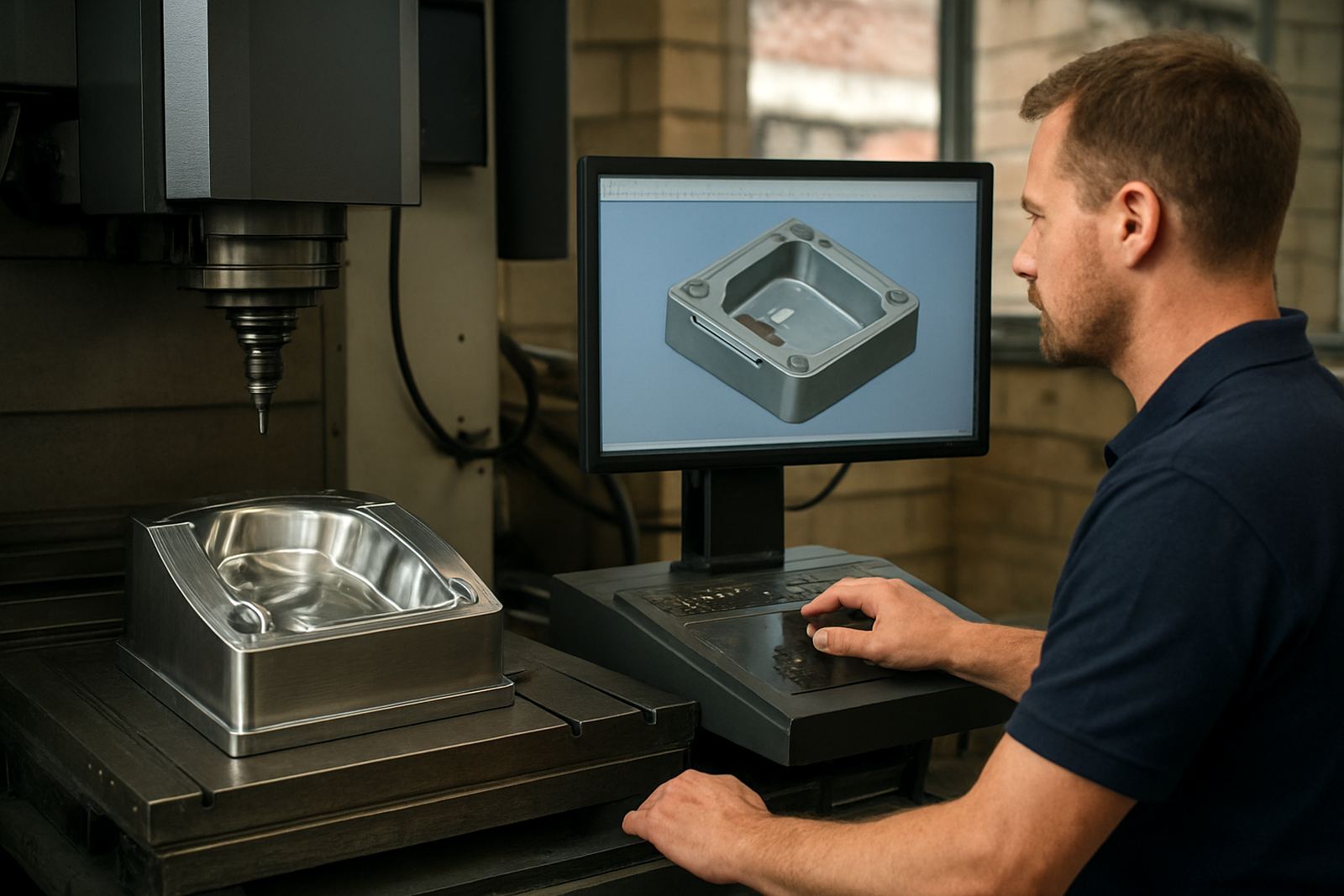
- 3 axis milling machines for blocks, spacers and machined plastic components
- Turning centres for round parts, bushes and guide elements
- Plasma tables for support parts and mixed fabrication work
- Dust extraction, chip collection and antistatic controls where needed
On coastal jobs in Durban or Cape Town, humidity can change how material behaves and how dust clings to the bed. In Gauteng, static is often the bigger nuisance, especially on dry days. We advise on programming choices that help the operator keep the cut stable, even when the room conditions are not ideal.
Layout Advice That Saves Material, Time and Tool Life
Plastic machining rewards simple planning. Keep the nesting logic clear, leave enough room for clamps or vacuum zones, and avoid sending the operator back and forth between screens for every small edit. If the shop has different teams for estimating, programming and machine loading, the handover needs to be tight so the same part number means the same setup each time.
For new or growing shops, we often recommend starting with one standard machine profile, one tooling list and one approved output format before adding exceptions. That makes it easier to train new operators and it also helps during load shedding, when a half finished job may need to be resumed later without confusion. Good planning also includes safe start points, proper tab placement and a clear sheet layout so offcuts can still be reused.
- Place the most critical parts where sheet flatness is best
- Keep clearance for vacuum pods, clamps or soft jaws
- Use a named tool library so cutters stay consistent across shifts
- Save proven feeds and speeds by material thickness, not by guesswork
- Set a restart routine for power interruptions and queued jobs
Common Mistakes We See in Plastic Shops
The biggest mistake is treating plastics like soft wood or aluminium and using the same settings across every job. That usually leads to melted edges, poor chip evacuation or a finish that looks fine until the part is cleaned and measured. Another common problem is a post-processor that nearly works, but still needs one or two manual changes on every file. Over a month that costs real time and opens the door to errors.
We also see shops that keep no proper record of tool numbers, offsets and material notes. When one operator changes a cutter or adjusts a feed, the next person inherits the problem. That is where workflow audits and post tuning pay off. The aim is not fancy software for its own sake, it is predictable output that the team can trust on Monday morning as much as Friday afternoon.
Training for Operators, Programmers and Owners
Hands-on training matters because plastics work is often learned the hard way. An operator needs to know how to spot chatter before the edge chips. A programmer needs to know when a shallow pass is safer than a deep one. An owner needs to know what a sensible support plan should cover so the shop is not stuck when a machine is changed or a new controller arrives.
We run operator training, programmer training and owner training for shops that want a better grip on the whole process. Training can be done on site or at our Centurion base, and we also support teams in Pretoria, Johannesburg, Vereeniging, Durban, Cape Town, East Rand and West Rand. For busy production houses, first job support is often the best way to lock in the new method while the first parts are being run.
- Licence installation and machine onboarding
- Custom post-processors and post tuning
- Workflow audits and tool library builds
- Remote troubleshooting when a job must keep moving
Budget Ranges for Plastics Machining Support in Rand
Every shop has a different starting point, but most budgets fall into a few practical bands. A basic licence installation or remote setup may start around R3,500 to R8,500 depending on the number of machines and the amount of cleanup needed. A custom post-processor with testing and a revised output format often lands between R12,000 and R35,000. If the controller is unusual or the machine needs more detailed tuning, the figure can go higher.
On-site training and onboarding is usually budgeted per day, with travel and local conditions affecting the final cost. Smaller teams often start with a one day session in the R6,500 to R12,500 range, while fuller implementation projects with first job support, workflow audits and tool library builds can run from R18,000 to R60,000 or more. Annual support plans are useful for shops that want steady help instead of ad hoc callouts. The best approach is to match the support to the machine mix, the number of shifts and how often the shop changes jobs.