What foam pattern shops usually need from their CNC setup
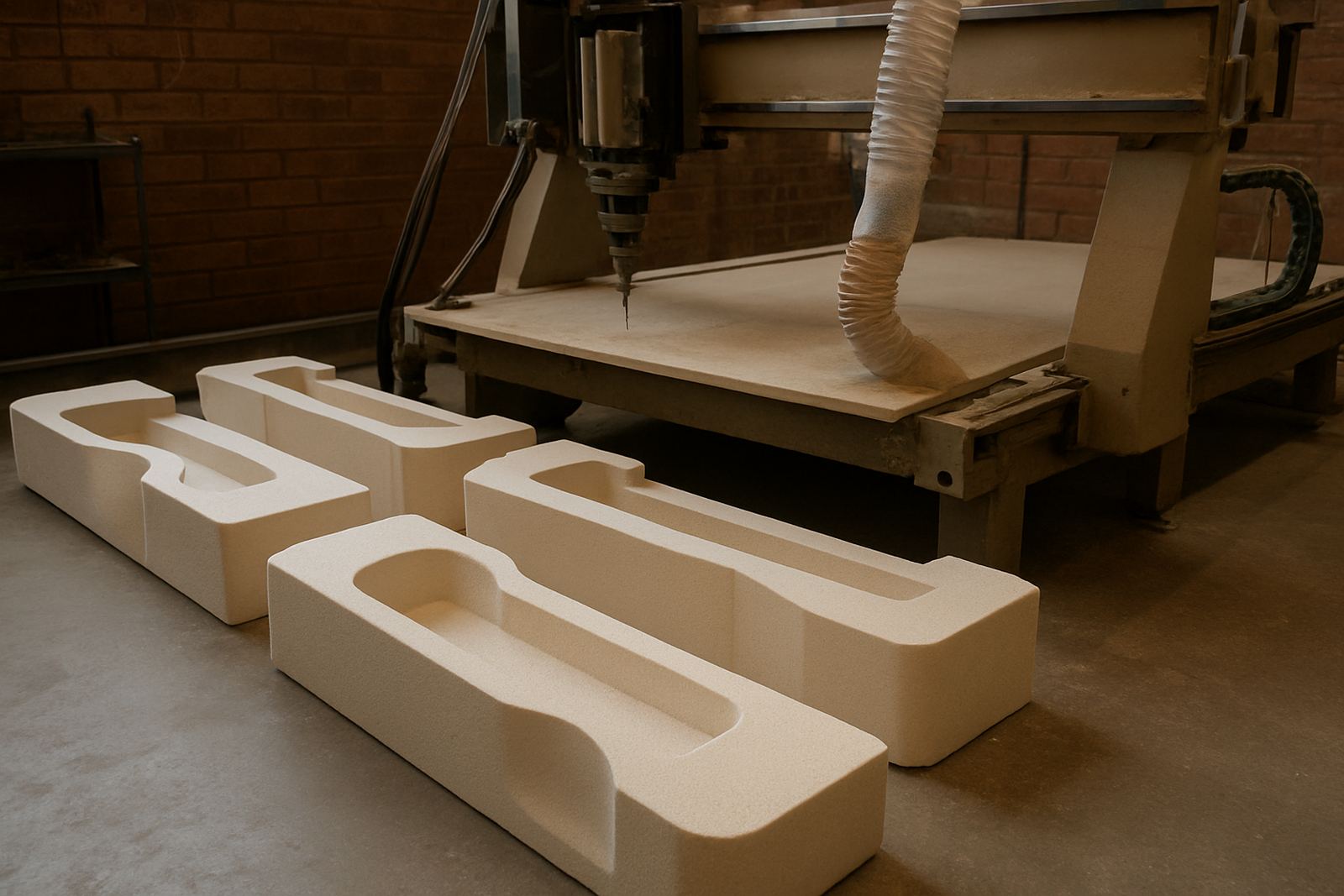
Most foam pattern makers are balancing finish quality, speed and repeatability. You may be machining polyurethane foam for foundry patterns, plug forms for fibreglass moulds, presentation models or temporary display shapes. The common problem is simple: the machine can cut the shape, but the workflow wastes time on offsets, broken toolpaths or a post-processor that does not match the control on the machine.
For these jobs, the software setup must suit large, light material and long cutting hours. Shops in Pretoria, Centurion, Johannesburg and Durban often run mixed work, so one day is a 3D pattern and the next is a flat profile or a hot-wire style setup. If the post is not tuned properly, operators end up editing G-code by hand and that creates errors, especially when a shift changes or a new programmer steps in.
Typical equipment set for mould plugs and display forms
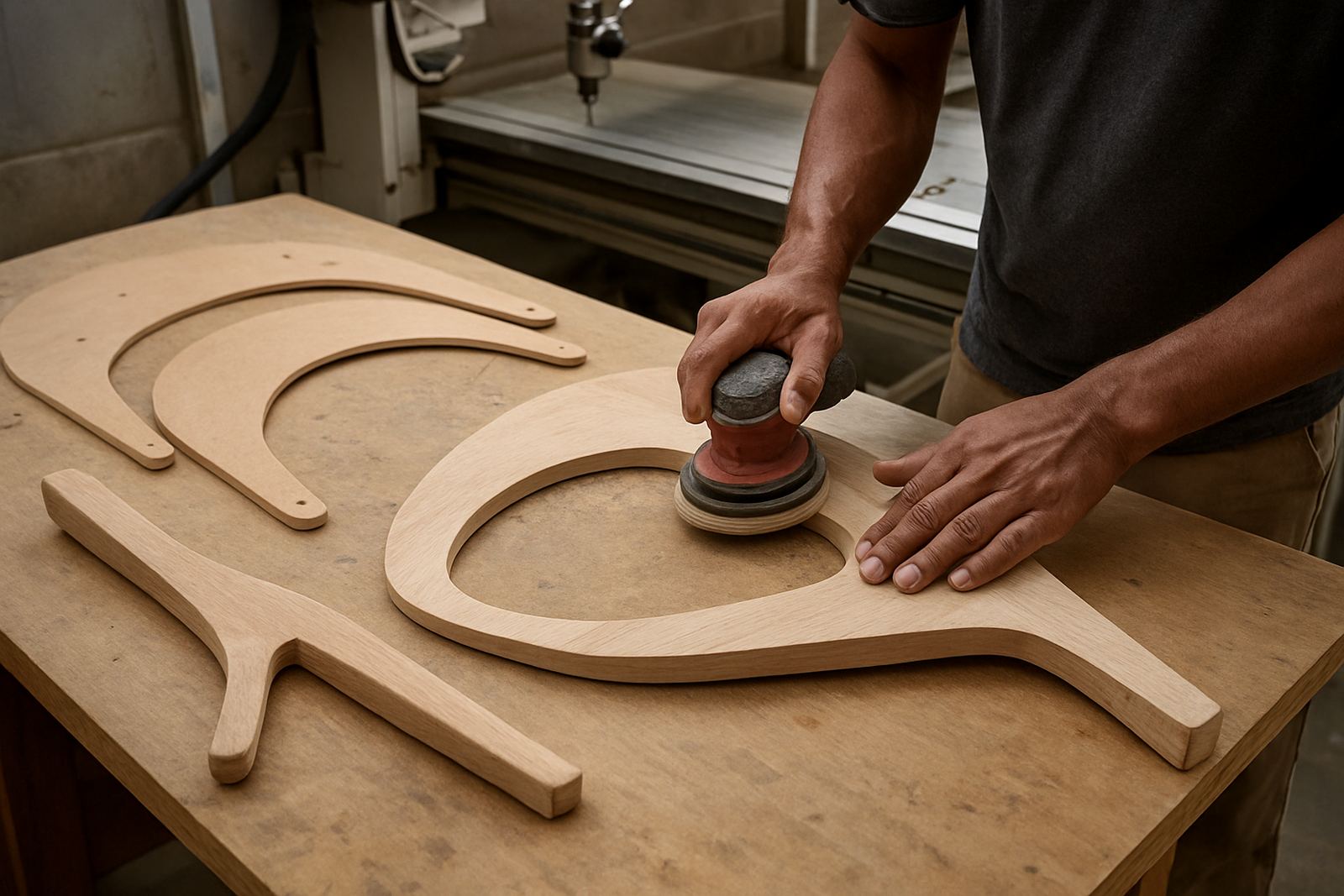
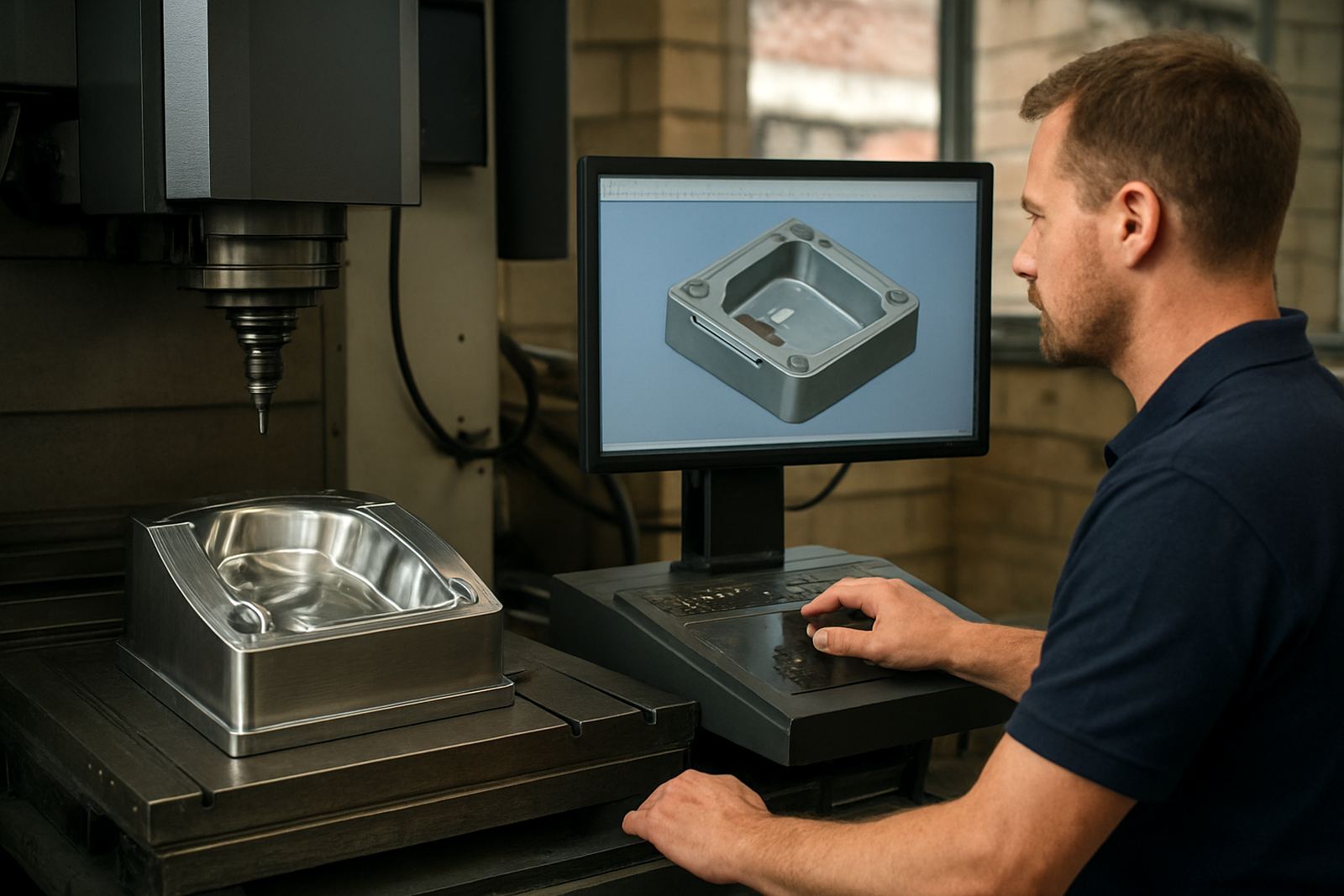
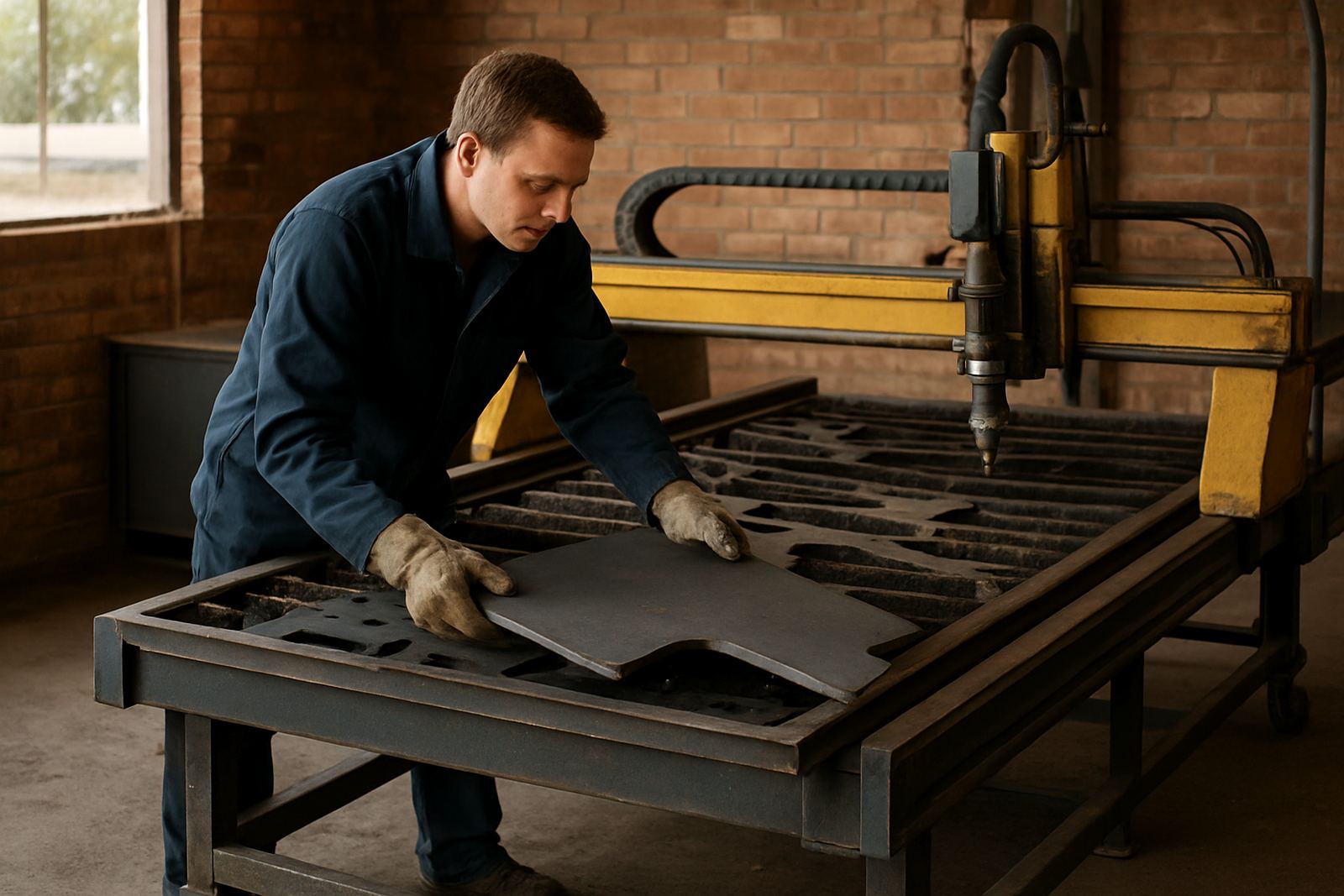
A foam shop does not need the same approach as a metal job shop. The machine may be a gantry router, a 3-axis milling machine adapted for soft materials, or a plasma table for templates and support parts around the pattern process. Some teams also use turning for round display forms or cylindrical plugs. The right licence and post must match the controller, whether the machine is older or newly installed.
- CAD/CAM licence for 2D, 3D and surface work
- Custom post-processor for the exact machine control
- Tool library for long ball nose, flat end and profiling cutters
- Vacuum table or light hold-down planning for larger sheets
- Remote file handling and backup routine for load-shedding days
In coastal areas like Durban and Cape Town, humidity can affect foam storage and board stability, so file planning and stock handling matter as much as the toolpath. In Gauteng, dust from trimming and sanding becomes a bigger issue, so the machine layout should leave space for extraction and clean operator access.
Layout and planning advice before the first job runs
Before you cut the first pattern, map the full job flow. Start with the drawing source, then decide who edits, who checks toolpaths and who loads the machine. Foam work moves fast and if the file names are messy, a small mix-up can waste a full sheet. Keep a clear folder structure for roughing, finishing and revised jobs, then lock down version control so operators know which file is current.
For larger patterns, allow enough clearance around the machine for loading, vacuum lines and tool changes. On a 2.5 metre by 1.5 metre table, for example, the usable footprint is often bigger than people expect once you add operator movement and material staging. We also recommend planning for power interruptions, because a saved setup and a clean restart procedure can save a long shift when load-shedding hits mid-job.
- Keep roughing and finishing strategies separate
- Set safe retracts high enough for clamps and foam blocks
- Use consistent naming for the same cutter across all jobs
- Test one corner of the part before committing to the full run
Common mistakes that cause poor finish or wasted material
The biggest mistakes are usually not about the machine itself. They come from incorrect feeds, poor tool selection or a post that outputs moves the controller does not like. Foam can look forgiving, but a bad stepover leaves ridges that are hard to sand out later. Too much tool pressure can also pull the part out of position, especially on lighter blocks that are not supported properly.
Another common issue is using one generic post for several machines. That might seem fine at first, but a slight difference in arc handling or tool change format can cause stops, alarms or incorrect heights. Shops in Vereeniging and the East Rand often ask us to tidy up files after they have already built up a backlog. A proper workflow audit usually uncovers small things: wrong safe Z values, a tool library with duplicate cutters, or an operator who has been guessing offsets for months.
Budget ranges for foam pattern work in Rand
Budget depends on the number of machines, the type of controller and how much handholding the shop needs during changeover. A basic licence and installation for a single operator setup can start around R18 000 to R45 000, depending on the modules required. A custom post-processor usually adds R6 500 to R18 000, while more complex machine onboarding with testing and first job support can move the total higher.
For shops adding training, expect practical on-site sessions to range from R4 500 to R9 500 per day, depending on location and team size. If you need operator and programmer training together, a small project can land between R25 000 and R75 000 all in. Annual support plans are often the best value for teams that run ongoing foam work, since they reduce downtime when a new job comes in and the team needs quick help to keep the cutter moving.
How we support foam pattern makers across South Africa
We work with shops in Centurion, Pretoria, Johannesburg, Durban and Cape Town, plus nearby industrial areas that need practical help rather than theory. That includes licence installation, post tuning, machine onboarding, remote troubleshooting and hands-on training for owners, programmers and operators. If a shop is expanding, we can also build tool libraries and review the full workflow so the next batch of patterns runs cleaner and faster.
For foam pattern makers, the goal is simple: fewer edits, better surface finish and a machine process the team can trust. Whether you are running a single router or a mixed workshop with routing, milling, turning and plasma support, the right setup should make each job easier to repeat. Our team works from Centurion and supports clients through the enquiry form on our contact page.