What sign shops usually need from their CNC software
Most sign making shops work fast, with jobs changing daily and artwork arriving in mixed formats. One day it is routed aluminium composite panels, the next acrylic letters, PVC trays, foamex panels or engraved tags for a commercial fit-out. The software has to keep up with that pace without forcing the operator to rebuild every file from scratch.
For this use case, the key need is simple: clear 2D and 2.5D work, repeatable nesting, accurate tool compensation and post-processing that sends the right code to the machine. When that is set correctly, the shop spends less time editing files and more time cutting. In a busy Centurion, Pretoria or Johannesburg workshop, that difference shows up quickly in labour, scrap and turnaround time.
We often see sign shops with a good machine but poor file flow. The router is fine, the issue is usually the handover between design, setup and cutting. If the post-processor is not tuned for the controller, or the tool library is inconsistent, even simple signage can need manual fixes before every run.
Typical equipment set in a signage workshop
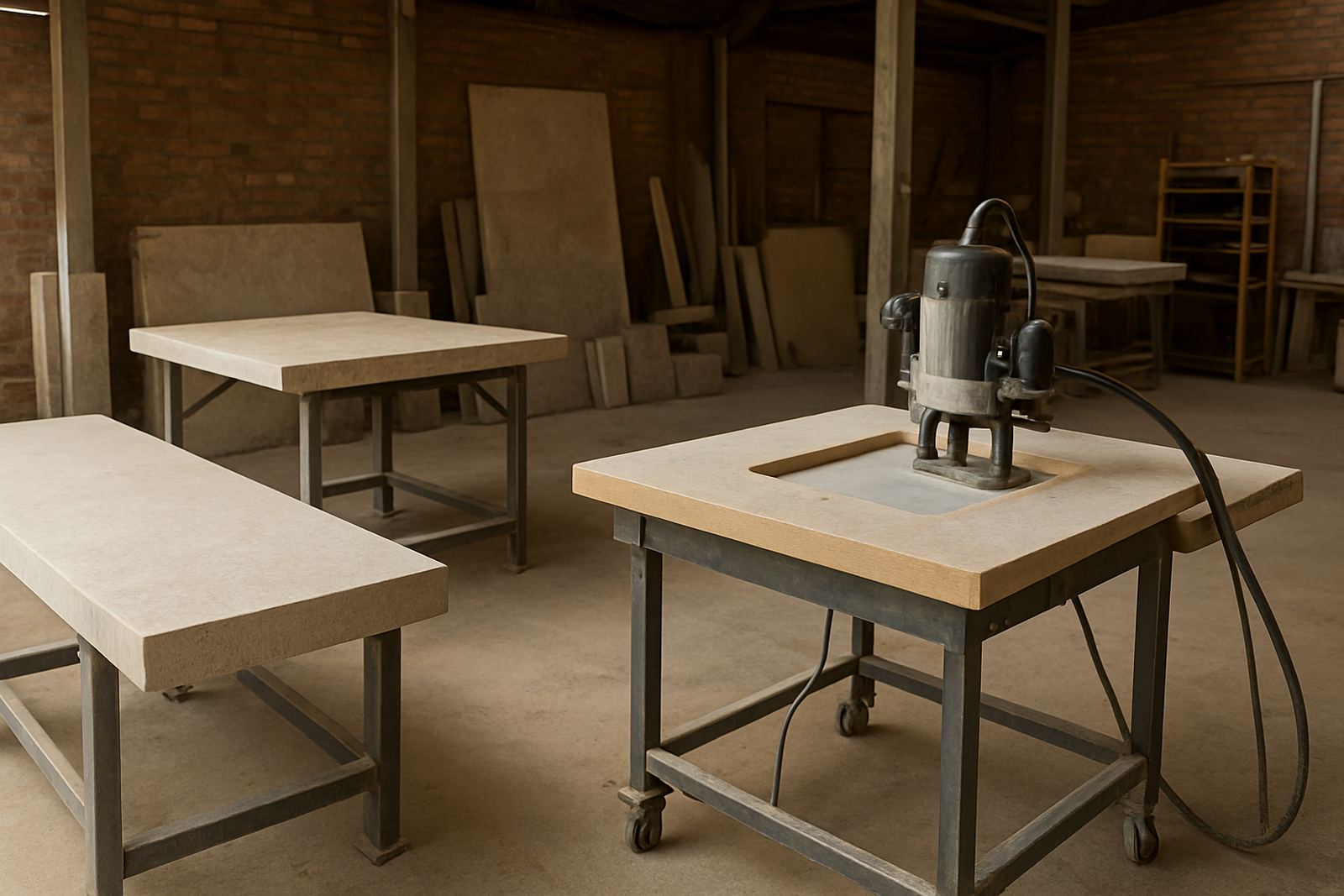
Sign shops do not all run the same hardware, but the common setup is usually a flatbed router, a smaller engraving machine, and in some cases a plasma table for steel frames, brackets or decorative panels. Turning is less common, though some shops do produce round plaques, knob-like parts or small cylindrical items for branded work.
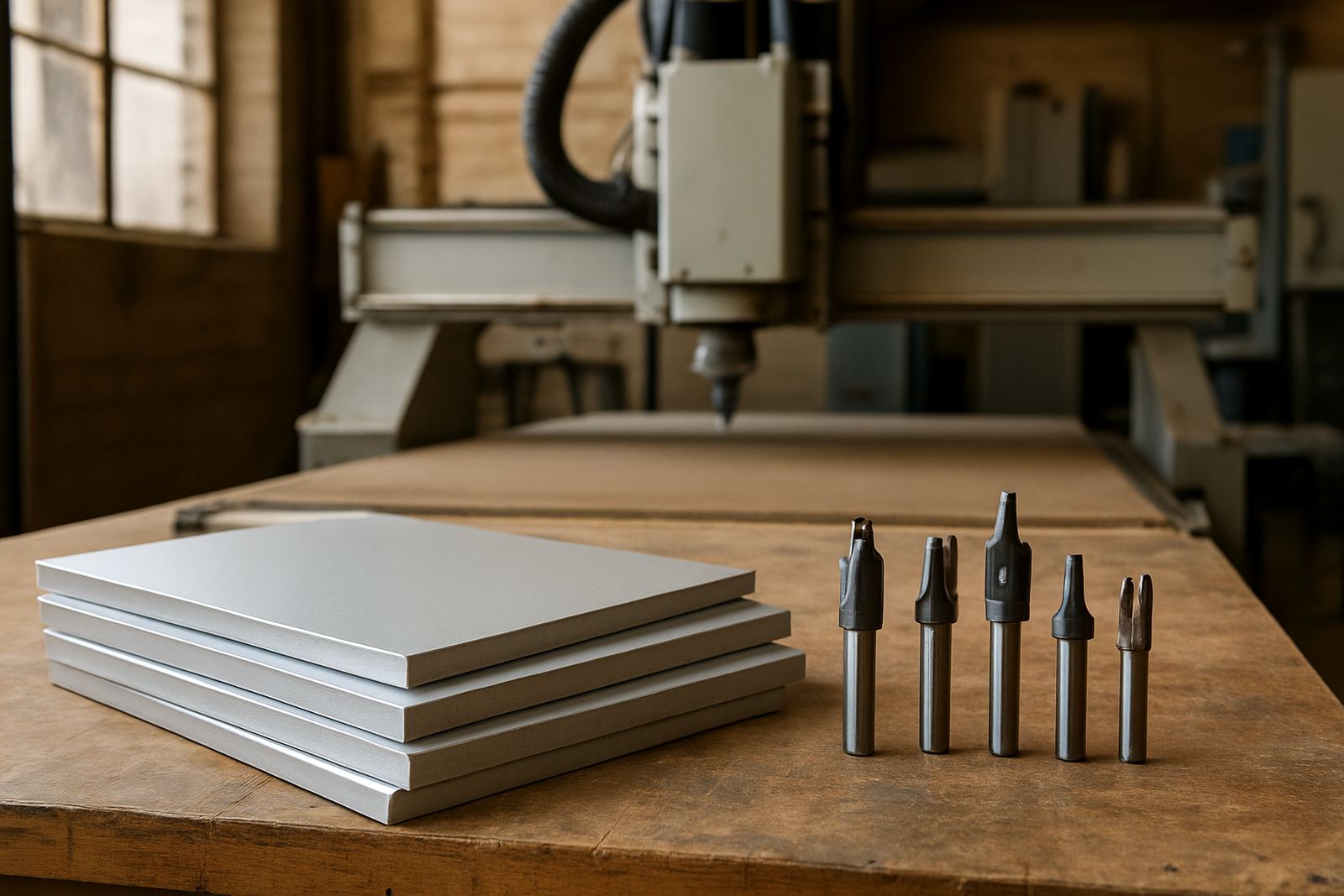
We support routing, milling, turning and plasma workflows, but signage shops usually start with routing and engraving first. A sensible software setup should match the machine size, spindle speed, tooling and material mix. On many jobs, the real challenge is not the cut itself, it is choosing the right feeds, holding tabs, lead-ins and safe retracts for thin sheet material.
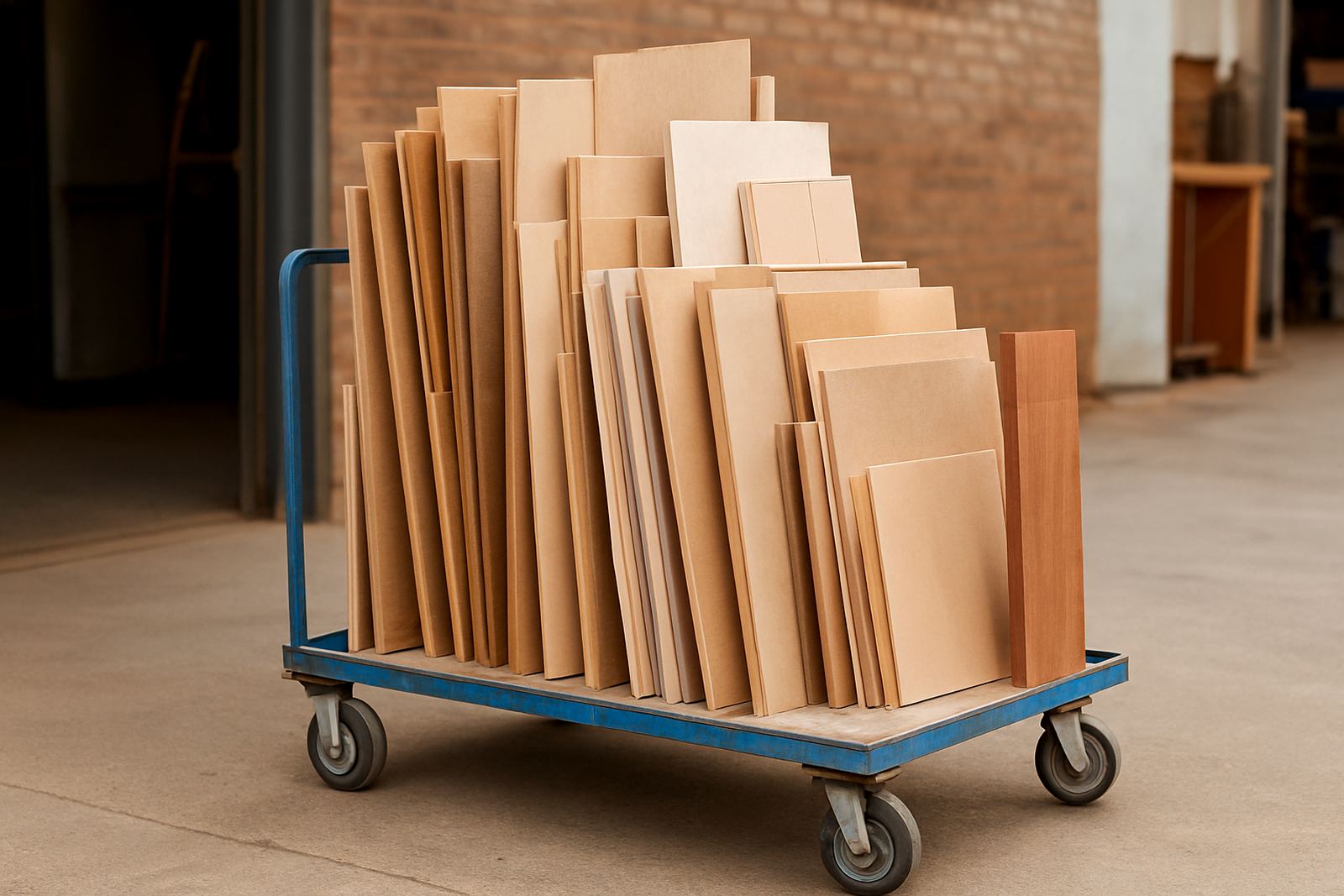
- Flatbed router for ACM, MDF, foam board and acrylic sheets
- Engraving spindle or drag-knife attachment for lettering and plaques
- Vacuum table or mechanical clamping for smaller parts
- Dust extraction and chip control for indoor workshop safety
- UPS or power backup for load-shedding interruptions and clean shutdowns
- Tool measuring and a maintained cutter library for repeat jobs
Layout planning that saves time on every sign job
Good planning starts before the first toolpath is generated. A sign shop should set up its work area so artwork checking, material prep and machine loading happen in a fixed sequence. When operators know where the offcuts go, how sheets are labelled, and who signs off the final proof, there is less confusion on busy days. Small things matter here, especially when three jobs are due before lunch and the phone keeps ringing.
Tool libraries also deserve proper attention. A common mistake is using one generic cutter for every sheet material. Another is saving feed rates in a way only one person understands. With proper setup, an operator can open a job, verify the cutter, check the material thickness and send the output with confidence. That is where structured training pays off.
For shops serving corporate reception signs, retail branding and outdoor signage, it helps to separate files by material and machine. Acrylic, aluminium, foam and wood do not behave the same, and neither do indoor and outdoor jobs. In coastal towns like Durban and Cape Town, humidity can affect some materials and adhesives so storage and timing need a bit more care.
Common mistakes that cause scrap, delays and rework
We see the same problems again and again in sign shops. They are usually not caused by the machine itself but by poor job setup, unclear responsibility or an untested post. If the shop fixes those early, the machine room runs far better.
- Using a generic post-processor and then editing code by hand for every job
- Skipping test cuts on new materials or new cutter lengths
- Importing artwork with scale errors, hidden layers or open vectors
- Not accounting for tab placement on small letters and fragile shapes
- Running the same feeds on acrylic, aluminium and MDF without checking chip load
- Ignoring power backup until a load-shedding interruption loses a half-finished file
Another common issue is letting the most experienced operator carry all the knowledge. That works until leave, illness or staff turnover gets in the way. A shop with proper owner training and programmer training can spread the load better and keep production moving even when the regular person is away.
Budget ranges for sign making software and support
Budget depends on how many machines you run, how much customisation is needed and whether the team needs on-site setup or remote support. A single sign shop with one router and one operator may only need a licence, installation and a short training block. A larger shop with multiple users, different machines and a mixed job list usually needs more planning.
As a practical guide, many sign shops should expect software and setup investment in the following ranges, depending on scope and machine count:
- Licence installation and basic setup: from about R4 500 to R12 000
- Custom post-processor work: from about R6 500 to R18 000
- On-site operator or programmer training: from about R5 000 to R15 000 per session
- Machine onboarding and workflow audit: from about R7 500 to R20 000
- Annual support plan: from about R8 000 to R24 000
These figures are a guide, not a fixed quote. A shop in Vereeniging with one router and a single shift will have different needs from a Durban shop running multiple teams and working with humid storage conditions. We normally scope the machine, file types and output expectations first, then match the support to the actual production load.
How we support sign shops across South Africa
CNC Software works with sign makers from Centurion and Pretoria through to Johannesburg, Vereeniging, Durban and Cape Town, with regional training support also available for the East Rand and West Rand. The aim is to get the software, post and workshop routine working together properly, not just to hand over a licence and walk away.
Support can include custom post-processors, post tuning, machine onboarding, licence installation, operator training, programmer training, owner training, first job support, remote troubleshooting, workflow audits, tool library builds and annual support plans. For shops replacing old manual methods or expanding into CNC work, hands-on training is usually the fastest way to reduce mistakes and build confidence.
For sign making teams, the best result is a repeatable workflow: artwork checked, toolpath verified, machine code matched to the controller and the first job cut correctly. Once that foundation is in place, new staff can learn faster and the shop can take on more jobs without adding confusion.