When fabrication work needs to move from drawing to machine
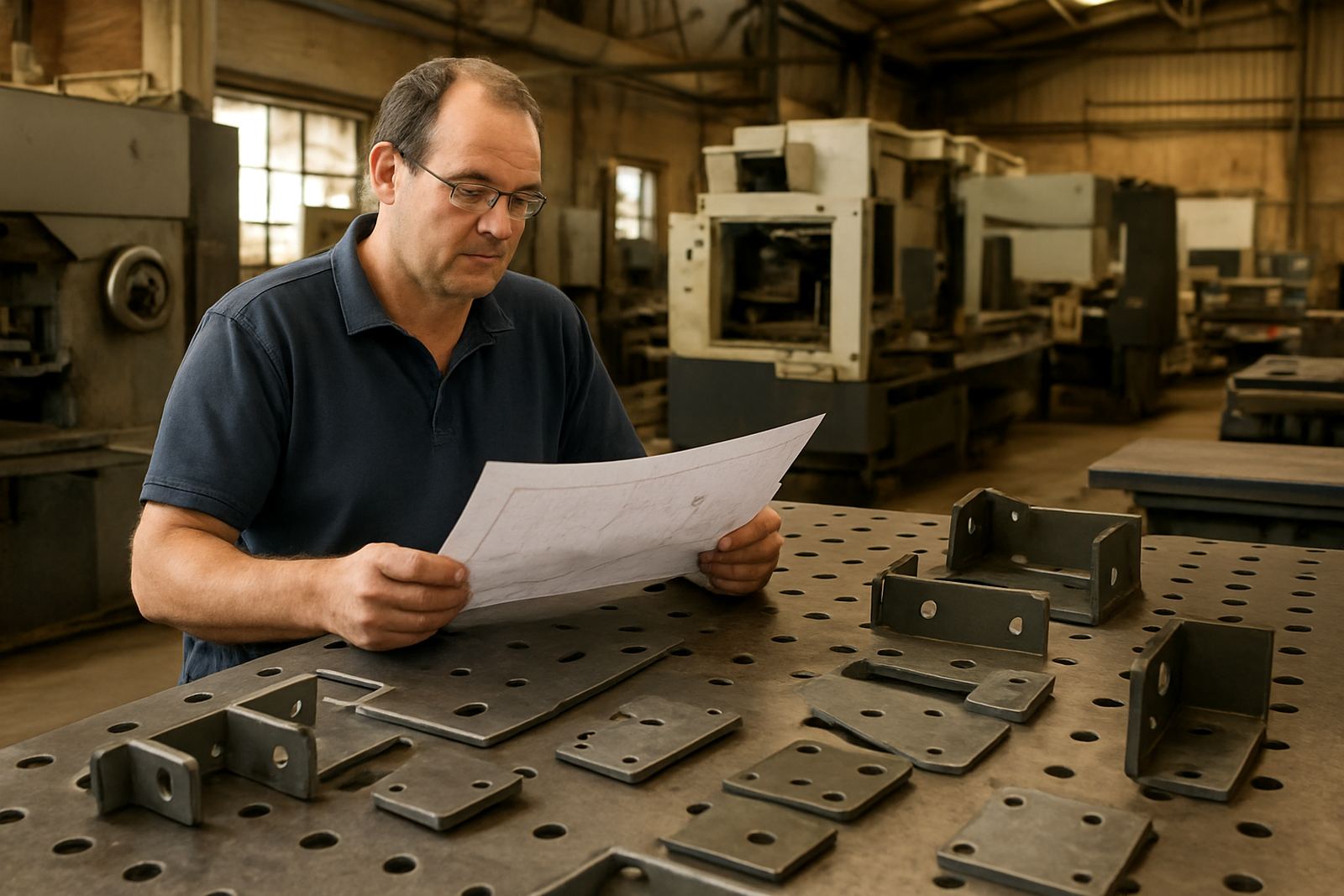
If your shop cuts brackets, gussets, frames, jigs or repeat production parts, the pressure is usually on the programmer to get from drawing to first good part quickly. In many South African workshops the same team handles quoting, nesting, machining and final fit-up, so the software has to keep up with that pace without adding confusion.
Our support is aimed at shops that run milling, routing, turning and plasma work on mixed production schedules. We help set up licences, tune post-processors and train operators so the output matches the machine controls, the clamping method and the finish the client expects. For a shop in Pretoria, Durban or Cape Town, that can mean fewer manual edits, fewer scrap sheets and less time reworking a file before it reaches the floor.
We also look at practical issues that matter in the real world, like load-shedding recovery, file handover between programmers and operators, and whether the machine can run safely after a power cut. A good setup should be easy to repeat on Monday morning, not just on the day the software is installed.
Typical machine set in a metal fabrication shop
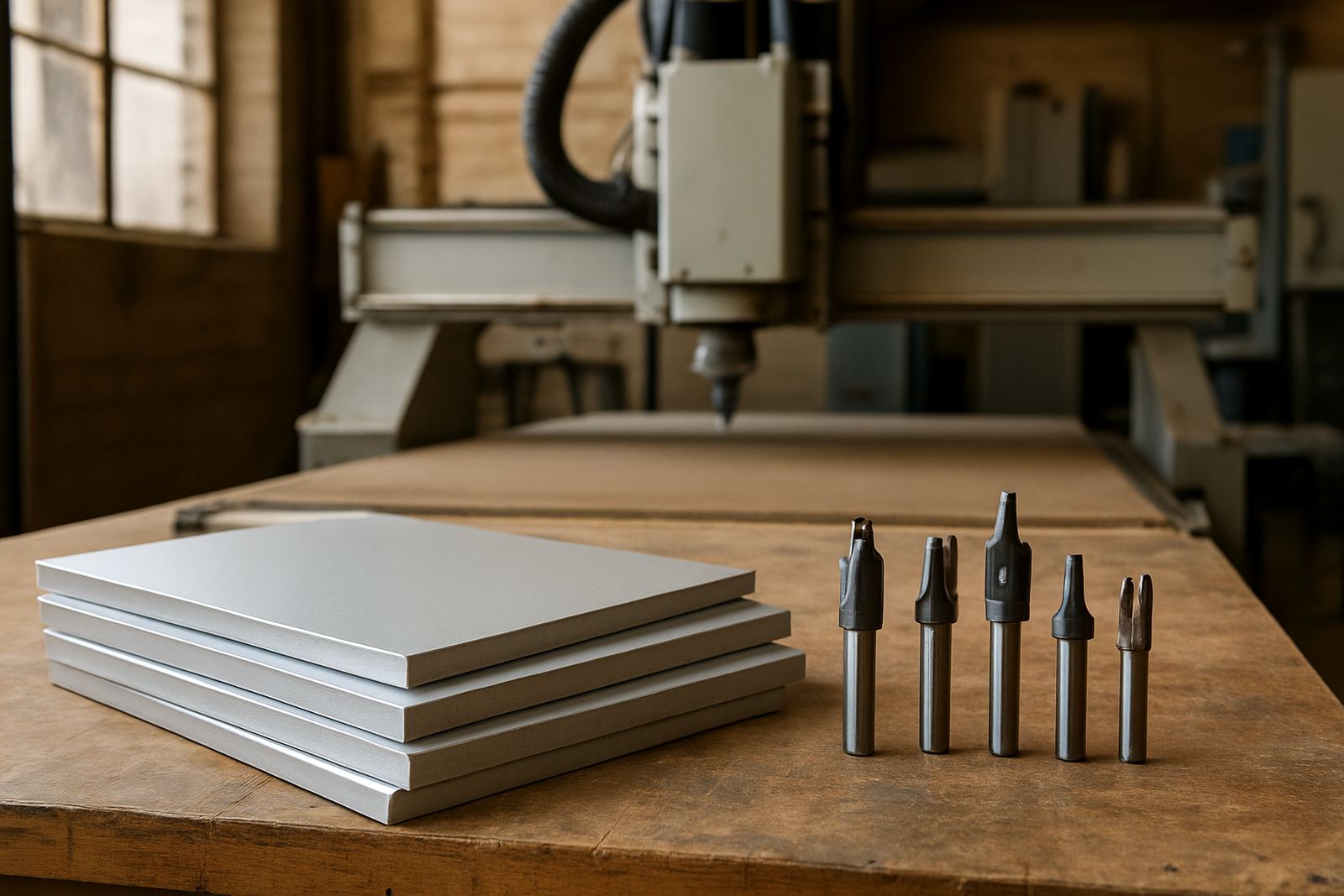
Most fabrication shops we work with use a mixed set of equipment rather than one dedicated cell. That means the post-processor and training have to suit a variety of jobs, from simple profile cutting to more detailed machining with multiple set-ups.
- CNC router or gantry machine for sheet material, gaskets and panel work
- Vertical milling machine for brackets, dies, fixtures and precision holes
- Lathe for spacers, bushes, sleeves and small turned parts
- Plasma table for profiles, base plates and structural components
- Manual measuring tools, clamps, vises and probe routines for repeatability
- Workstations for programming, tool library management and job review
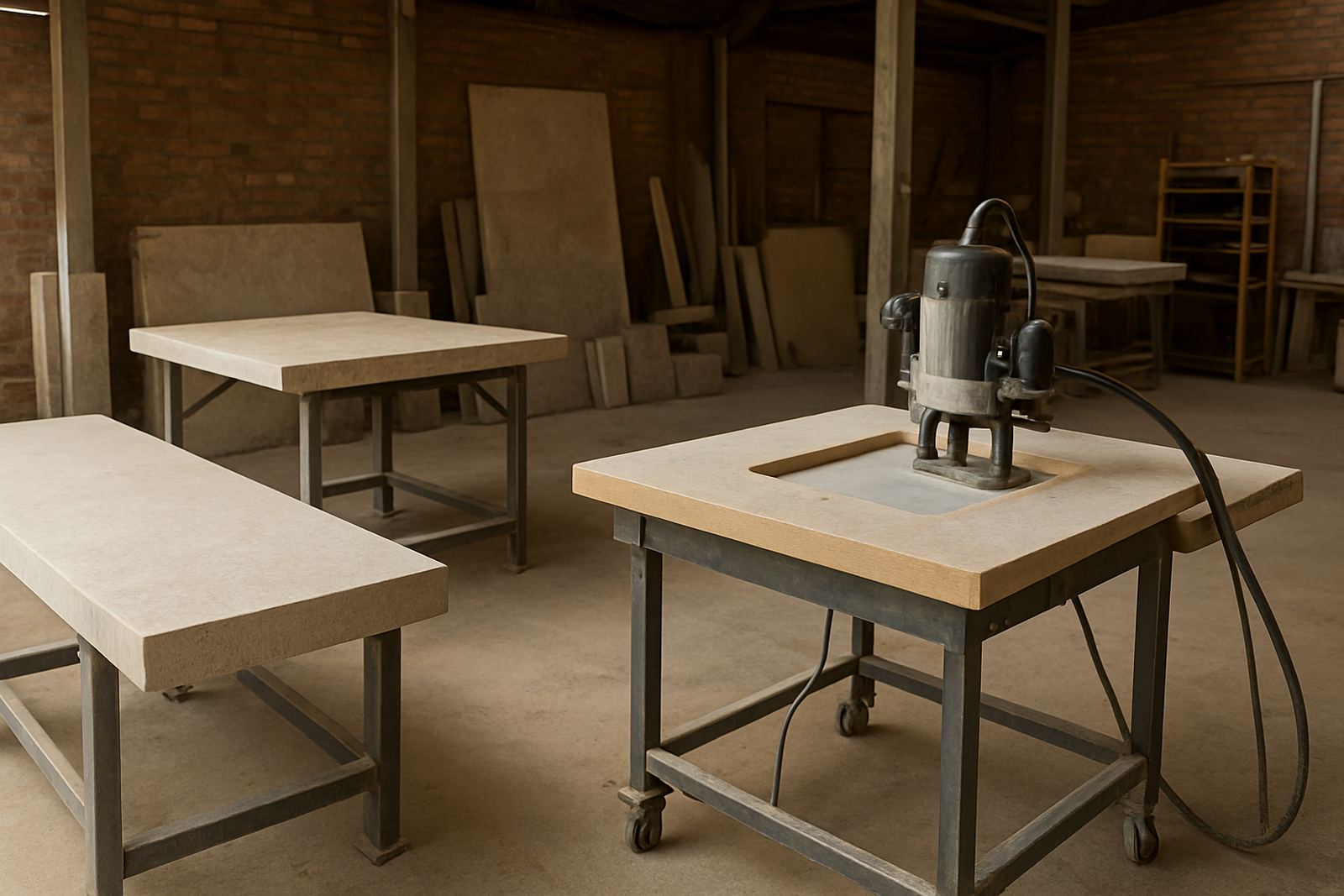
In coastal towns like Durban or Cape Town, humidity can affect stored material, tooling and even how operators handle plates and offcuts. Inland shops in Centurion, Pretoria and Vereeniging often deal more with dust, heat and interruptions from municipal supply issues. The software setup should make room for these conditions, not fight them.
Layout and planning for cleaner machining output
Good planning starts before the first toolpath is written. We often advise shops to separate quoting, programming and machine release so the right people sign off each step. If one person is doing everything, then templates, naming rules and folder structure become important fast.
A sensible setup usually includes a clear tool library, a standard stock definition process and a controlled way of saving customer files. That helps when a job comes back three months later and needs the same dimensions with a small change. It also helps if more than one programmer is working on the same machine group.
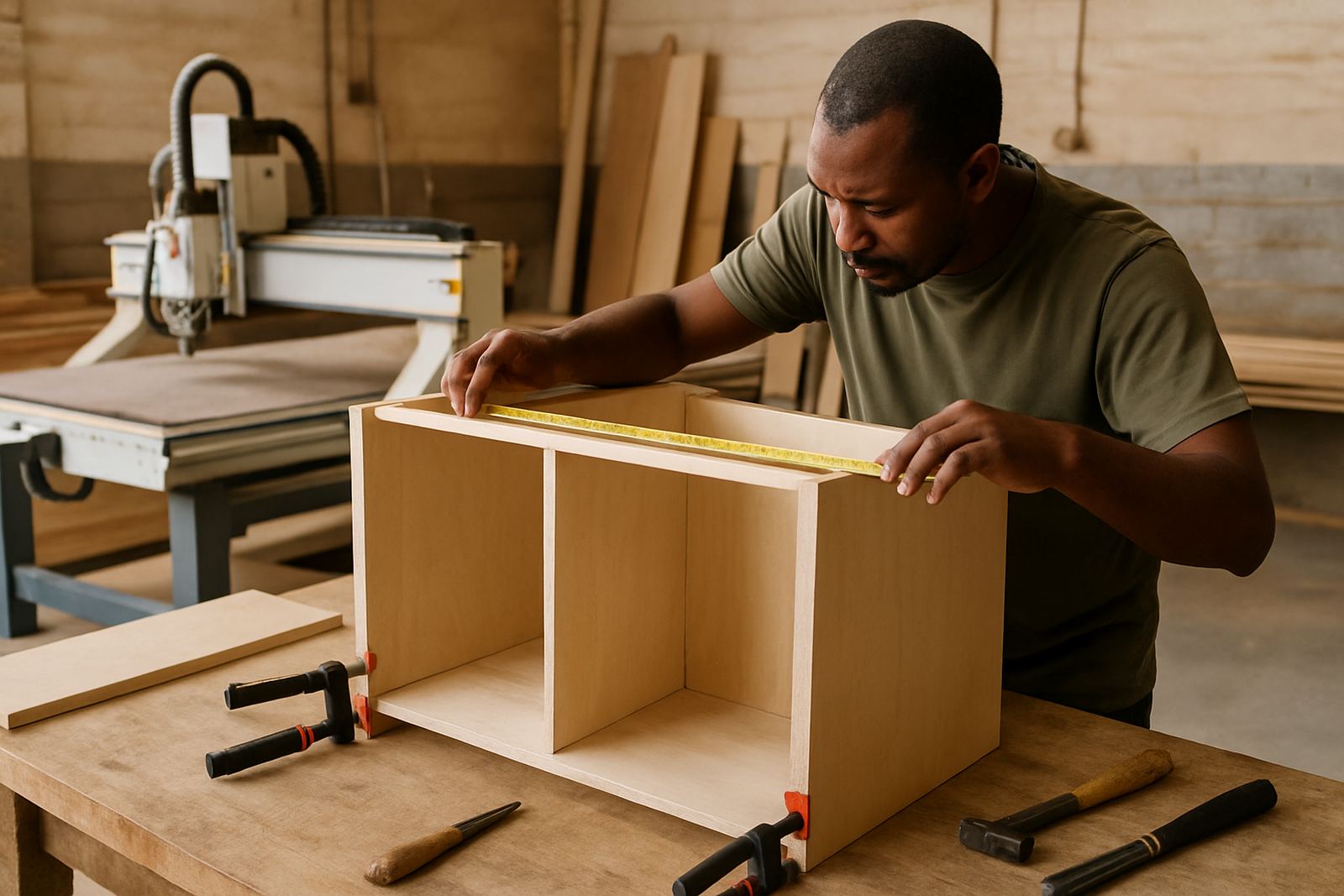
For metal fabricators, layout matters on the floor too. If the machine is close to the cutting bay, the assembly area and the inspection table, parts move faster and damage risk drops. If the software can generate clear notes for operators, including hold-downs, tool changes and sequence order, the shop wastes less time on clarification. That small bit of structure often saves more than a fancy feature set.
Common mistakes that cost time and scrap
We see the same problems in many shops, especially when software was bought quickly to solve an urgent machine need. The issue is usually not the machine itself, but the way the workflow was set up around it.
- Using a generic post-processor that forces manual edits on every job
- Skipping operator training and assuming the programmer will catch every issue
- Mixing file versions so the machine runs an old drawing by mistake
- Not testing the first job after installation on the actual controller
- Ignoring tool length offsets, probing routines and safe start positions
- Leaving no plan for power interruptions during long production runs
A lot of scrap comes from small, repeated errors rather than one big failure. A wrong retract height, a missed zero point or a bad feed rate on mild steel can cost a full sheet before anyone notices. We help shops build checks into the process so the first job is also the first good job.
What a practical software budget looks like in Rand
Budgets depend on the number of seats, the machine mix and how much customisation is needed. A small fabrication shop might only need one programming licence, one machine post and a few hours of setup. A larger operation with multiple machines, shift work and more than one programmer will need a broader support plan.
As a working guide, many shops budget from about R18 000 to R45 000 for a basic licence and initial setup on a single workstation. If a custom post-processor, machine onboarding and first-job support are included, the first project can move into the R35 000 to R95 000 range. Multi-machine environments, training days and advanced workflow work can go higher depending on the scope.
Annual support plans are often the best value when a shop has regular production pressure and cannot afford delays after a Windows update, controller change or tooling change. For some businesses that cost is easier to manage than ad hoc callouts, especially when the same machine has to keep running through municipal outages or planned load-shedding.
Training that suits operators, programmers and owners
Different people in the shop need different levels of detail. An operator needs clear start-up steps, warning signs and basic recovery methods. A programmer needs control over feeds, speeds, nesting logic and output files. An owner usually wants reliable turnaround, less waste and a better view of what the machine is actually doing.
Our training can be arranged on-site in Centurion, Pretoria, Johannesburg, Vereeniging, Durban, Cape Town, the East Rand and the West Rand. Sessions can be shaped around one machine or a full production team, with a focus on the jobs you really run, not a generic demo part. That makes it easier to carry the learning straight back to the floor the same day.
If your shop is growing, training is also a good time to tidy up the process around post tuning, tool libraries and support handover. It is much easier to set the standard early than to correct three years of habits later.
How we support metal fabricators across South Africa
From our Centurion base, we support fabricators across Pretoria, Johannesburg, Vereeniging, Durban and Cape Town with licences, custom post-processors, machine onboarding, operator training and remote troubleshooting. If the setup needs to be worked through on site, we can plan for that. If the issue is a workflow question or a file problem, remote support is often the fastest route.
Our team includes applications, post-processor, training and support roles, so the person helping you is dealing with the right part of the job. That matters when a shop needs a quick fix before a delivery, or when a new machine is waiting for its first production run. The aim is simple: fewer surprises, better parts and a machine that fits into the way your workshop already operates.
For metal fabricators, the real value of CNC software is not only in programming speed. It is in repeatable parts, cleaner handover and less time spent correcting avoidable mistakes.